Integrations
SLM Mesh works with any MCP-compatible AI coding agent. Here are setup guides for each platform.
claude mcp add --scope user slm-mesh -- npx slm-meshOne command. Done. Every Claude Code session gets 8 mesh tools.
Copy the skills into your project for slash command support:
mkdir -p .claude/commands
cp node_modules/slm-mesh/skills/*.md .claude/commands/
Available commands:
-
/mesh-peers— Discover active sessions -
/mesh-send <message>— Send or broadcast messages -
/mesh-lock <file>— Lock/unlock/query files -
/mesh-status— Full mesh dashboard -
/mesh-sync— All-in-one coordination
Create .cursor/mcp.json in your project root:
{
  "mcpServers": {
    "slm-mesh": {
      "command": "npx",
      "args": ["slm-mesh"]
    }
  }
}Add to your .cursorrules file to teach Cursor to use mesh tools automatically:
# SLM Mesh Coordination
You have access to SLM Mesh MCP tools. Before editing shared files, check mesh_lock.
At session start, call mesh_summary and mesh_inbox. When making changes, broadcast via mesh_send.
Add to your Windsurf MCP configuration:
{
  "mcpServers": {
    "slm-mesh": {
      "command": "npx",
      "args": ["slm-mesh"]
    }
  }
}Add to .windsurfrules for automatic coordination behavior.
Add to .mcp.json in your project root:
{
  "mcpServers": {
    "slm-mesh": {
      "command": "npx",
      "args": ["slm-mesh"]
    }
  }
}
Antigravity supports Gemini and other models — all work with SLM Mesh.
Add to .vscode/mcp.json:
{
  "mcpServers": {
    "slm-mesh": {
      "command": "npx",
      "args": ["slm-mesh"]
    }
  }
}
Aider supports MCP via its configuration. Add SLM Mesh as an MCP server in your Aider config.
Codex supports MCP. Add SLM Mesh to its MCP configuration:
{
  "mcpServers": {
    "slm-mesh": {
      "command": "npx",
      "args": ["slm-mesh"]
    }
  }
}Edit ~/Library/Application Support/Claude/claude_desktop_config.json:
{
  "mcpServers": {
    "slm-mesh": {
      "command": "npx",
      "args": ["slm-mesh"]
    }
  }
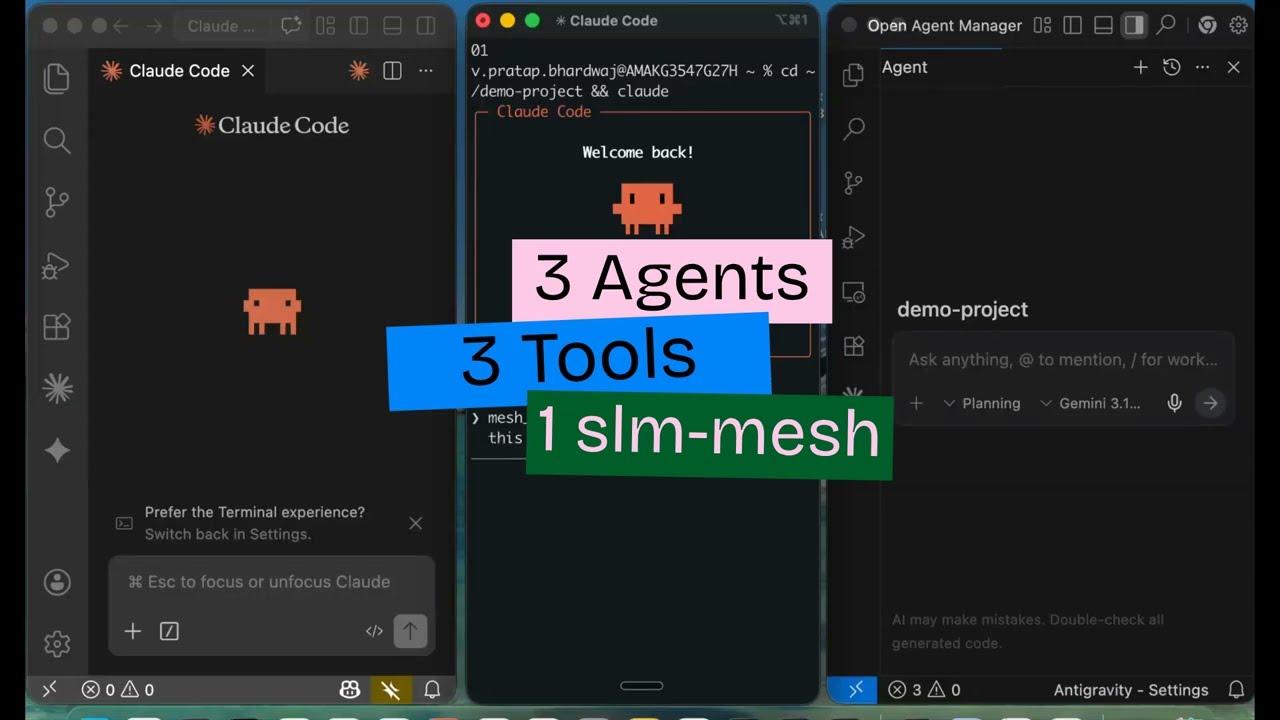
}All agents on the same machine share the same broker. A Claude Code session can send a message to a Cursor session, which can share state with an Antigravity session. Different AI models, same mesh.