


To run the example project, clone the repo, and run pod install from the Example directory first.
spin-arrow is available through CocoaPods. To install it, simply add the following line to your Podfile:
pod 'spin-arrow'Results in:
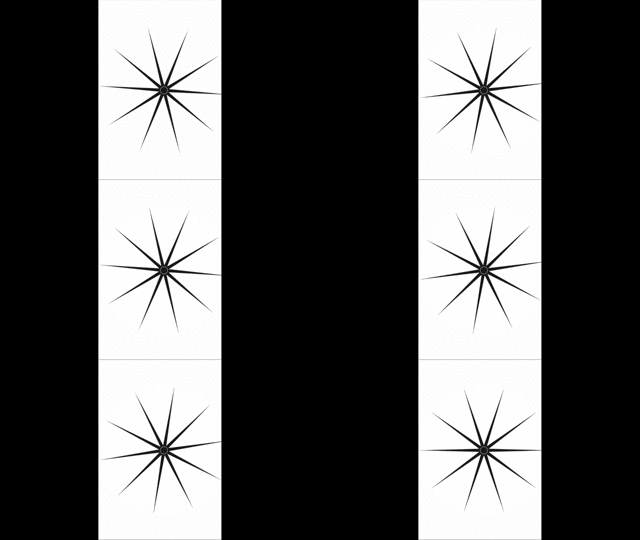
    let pointer = PointerView()
    pointer.backgroundColor = UIColor(red: 1, green: 1, blue: 1, alpha: 0)
    pointer.frame = CGRect(x: 100, y: 300, width: 200, height: 10)
    pointer.rotate(angle: angle * Double(i))
    view.addSubview(pointer)

    UIView.animate(withDuration: 3.0, animations: { () -> Void in
        let angle = self.angle * Double(i) + Double.pi
        pointer.rotate(angle: angle)
})spin-arrow is available under the MIT license. See the LICENSE file for more info.