Creating a new stand off entry
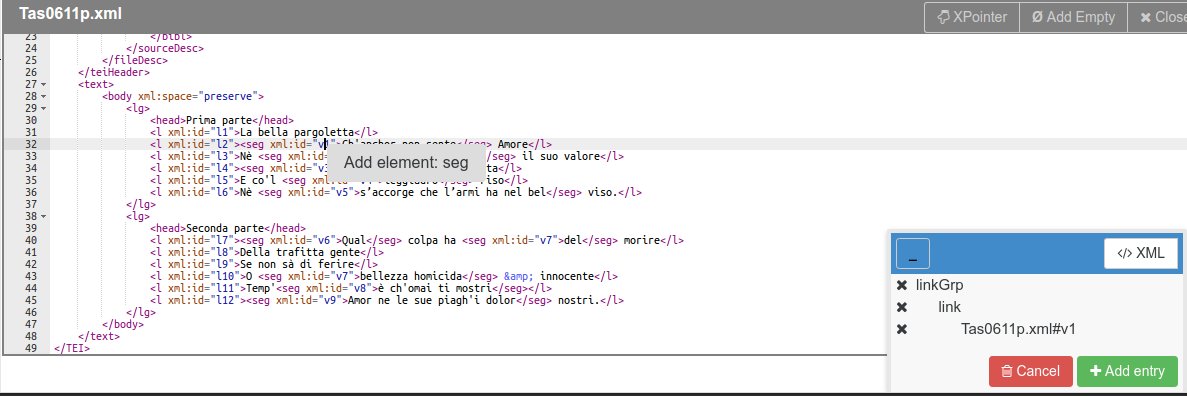
Once you have [opened) one or more XML files](Adding-XML-files and have set up your stand-off elements, you can start creating stand-off entries. As you select elements, the entry will appear in the current entry panel.
Click on @xml:id attributes to add the id to the entry. The reference will be added to the current entry based on the set behavior.
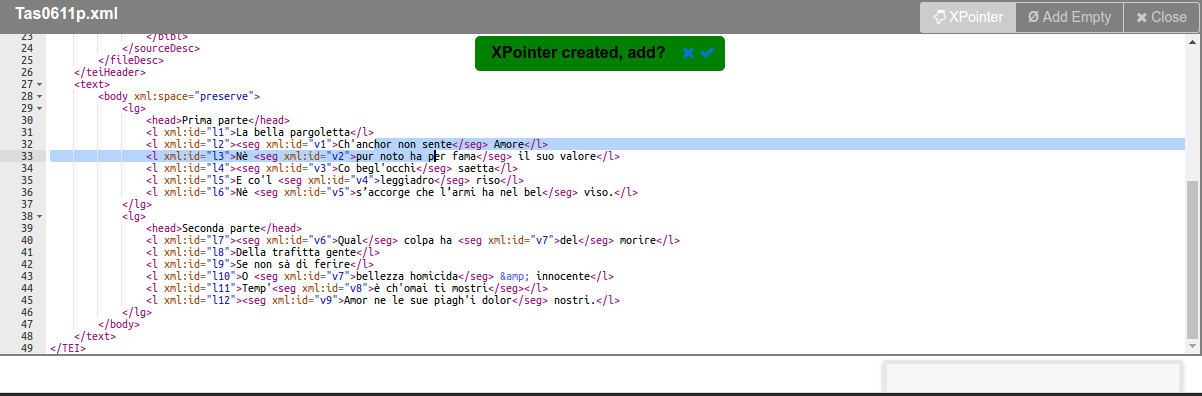
Click on the XPointer button on the top right of a XML file viewer. This will allow you to create an XPointer expression by selecting text. The XPointer implemented is defined in the TEI Guidelines. The code that computes the selection is adapted from @hcayless's tei-xpointer.js.
A selection needs to span from a text node to another text node. If the expression can be generated, you'll be prompted to add it to the current entry.