Viewing and downloading the core file
Once you're done adding entries, you can click on "View Core" on the sidebar to edit the stand-off core file and download it.
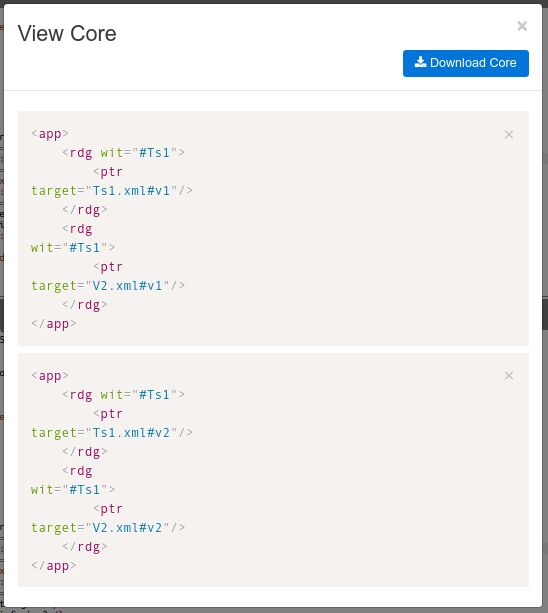
Click on the crosses (x) next to each entry to remove erroneous or unwanted entries.
Click on the "Download Core" button to obtain the XML file.