A full-stack, Jira-inspired collaborative task management application built with Next.js, MongoDB, Socket.io, and JWT authentication. Teams can manage projects and tasks in real time with a drag-and-drop Kanban board that fills the full viewport — just like Jira.
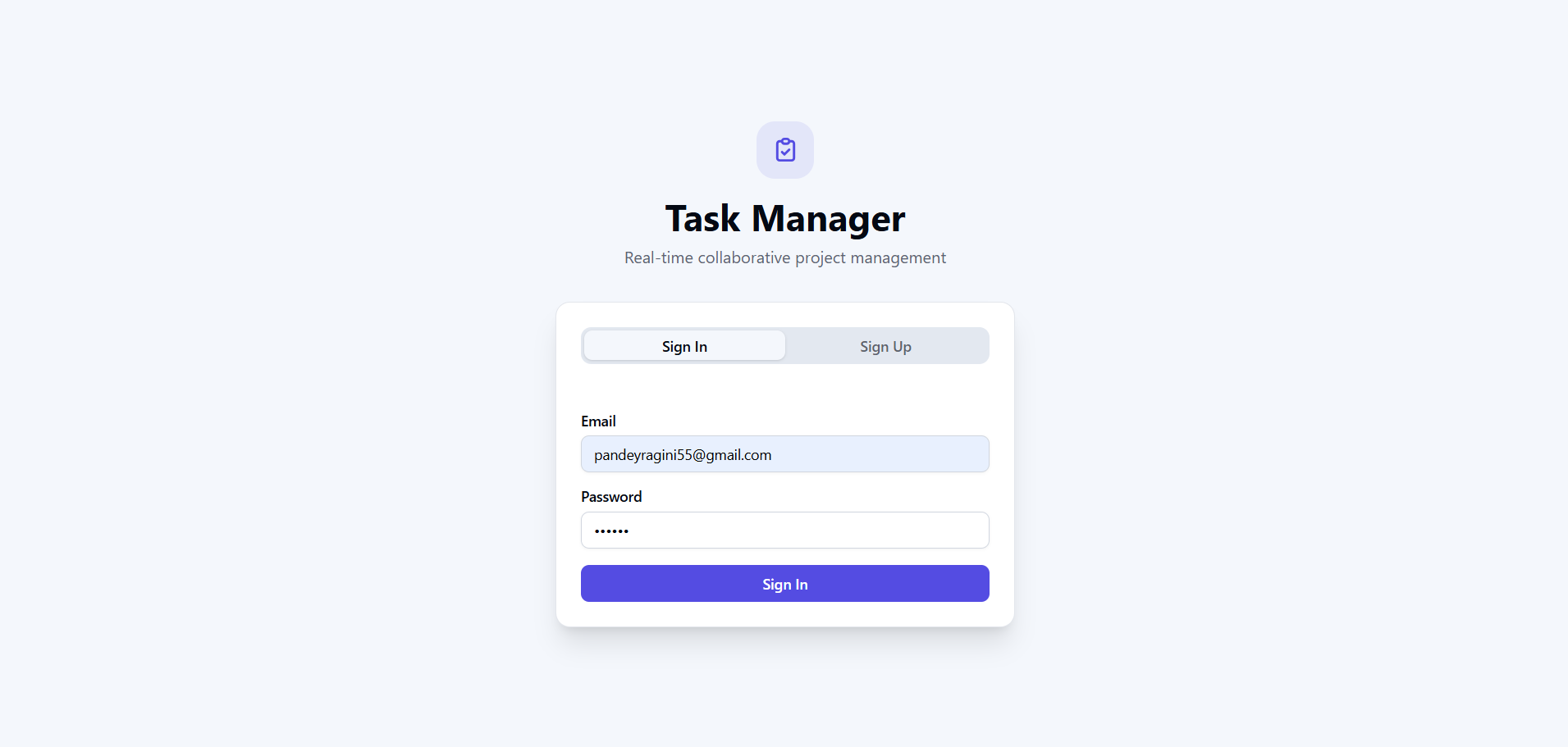
Clean auth page with form validation and inline error messages.
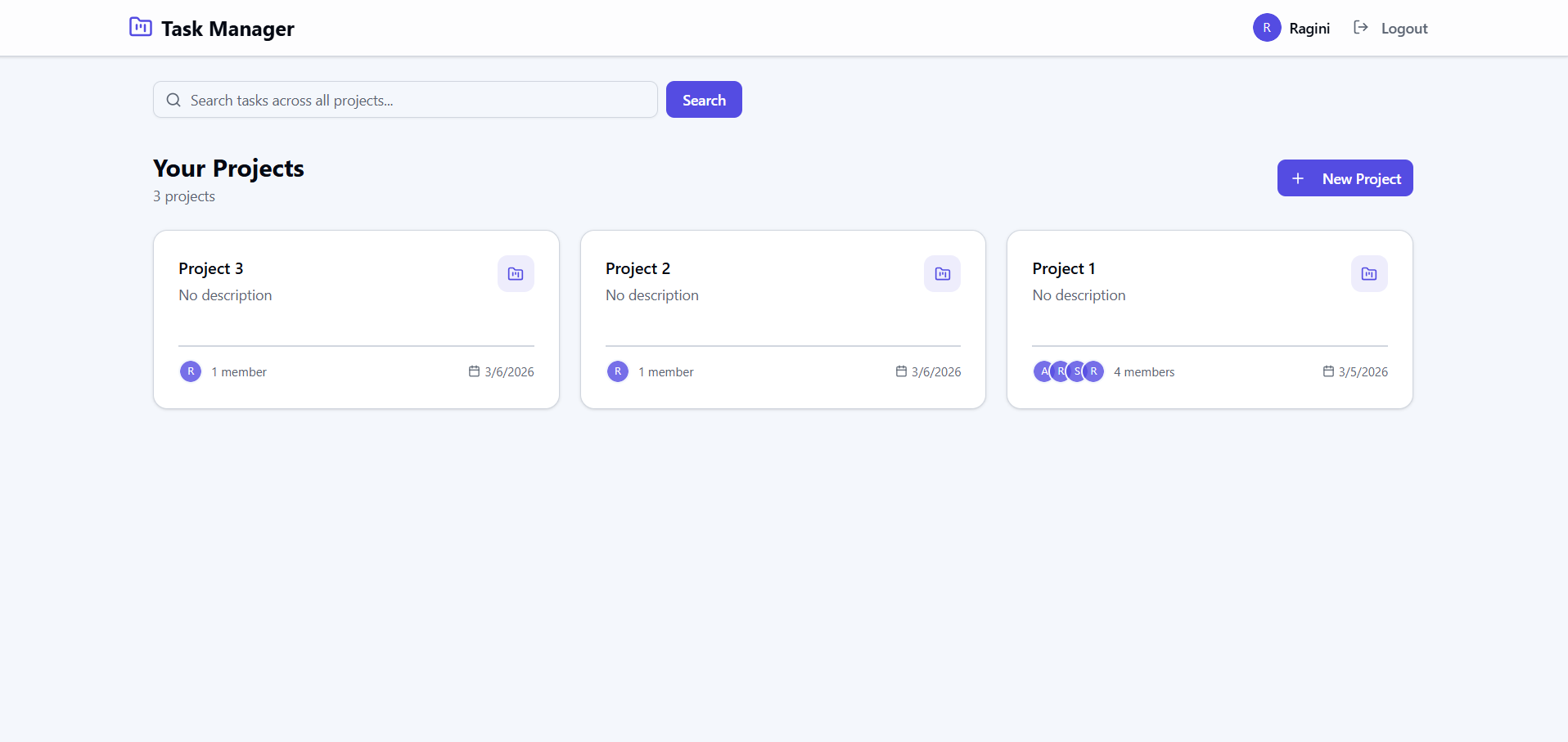
Project cards with member counts, search, and create-project dialog.
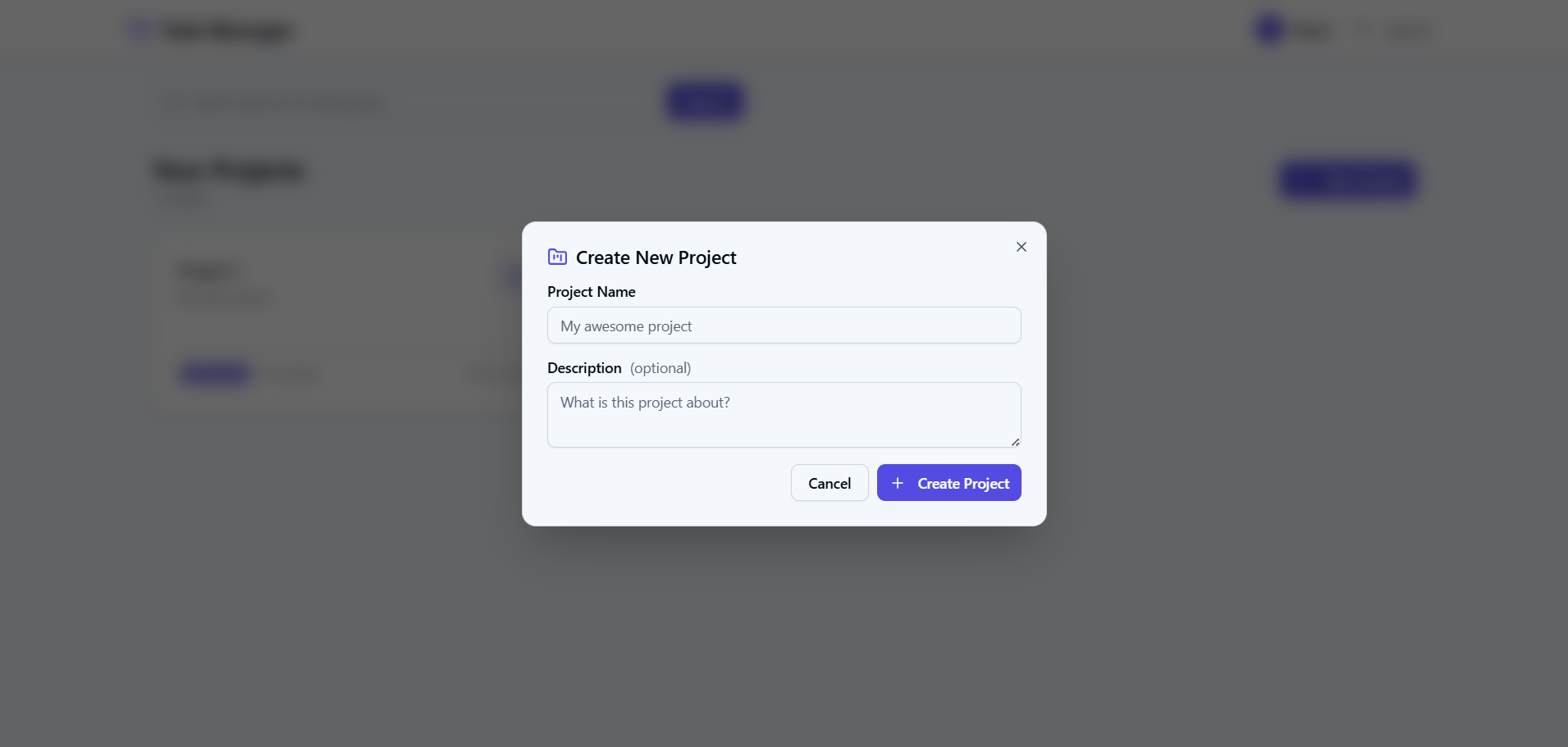
Modal dialog to create a new project with name and description.
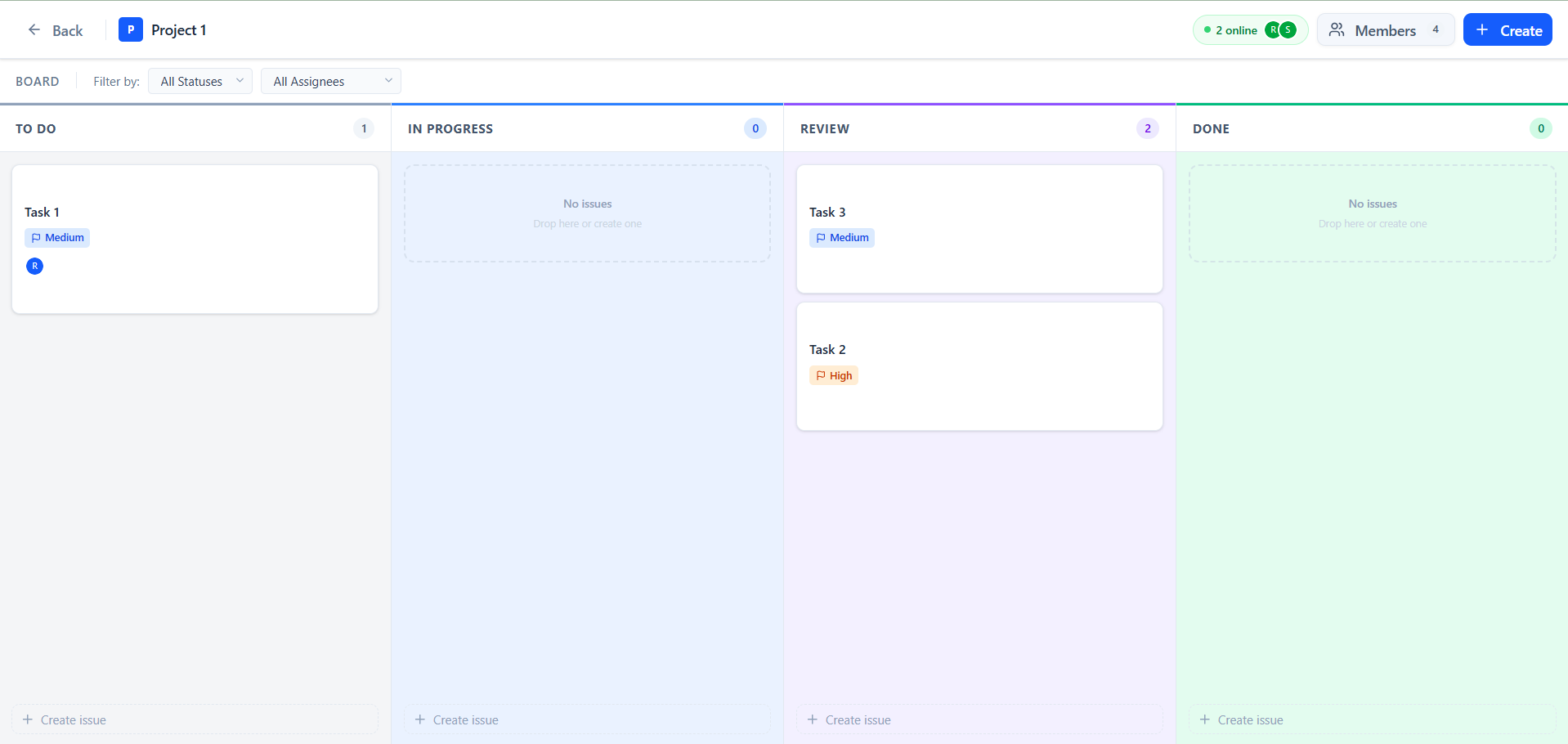
Full-width 4-column board (To Do · In Progress · Review · Done), drag-and-drop, live presence indicator.
Quick-create tasks directly from any column with title, description, priority, and due date.
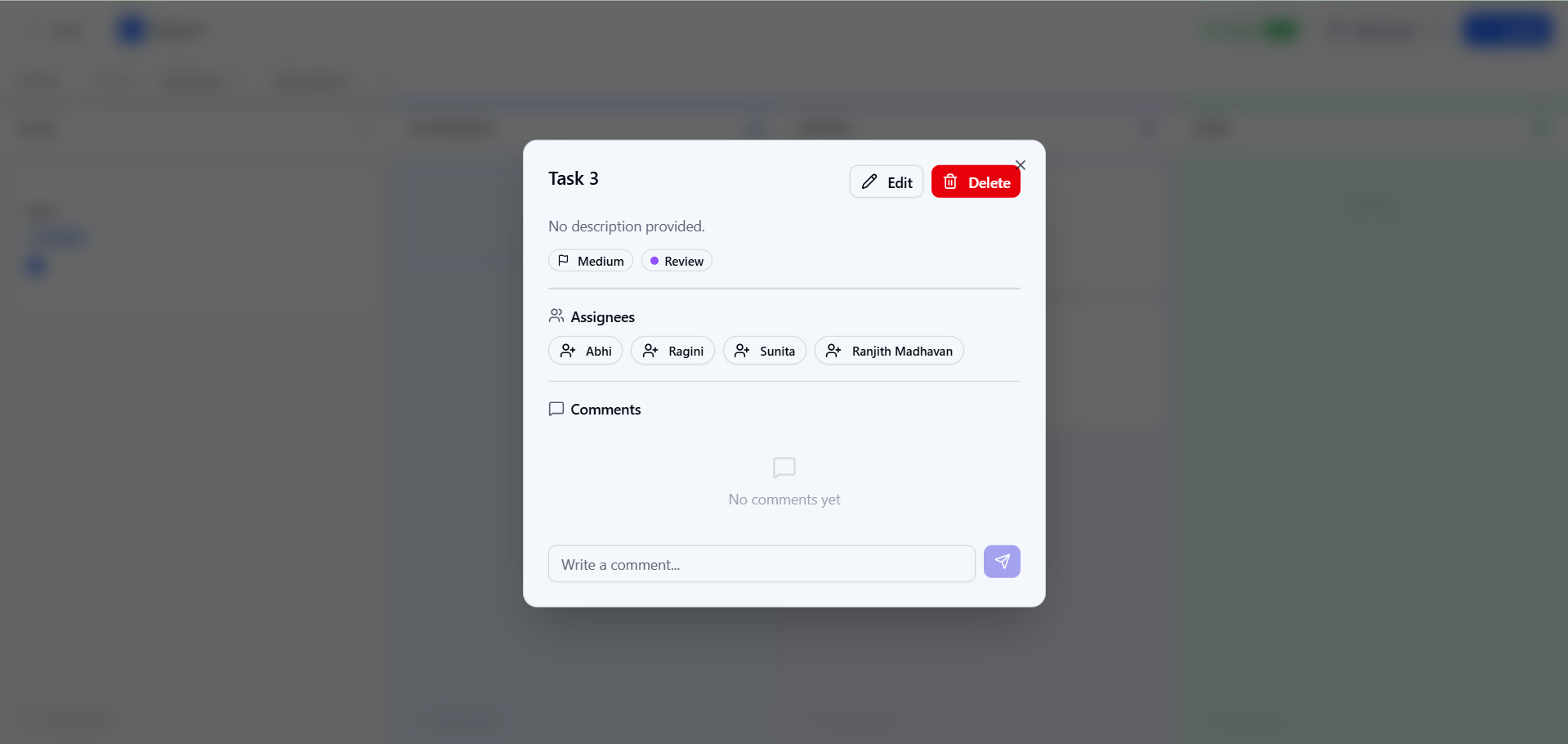
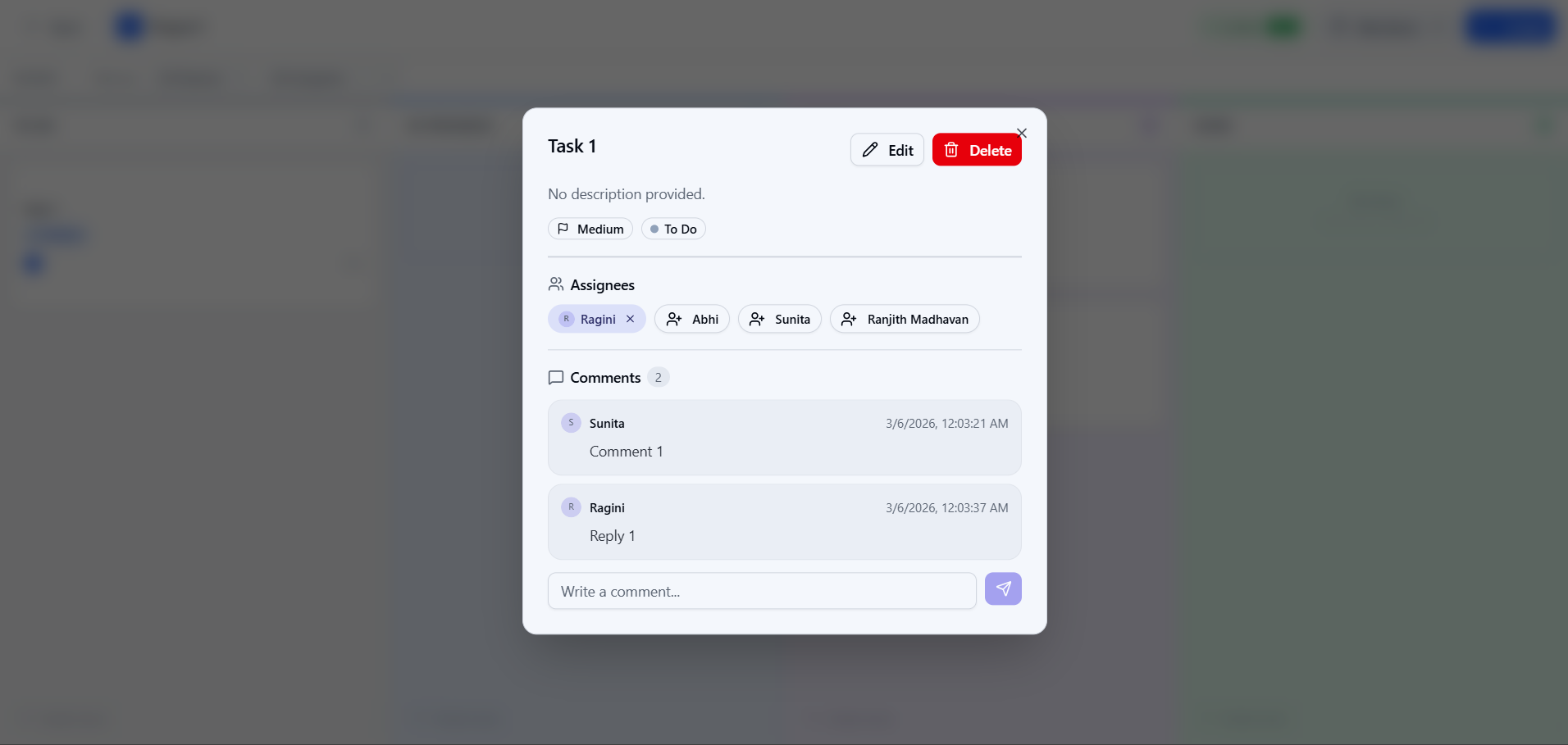
Nested comments on tasks with timestamps and user avatars.
| Layer | Technology |
|---|---|
| Framework | Next.js 16 (App Router) |
| Language | TypeScript |
| Database | MongoDB (Mongoose ODM) |
| Real-Time | Socket.io (WebSockets) |
| Auth | JWT (httpOnly cookies + Bearer tokens) |
| Validation | Zod |
| Styling | Tailwind CSS |
| UI Components | shadcn/ui |
| Testing | Jest + ts-jest |
┌─────────────────┐     ┌──────────────────┐     ┌─────────────┐
│  Next.js Client │◄───►│  Custom Server   │◄───►│   MongoDB   │
│  (React + TW)   │     │  (Express/HTTP)  │     │             │
│                 │     │                  │     │  - Users    │
│  Socket.io      │◄───►│  Socket.io       │     │  - Projects │
│  Client         │     │  Server          │     │  - Tasks    │
└─────────────────┘     └──────────────────┘     └─────────────┘
- Custom HTTP Server (
server.ts): Wraps Next.js and Socket.io on the same port - API Routes (
app/api/): RESTful endpoints with Zod validation - Socket.io: Real-time task events and presence detection
- Mongoose Models: Indexed schemas for optimised queries
- Authentication: Register/login with JWT, httpOnly cookie-based sessions
- Projects: Create projects, add members by email, role-based access (owner/member)
- Full-width columns: To Do, In Progress, Review, Done — each column stretches to fill the screen
- Drag-and-drop: Move tasks between columns with optimistic UI update and automatic revert on failure
- Column headers: Colour-coded top borders per status (slate / blue / violet / emerald)
- Task cards: Title, description preview, priority badge, due date, assignee avatars, comment count
- Quick-create: "Create issue" button at the bottom of each column
- Loading skeletons: Per-column animated skeleton cards while tasks are fetching
- Error states: Full-board error panel or inline banner with one-click retry when tasks fail to load
- Drag revert toast: Amber banner when a drag-and-drop status change fails server-side
- Full CRUD: Create, update, delete tasks with title, description, status, priority, due date
- Assignment: Assign/unassign project members to tasks
- Comments: Nested comments on tasks (embedded subdocuments)
- Priority levels: Low · Medium · High · Urgent with colour-coded badges
- Overdue detection: Red left-border on cards and date badge when past due date
- Live updates: All task changes broadcast to connected project members via Socket.io
- Presence detection: Green "N online" badge shows who is currently viewing the board
- Global search: Full-text search across task titles, descriptions, and comments from the dashboard
- Board filters: Filter columns by status or assignee
- Cursor-based pagination: Efficient pagination for large task lists
- Node.js 18+
- MongoDB (local or Atlas connection string)
npm installCreate a .env.local file in the project root:
MONGODB_URI=mongodb://localhost:27017/task-tracker
JWT_SECRET=your-super-secret-jwt-key-change-in-production
NEXT_PUBLIC_APP_URL=http://localhost:3000| Variable | Description |
|---|---|
MONGODB_URI |
MongoDB connection string |
JWT_SECRET |
Secret key for JWT signing (use a strong random string in production) |
NEXT_PUBLIC_APP_URL |
Base URL for the app (used by Socket.io CORS) |
npm run devThis starts the custom server with Next.js + Socket.io on http://localhost:3000.
npm testnpm run build
npm start| Method | Endpoint | Description |
|---|---|---|
| POST | /api/auth/register |
Register a new user |
| POST | /api/auth/login |
Login and receive JWT |
| POST | /api/auth/logout |
Logout (clears cookie) |
| GET | /api/auth/me |
Get current user profile |
| Method | Endpoint | Description |
|---|---|---|
| GET | /api/projects |
List user's projects |
| POST | /api/projects |
Create a new project |
| GET | /api/projects/:id |
Get project details |
| PUT | /api/projects/:id |
Update project (owner only) |
| DELETE | /api/projects/:id |
Delete project (owner only) |
| POST | /api/projects/:id/members |
Add member by email |
| Method | Endpoint | Description |
|---|---|---|
| GET | /api/projects/:id/tasks |
List tasks (supports filtering, pagination, search) |
| POST | /api/projects/:id/tasks |
Create a task |
| GET | /api/projects/:id/tasks/:taskId |
Get task detail |
| PUT | /api/projects/:id/tasks/:taskId |
Update a task |
| DELETE | /api/projects/:id/tasks/:taskId |
Delete a task |
| POST | /api/projects/:id/tasks/:taskId/assign |
Assign user to task |
| DELETE | /api/projects/:id/tasks/:taskId/assign |
Unassign user from task |
| POST | /api/projects/:id/tasks/:taskId/comments |
Add comment to task |
| Method | Endpoint | Description |
|---|---|---|
| GET | /api/search?q=query |
Full-text search across all tasks |
| Param | Description |
|---|---|
status |
Filter by status: todo, in-progress, review, done |
assignee |
Filter by assignee user ID |
cursor |
Cursor ID for pagination (last document ID) |
limit |
Page size (default 20, max 100) |
search |
Text search within project tasks |
| Event | Payload | Description |
|---|---|---|
join-project |
(projectId, userName?) |
Join a project room |
leave-project |
(projectId) |
Leave a project room |
| Event | Payload | Description |
|---|---|---|
task-created |
{ projectId, task } |
A new task was created |
task-updated |
{ projectId, task } |
A task was updated |
task-deleted |
{ projectId, taskId } |
A task was deleted |
presence-update |
{ projectId, users[] } |
Online users changed |
| Collection | Index | Purpose |
|---|---|---|
| Users | { email: 1 } (unique) |
Fast email lookup for auth |
| Projects | { owner: 1 }, { members: 1 } |
Fast project listing |
| Projects | { name: "text", description: "text" } |
Text search |
| Tasks | { project: 1, status: 1 } |
Dashboard filtering by status |
| Tasks | { project: 1, createdAt: -1 } |
Sorted task listing |
| Tasks | { project: 1, assignees: 1 } |
Filter by assignee |
| Tasks | { title: "text", description: "text", "comments.text": "text" } |
Full-text search |
Comments are embedded as subdocuments within the Task document rather than stored in a separate collection.
Reasoning:
- Comments are always accessed in the context of a task — they are never queried independently
- Embedding eliminates the need for joins/population, reducing query complexity and latency
- A single read fetches the task and all its comments atomically
- The 16MB BSON document limit is unlikely to be hit (comments are small text)
Tradeoff: If a task accumulates thousands of comments, the document size could grow large. For that scenario, a hybrid approach (embedding recent comments + archiving old ones to a separate collection) would be the next step.
Uses the last document's _id as a cursor rather than skip/limit offset.
Reasoning:
- Offset pagination degrades with large datasets (
skip(N)scans N documents) - Cursor-based pagination has consistent O(log n) performance regardless of page depth
- MongoDB's
_idis monotonically increasing (ObjectId contains timestamp), making it a natural cursor - Better for real-time scenarios where new items are being inserted
app/
├── api/
│   ├── auth/               # Auth endpoints (register, login, logout, me)
│   ├── projects/           # Project CRUD + members
│   │   └── [projectId]/
│   │       ├── tasks/      # Task CRUD
│   │       │   └── [taskId]/
│   │       │       ├── assign/     # Assign/unassign
│   │       │       └── comments/   # Add comments
│   │       └── members/    # Add project members
│   └── search/             # Global search
├── context/
│   └── AuthContext.tsx     # Auth state management
├── dashboard/              # Projects dashboard page
├── projects/
│   └── [projectId]/        # Jira-style full-width Kanban board
├── layout.tsx              # Root layout with AuthProvider
└── page.tsx                # Login/Register page

components/
└── ui/                     # shadcn/ui components

lib/
├── auth.ts                 # JWT utilities
├── db.ts                   # MongoDB connection (singleton)
├── errors.ts               # Error handling utilities
├── socket.ts               # Socket.io server setup + emit helpers
├── socket-client.ts        # Socket.io client hooks
├── utils.ts                # Utility functions
└── validation.ts           # Zod schemas

models/
├── User.ts                 # User model
├── Project.ts              # Project model
└── Task.ts                 # Task model with embedded comments
The Kanban board uses CSS Grid (grid-cols-4) so all four columns divide the full browser width equally — no horizontal scroll, no fixed pixel widths.
| Column | Top Border Colour | Background |
|---|---|---|
| To Do | Slate | #F4F5F7 |
| In Progress | Blue | #EAF2FF |
| Review | Violet | #F3F0FF |
| Done | Emerald | #E3FCEF |
| Scenario | Behaviour |
|---|---|
| Auth check | Full-screen centered spinner |
| Project not found / access denied | Full-screen error panel with Retry + Back buttons |
| Project loading | Full-screen spinner |
| Tasks loading (initial) | Animated skeleton cards in every column |
| Tasks loading (filter change) | Skeleton overlaid on existing column content |
| Task load failure (empty board) | Full-board error panel with Retry button |
| Task load failure (partial) | Inline banner in the board sub-header with Retry link |
| Drag-and-drop move failure | Amber toast banner; card reverts to original column automatically |
| Create/edit/delete task failure | Inline Alert inside the dialog |
| Add member failure | Inline Alert in the Members dialog |
- Title at the top, description preview (2-line clamp)
- Coloured priority badge: Urgent (red), High (orange), Medium (blue), Low (slate)
- Due date badge — turns red when overdue
- Left red border on overdue tasks
- Assignee avatar stack (up to 3, then
+N) - Comment count icon
- All API routes validate the JWT on every request
- User input is validated with Zod before touching the database
- MongoDB queries use parameterised Mongoose methods (no raw string interpolation)
- Passwords are hashed with bcrypt before storage
- JWT secret should be a long random string in production; never commit
.env.local