Pilot is a UDP synthesizer designed to be controlled externally. It was created as a companion application to the livecoding environment ORCA.
You can download builds for OSX, Windows and Linux, or if you wish to build it yourself, follow these steps:
git clone https://github.com/hundredrabbits/Pilot.git
cd Pilot/desktop/
npm install
npm start
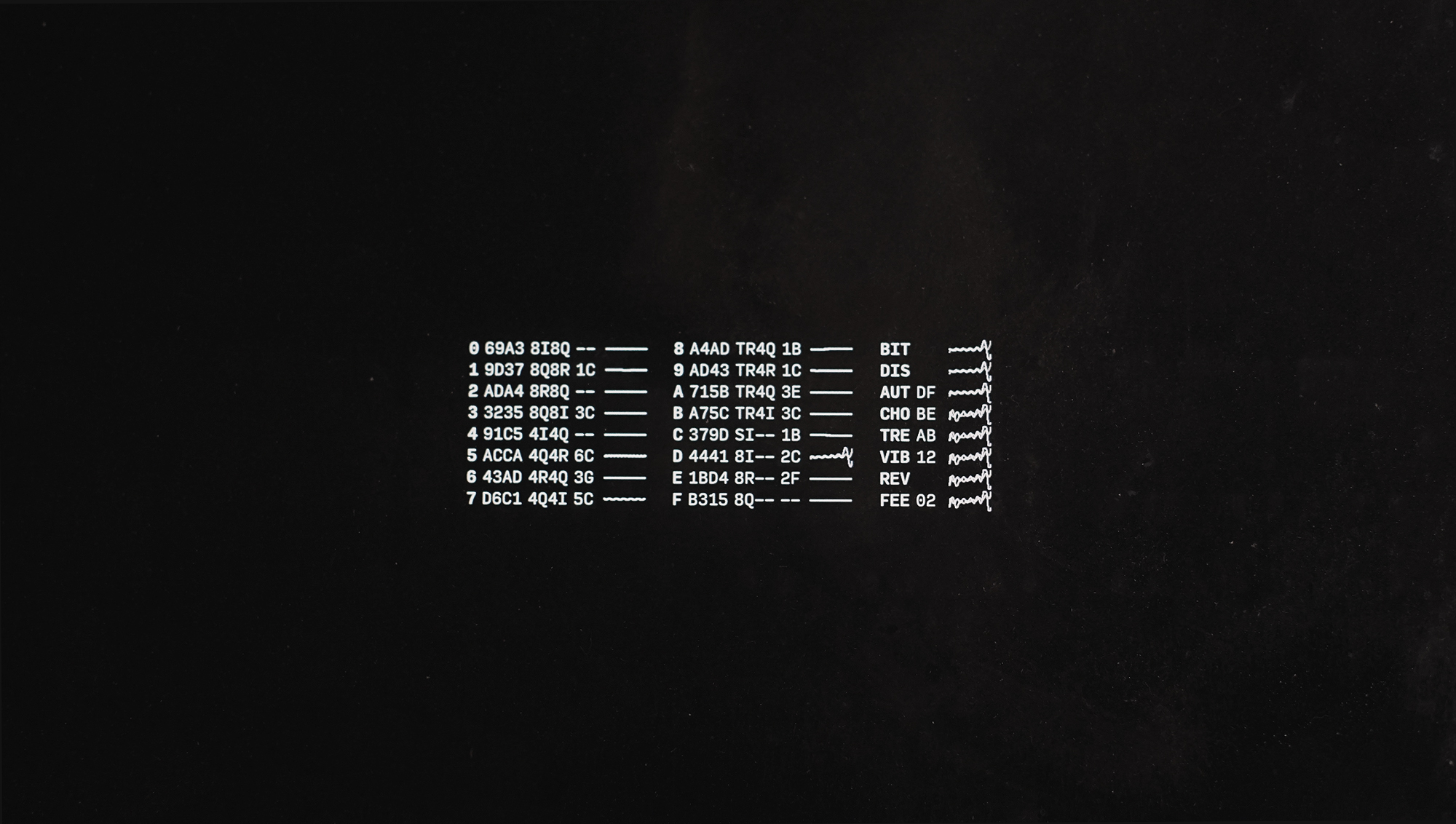
Pilot has 16 voices, and 8 effects. Commands can be entered directly with the input bar, or through UDP via the port 49161. You can send multiple commands at once by using the ; character. For example, 03C;13E will play a C3 and E3 chord.
The Play commands allows you to play synth notes. The play command format is a channel value between 0-G, an octave value between 0-8, a letter for the note (where lowercase letters are sharps), a velocity between 0-F, and a length from 0-F.
| Command | Channel | Octave | Note | Velocity | Length |
|---|---|---|---|---|---|
04C |
0 | 4 | C | 64 | 1/16 |
04Cf |
0 | 4 | C | 127 | 1/16 |
04Cff |
0 | 4 | C | 127 | 1bar |
The Settings commands allow you to change the sound of the synth.
To change the envelope, the settings command format is a channel value between 0-G, the string ENV, and four values between 0-G.
| Command | Channel | Name | Info |
|---|---|---|---|
0ENV056f |
0 | Envelope | Set Attack:0.00, Decay:0.33, Sustain:0.40 and Release:1.00 |
To change the oscillator, the settings command format is a channel value between 0-G, the string OSC, two characters defining the primary oscillator, and two characters defining the modulation oscillator.
| Command | Channel | Name | Info |
|---|---|---|---|
1OSCsisq |
1 | Oscillator | Set Primary Oscillator:Sine, Modulation Oscillator:Square |
8OSCtrsw |
8 | Oscillator | Set Primary Oscillator:Triangle, Modulation Oscillator:Sawtooth |
The possible waveforms are shown in the table below.
| Abbreviation | Waveform |
|---|---|
| si | sine |
| tr | triangle |
| sq | square |
| sw | sawtooth |
| 2i | sine2 |
| 2r | triangle2 |
| 2q | square2 |
| 2w | sawtooth2 |
| 4i | sine4 |
| 4r | triangle4 |
| 4q | square4 |
| 4w | sawtooth4 |
| 8i | sine8 |
| 8r | triangle8 |
| 8q | square8 |
| 8w | sawtooth8 |
The Effects are applied to all channels. The effect command format is a 3 characters long name, followed by one value between 0-G for wet and depth.
| Command | Channel | Operation | Info |
|---|---|---|---|
BITff |
All | Bitcrusher | .. |
DISff |
All | Distortion | .. |
WAHff |
All | AutoWah | .. |
CHEff |
All | Chebyshev | .. |
FEEff |
All | Feedback | .. |
DELff |
All | Ping Pong Delay | .. |
TREff |
All | Tremolo | .. |
REVff |
All | Reverb | .. |
PHAff |
All | Pashor | .. |
VIBff |
All | Vibrato | .. |
CHOff |
All | Chorus | .. |
STEff |
All | StereoWidener | .. |
EQUff |
All | EQ3 | .. |
COMff |
All | Compressor | .. |
VOLff |
All | Volume | .. |
LIMff |
All | Limiter | .. |
TODO Add the ability to change the mastering effects like compressor and volume. Coming soon!
bpm140, sets the BPM to140. This command is designed to apply to effects like feedback.renv, randomizes envelopes.rosc, randomizes oscillators.refx, randomizes effects.reset, reset all.
Press cmd/ctrl+r to record, and press it again to stop.
Just use ffmpeg.
~/Documents/ffmpeg -i last.{ogg,mp3}
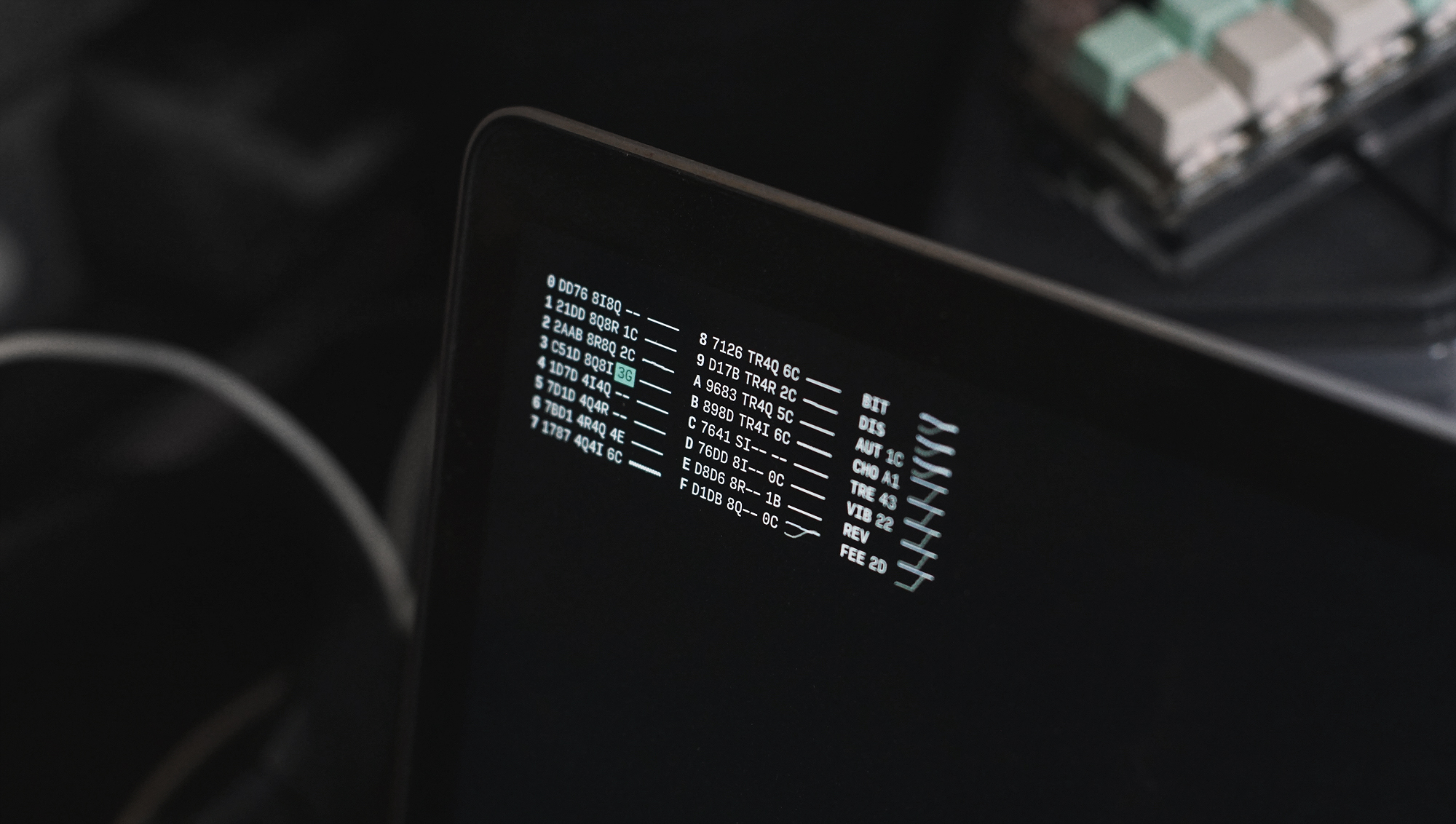
- This application supports the Ecosystem Theme.
- Support this project through Patreon.
- See the License file for license rights and limitations (MIT).
- Pull Requests are welcome!