In this project we are using interface to implement Raiden Network UI. The Raiden Network is an off-chain scaling solution, enabling near-instant, low-fee and scalable payments. It’s complementary to the Ethereum blockchain and works with any ERC20 compatible token.
Raiden Map UI will be a Single Page Application. We are using CoreUI Template.CoreUI is an Open Source Bootstrap Admin Template and is based on Bootstrap 4 and offers 6 versions: HTML5 AJAX, HTML5, Angular 2+, React.js & Vue.js, .NET Core 2. Vue.js is the front-end stack for this project.In this case Typescript will help us structure the project even more.
# clone the repo using HTTPS
$ git clone https://github.com/raiden-map/raiden-map-ui.git my-project

# go into app's directory
$ cd my-project

# install app's dependencies
$ npm install
What things you need to install the software and how to install them
-Visual Studio 2015 or 2017 || Visual Studio Code
-Github latest version if you are using Windows(Download here:"https://git-scm.com/downloads")
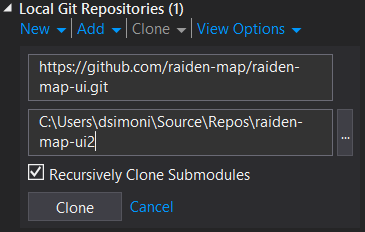
-If you are not familiar with Git bash you can use Github Extension for Visual Studio(Download here:"https://visualstudio.github.com")
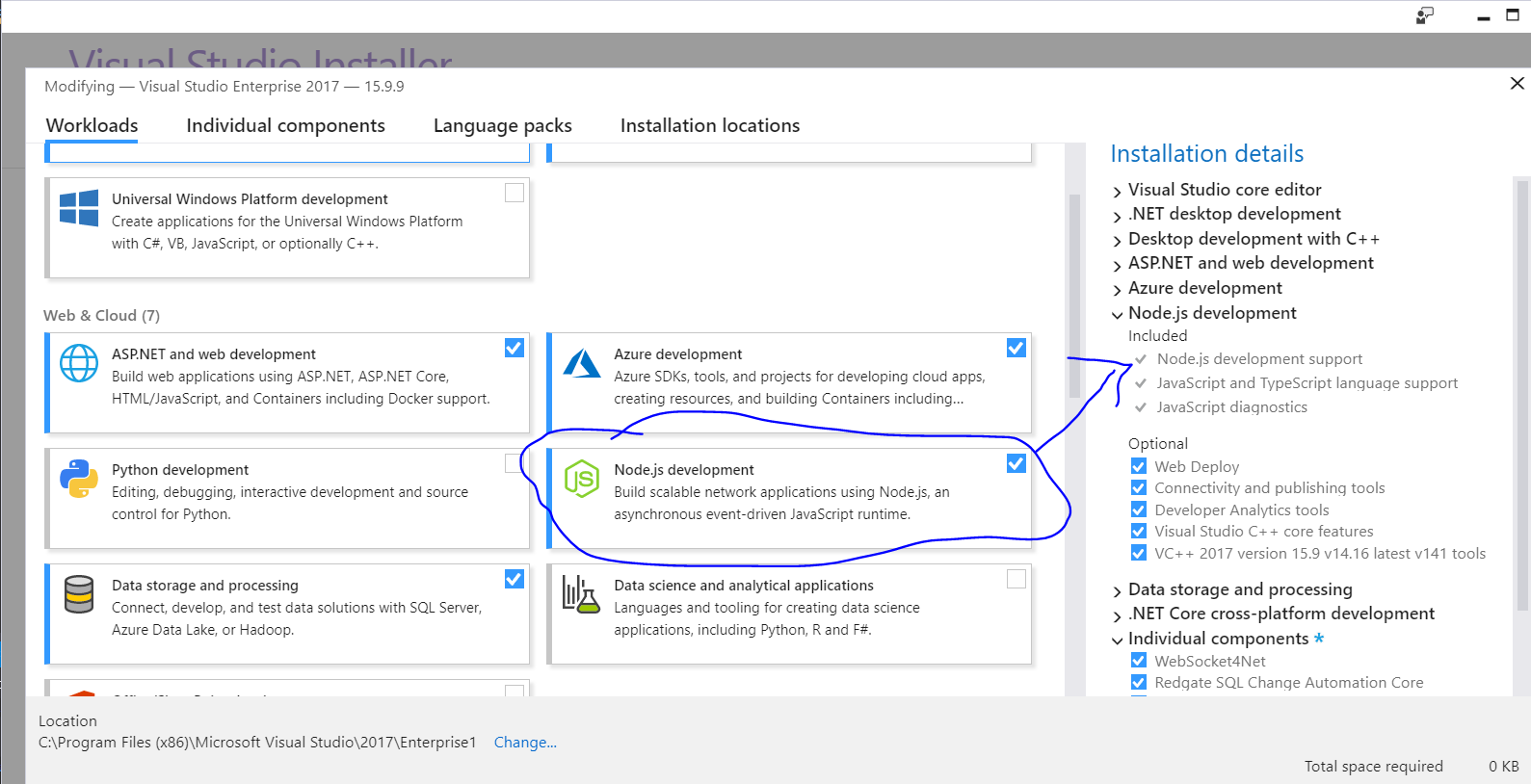
-Nodejs with TypeScript in Visual Studio

Warning:Check if Node.js development is installed:
A step by step series of examples that tell you how to get a development env running
Try this steps:
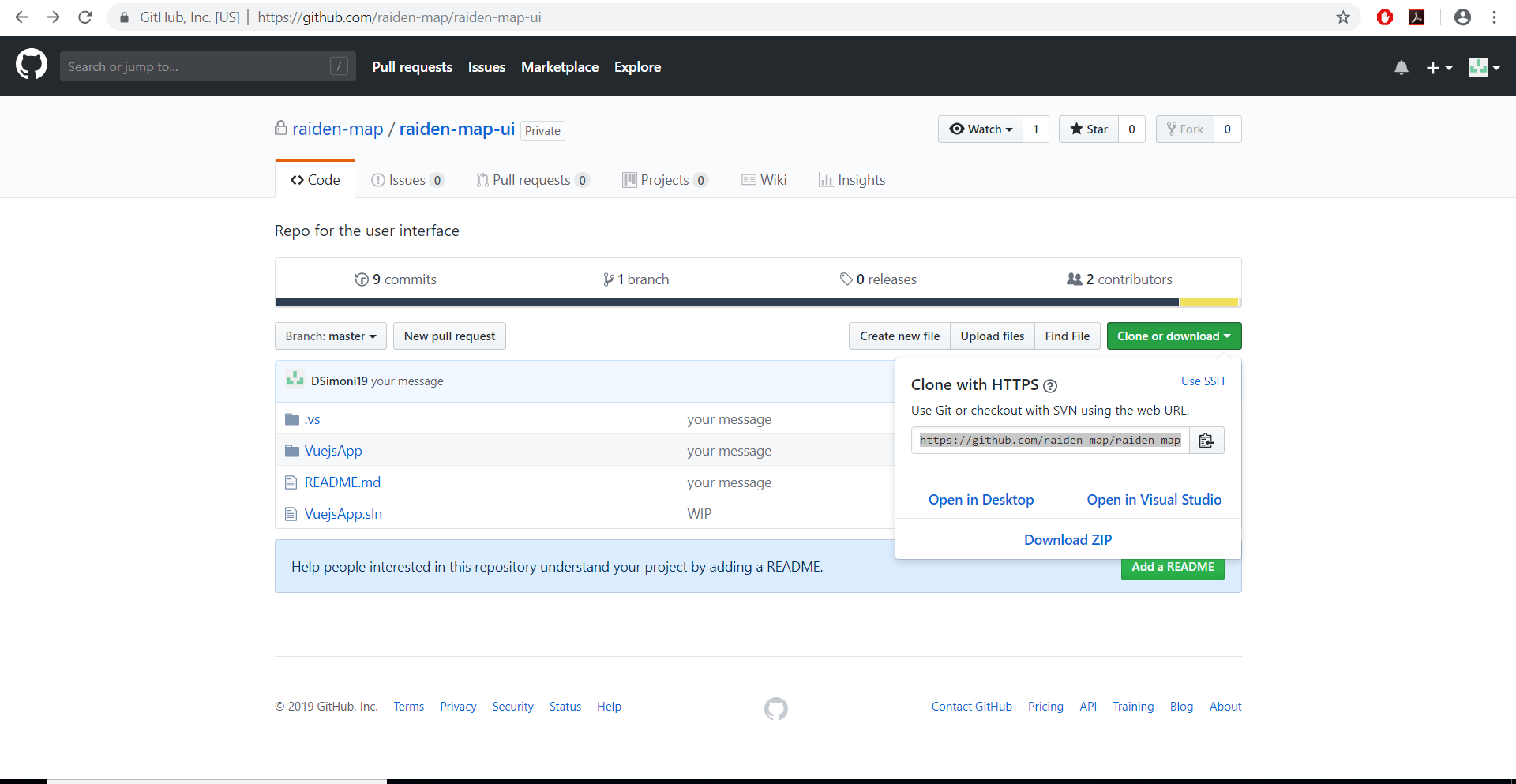
1) Get the url(HTTPS) from Github:
2) Create remote repository using Github Extension in Visual Studio
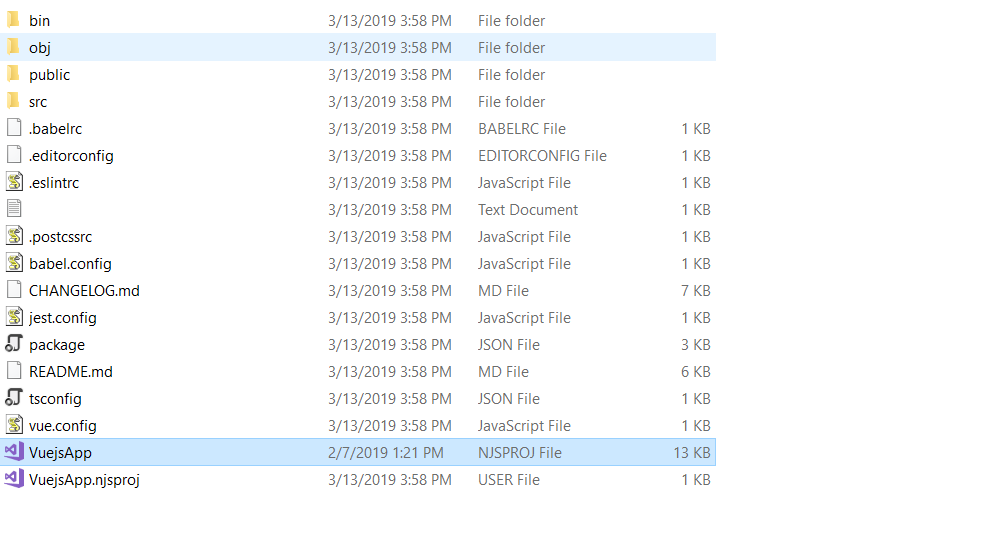
3) Open VuejsApp-NJSPROJ file in Visual Studio and Build the Project
4)If you see this error after building the project
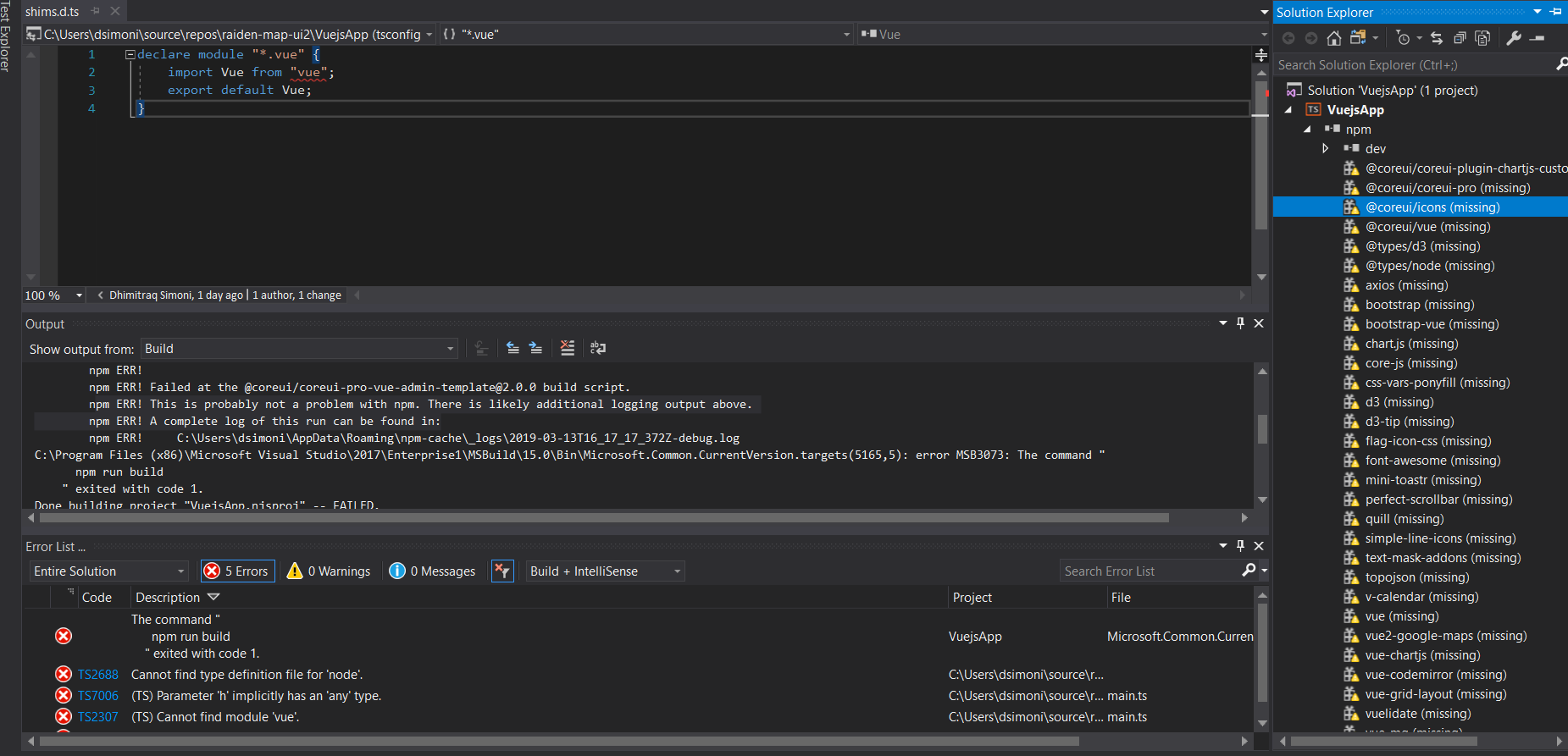
Try this in CLI at path directory of your project:
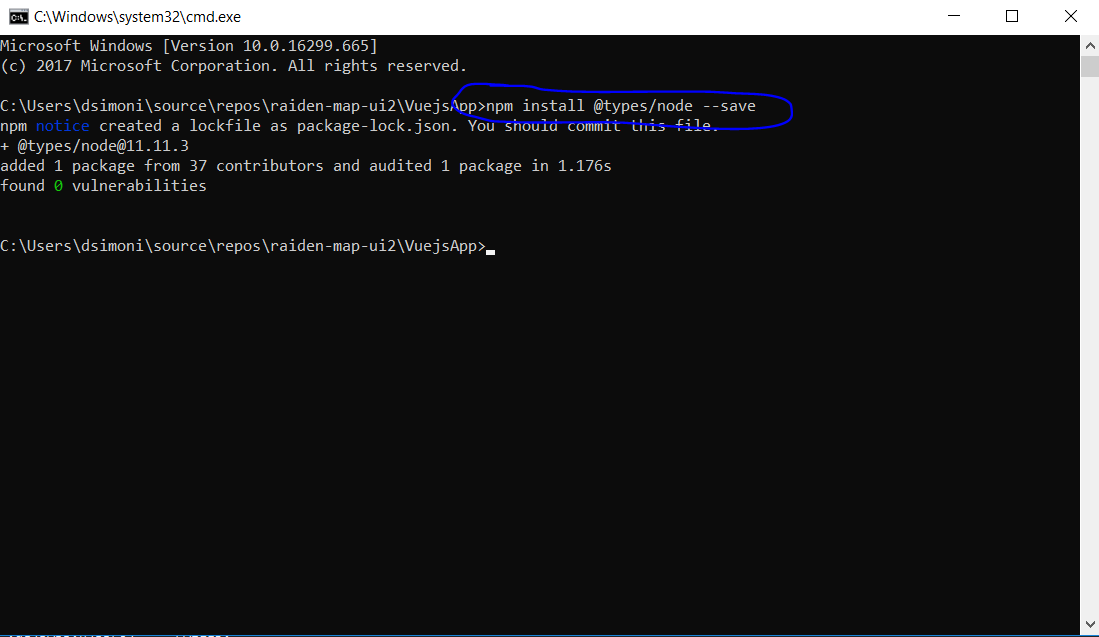
And repeat for other libraries if there is the same problems
5) Run and Debug in localhost

You can test this project manually,it is easy.