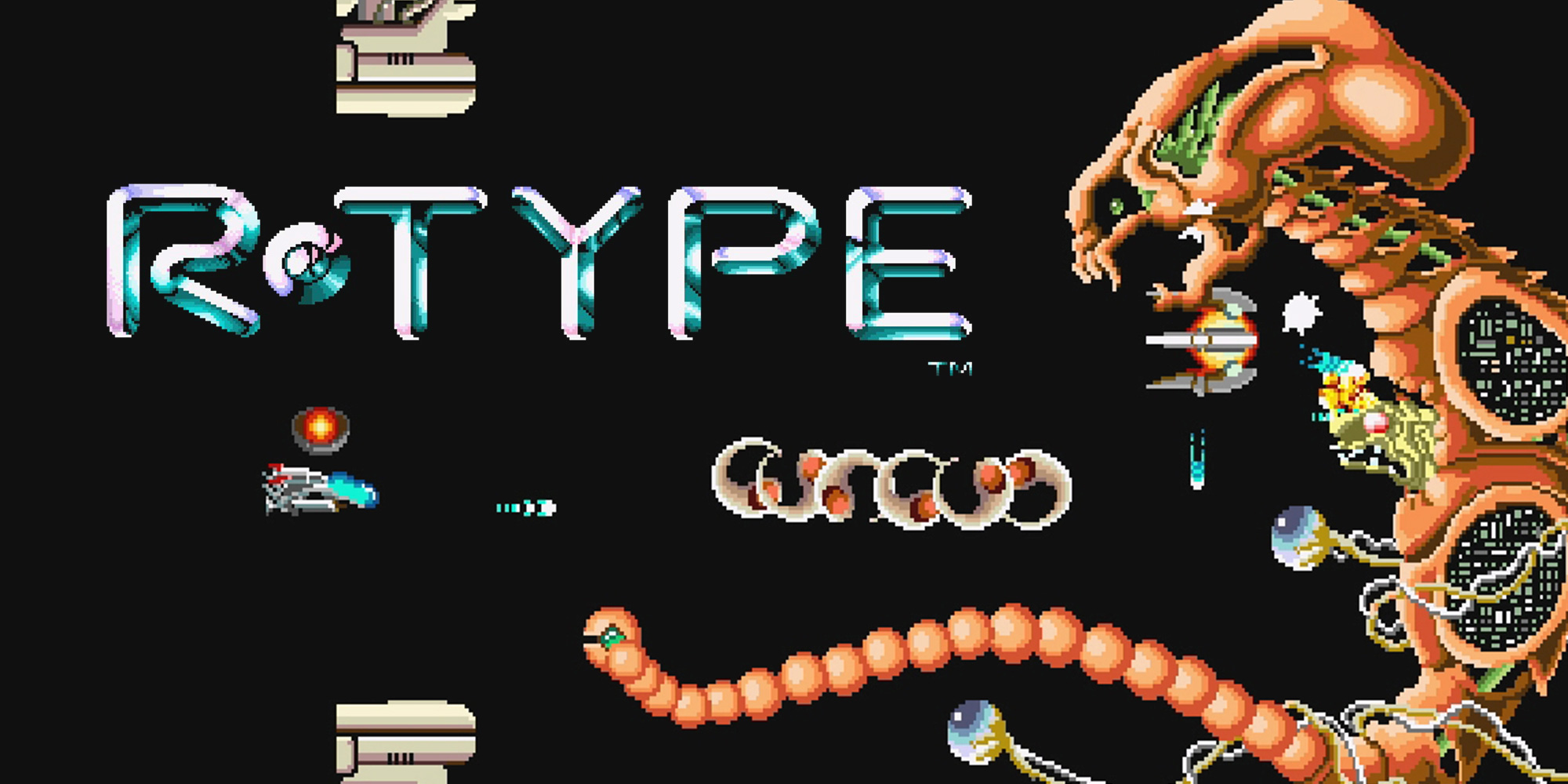
This project is a recreation of the classic R-Type arcade game, developed as part of the Advanced C++ Knowledge (B-CPP-500) module at Epitech. It features a custom game engine built on an Entity Component System (ECS) architecture and a networked multiplayer mode using UDP for real-time communication. The client is powered by SFML.
- Custom ECS Engine: A high-performance, data-oriented architecture separating Entities, Components, and Systems.
- Networked Multiplayer: Real-time gameplay supporting multiple players via a custom UDP protocol.
- Game States: Includes Menu, Lobby, and Gameplay states.
- Configuration: Data-driven design with configuration files.
We believe games are for everyone. This project includes specific features to ensure inclusivity:
- Colorblind Modes: Support for Deuteranopia, Protanopia, and Tritanopia (toggle available in Settings).
Before building the project, ensure you have the following installed:
- C++ Compiler (supporting C++20)
- CMake (v3.20 or newer)
- Git
Note: This project is self-contained. All dependencies (SFML, Asio, Catch2) are managed automatically via vcpkg and FetchContent. No manual library installation is required.
However, some system-level tools are required for vcpkg to build dependencies (specifically
alsa):
- Fedora/RedHat:
sudo dnf install autoconf libtool- Debian/Ubuntu:
sudo apt install autoconf libtool- Arch Linux:
sudo pacman -S autoconf automake libtool- Alpine:
apk add autoconf automake libtool
git clone git@github.com:EpitechPGE3-2025/G-CPP-500-PAR-5-2-rtype-3.git
cd G-CPP-500-PAR-5-2-rtype-3

# Setup vcpkg (if not already done by build.sh)
git clone https://github.com/microsoft/vcpkg.git
./vcpkg/bootstrap-vcpkg.sh -disableMetrics

# Using the helper script (recommended)
chmod +x ./build.sh
./build.sh

# Or manually with CMake
cmake -B build -DCMAKE_BUILD_TYPE=Release -DCMAKE_TOOLCHAIN_FILE=./vcpkg/scripts/buildsystems/vcpkg.cmake
cmake --build build --parallelAfter building, the binaries are located in ./bin/linux/.
# Start the server
./bin/linux/r-type_server [PORT]

# Start the client (in another terminal)
./bin/linux/r-type_client [IP] [PORT]First Download the Installer in the last release
Execute it in Admin mode
And you should be connected to wifi in private mode (In wifi configs)
Usually the binaries are installed in C:\Program\R-Type\
you can then start the server .exe
for the client you might want to use PowerShell if you want to play with another pc, otherwise you can use the client.exe in the same folder as the server.exe
# Start the client (in PowerShell)
.\r-type_client.exe [IP] [PORT]| Action | Key | Description |
|---|---|---|
| Move Up | ↑ |
Move spaceship up |
| Move Down | ↓ |
Move spaceship down |
| Move Left | ← |
Move spaceship left |
| Move Right | → |
Move spaceship right |
| Shoot | Space |
Fire standard projectile |
| Dev Console | F3 |
Toggle FPS/Ping/CPU metrics |
| Lagometer | L |
Toggle Lagometer |
Note: You can customize your controls in the Settings menu from the main menu.
The codebase is modularized for clarity and scalability:
server/: Handles game logic, authoritative state, and UDP communication.client/: Manages rendering (SFML), input handling, and interpolation.ecs/: The core Entity Component System library (Entities, Components, Systems).shared/: Common resources, network protocols, and data structures.config/: JSON configuration files for game balancing.documentation/: Developer guides and technical documentation.
Epitech Paris
- Raphaël Chanliongco
- Hubert Touraine
- Jean-Baptiste Boshra
- Gabin Rudigoz
- Ylan Cuvier
- Swann Grandin