This project showcases OpenSCAP and how to automate the application of SCAP policies to an Enterprise Linux host.
Note: For brevity, the project assumes the user has some existing knowledge of certain technologies:
ssh- SCAP (Security Content Automation Protocol)
- Docker
When diving into automated compliance and GRC workflows, true-to-life implementation of modern policy and security standards can be a pain point. There are a thousand different standards with a thousand different corresponding tools.
I've created this simple project to ease practioners into the idea of automated compliance scanning.
We will manually go through each step in the process, and then take a look at a completely automated pipeline.
OpenSCAP is an open-source framework for security compliance. It provides the oscap command-line tool (and its remote counterpart oscap-ssh) to scan systems against security policies, evaluate their compliance, and automatically remediate failures. OpenSCAP reads standardized SCAP content (such as XCCDF benchmarks) and checks whether a target system meets the defined security requirements.
The entire project environment is provisioned by running setup.sh.
If you wish to reset the environment and start over, just stop everything with docker-compose down. Then, run /scripts/setup.sh again.
WARNING: The docker containers are ephemeral. Settings and files (aside from any mounted directories) will not persist once the containers are stopped.
As a target to scan, we'll be running Oracle Linux 9, a popular Enterprise Linux distribution.
To scan the target, I've included a Fedora 43 container pre-configured with OpenSCAP + passwordless ssh access to the Oracle Linux 9 endpoint. Passwordless authentication is required to perform remote scans via oscap-ssh.
Now, let's get used to oscap and oscap-ssh, the CLI for openscap-scanner that can scan targets using security policies written in SCAP.
Without any policy content, you really can't do anything with oscap.
So, let's grab some content. Feel free to use any reputable source of SCAP policies for the following exercises. I will be using the latest DoD STIG Benchmark for Oracle Linux 9 from the STIG Document Library.
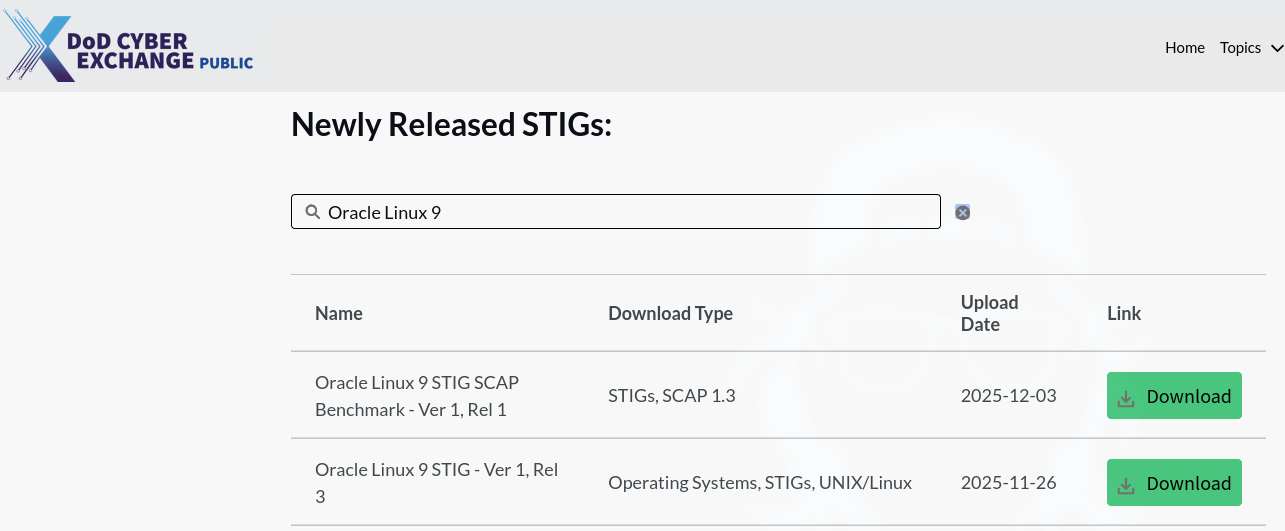
Whatever your content, place it within the /policy directory to make it visible within the Fedora container.
You can obtain some example content directly from Fedora's repos with the scap-security-guide package.
Be sure to check the official OpenSCAP documentation for more info.
We can obtain some info about the policy with oscap-ssh info <yourpolicy.xml>. Remember that we have to use oscap-ssh for the remote scan. A local scan would use the oscap command with the same parameter values.
This gives us profiles. These profiles define the specific criteria of our scans. For the STIG SCAP benchmarks, they represent individual "Mission Assurance Categories" (MACs).
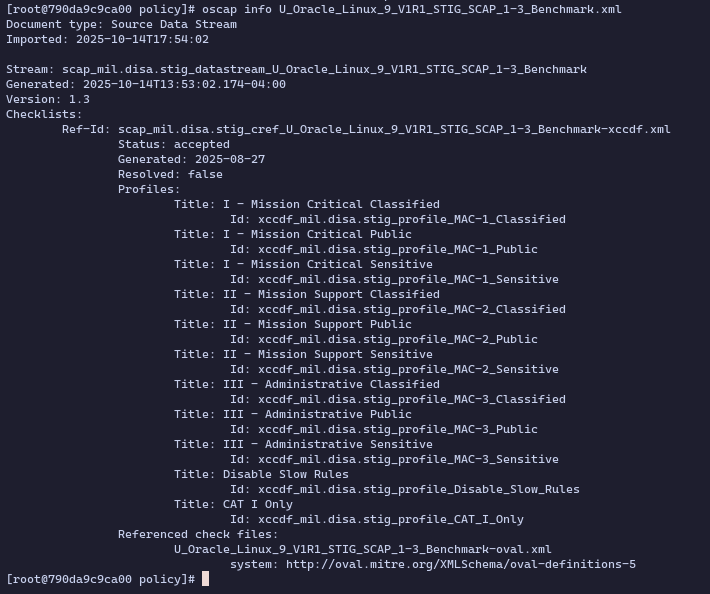
We then select a profile that matches our target MAC and run a scan:
oscap-ssh root@172.20.0.2 22 xccdf eval --profile xccdf_mil.disa.stig_profile_MAC-3_Public --report report.html --results results.xml U_Oracle_Linux_9_V1R1_STIG_SCAP_1-3_Benchmark.xml
This generates report.html in the /policy directory, an easy-to-read page detailing our results.
From this report, we can see that we've missed the mark on MANY individual tests.
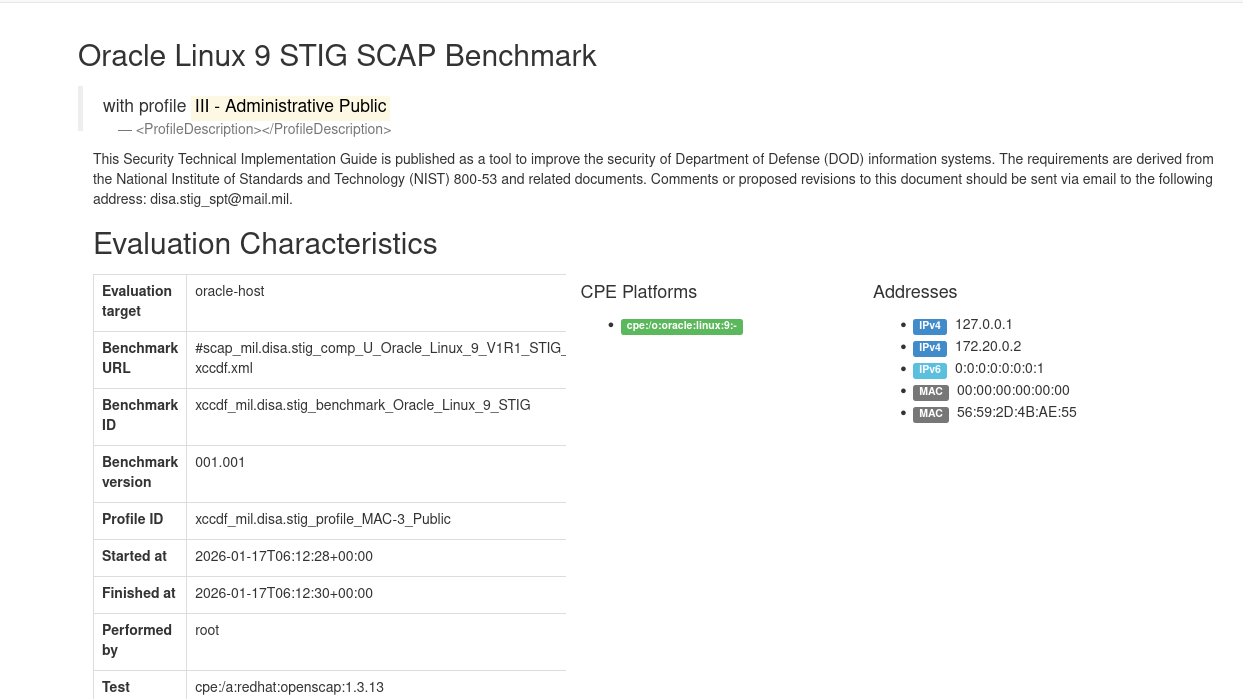
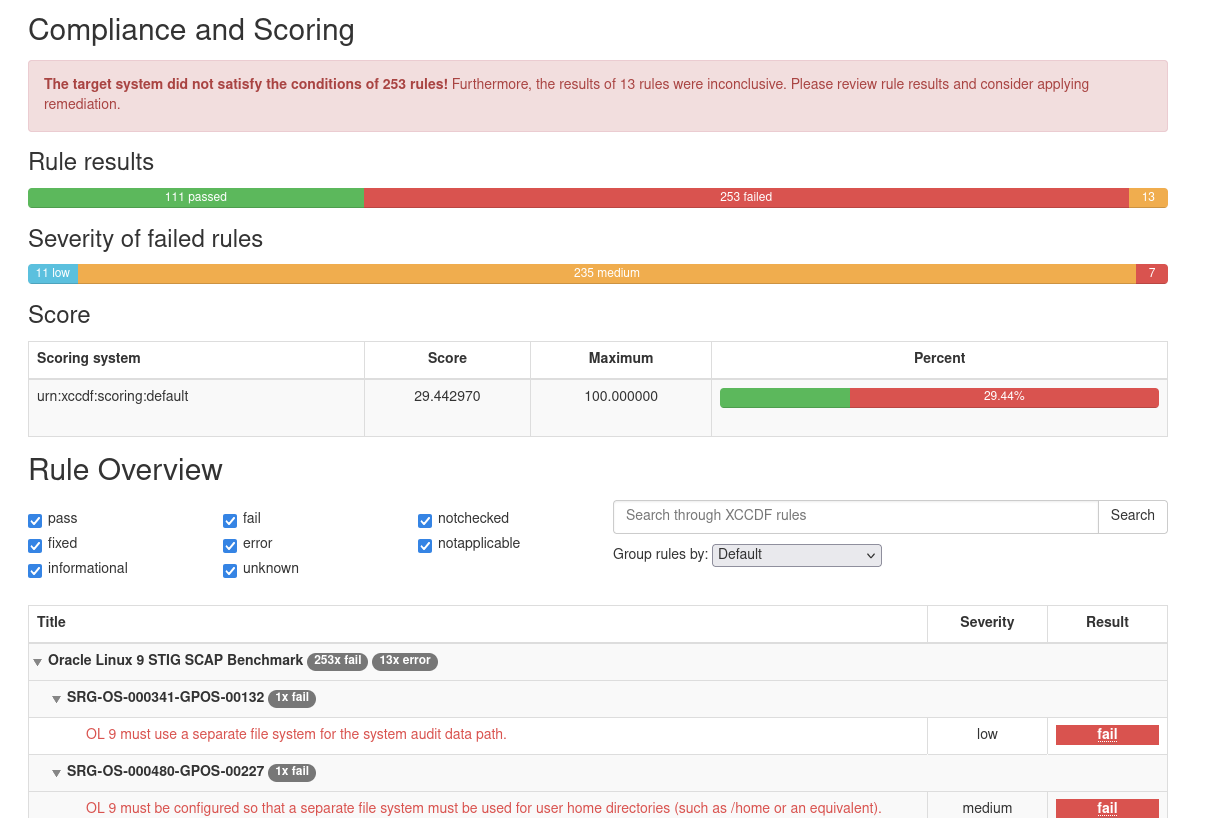
It's important to note that, depending on the particular SCAP policy, automated remediations run via SSH might completely sever the SSH connection to the remote endpoint.
For the time being, we'll forget about SSH. Let's attach a shell directly to the Oracle Linux 9 host:
From within your host terminal run: docker exec -it oracle-host /bin/bash
Remediation during scan:
To automate remediation of the failures of the scan, just add the --remediate tag to the previous scan command.
Remediation after scan:
oscap-ssh xccdf remediate --results remediation-results.xml results.xml
(To be continued)