Home
You have to change the hyperlink to the configuration page seperately on every house, read How to change configuration page address.
This wiki contains guides and very useful links that were used to make this project a reality.
In addition, this wiki contains solutions for the most likely errors and problems that a developer faces when working with the project.
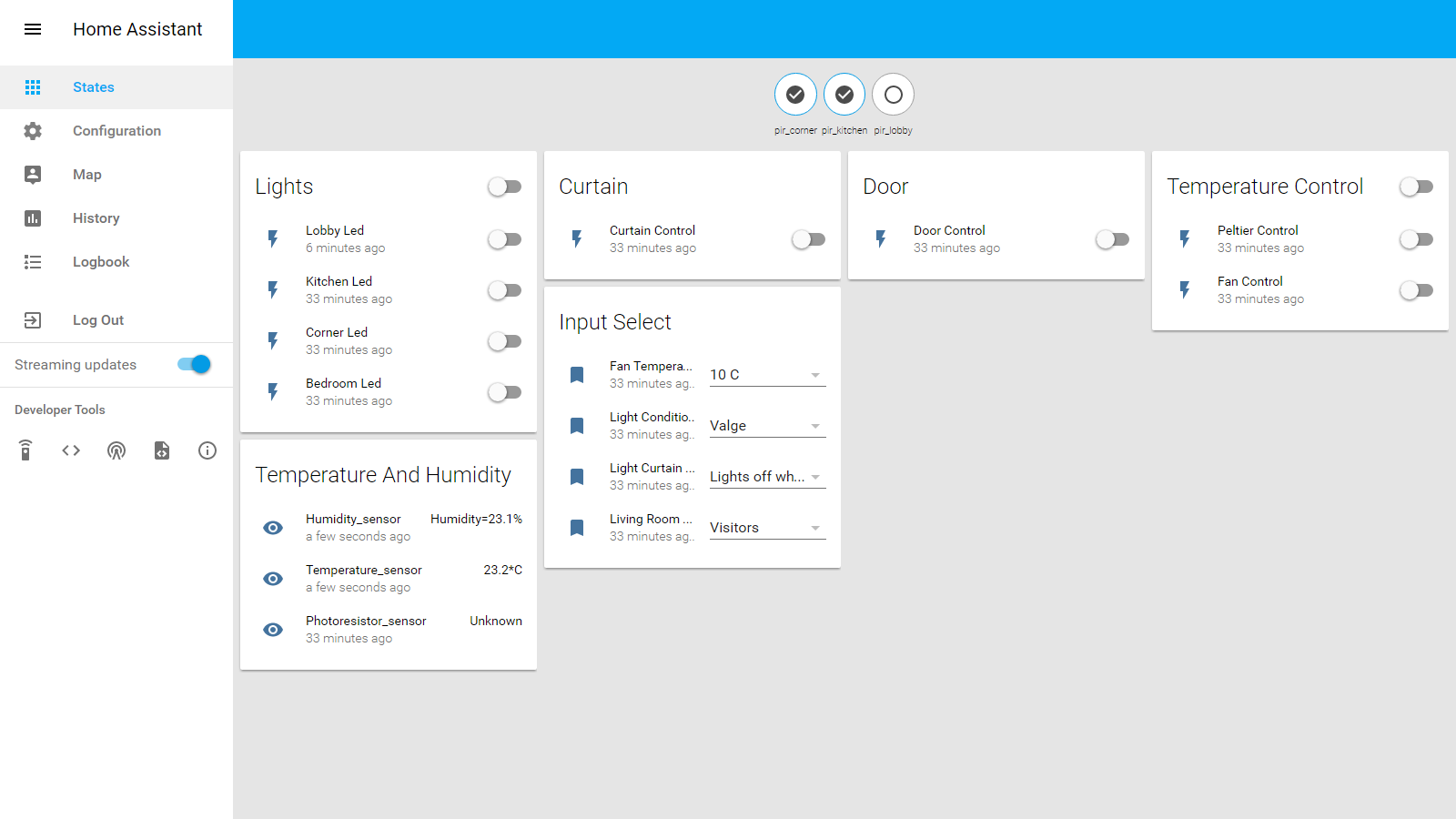
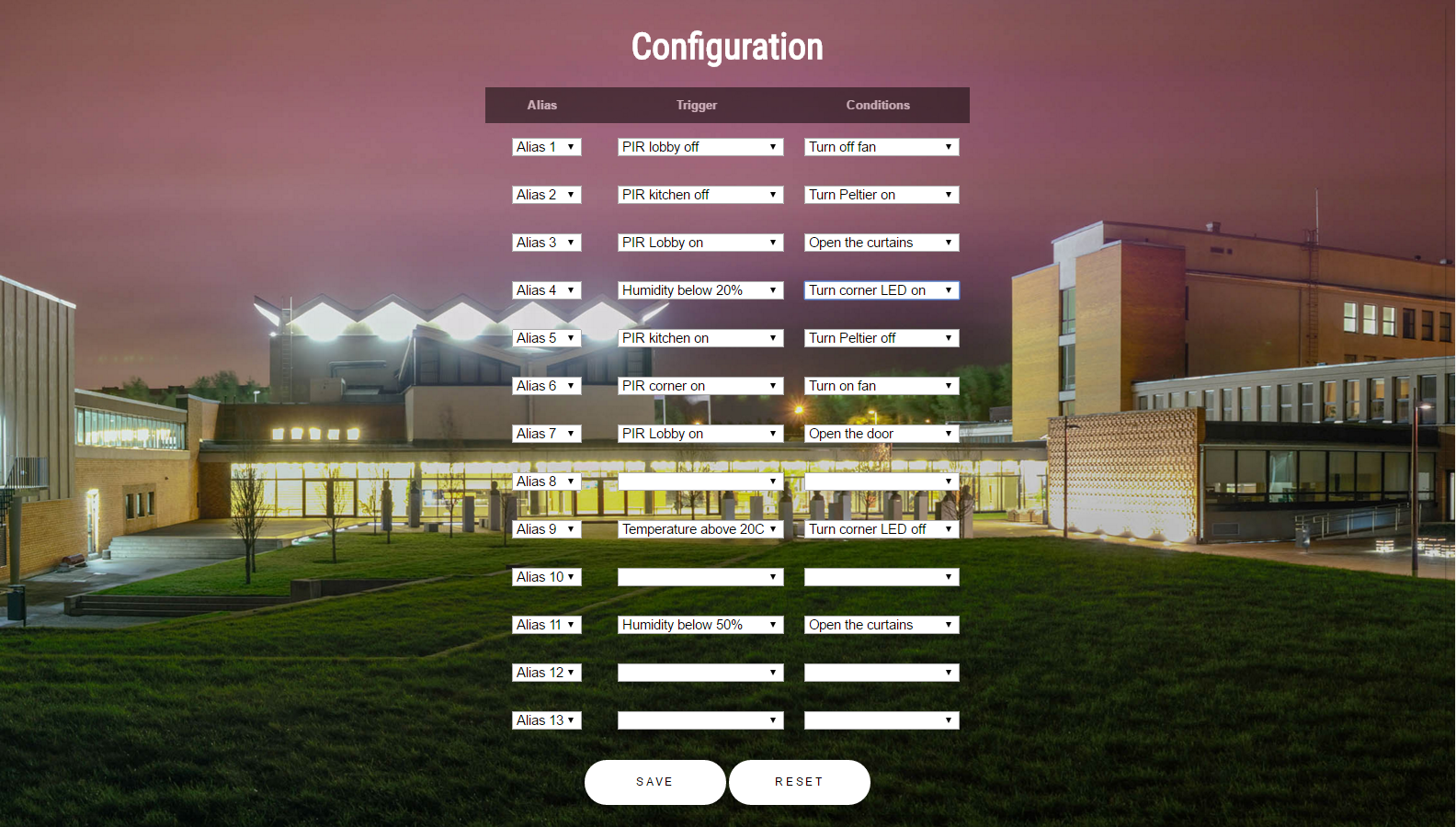
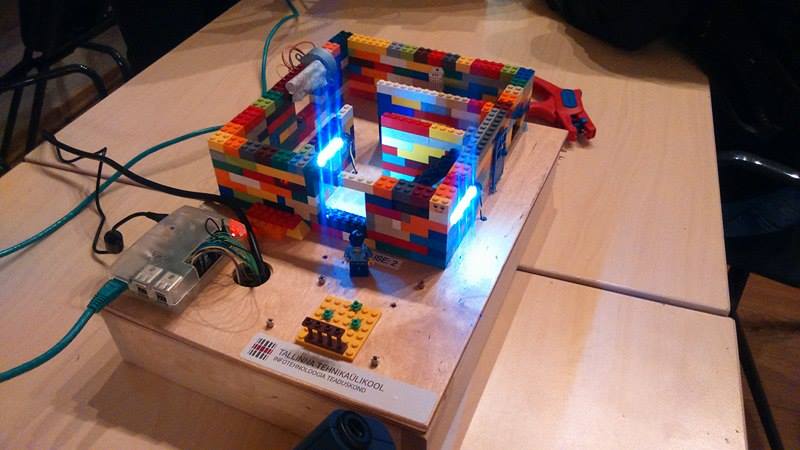
/root
├───.home-assistant
│   │   .HA_VERSION
│   │   Adafruit_ADS1x15.py
│   │   Adafruit_ADS1x15.pyc
│   │   Adafruit_I2C.py
│   │   Adafruit_I2C.pyc
│   │   configuration.yaml
│   │   devices.py
│   │   fan_off.py
│   │   fan_on.py
│   │   home-assistant.db
│   │   humidity_sensor.py
│   │   katse.py
│   │   led_bedroom_off.py
│   │   led_bedroom_on.py
│   │   led_corner_off.py
│   │   led_corner_on.py
│   │   led_kitchen_off.py
│   │   led_kitchen_on.py
│   │   led_outside_off.py
│   │   led_outside_on.py
│   │   light_sensor.py
│   │   peltier_off.py
│   │   peltier_on.py
│   │   rewriteConfiguration.py
│   │   RFID_sensor.py
│   │   Simple_reader.py
│   │   stepper_door_close.py
│   │   stepper_door_open.py
│   │   stepper_window_close.py
│   │   stepper_window_open.py
│   │   tag.txt
│   │   temperature_sensor.py
│   │
│   ├───custom_components
│   │   └───sensor
│   │       │   command_sensor_custom.py
│   │       │   Readme.txt
│   │       │
│   │       └───__pycache__
│   │               command_sensor_custom.cpython-34.pyc
│   │
│   └───lib
│       ├───RPi
│       │   │   GPIO.cpython-34m.so
│       │   │   __init__.py
│       │   │
│       │   └───__pycache__
│       │           __init__.cpython-34.pyc
│       │
│       └───RPi.GPIO-0.6.1.dist-info
│               DESCRIPTION.rst
│               INSTALLER
│               METADATA
│               metadata.json
│               RECORD
│               top_level.txt
│               WHEEL
│
├───startup.sh

NOTE - php page is under raspberry apache and configuration(.html) location is documented here.Command sensors - diagram that shows how home-assistant gets data from custom sensors (command_line functions or programs ran by command_line)(used for PIRs, DHT22)
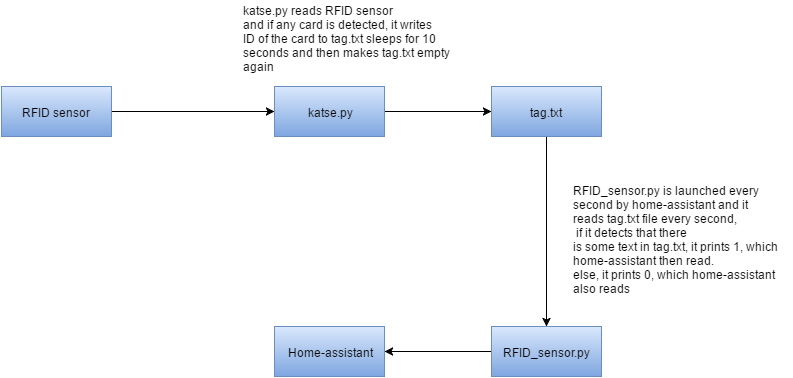
RFID - diagram that explains how the RFID input gets read into the home-assistant interface.
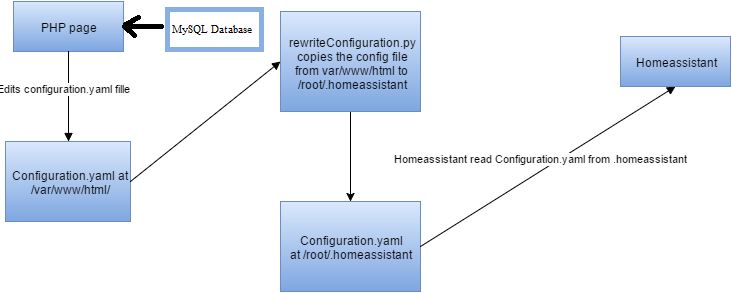
Configuration page and configuration(.yaml) - This diagram explains how data gets from the configuration page (written in PHP) into home-assistant and its configuration file.
Command switch - this diagram shows how command switch works. (used for LEDs/fan/doors/curtains)


AM2302 (wired DHT22) with RaspberryPi
Controlling fan with raspberry
Controlling LED through Raspberry pi's pins
Controlling stepper motor with python script
Light resistor sensor
Getting readings from PIR with home-assistant
Reading PIR value with python script
RFID reader
Getting information from the card or tag with python script
Wiring of the houses(pdf) -->
EAGLE Schematic file(pdf)
Raspberry connections(pdf) --> Excel
Prices of the components(pdf) --> Excel
Images of the house and its components
Starting home assistant
Difference between trigger and condition
Homepage (frontend.html) location
Homeassistant configuration(.yaml) location
Homeassistant source location
Accessing Pi as Super User from WinSCP
Mysql and php to raspberry
Reading from root .homeassistant folder with PHP
Database - here you can find the design of the database.
Raspberry pi - user: pi ; password: raspberry
SQL - server: localhost; user: root ; password: raspberry
Homeassistant - we disabled password on homeassistant, but if homeassistant asks for password, it is "buildit"
No such file or directory
xampp call to undefined function mysql_connect() solution
"could not open file /dev/i2c-0 or /dev/i2c/0"
Definitely take a look at suggestions for future development