
19 color themes from Warp Terminal for Visual Studio Code.
| Theme | Preview |
|---|---|
| Warped Warp | 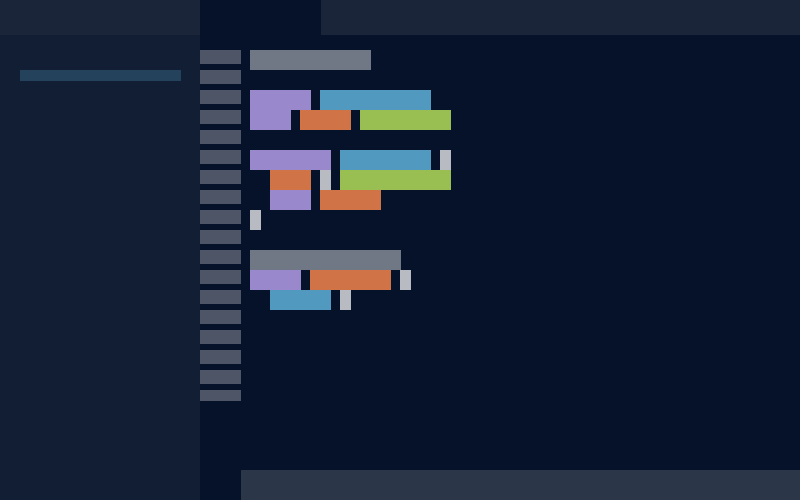 |
| Warped Warp Dark | 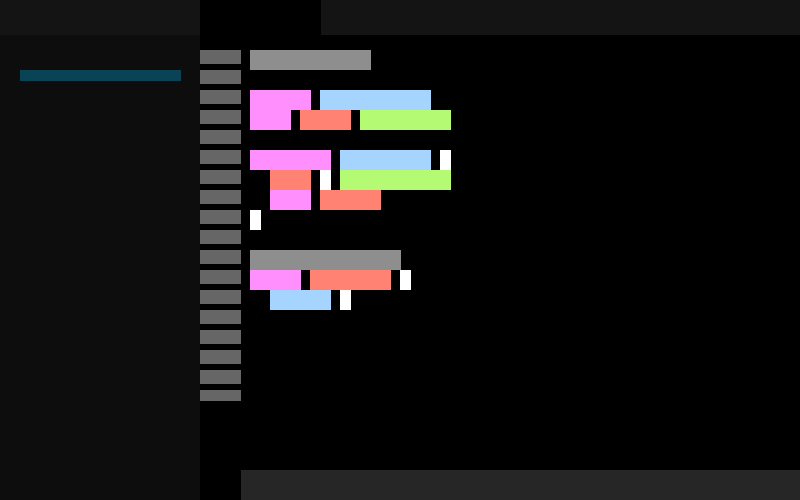 |
| Warped Cyber Wave | 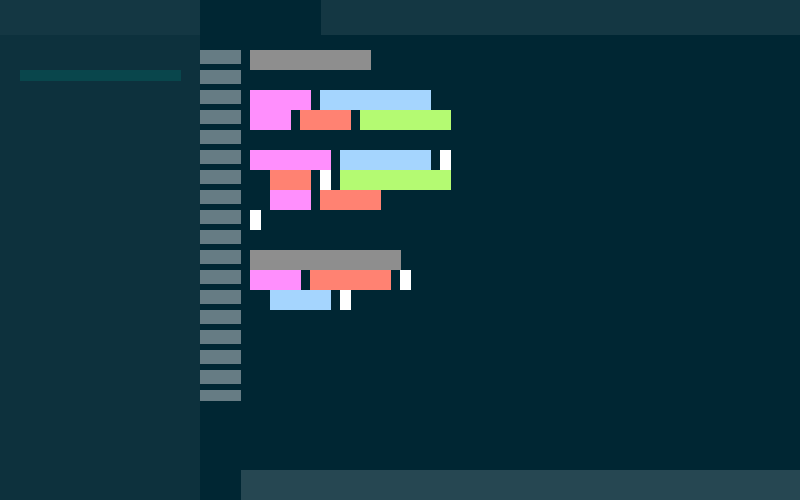 |
| Warped Dark City | 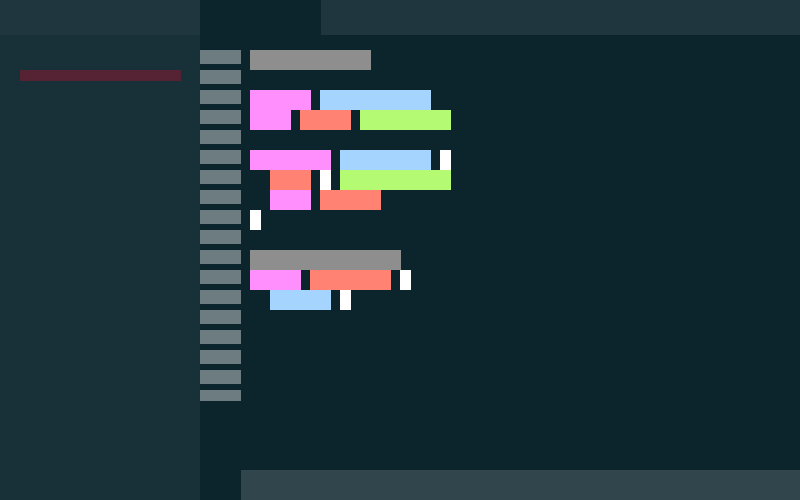 |
| Warped Dracula | 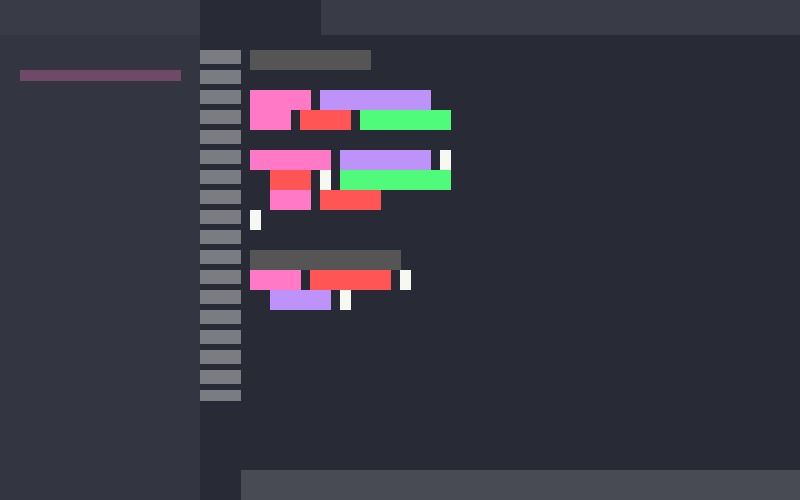 |
| Warped Fancy Dracula | 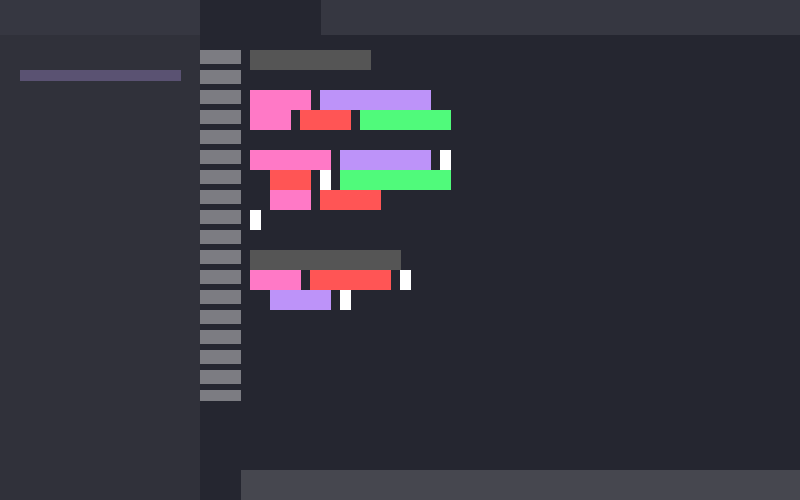 |
| Warped Gruvbox Dark | 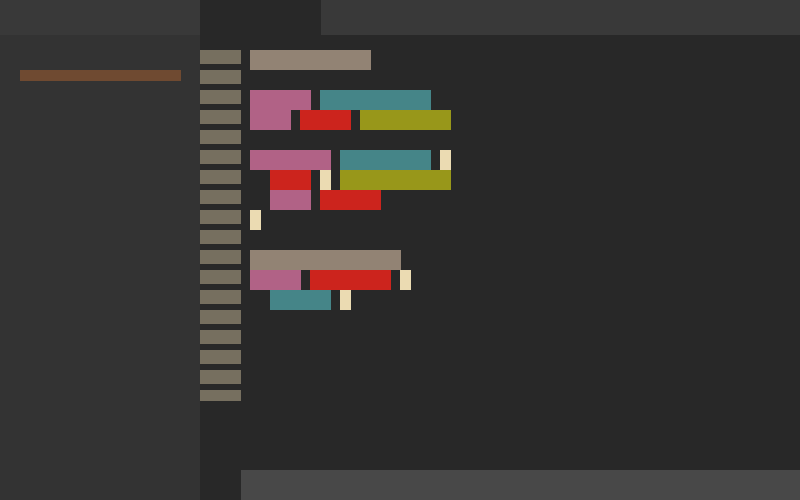 |
| Warped Jellyfish | 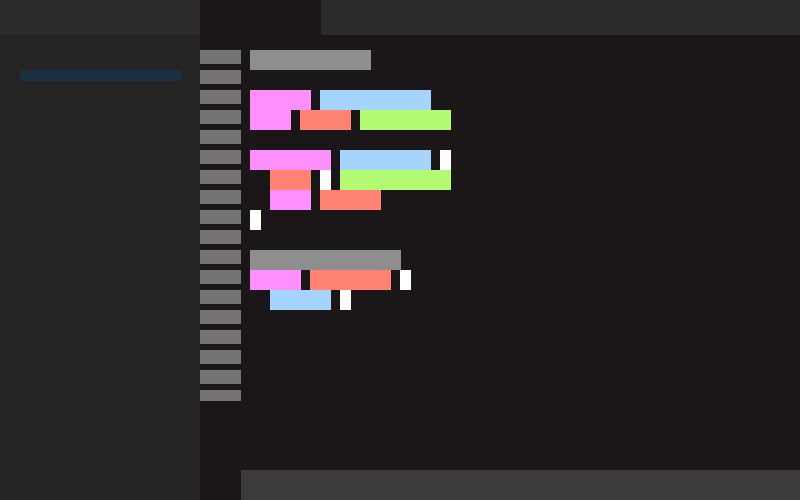 |
| Warped Koi | 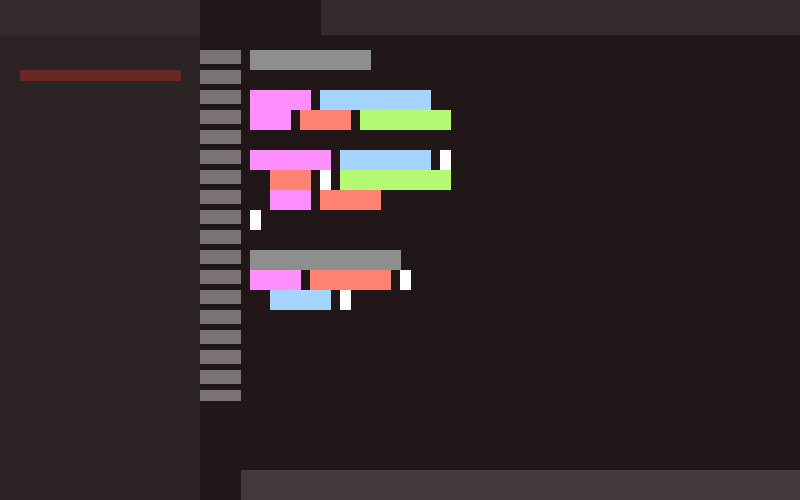 |
| Warped Leafy | 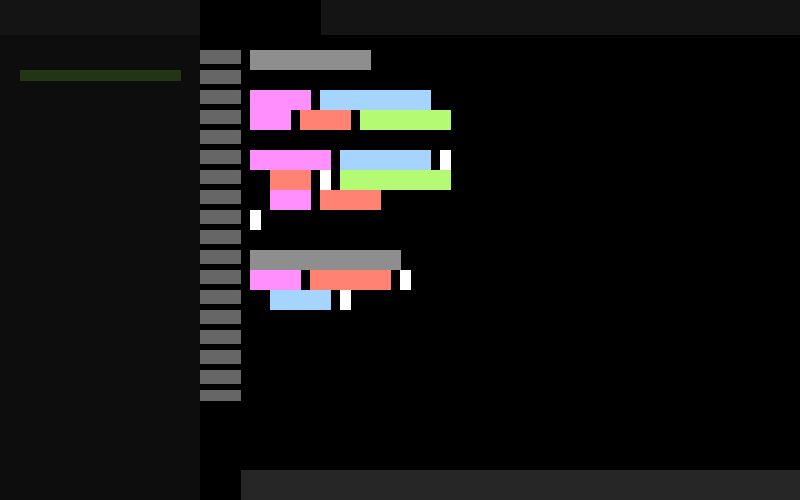 |
| Warped Red Rock | 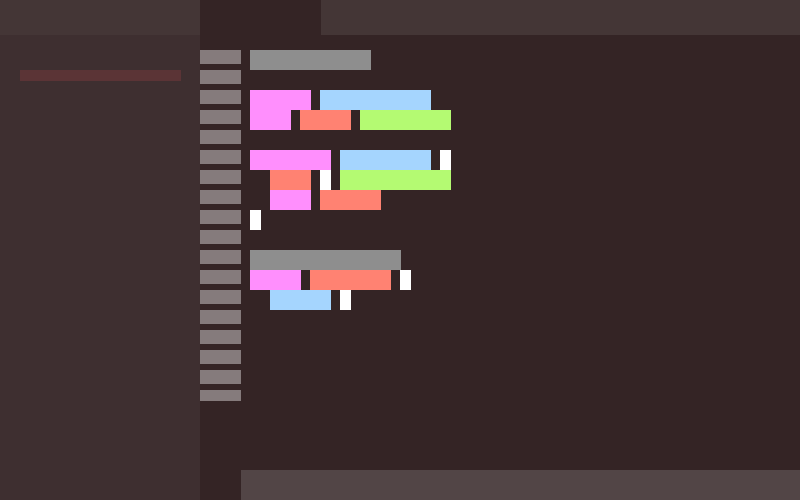 |
| Warped Solarized Dark | 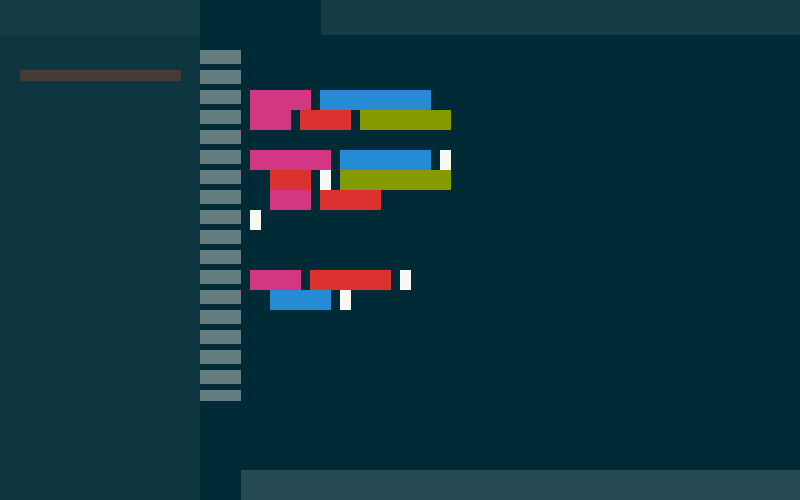 |
| Warped Willow Dream | 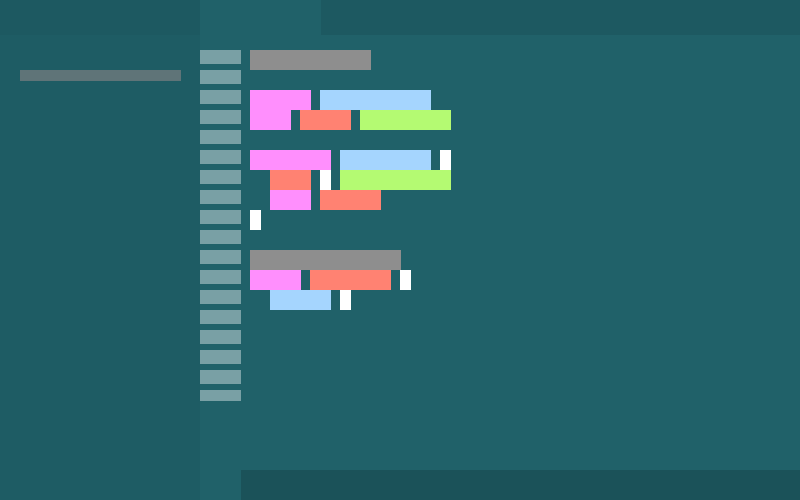 |
| Theme | Preview |
|---|---|
| Warped Warp Light | 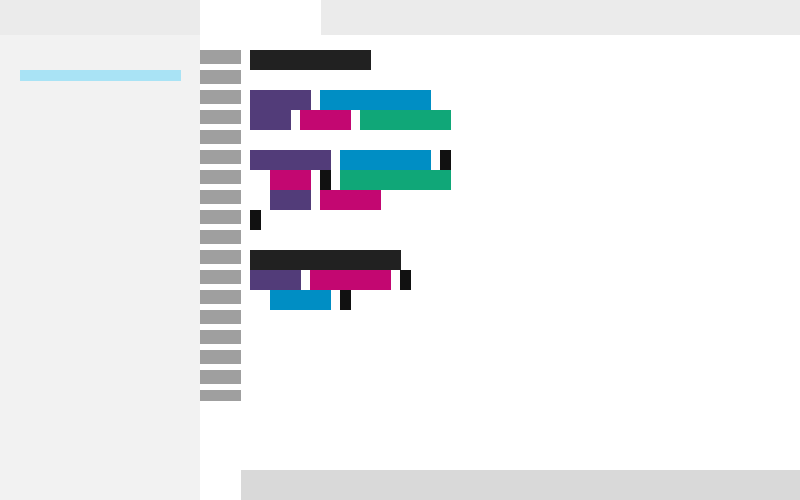 |
| Warped Gruvbox Light | 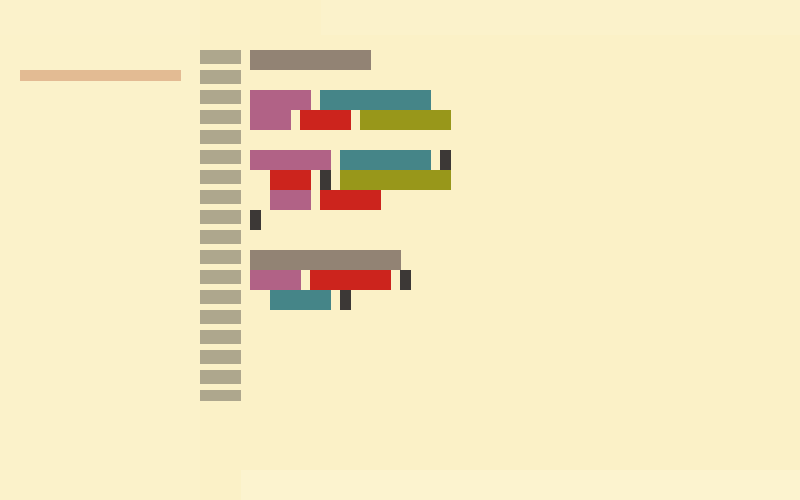 |
| Warped Marble | 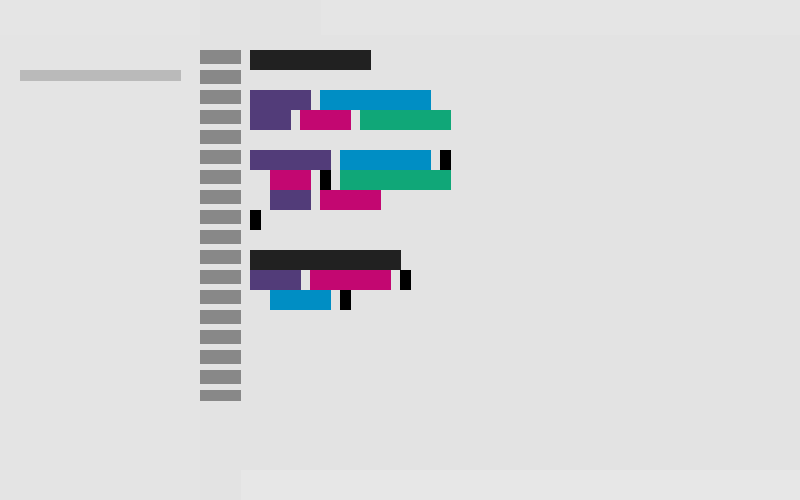 |
| Warped Pink City | 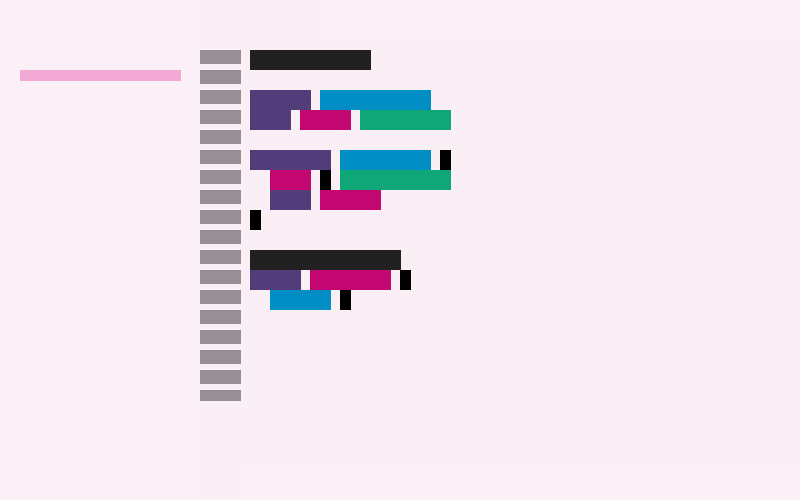 |
| Warped Snowy | 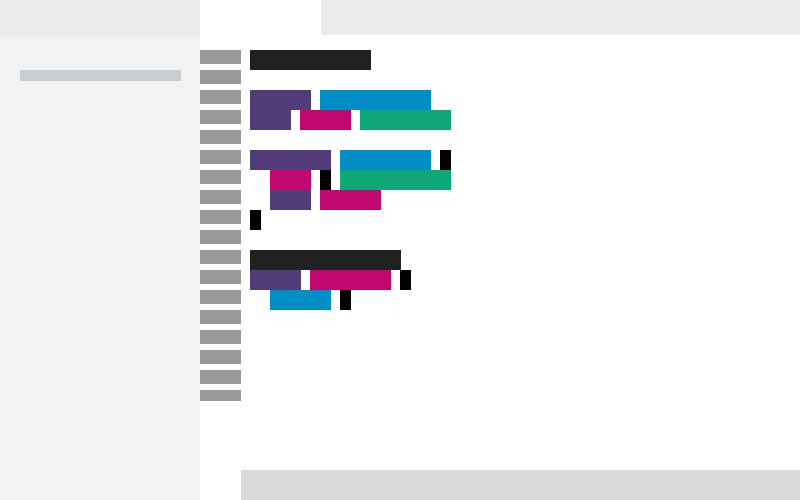 |
| Warped Solarized Light | 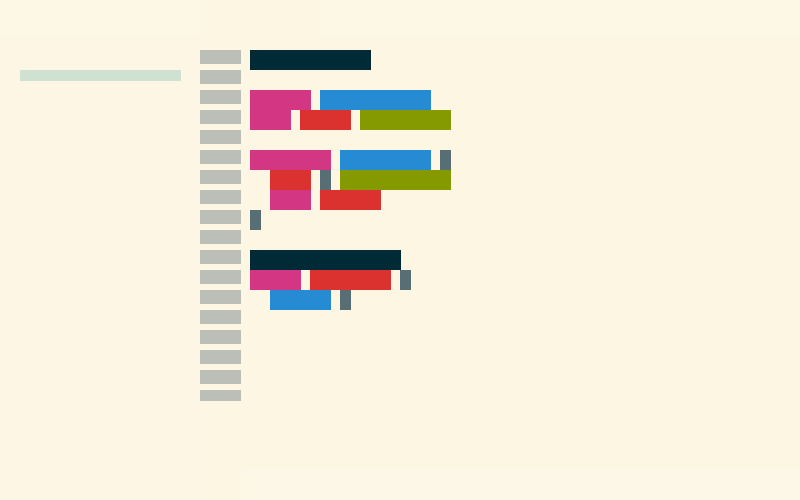 |
- Open VS Code
Ctrl+P→ext install RenzoJohnson.warpedCtrl+K Ctrl+T→ pick any "Warped" theme
- 19 themes (13 dark + 6 light)
- Full workbench theming (editor, sidebar, tabs, terminal, status bar)
- Bracket pair colorization
- Semantic highlighting
- Git decoration colors
Each theme applies its own color palette to syntax highlighting. There are 7 distinct syntax palettes across the 19 themes:
- Warp — unique palette (1 theme)
- Gruvbox Dark — unique palette (1 theme)
- Gruvbox Light — unique palette (1 theme)
- Dracula family — shared by Dracula, Fancy Dracula (2 themes)
- Solarized family — shared by Solarized Dark, Solarized Light (2 themes)
- Default Dark — shared by Warp Dark, Cyber Wave, Dark City, Jellyfish, Koi, Leafy, Red Rock, Willow Dream (8 themes)
- Default Light — shared by Warp Light, Marble, Pink City, Snowy (4 themes)
Themes sharing a palette have identical syntax colors — the visual distinction is in workbench UI colors.
Color palettes from Warp Terminal bundled themes (Apache 2.0).
MIT. See LICENSE for details. Warp Terminal color palettes used under Apache 2.0.