A blockchain-based pharma supply chain tracking system. Built using:
- Solidity (Smart Contract)
- Hardhat (Development environment)
- FastAPI (Backend server)
- Telegram Bot (Frontend interaction)
- Streamlit (Web UI)
Watch the full walkthrough here:
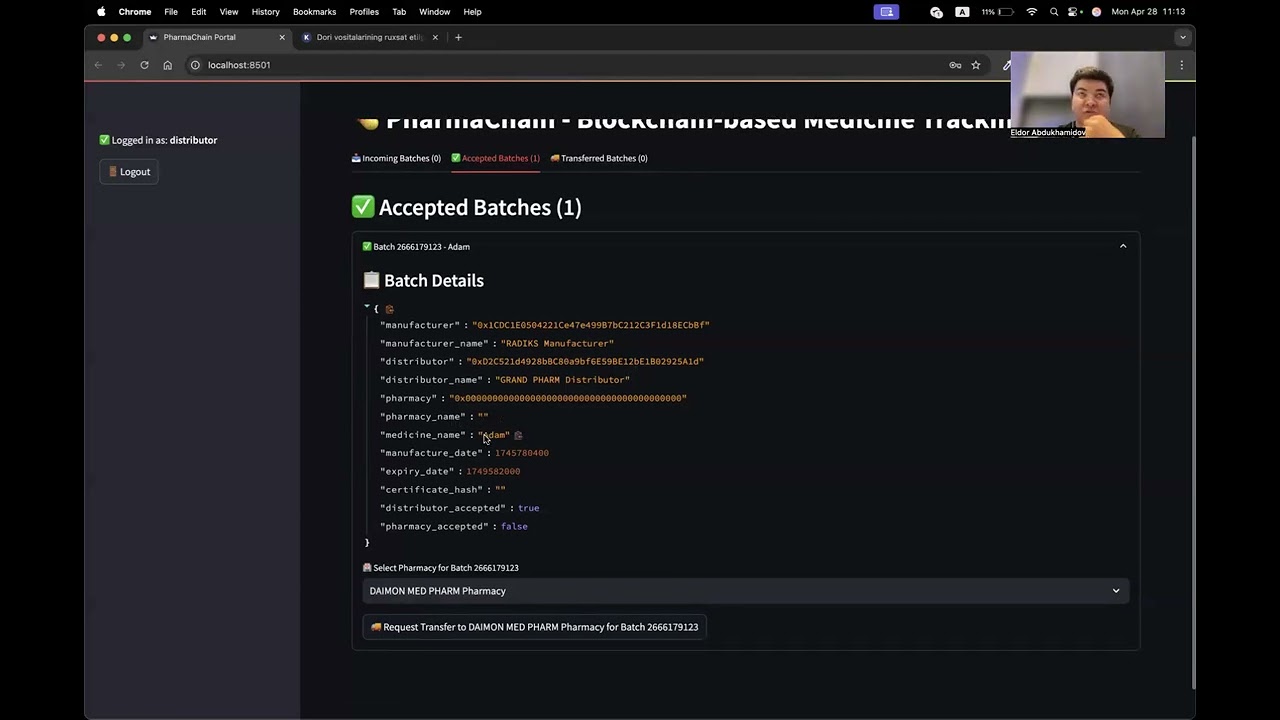
(Click the image above or watch on YouTube).
/pharma-supplychain
|-- backend/           # FastAPI server
|-- telegram_bot/      # Telegram Bot app
|-- frontend/          # Streamlit UI (ui.py)
|-- contracts/         # Solidity Smart Contract (.sol files)
|-- scripts/           # Deployment scripts
|-- artifacts/         # Hardhat build artifacts
|-- cache/             # Hardhat cache
|-- ignition/          # Hardhat ignition (optional deployments)
|-- test/              # Smart contract tests
|-- node_modules/      # Node.js modules
|-- hardhat.config.js  # Hardhat configuration
|-- package.json       # Node.js project config
|-- config.py          # Custom Python config
|-- README.md          # Project documentation
Make sure you have installed:
- Node.js (>= v16)
- Python 3.9+
- Ganache or Hardhat Node (for local blockchain)
- Anaconda (recommended for Python)
Install system-level dependencies:
conda install -c conda-forge pyzbar zbarInstall Python dependencies:
cd backend
pip install -r requirements.txt

cd ../telegram_bot
pip install -r requirements.txt

cd ../frontend
pip install -r requirements.txt
Install Node.js dependencies:
cd contracts
npm installnpx hardhat nodeIn a new terminal:
npx hardhat run scripts/deploy.js --network localhostDeployment saves:
contractAddress.jsonPharmaSupplyChainABI.json
into the backend/json/ folder.
cd backend
uvicorn main:app --reload
Server will run at:
http://127.0.0.1:8000
cd telegram_bot
python app.py
Make sure you have added your Bot Token inside a .env file:
TELEGRAM_BOT_TOKEN=your_telegram_bot_token_herecd frontend
streamlit run ui.pyAvailable at:
http://localhost:8501
For FastAPI:
BLOCKCHAIN_RPC_URL=http://127.0.0.1:8545
PRIVATE_KEY=your_wallet_private_key
ACCOUNT_ADDRESS=your_wallet_public_address
CONTRACT_ADDRESS=deployed_contract_address
For Telegram Bot:
TELEGRAM_BOT_TOKEN=your_telegram_bot_token| Task | Command |
|---|---|
| Start Blockchain | npx hardhat node |
| Compile Contract | npx hardhat compile |
| Deploy Contract | npx hardhat run scripts/deploy.js --network localhost |
| Run Backend | uvicorn main:app --reload |
| Run Telegram Bot | python app.py |
| Run Frontend (Streamlit) | streamlit run ui.py |
Example Python code:
contract.functions.registerAddressName("0x123...", "Oppo Pharma").transact({"from": admin_address})
contract.functions.registerAddressName("0x456...", "Azamat Distributor").transact({"from": admin_address})
contract.functions.registerAddressName("0x789...", "Shifo Pharmacy").transact({"from": admin_address})- Smart Contract for batch tracking
- FastAPI server for blockchain interaction
- Telegram Bot for easy user interface
- Streamlit-based Web UI
- QR code scanning and batch verification
Built by RAKUN AI team.