Buildkite Intergration
The necessary steps to setup, config and build ROMS using the RomBuilder git repository.
Follow the necessary steps on https://buildkite.com/organizations/rob-roms/agents, to install the Buildkite-agent on the selected platform. Alternatively run scripts/setup-buildtools.sh on linux platforms to install the required software and agent to the selected device. Throughout this script the target and token can be defined.
Reference this GitHub repo address (git@github.com:robbalmbra/RomBuilder.git) when creating a new pipeline in Buildkite
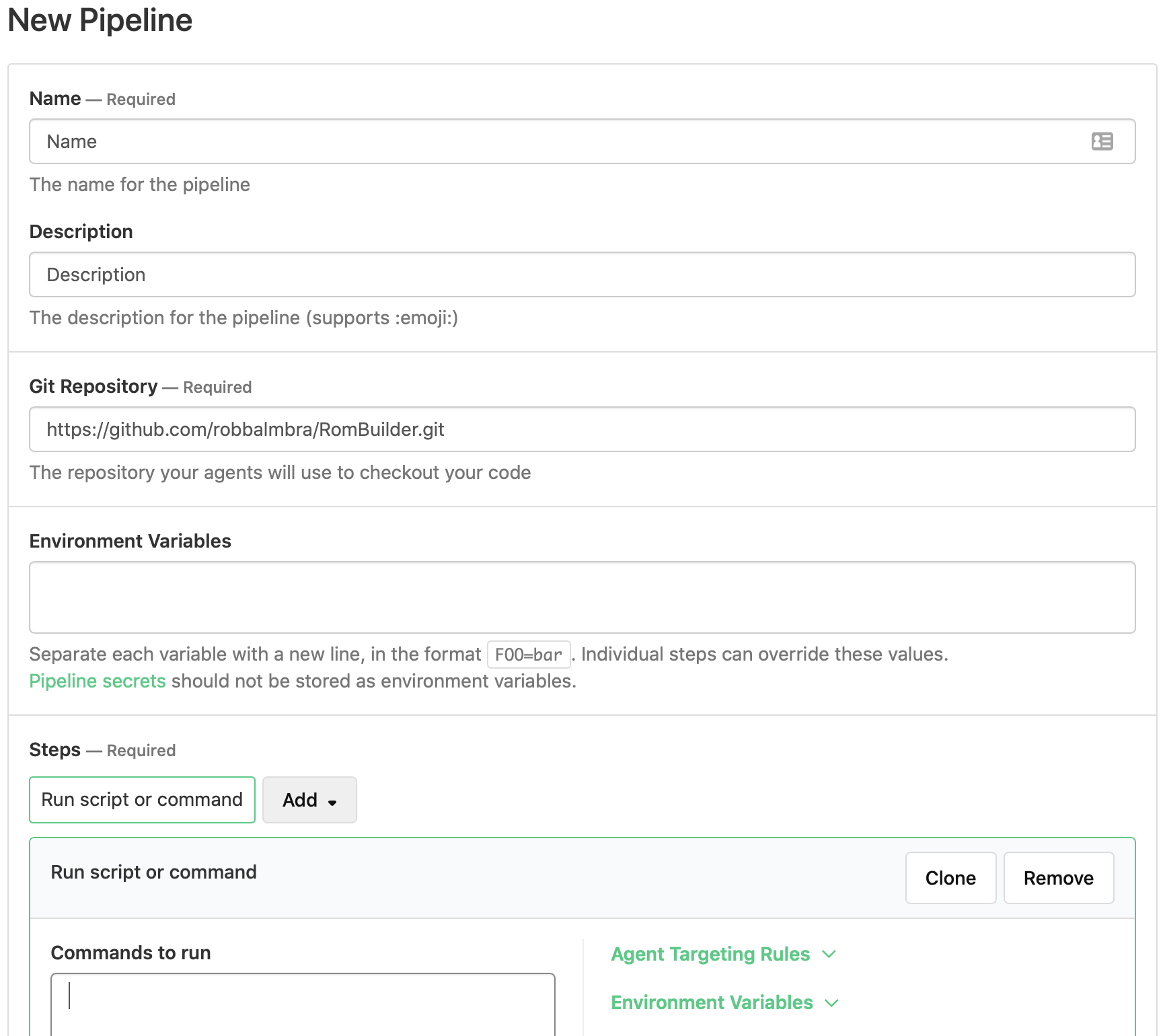
Continue by pressing 'Create Pipeline' at the bottom of the page. Skip the 'GitHub Webhook Setup' on the next page as this isn't necessary for the building process. Alter the pipeline settings by clicking 'Pipeline Settings' on the selected build.
It is necessary to click Convert to YAML Steps as this give us better control over the building process. Below shows a set of generic build steps to build a ROM, this may differ over different builds, Refer to docker/ for specific build options that can be defined within the YAML steps.
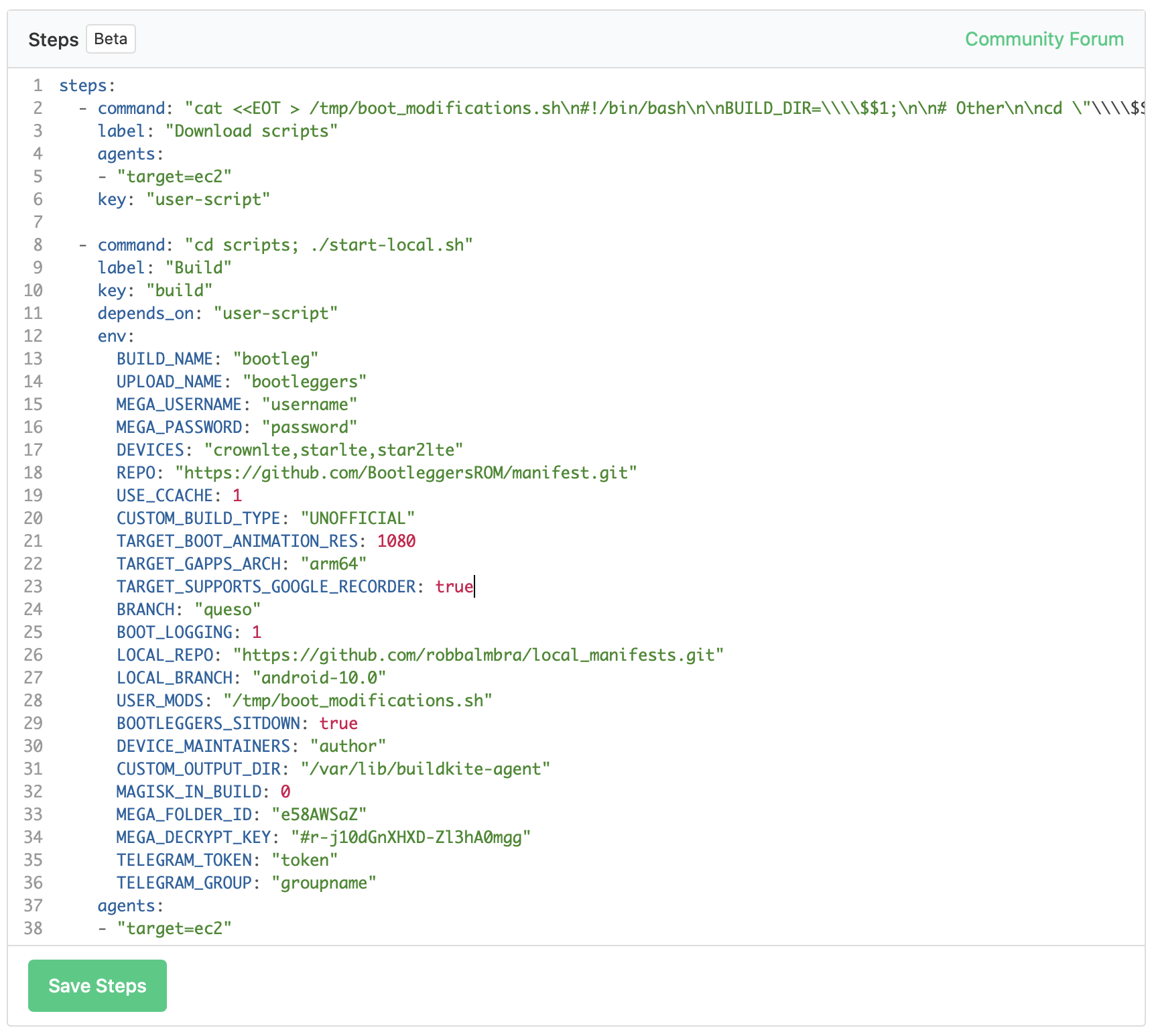
Note: Make sure target exists and points to an active agent, it can be defined as target=machine - whereby machine is the tag name for the agent.
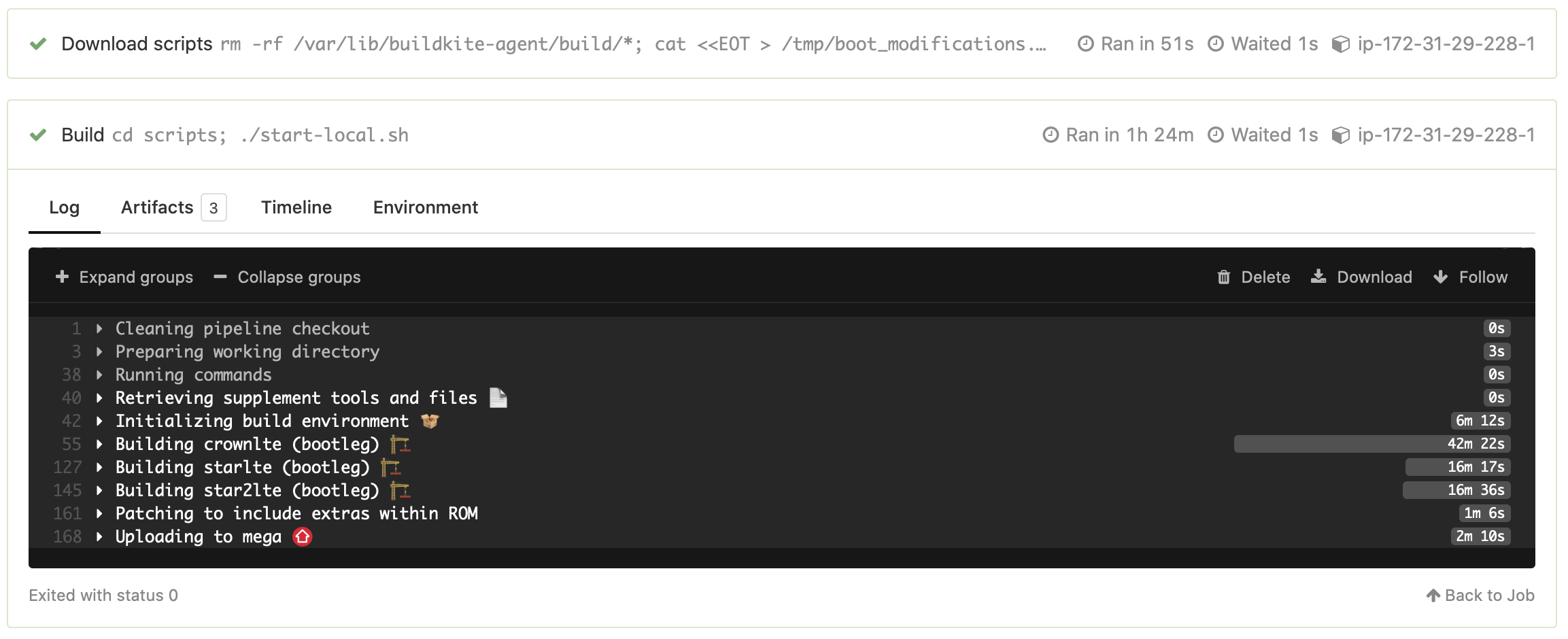
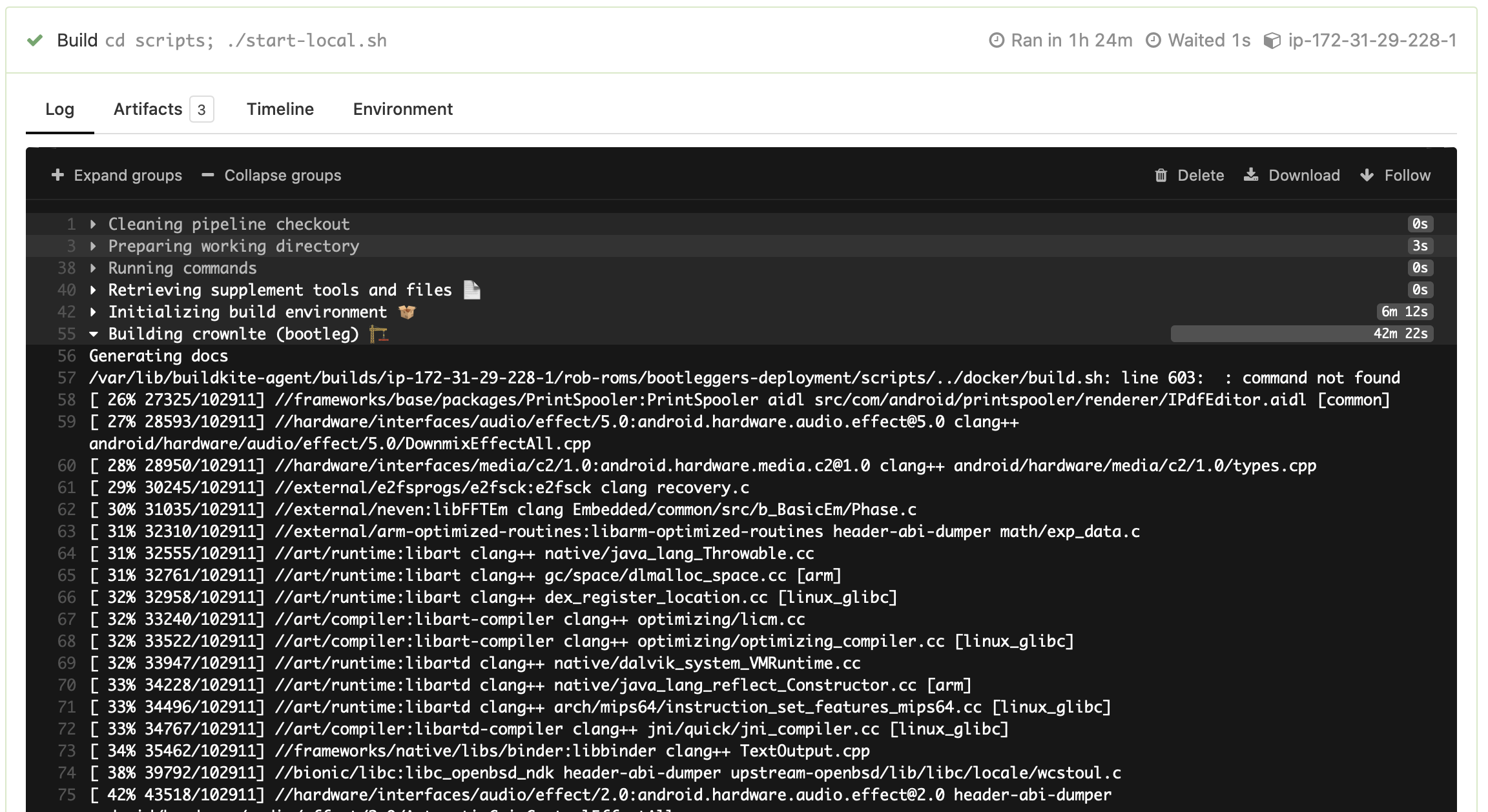
A build can be initiated from the main dashboard, this will display the log output from the script and any errors that may arise, examples are shown below of the log output.