-
Roni Ramon
-
Chris Tsai
Visit our Introduction Site for more information about our extension.
Install the Google Chrome Extension
- Users can set customized URLs and keywords on the option page to prevent their kid's access to inappropriate contents
- Users can set a time duration on the option page to limit the hours their kids can browse on the internet
- By default some sensitive keywords are included when Chrome Extension is installed
- User can view and delete the saved URLs and keywords in option page
- User can reset the time duration in option page
- User can see the saved time duration in the pop-up page
- User can easily add URLs and keywords in the pop-up page
- User can easily reset the time frame in the pop-up page
- User can open the option page by clicking button in the pop-up page
This is our first layer of protection. When the user was trying to access to the internet outside of the preset time duration, all the pages will be redirected to a 404 page so the user will not be able to use the internet at all.

To determine whether to disable internet access or not, first we will retrieve the preset starting time and ending time by making an API call to the Chrome Storage and then apply algorithm to check if the current time is with that time duration.
chrome.runtime.onMessage.addListener(function(request, sender, sendResponse){
  if (request.todo === 'checkTime') {
    chrome.tabs.query({currentWindow: true, active: true}, tab => {
      chrome.storage.sync.get(['time'], res => {
        if (res['time'].length !== 0) {
          let startHour = res['time'][0];
          let endHour = res['time'][1];
          let currentTime = new Date();
          let timeStr = "";
          if (currentTime.getHours() < 10 && currentTime.getMinutes() < 10) {
            timeStr = `0${currentTime.getHours()}0${currentTime.getMinutes()}`;
          } else if (currentTime.getHours() < 10) {
            timeStr =  `0${currentTime.getHours()}${currentTime.getMinutes()}`;
          } else if (currentTime.getMinutes() < 10) {
            timeStr = `${currentTime.getHours()}0${currentTime.getMinutes()}`;
          } else {
            timeStr = `${currentTime.getHours()}${currentTime.getMinutes()}`;
          }
          if (timeStr < (startHour + '00') || timeStr > (endHour + '00')){
            chrome.tabs.query({currentWindow: true, active: true}, tab => {
              chrome.tabs.update(tab[0].id, {url: chrome.runtime.getURL("404.html") });
            });
          }
        }
      });
    });
  }
});This is our second layer of protection. When user is trying to visit a site that is listed in the restricted URLs, the page will be redirected to a 404 page. This feature is to prevent kids from visiting inappropriate or non-study-related sites.

This is the static 404 page:
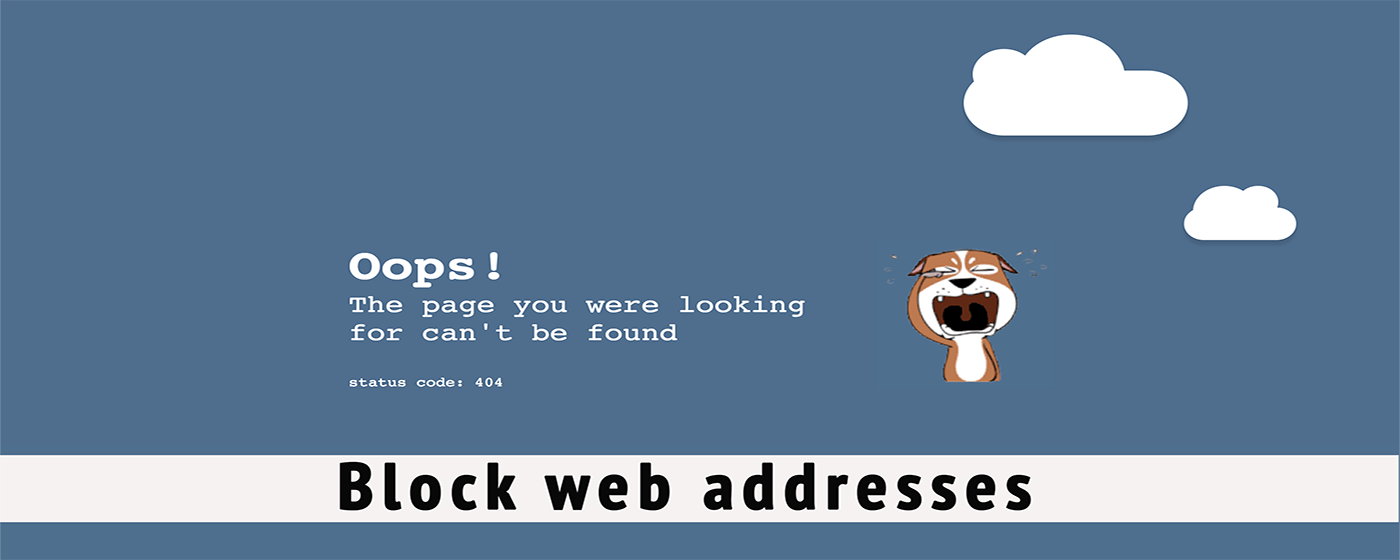
To determine whether the page should be redirected or not, first we retrieve the list of restricted URLs store by making an API call to the Chrome Storage and then compare the current site's URL to the list to see if there's any matches.
chrome.tabs.onUpdated.addListener(function(tabId, changeInfo) {
  let arrRes;
  chrome.tabs.query({currentWindow: true, active: true}, tab => {
    let activeTabUrl = tab[0].url;
    activeTabUrl = activeTabUrl.split('/');
    activeTabUrl = `${activeTabUrl[2]}`;
    //get all blocked url from chrome storge
    chrome.storage.sync.get(['urls'], res => {
      arrRes = Array.from(res.urls);
      if (arrRes.join('').includes(activeTabUrl)){
        chrome.tabs.update(tabId.tabId, {url: chrome.runtime.getURL("404.html") });
      }
    });
  });

  chrome.tabs.executeScript( tabId.tabId, {file: 'content.js'} );
});This is our final layer of protection. After checking the time duration and the site's URL, we then will have to check the 'CONTENTS' of the page. If the contents contain words that parents determine to be inappropriate for their kids, then the contents will be removed from the page. Then the kids will be able to see the informations that are safe for them.
chrome.storage.sync.get(['keywords'], res => {
  let arrRes2 = Array.from(res.keywords);
  document.querySelectorAll('p,span,a,cite').forEach(el => {
    arrRes2.forEach( word => {
      if(el.innerHTML.toLowerCase().includes(word)){

        el.parentNode.remove();
      }
    });
  });
});
The first thing we begin with this project is to build a blueprint while deciding which features to include and technologies that will be used. The proposal can be found here
The Chrome Extension requires a JSON-formatted manifest file to provide important informations about our product. We build our pages in HTML, with styling in CSS. The scripts included in HTML is written in pure JavaScript. To manage the data storage, we fetch API calls to Chrome Storage. In order to remove inappropriate contents from the page, we have to manipulate the DOM in content.js.
- Require password to make any changes to the setting
- Create a 'parent mode' to turn off all the filtering
- Use smart filter while filtering the contents of a page (e.g. parents set "breast" as inappropriate word, but the extension will not be filter if appear as "breast feeding" or "chicken breast")