Skip to content

rshah918/RSA-Encryption

Folders and files

NameName
Last commit message
Last commit date

Latest commit


History

5 Commits


Repository files navigation

RSA-Encryption

Scratch implementation of RSA Public Key Cryptography

How to Run

Encrypt a Message

1: Enter a message in file-to-encrypt.txt
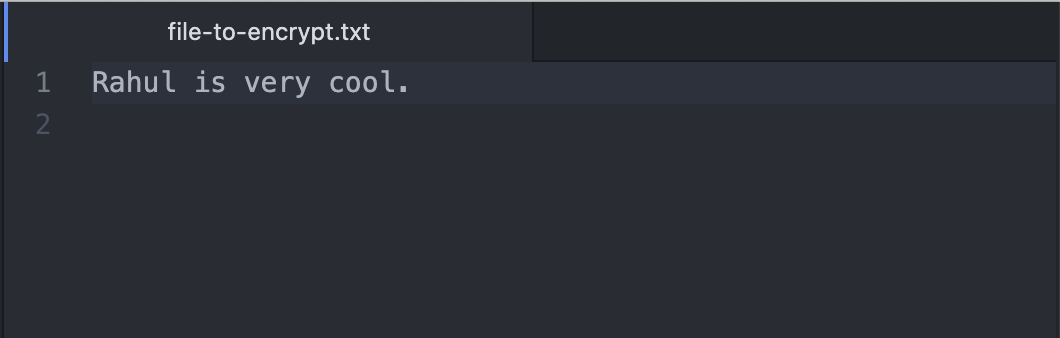
Screen Shot 2021-06-06 at 9 27 39 AM

2: Save the file and run python3 encrypt.py on the command line. This will generate your private key, public key, and encrypt the message you entered in step 1.
Screen Shot 2021-06-06 at 9 30 02 AM

3: Open encryptedFile.txt to view your encrypted message.
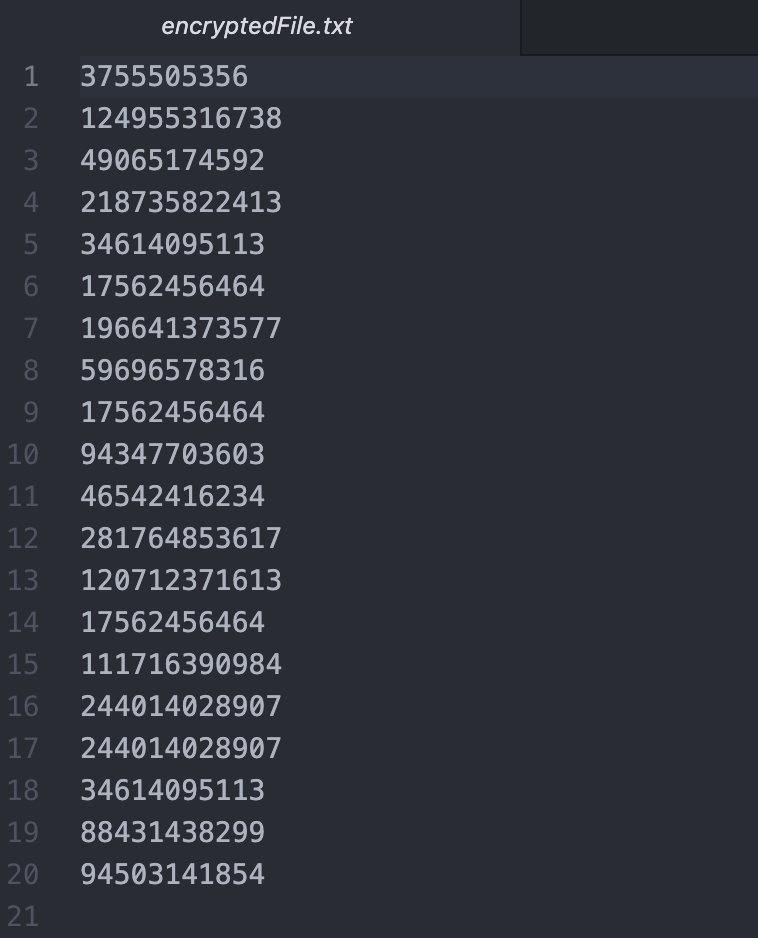
Screen Shot 2021-06-06 at 9 31 29 AM

Decrypt your Message

1: Run python3 decrypt.py.

2: Follow the prompts to enter your public/private keys that were generated by encrypt.py
Screen Shot 2021-06-06 at 9 35 49 AM

3: Open decryptedFile.txt to see your decrypted message! It should match the message you entered in file-to-encrypt.py
Screen Shot 2021-06-06 at 9 37 38 AM

About

Scratch implementation of RSA Public Key Cryptography

Resources

Stars

Watchers

Forks

Releases

No releases published

Packages

No packages published

Languages