Home
These are the steps for getting a new BionicCactus installation up and running.
- Install PlatformIO
- Build and Upload
platformio run --target uploadTo run in simulation mode with only the ESP8266 (no PCB connected) change Settings.hpp
#define SIMULATED falseto
#define SIMULATED true- Connect to Wifi Network bc_wifi_setup.
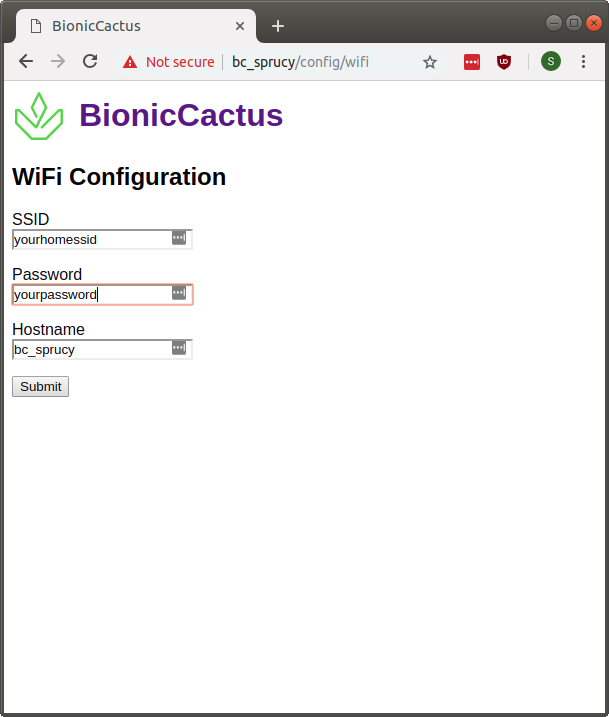
- Navigate to http://192.168.4.1 in a web browser.
- Enter Wifi SSID, password, and desired hostname for device.
- Wait for device to reboot.
- Connect to original Wifi network.
- Connect to http://
<hostname> or use your router to find the IP Address of the BionicCactus device.