
Flask Dashboard Material
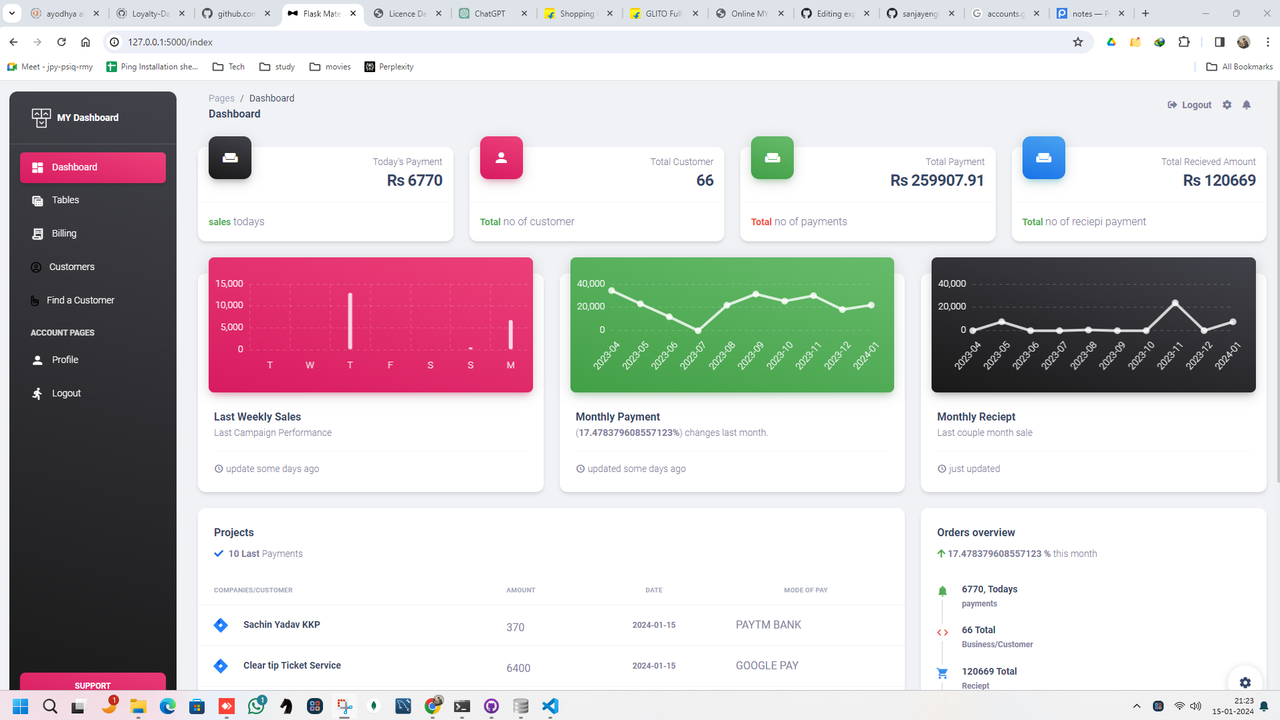
Open-source Flask Dashboard generated by Sanjjay Yadav op top of a modern design. Designed for those who like bold elements and beautiful websites, Material Dashboard is ready to help you create stunning websites and web apps. Material Dashboard is built with over 70 frontend individual elements, like buttons, inputs, navbars, nav tabs, cards, or alerts, giving you the freedom of choosing and combining.
- 👉 Flask Dashboard Material - product page
✅ Features
Up-to-date dependencies- Database:
sqlite DB Tools: SQLAlchemy ORM, Flask-Migrate (schema migrations)- Session-Based authentication (via flask_login), Forms validation
Docker
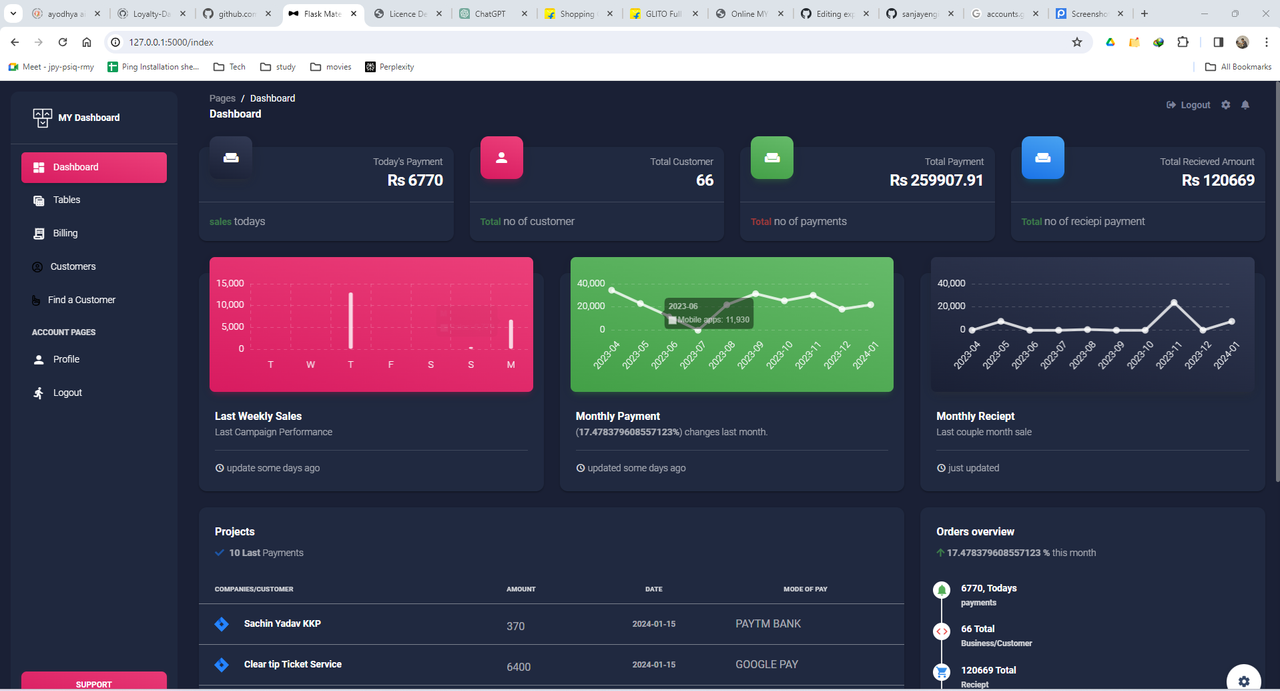
✅ Dark mode
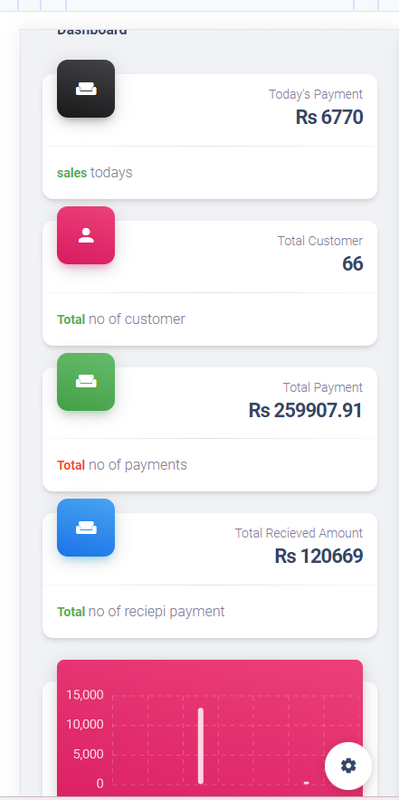
✅ Mobile mode compatible
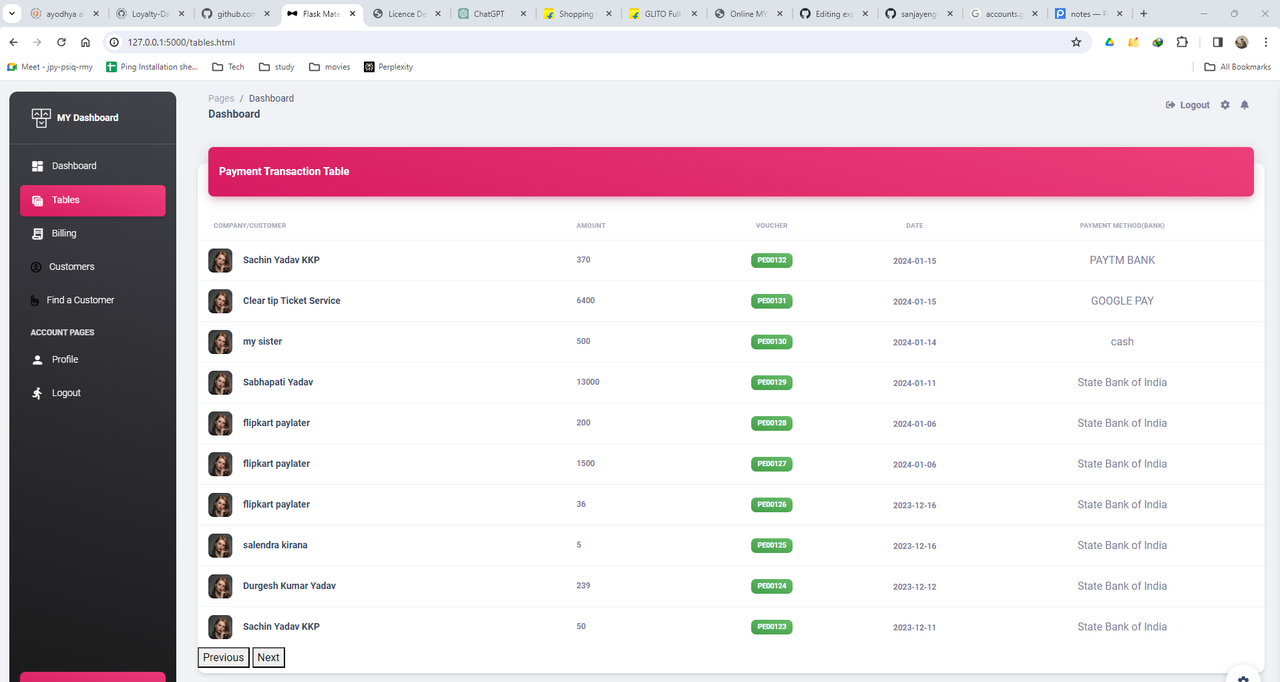
✅ Full Beautiful Ui for Table of all Transaction and Next page button is available
✅ Full Beautiful Ui for customer list and Next page button is available
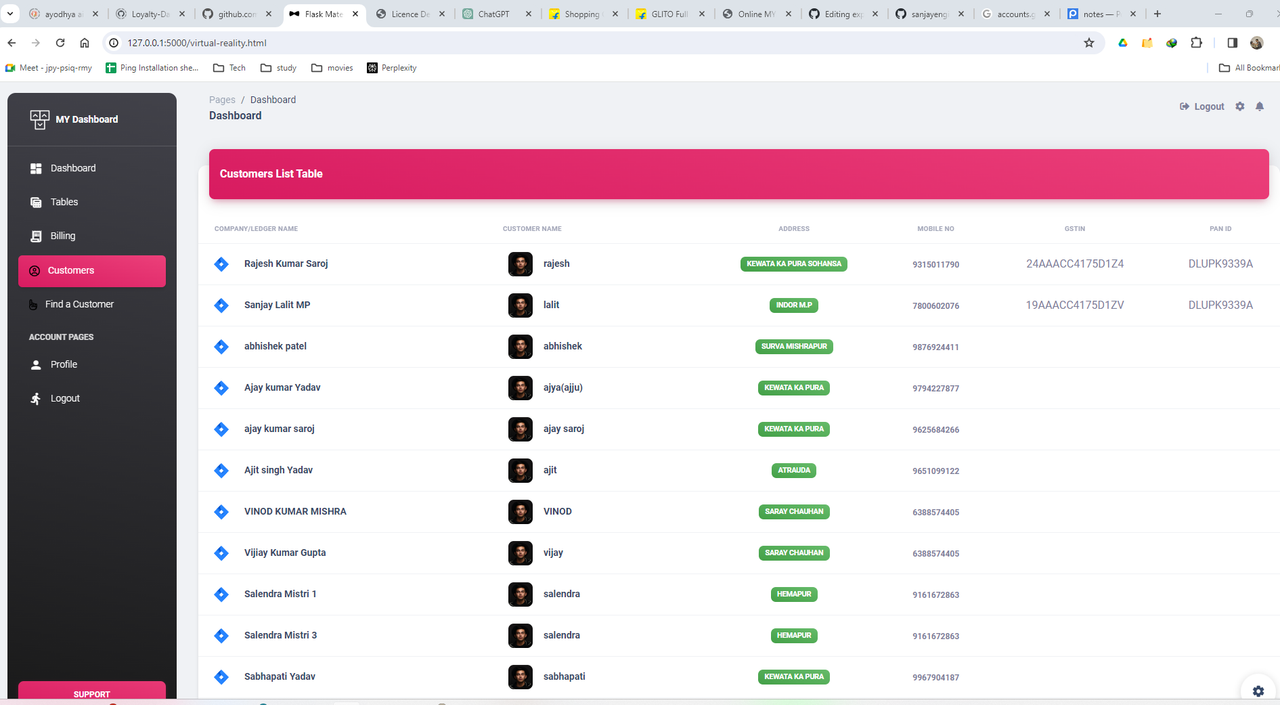
✅ Add Custmer & Add Payment & add Reciept
add Payment Method & add Payment card and a lot more
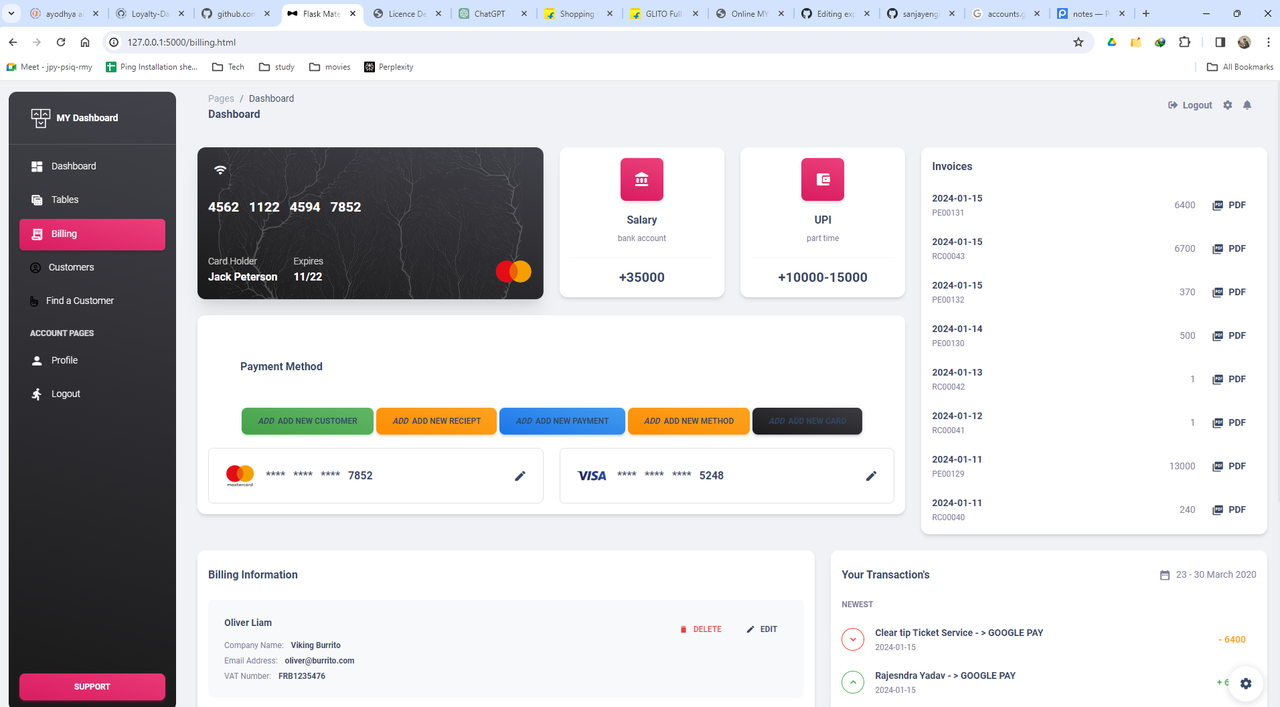
✅ search any customer developed
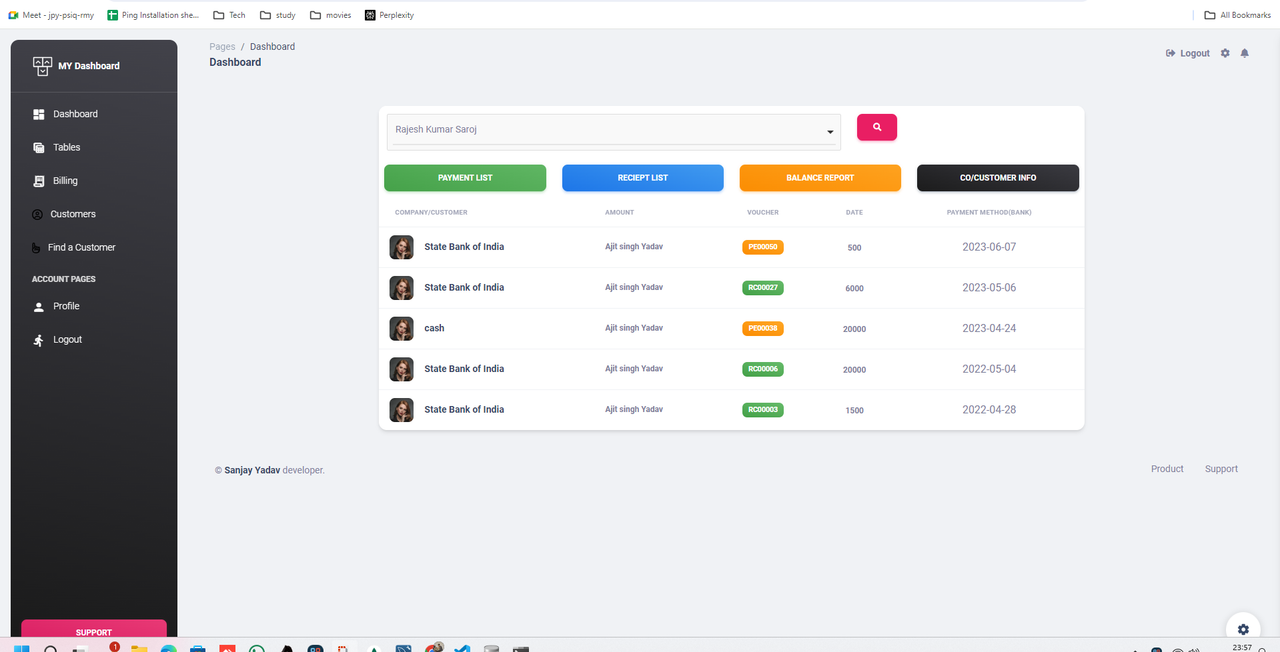
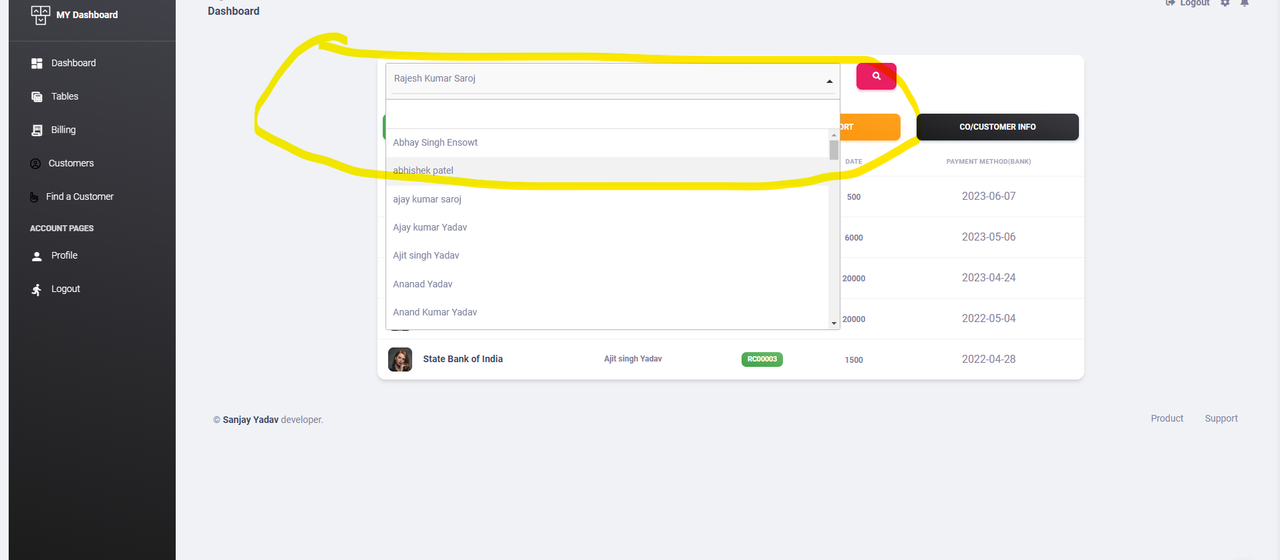
✅ search any customer select option
✅ Start in Docker
👉 Step 1 - Download the code from the GH repository (using
GIT)
$ git clone https://github.com/app-generator/flask-material-dashboard.git
$ cd flask-material-dashboard
👉 Step 2 - Start the APP in
Docker
$ docker-compose up --build Visit http://localhost:5085 in your browser. The app should be up & running.
✅ Manual Build
Download the code
$ git clone https://github.com/app-generator/flask-material-dashboard.git
$ cd flask-material-dashboard
👉 Set Up for Unix, MacOS
Install modules via
VENV
$ virtualenv env
$ source env/bin/activate
$ pip3 install -r requirements.txt
Set Up Flask Environment
$ export FLASK_APP=run.py
$ export FLASK_ENV=development
Start the app
$ flask runAt this point, the app runs at http://127.0.0.1:5000/.
👉 Set Up for Windows
Install modules via
VENV(windows)
$ virtualenv env
$ .\env\Scripts\activate
$ pip3 install -r requirements.txt
Set Up Flask Environment
$ # CMD
$ set FLASK_APP=run.py
$ set FLASK_ENV=development
$
$ # Powershell
$ $env:FLASK_APP = ".\run.py"
$ $env:FLASK_ENV = "development"
Start the app
$ flask runAt this point, the app runs at http://127.0.0.1:5000/.
👉 Create Users
By default, the app redirects guest users to authenticate. In order to access the private pages, follow this set up:
- Start the app via
flask run - Access the
registrationpage and create a new user:http://127.0.0.1:5000/register
- Access the
sign inpage and authenticatehttp://127.0.0.1:5000/login
✅ Codebase
The project is coded using blueprints, app factory pattern, dual configuration profile (development and production) and an intuitive structure presented bellow:
< PROJECT ROOT >
   |
   |-- apps/
   |    |
   |    |-- home/                           # A simple app that serve HTML files
   |    |    |-- routes.py                  # Define app routes
   |    |
   |    |-- authentication/                 # Handles auth routes (login and register)
   |    |    |-- routes.py                  # Define authentication routes
   |    |    |-- models.py                  # Defines models
   |    |    |-- forms.py                   # Define auth forms (login and register)
   |    |
   |    |-- static/
   |    |    |-- <css, JS, images>          # CSS files, Javascripts files
   |    |
   |    |-- templates/                      # Templates used to render pages
   |    |    |-- includes/                  # HTML chunks and components
   |    |    |    |-- navigation.html       # Top menu component
   |    |    |    |-- sidebar.html          # Sidebar component
   |    |    |    |-- footer.html           # App Footer
   |    |    |    |-- scripts.html          # Scripts common to all pages
   |    |    |
   |    |    |-- layouts/                   # Master pages
   |    |    |    |-- base-fullscreen.html  # Used by Authentication pages
   |    |    |    |-- base.html             # Used by common pages
   |    |    |
   |    |    |-- accounts/                  # Authentication pages
   |    |    |    |-- login.html            # Login page
   |    |    |    |-- register.html         # Register page
   |    |    |
   |    |    |-- home/                      # UI Kit Pages
   |    |         |-- index.html            # Index page
   |    |         |-- 404-page.html         # 404 page
   |    |         |-- *.html                # All other pages
   |    |
   |  config.py                             # Set up the app
   |    __init__.py                         # Initialize the app
   |
   |-- requirements.txt                     # App Dependencies
   |
   |-- .env                                 # Inject Configuration via Environment
   |-- run.py                               # Start the app - WSGI gateway
   |
   |-- ************************************************************************