Screenshots need to be changed in Employee Onboarding Sample Scenario #18706


Description

Issue: Screenshots needs to be changed in Employee Onboarding Sample Scenario.
Steps to reproduce:
Tutorial 3: Run the Employee Onboarding Sample Scenario ( https://developers.sap.com/tutorials/cp-starter-ibpm-employeeonboarding-5-run.html )
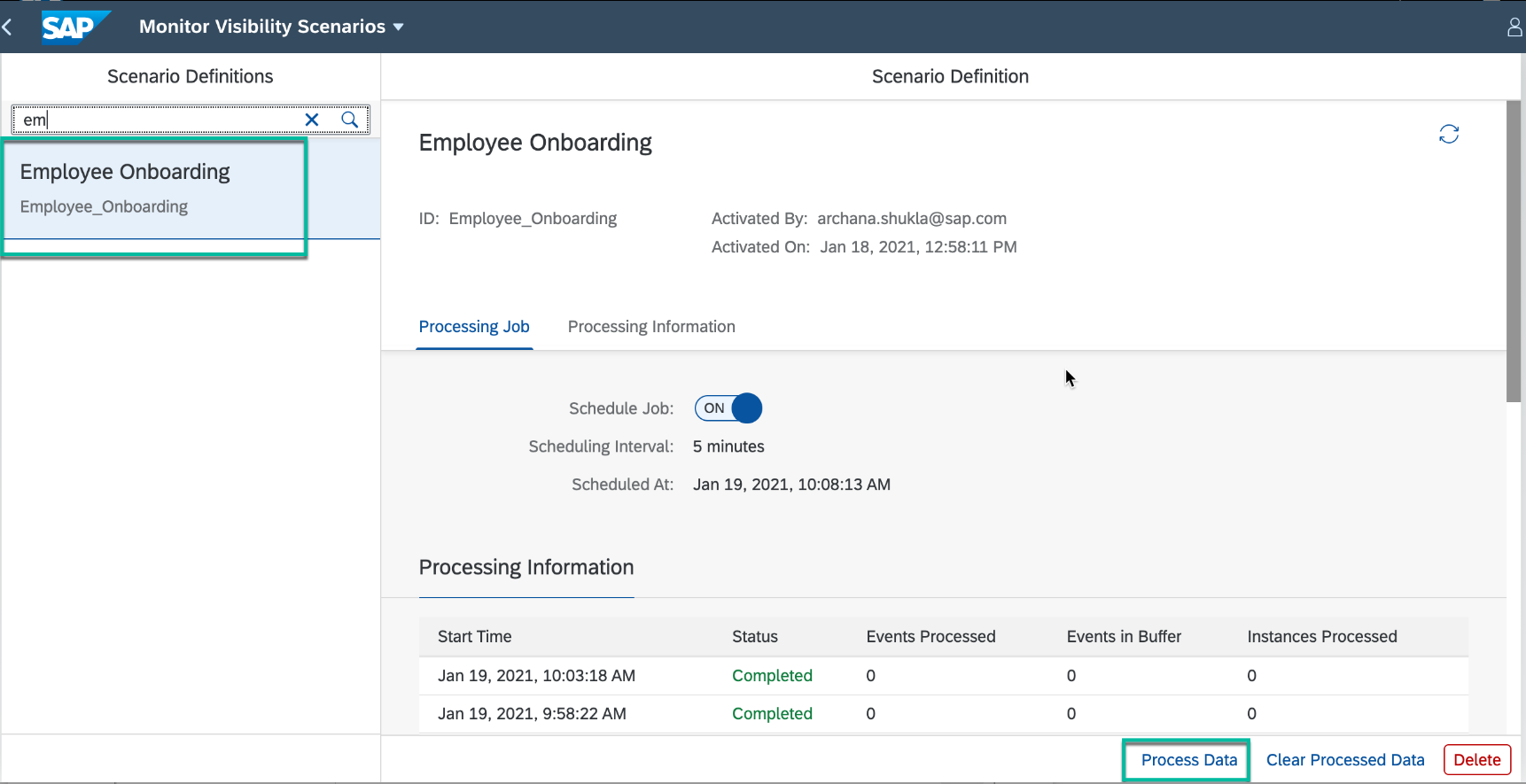
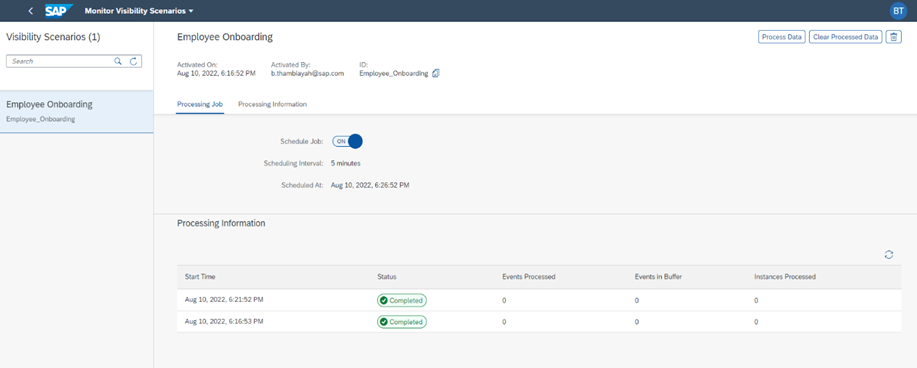
Step 2 : Process the Employee Onboarding events
2. Select Employee Onboarding scenario and click Process Data.
Screenshot In Tutorial:
Actual Screen in UI:
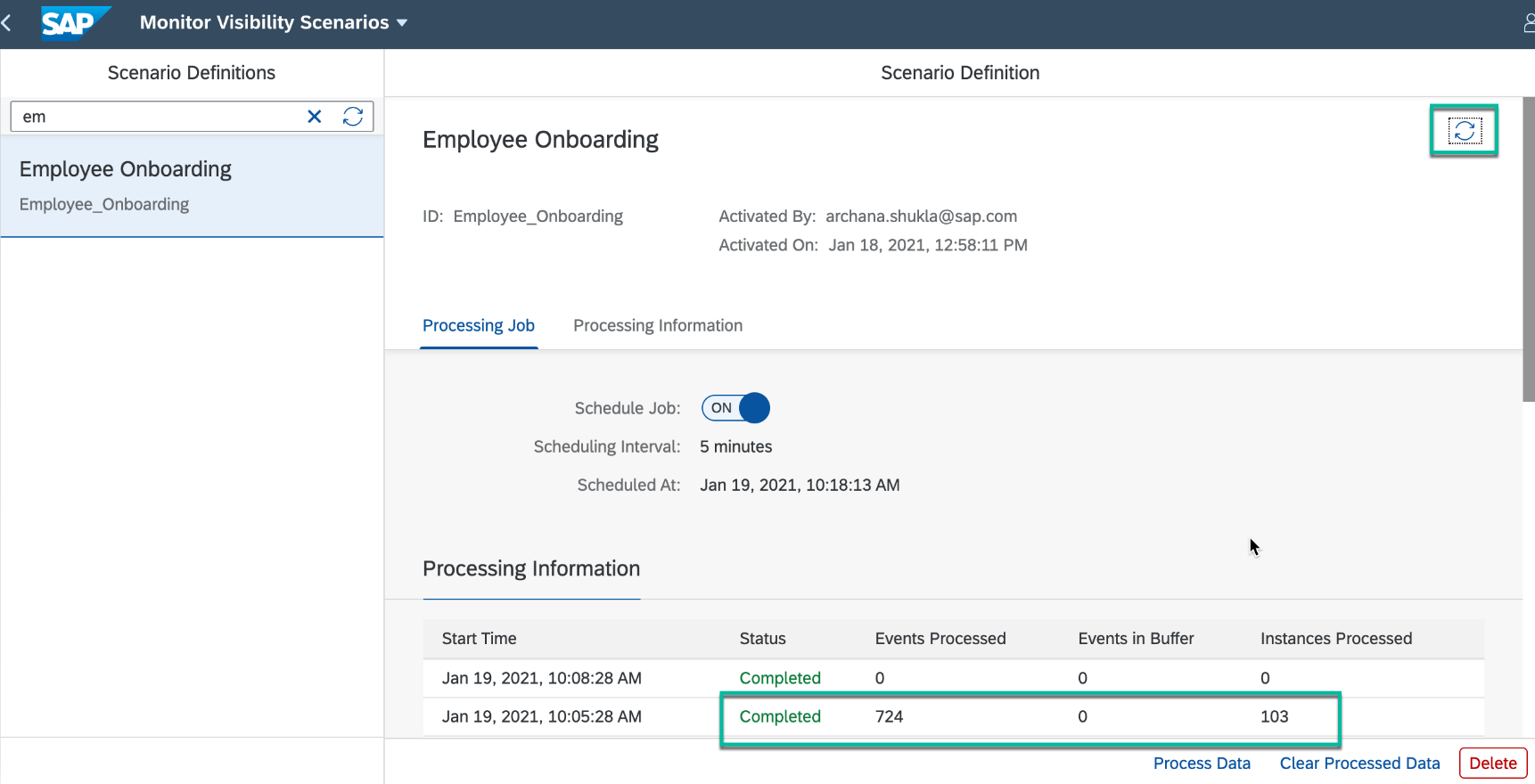
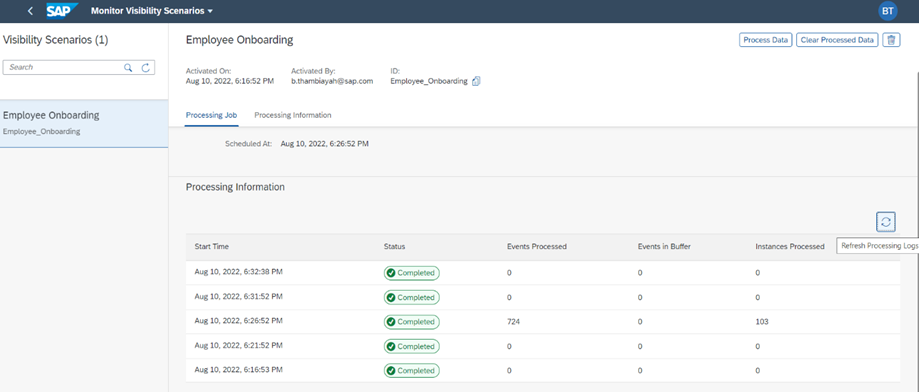
3. Refresh to see the processing details.
Screenshot in Tutorial:
Actual Screen in UI:
Step 5 : View process visibility workspace
1. In the Workflow Management Fiori launchpad, open Monitor Visibility Scenarios application, click Process Data and Refresh to see the new batch of processed events.
Screenshot in Tutorial:
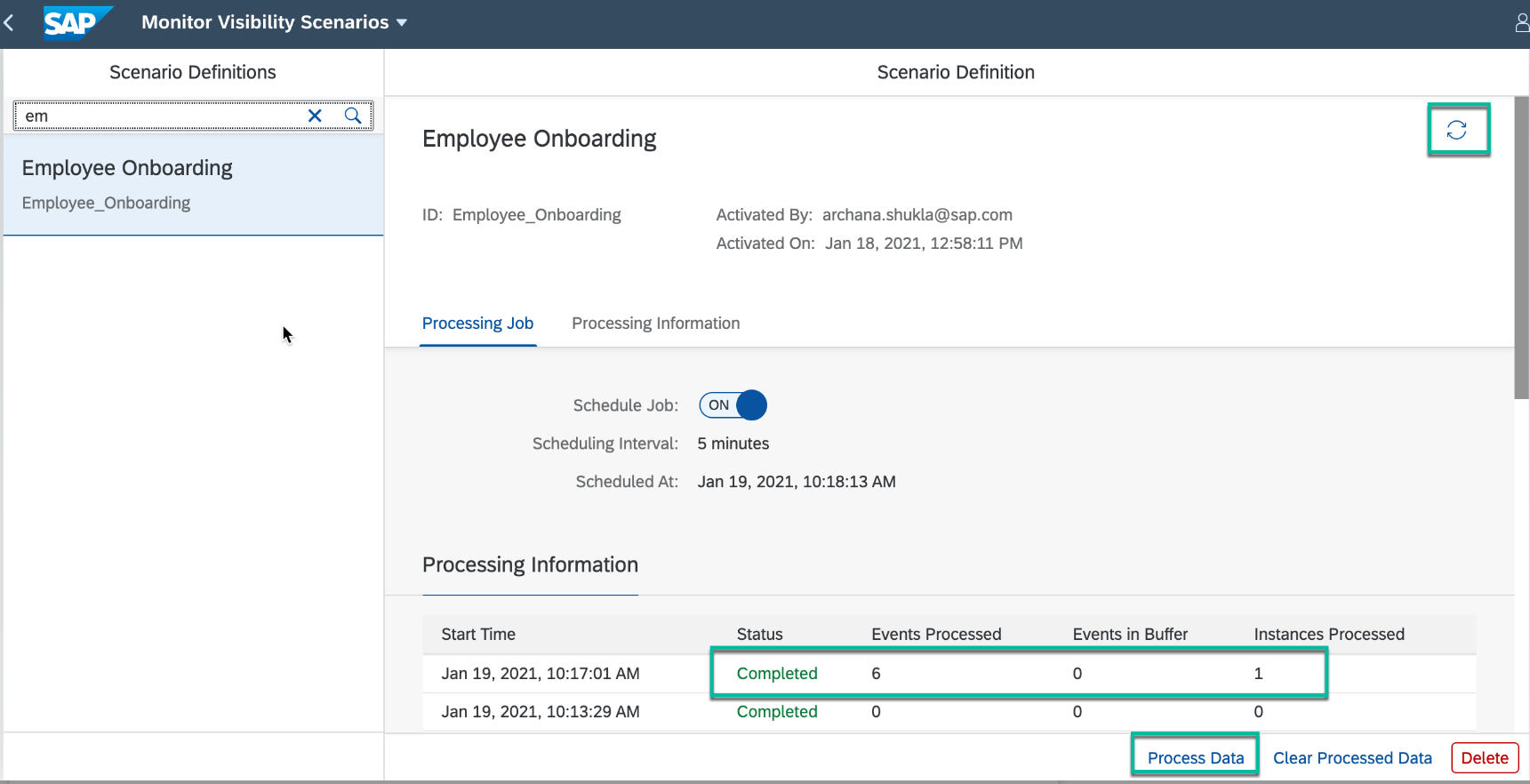
Actual Screen in UI:
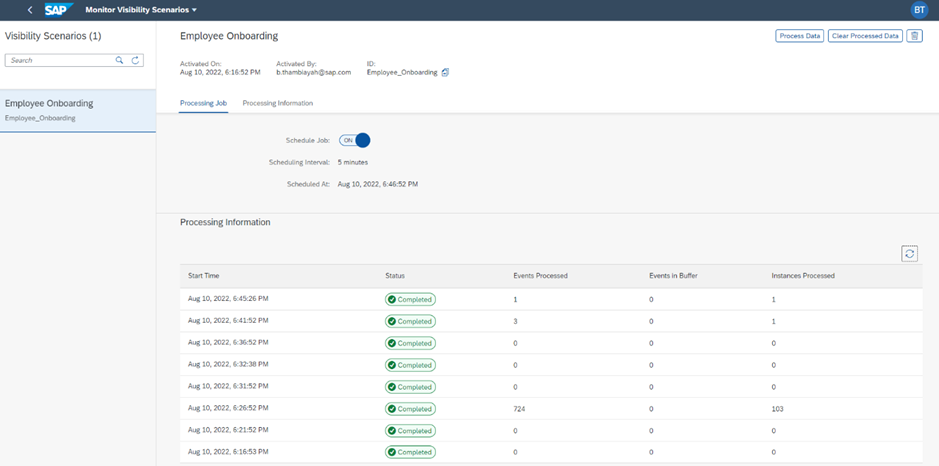
Step 7: View process visibility workspace for completed workflow
1. In the Workflow Management Fiori launchpad, choose Monitor Visibility Scenarios to process the new set of events.
Screenshot in Tutorial:
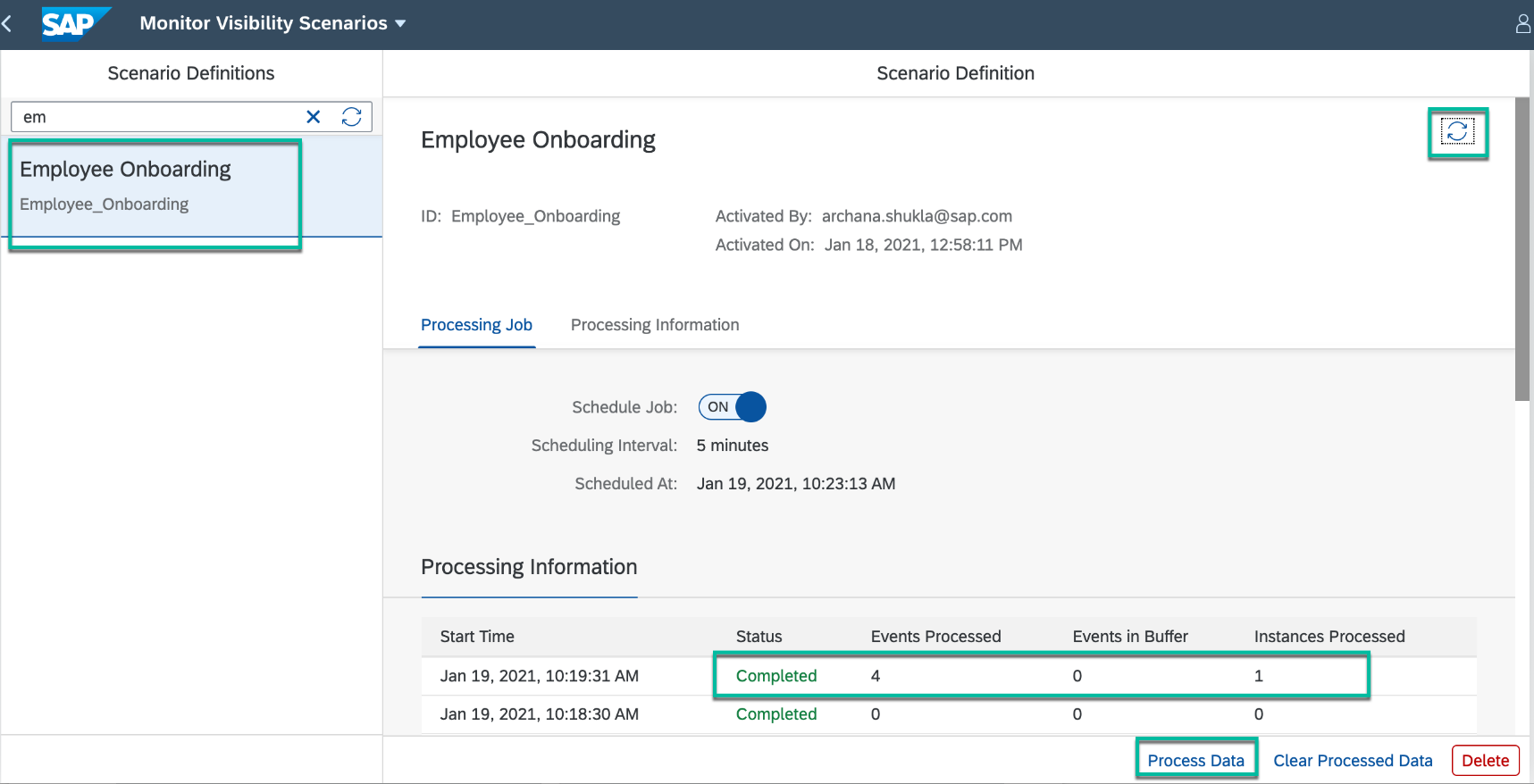
Actual Screen in UI:
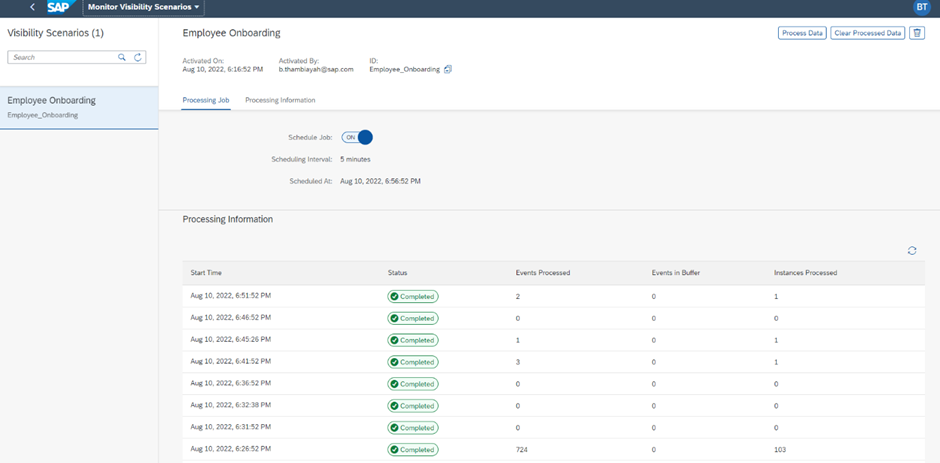
Kindly look into this and update the document with latest screenshots.
Labels to be added:
Scenario label: SCPTest-eboard
Sprint Label: SCPTest-2208A
Landscape Label: trail2(Trial US East (VA) (AWS) ) & trail3 (AP21 Azure)
Priority: Medium
Thanks & regards,
Baskar