I'm unable to control the text direction when text is embedded in a shape or a text box.
For example, the shape below is rotated 90 degrees, and the text is rotating with it as well, but I need it to appear normal, which is horizontal
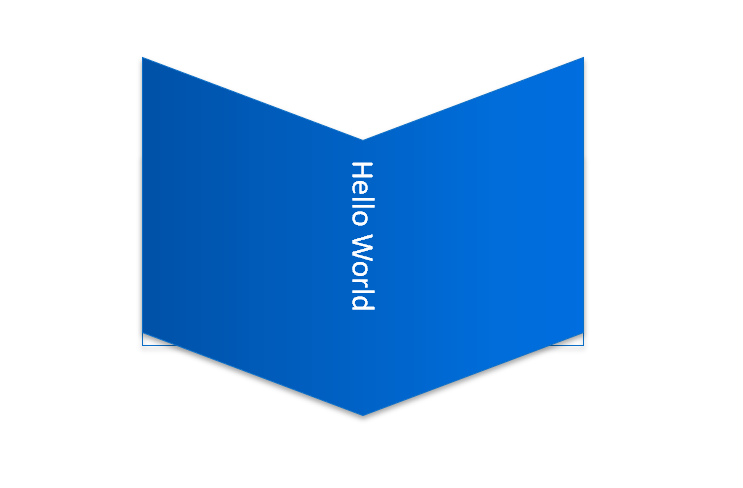
Any way to do this in pptx or otherwise?

I'm unable to control the text direction when text is embedded in a shape or a text box.
For example, the shape below is rotated 90 degrees, and the text is rotating with it as well, but I need it to appear normal, which is horizontal

Any way to do this in pptx or otherwise?