Shippable integration within atom.
- Get current status of the build.
- Shortcuts for navigating to Shippable web interface.
All features are available for both public and private projects.
Add project details in shippable.yml file.
atom:
  projectId: 12345678910
You can find your project's id in the url of your project page.

If you want to set up private projects, you need to paste your apiToken in the settings page (ctrl+,) of the package.
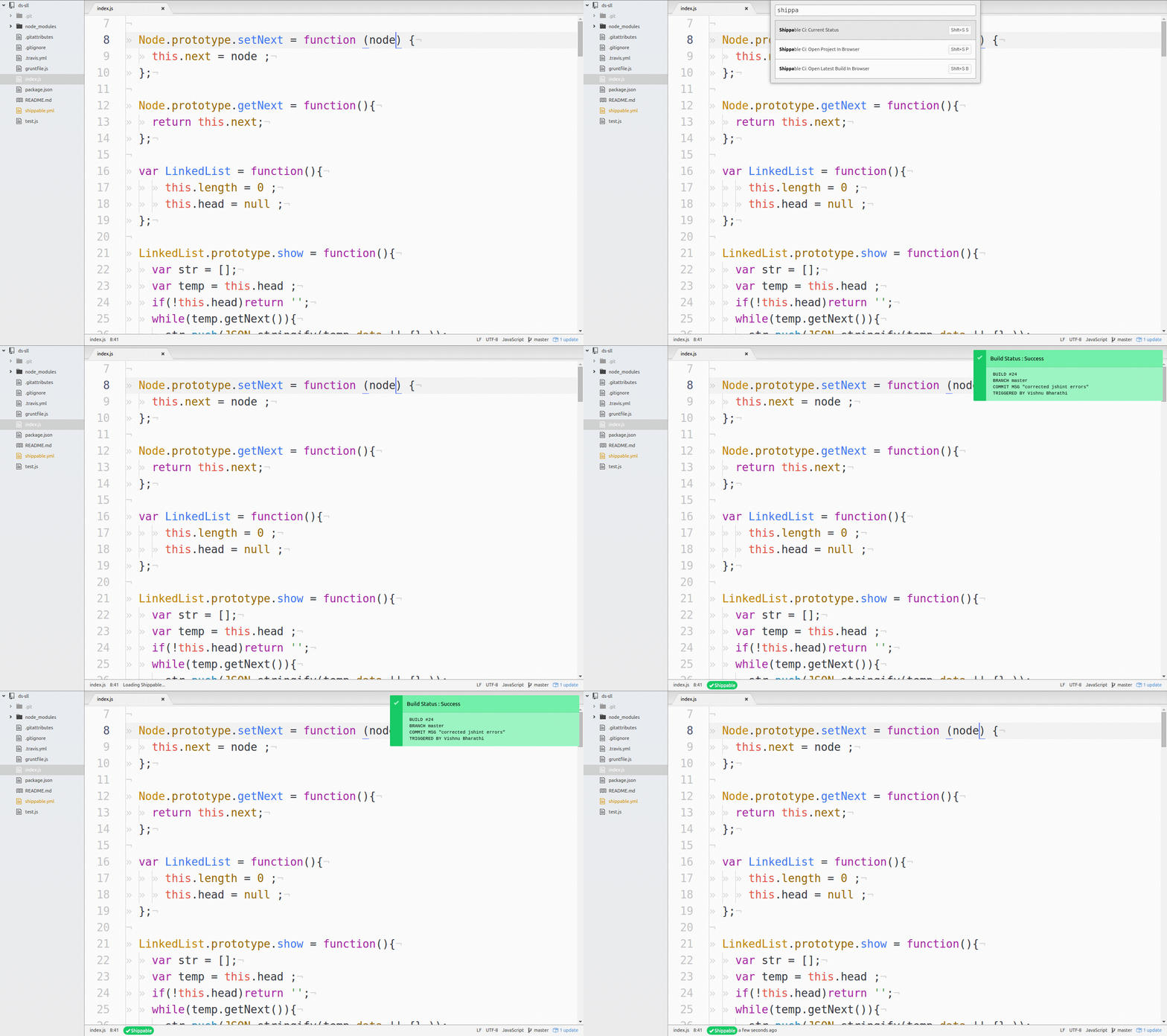
Press Ctrl+Shift+P to access command palette and search for Shippable.
You can activate all the shippable commands via command palette or through key bindings.
Keymap : Shift+S S
Check the current status of the latest build of a project.
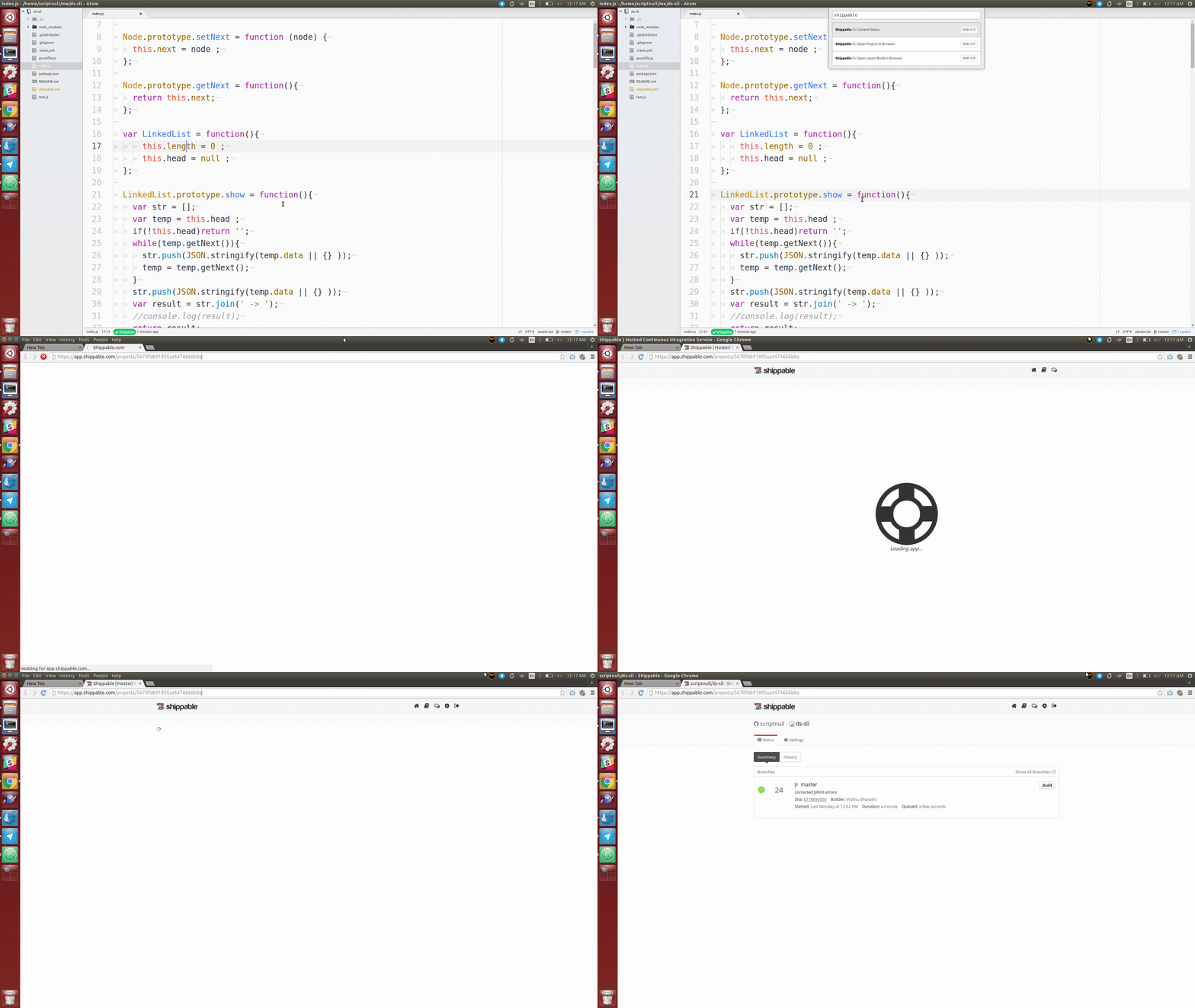
keymap : Shift+S P
Opens project page of the current project in web browser.
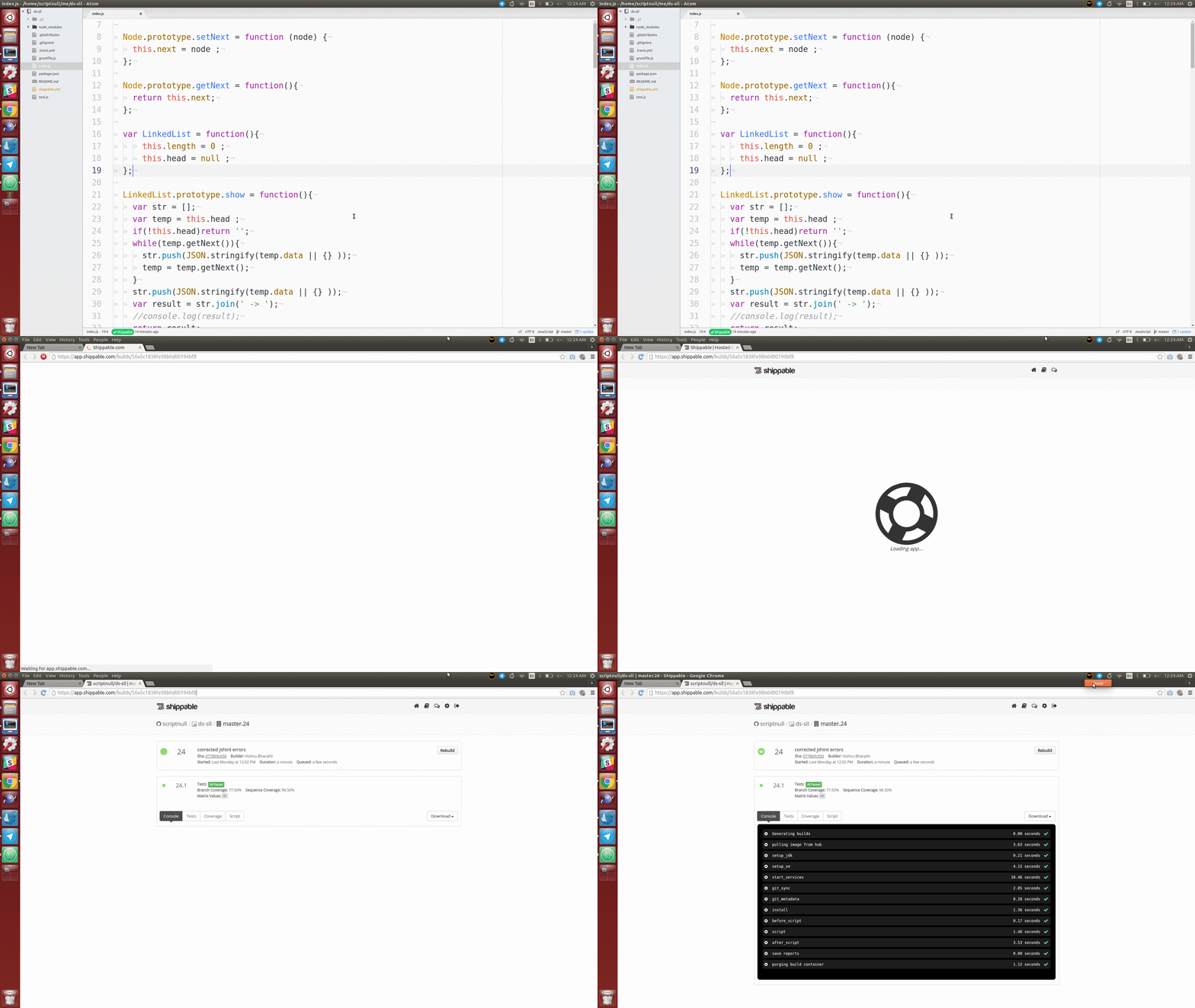
keymap : Shift+S B
Opens latest build of the current project in web browser.
More than Welcomed ! Here are some pointers ,
- Write tests.
- Set up Shippable as CI.
- Report Issues.
- Request Features.
- Send a PR ! This should be awesome.
