My personal dotfiles for macOS development environment.
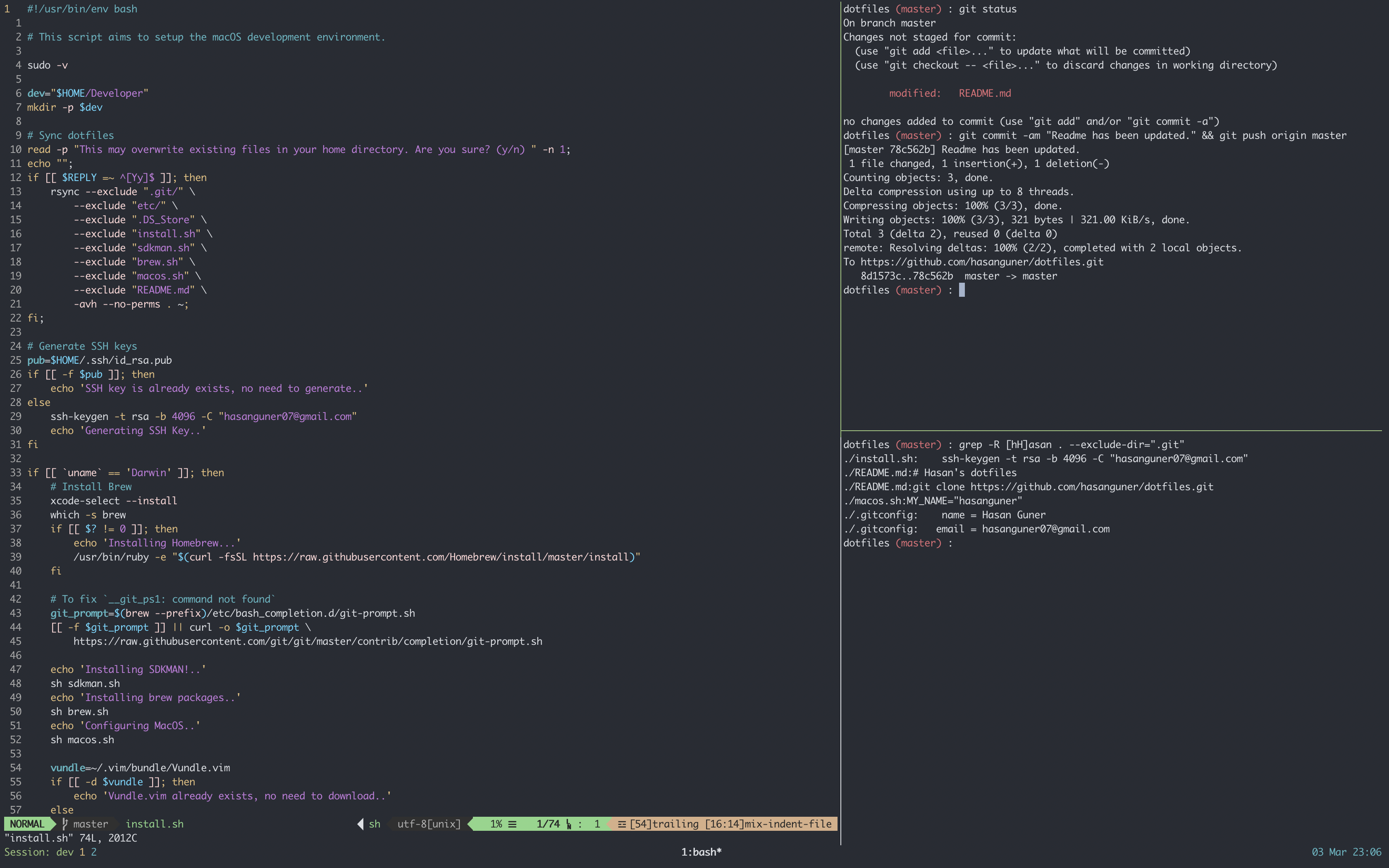
First, clone the repository. I prefer to keep development-related stuffs within ~/Developer directory.
git clone https://github.com/hasanguner/dotfiles.gitBefore installing the dotfiles, run the following command and see occurrences. I suggest you to replace them with your own if you don't really want to see my name on everywhere :)
cd dotfiles && grep -R [hH]asan . --exclude-dir=".git"Run the following command and be patient. This will take a while.
./install.shSolution :
- Go
System Preferences->Security & Privacy->Full Disk Access - Grant access to
Terminal/iTerm - Restart your computer