Project contains five selenium test cases which verify functionalities of B2A site. The site is used to manage clients, scheduling, workouts for B2A gym administrators and members.
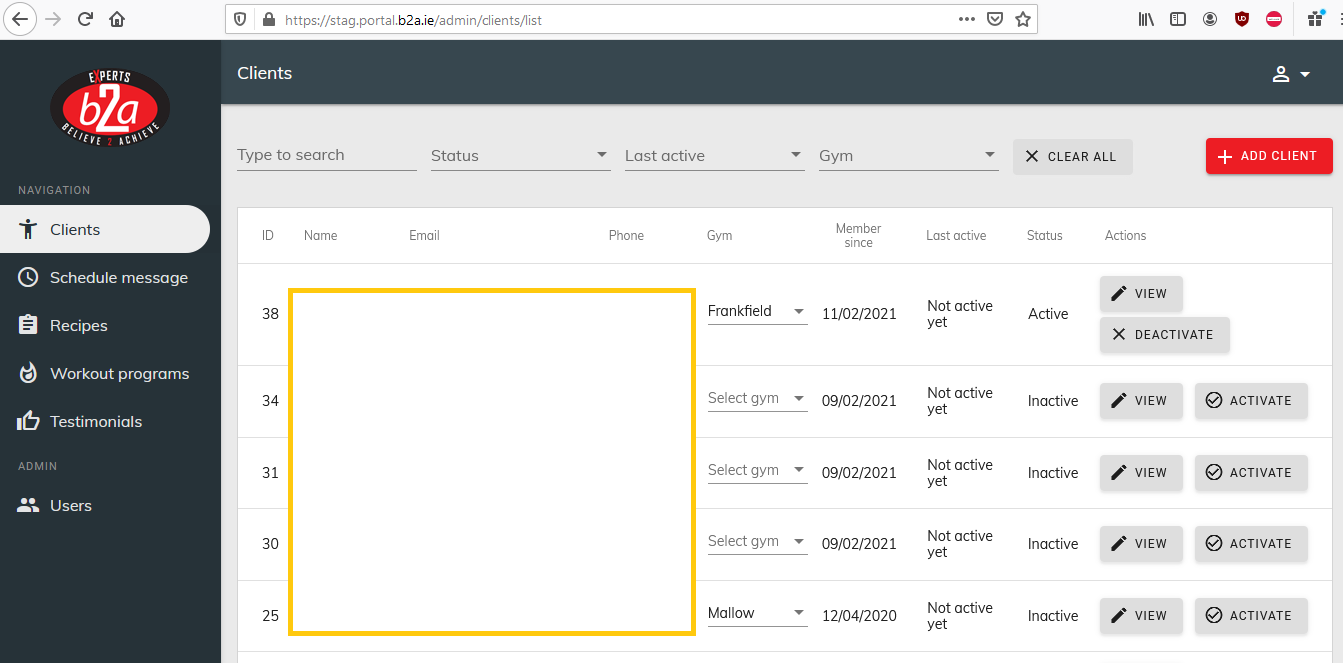
- Open welcome page and check if loaded properly.
- Go to login page and check if loaded properly.
- Login with user/pass and go to main page
Steps:
- Check if main page is loaded correctly
- Create new user with attributes: Username, Gym, Phone, Email, Status, Calories
- Check if newly created user has all attributes set correctly
Steps:
- Check if main page is loaded correctly
- Set "User" in searchbar
- Check if User list was filtered properly according to search
- Clear searchbar fields
- Set "Inactive" in searchbar "Status" Field
- Check if Users list consist only of users with "Inactive" status
- Clear searchbar fields
- Set "Frankfield" in searchbar "Gym" Field
- Check if Users list consist only of users from "Frankfield" gym
Steps:
- Check if main page is loaded correctly
- Go to "Recipes" page and check if loaded correctly
- Create new recipe with name, image file and pdf file
- Check if Recipe was created properly with all attributes
- Delete newly created recipe and check if was deleted
Steps:
- Check if main page is loaded correctly
- Go to "Workout Programs" page and check if loaded correctly
- Create new workout program with attributes: Title, Description, Body Part, Youtube link
- Check if Workout Program was created properly with all attributes
- Check if Youtube clip can be previewed
- Set searchbar "Status" field to "Published"
- Check if filtered workout programs consists of only "Published" workouts
- Change searchbar status field to "All"
- Set searchbar "Body Part" field to "Shoulders"
- Check if filtered workout programs consists of only "Shoulders" workouts
Steps:
- Check if main page is loaded correctly
- Go to "Testimonials" page and check if loaded correctly
- Create new Testimonial with attributes: Name, Description, Image file
- Check if testimonial was created properly with all attributes
- Delete newly created testimonial
- Check if was deleted properly