This package is deprecated and will not receive new updates.
Use the rewrite/rebrand instead:
- SebLogiWheel on Thunderstore: https://thunderstore.io/c/easy-delivery-co/p/shiibe/SebLogiWheel/
- SebLogiWheel source: https://github.com/shiibe/EasyDeliveryCoMods/tree/master/plugins/SebLogiWheel
Logitech wheel support for Easy Delivery Co.
About
·
Features
·
Compatibility
·
Screenshots
·
Installation
·
Configuration
·
In-game menu
·
Troubleshooting
·
Build
This is a BepInEx + Harmony mod intended to add Logitech wheel input support to Easy Delivery Co.
Tested on a G920, but it should work with most (if not all) modern Logitech wheels supported by Logitech G HUB / LGS.
This mod uses Logitech's Steering Wheel SDK wrapper for Force Feedback (FFB).
- Wheel steering + pedals
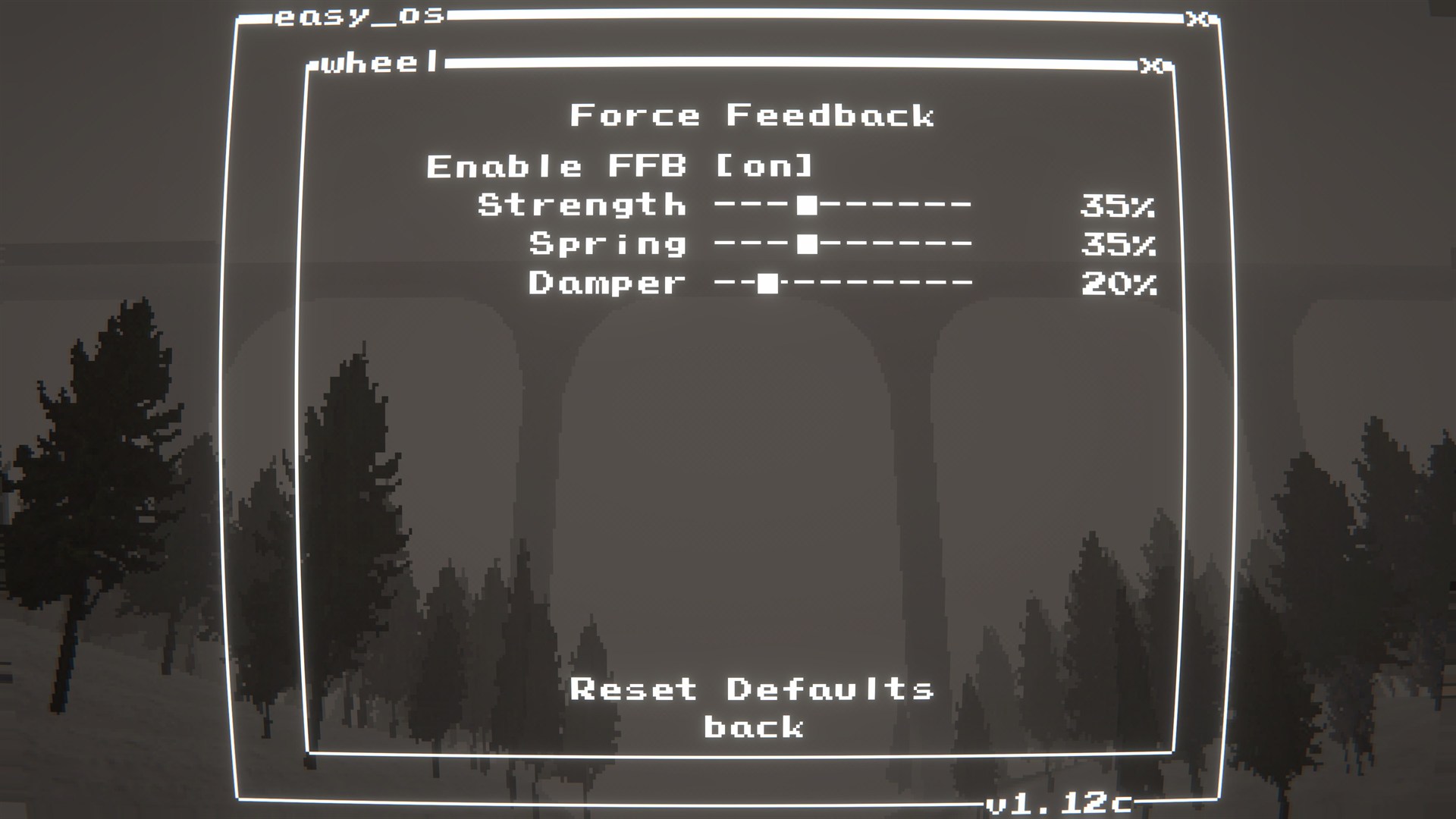
- Force Feedback (FFB)
- In-game
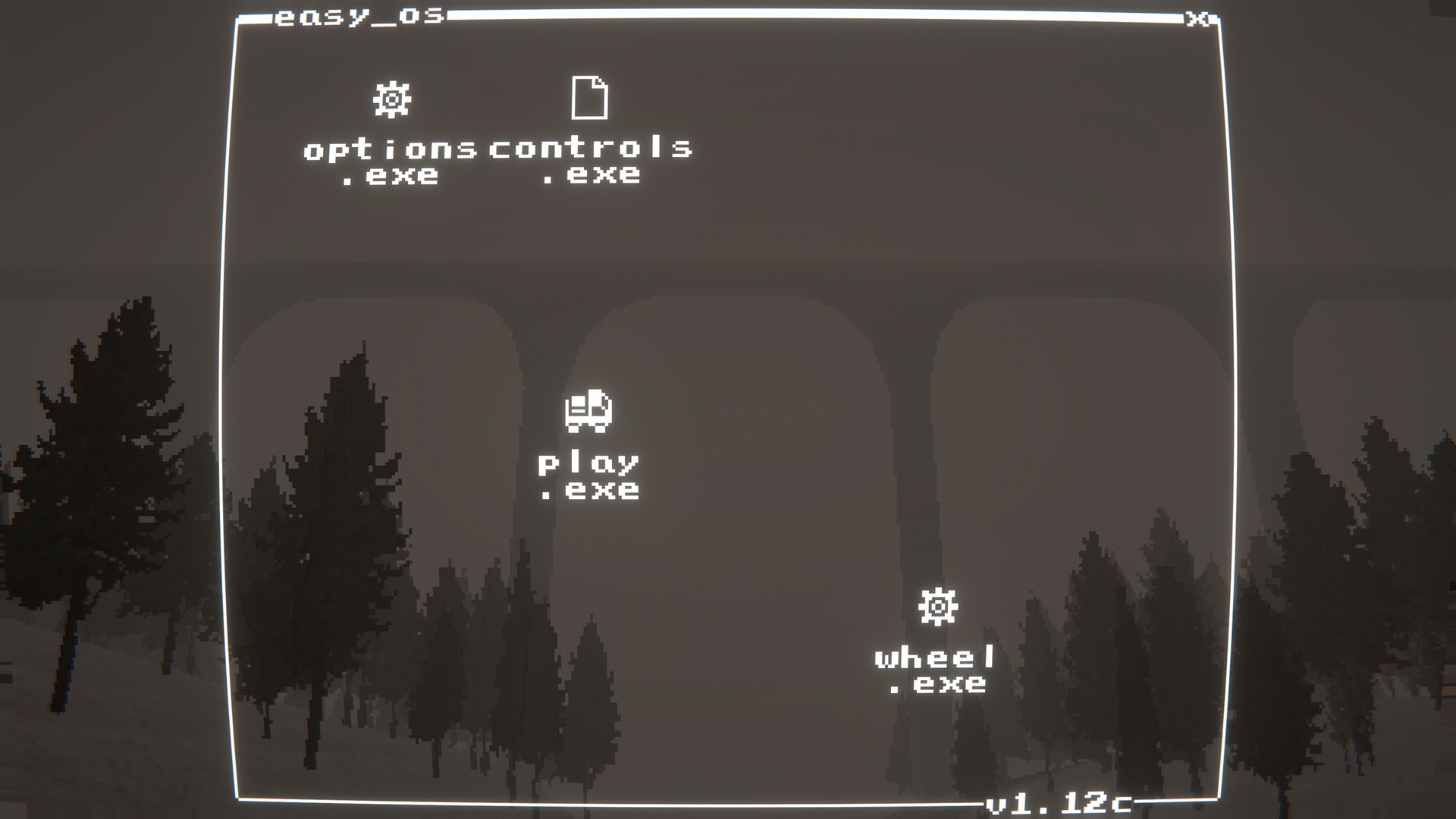
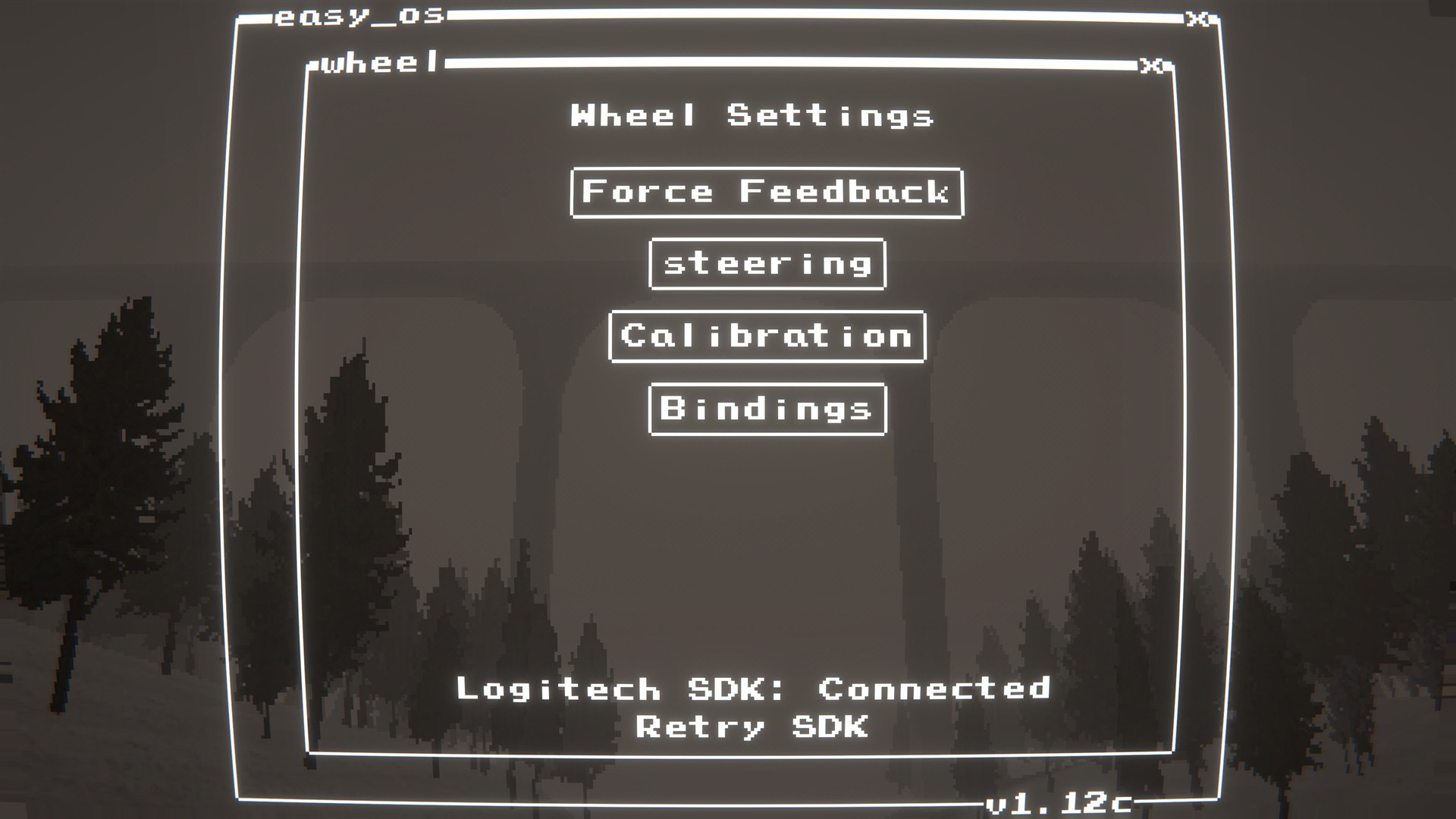
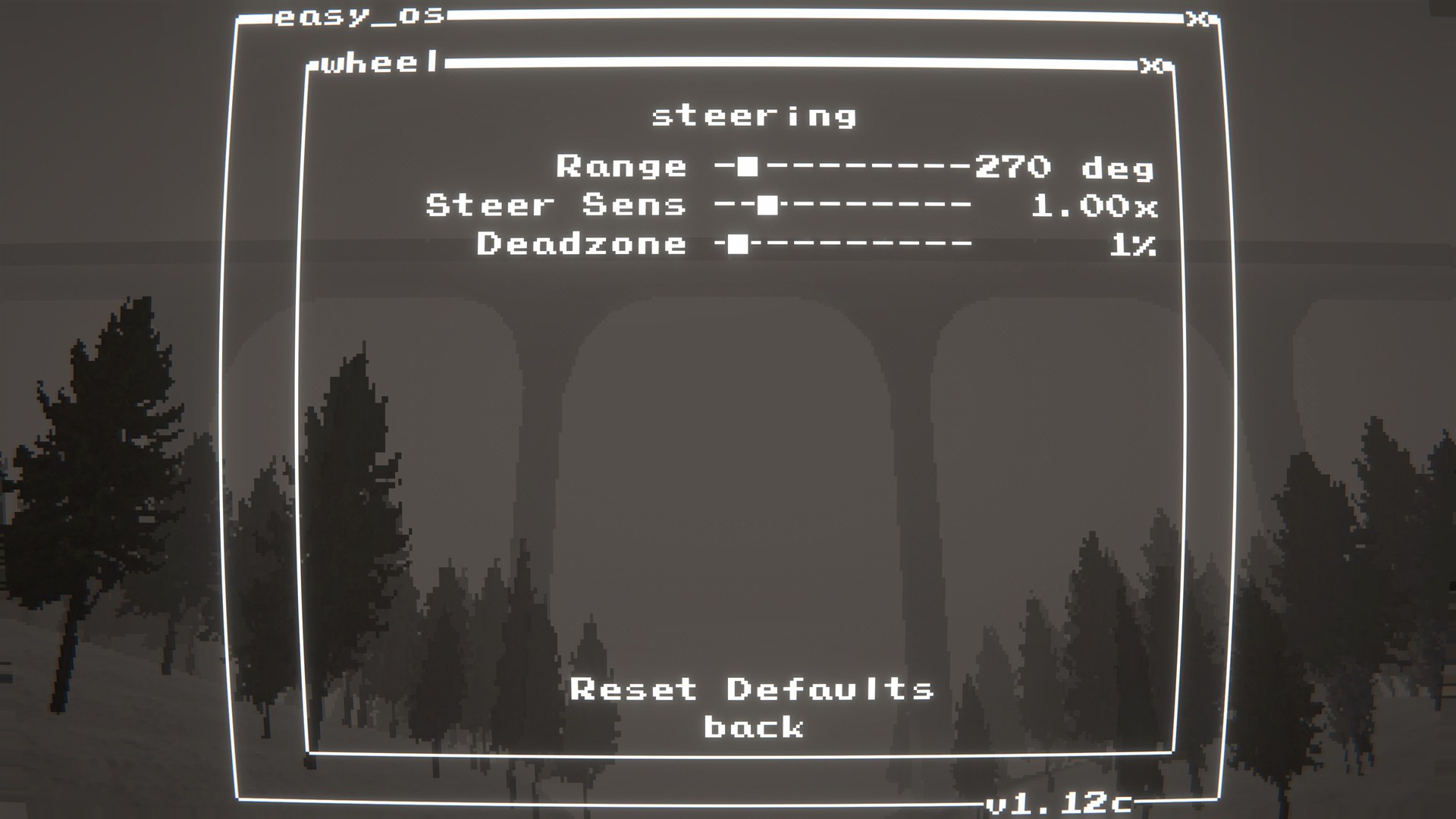
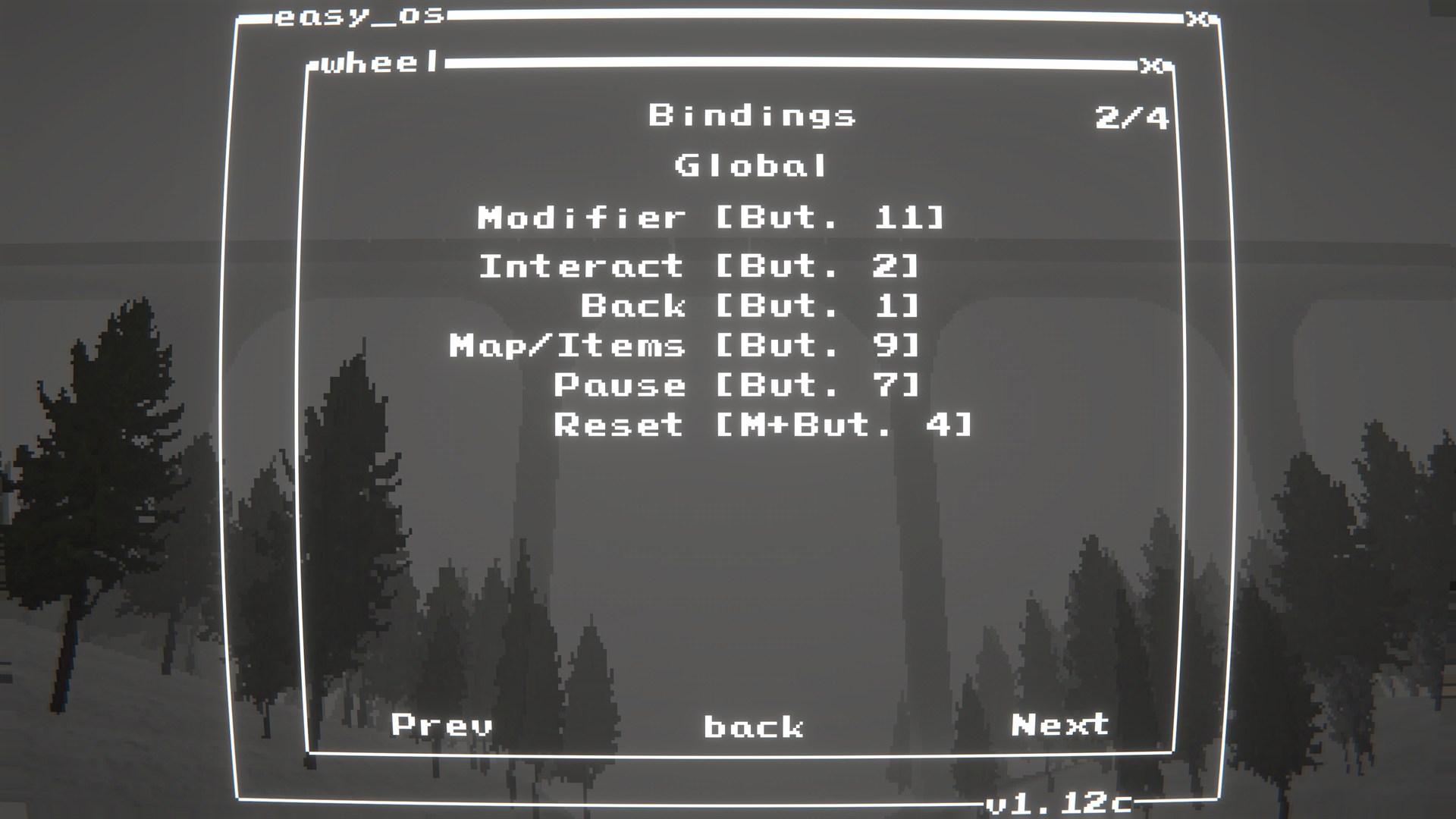
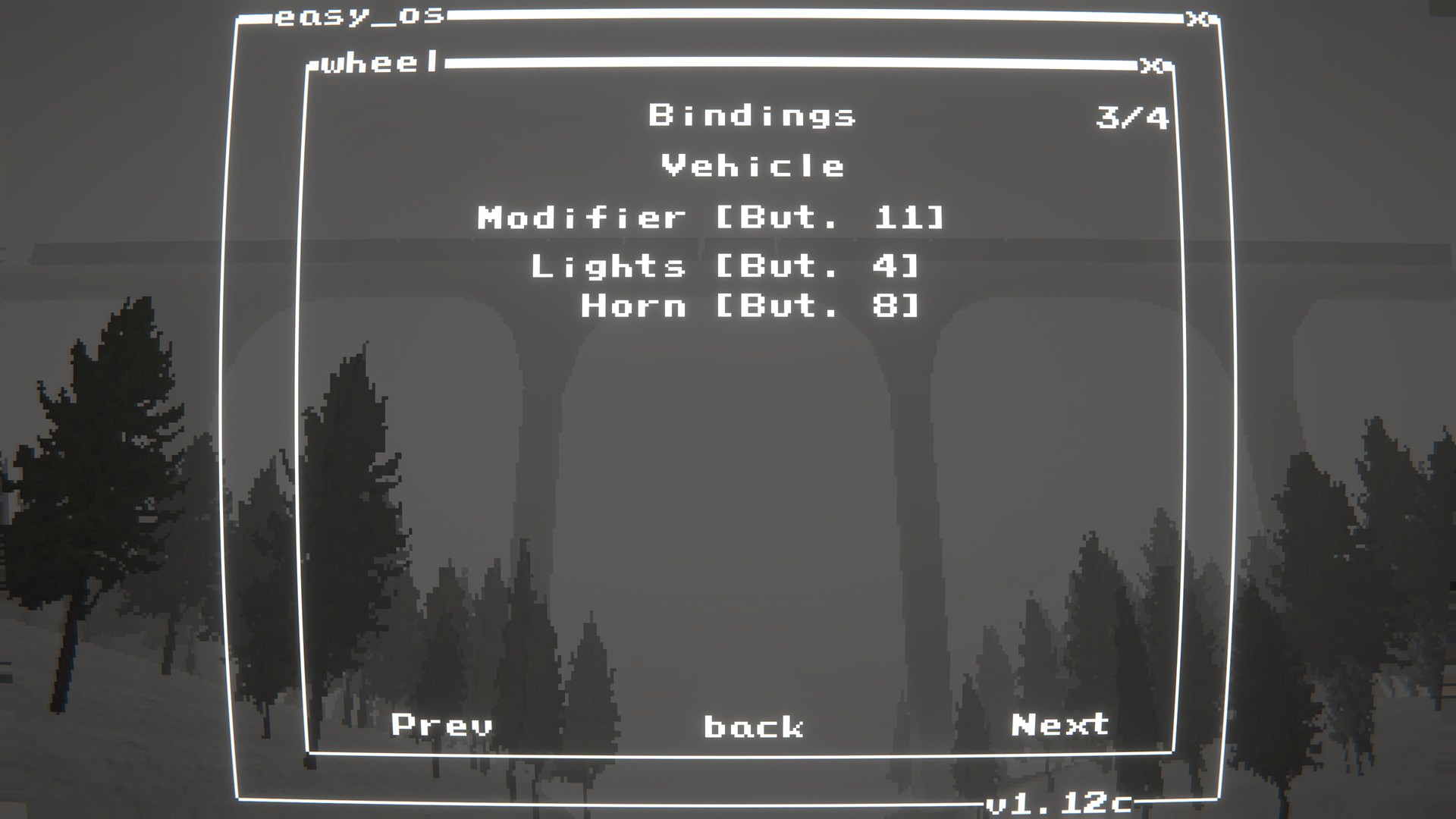
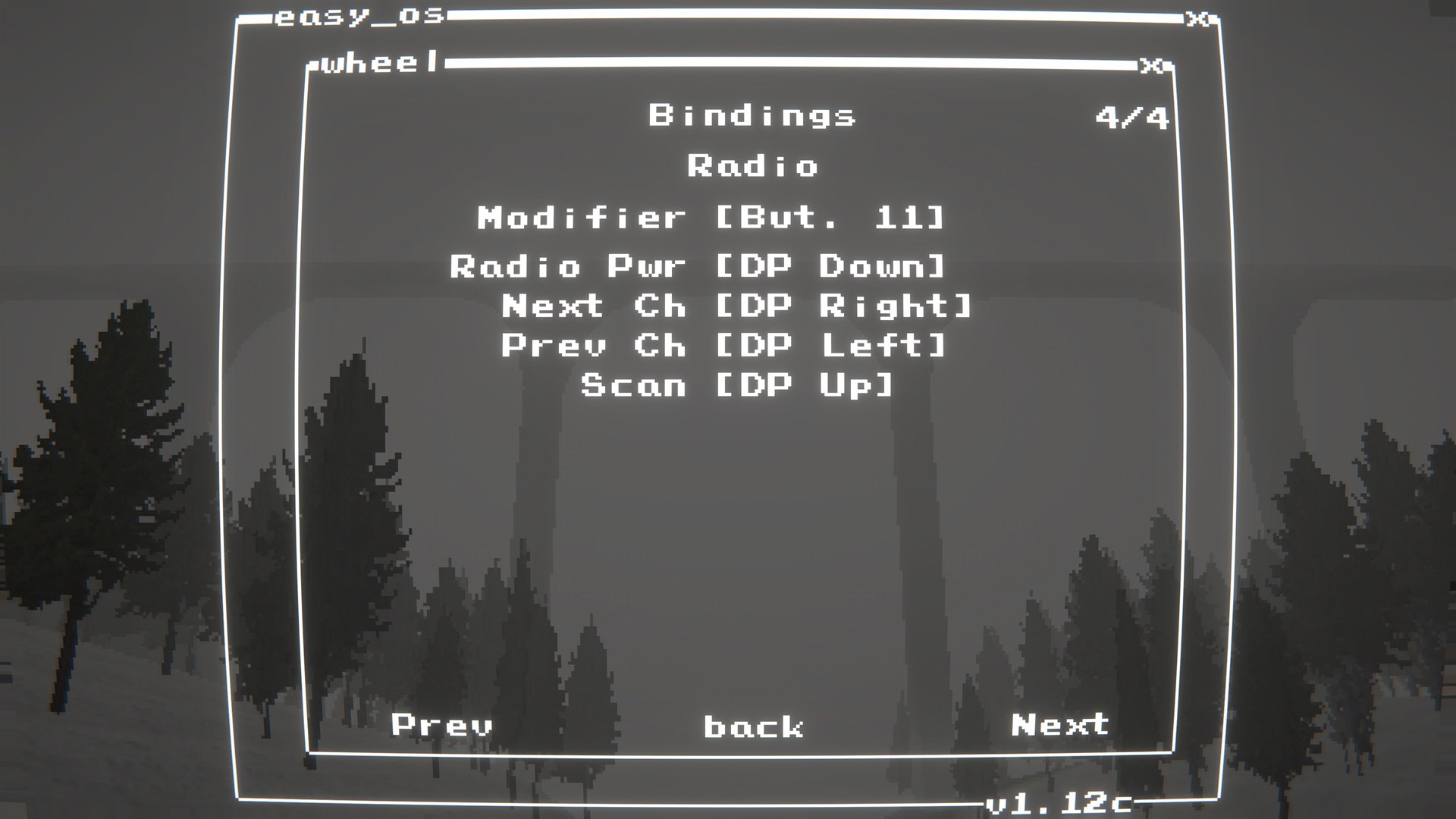
wheel.exesettings menu - Button bindings menu with optional
Modifier(hold to bindM+...for extra inputs) - D-pad support: menus (cursor) + on-foot movement (8-way)
- Intended for modern Logitech wheels supported by Logitech G HUB / LGS.
- Tested on: G920
- Likely compatible: G29/G923 and similar Logitech wheels (not guaranteed).
 |
 |
 |
 |
 |
 |
 |
 |
 |
 |
Dependencies
BepInEx-BepInExPack-5.4.2304
Force Feedback (FFB)
- Install Logitech G HUB (or older Logitech Gaming Software) so the wheel drivers/components are present.
LogitechSteeringWheelEnginesWrapper.dllmust be alongside the plugin DLL (the build/package includes it).
Install
- r2modman/Thunderstore: install and launch the game
- Manual: copy
EasyLogiWheelSupport.dlltoBepInEx/plugins/EasyLogiWheelSupport/ - FFB DLL: make sure
LogitechSteeringWheelEnginesWrapper.dllis alongsideEasyLogiWheelSupport.dll
Quick start
- Install the mod and start the game once.
- From the main menu, click
wheel.exeto open the settings menu. - Go to
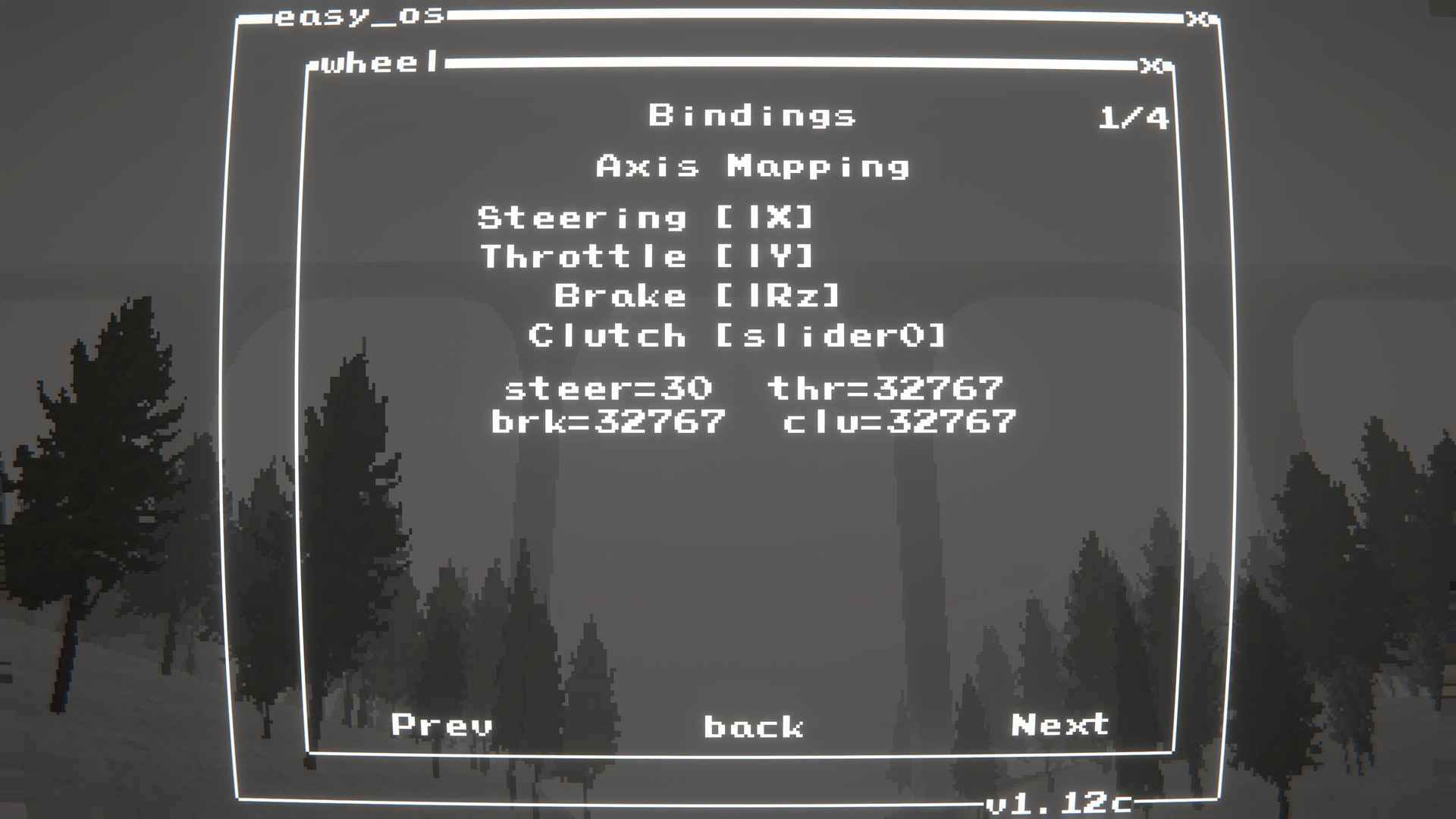
Axis Mappingand confirm steering/throttle/brake/clutch axes look right. - If pedals are wrong or stuck, run
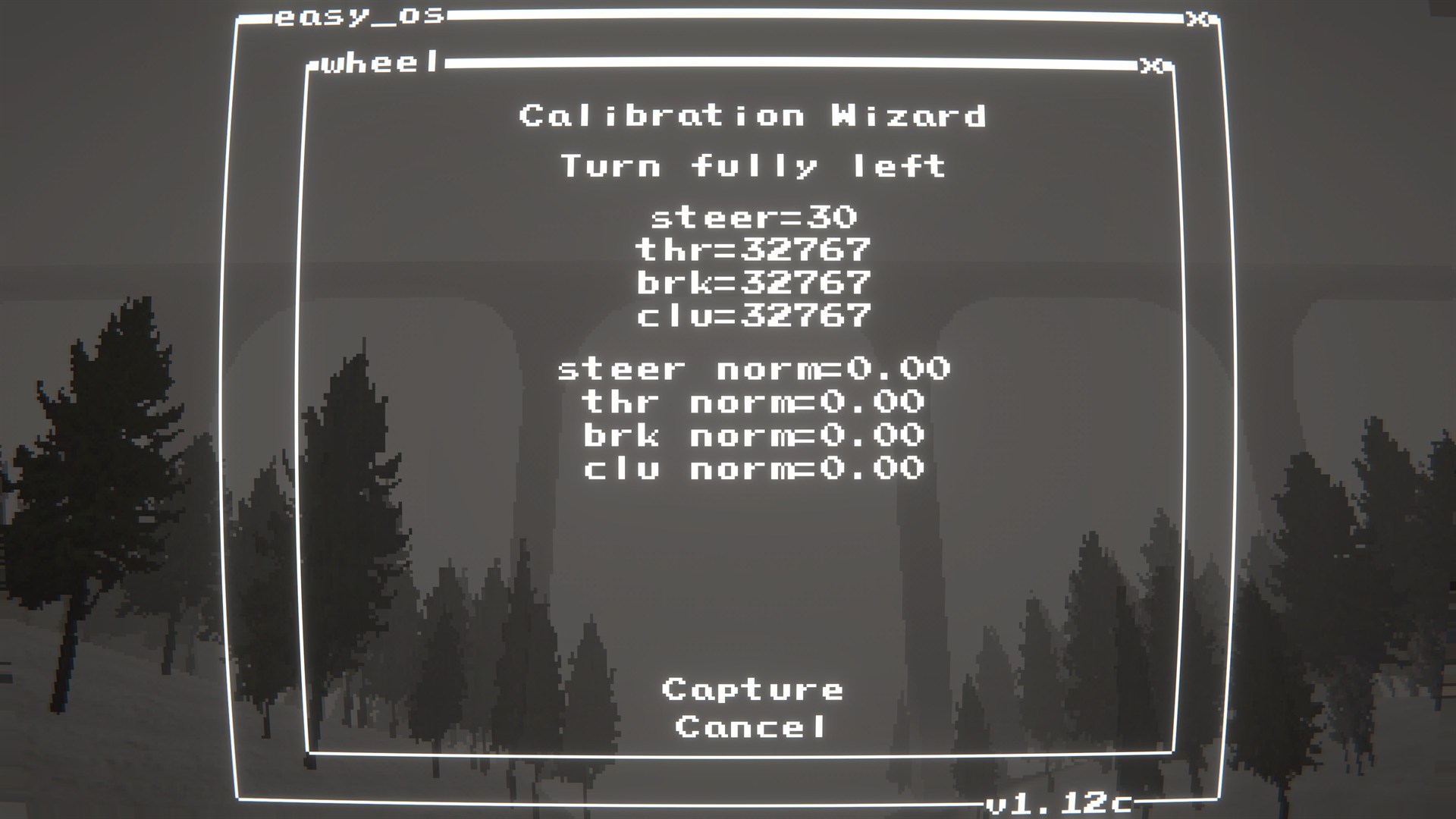
Calibration -> Calibratein thewheel.exemenu. - Go to
Bindingsand setModifier+ your button bindings.
- Config file:
BepInEx/config/shibe.easydeliveryco.logiwheel.cfg
General
enable_mod(bool, default:true): Enables/disables the mod entirely.ignore_xinput_controllers(bool, default:true): PassignoreXInputControllersto the Logitech SDK init (recommended).
Menu
show_wheel_menu_icon(bool, default:true): Show/hide the Wheel Settings icon on the Main Menu.wheel_menu_icon_x(string, default:"4"): Main Menu icon X position. Example:4wheel_menu_icon_y(string, default:"3.25"): Main Menu icon Y position. Example:3.25
Debug
log_detected_devices(bool, default:true): Log joystick names detected by Unity on startup.debug_logging(bool, default:false): Log debug information.
- Click
wheel.exein the main menu to adjust wheel/FFB/settings.
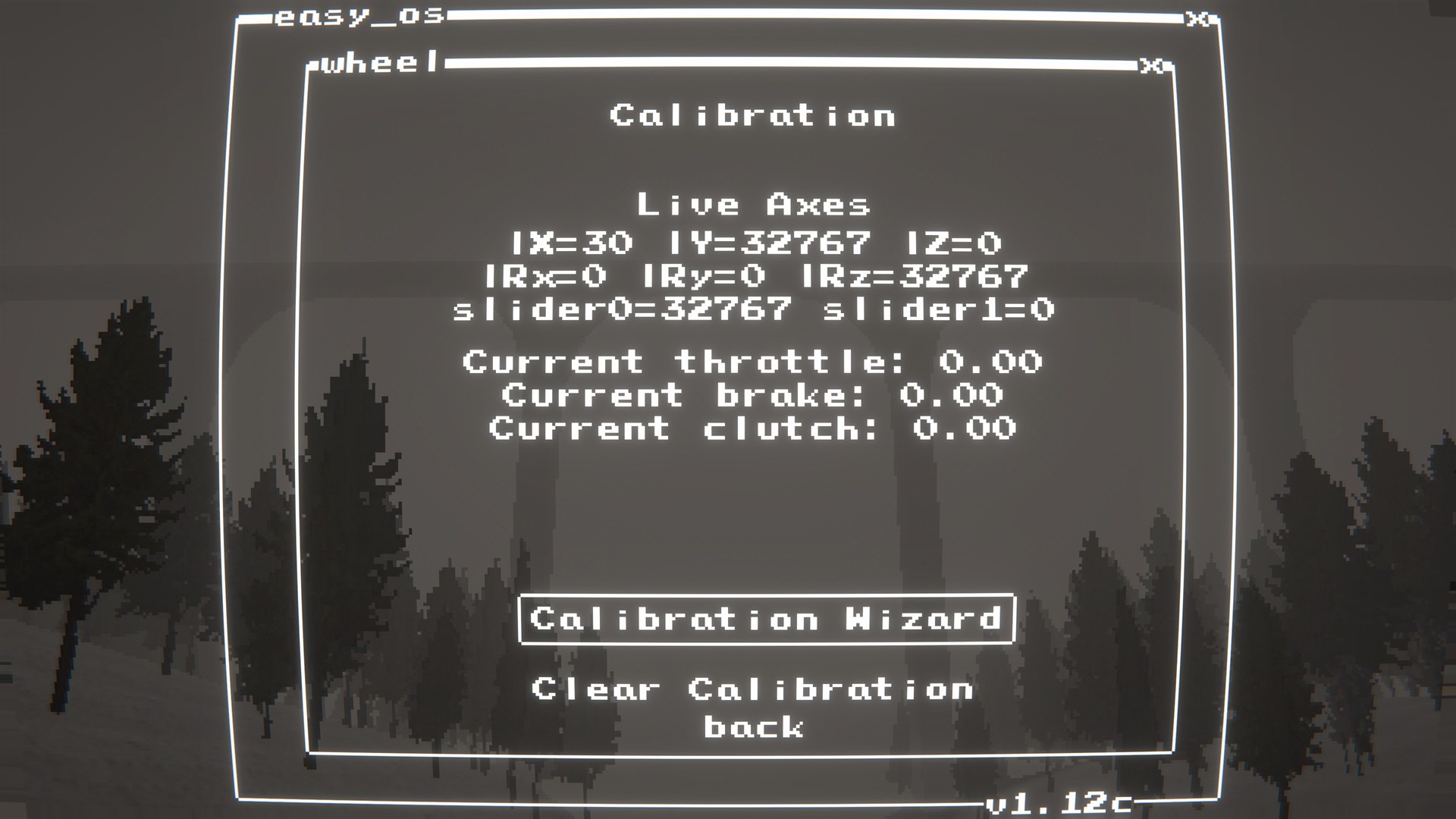
Calibration
- Only needed if throttle/brake axes read incorrectly (e.g., stuck throttle).
- Use
wheel.exe-> Calibration. - Follow the instructions to calibrate the pedals. This should fix any issues with wrong or stuck axes. Make sure to hit the "Capture" button at each step to record the axis values.
Bindings
- You can set button bindings in
wheel.exe-> Bindings. - The
Modifieroption allows you to set a "hold to modify" button. When you hold the modifier, you can use the same buttons to trigger different inputs (e.g.,M+AforModifier + A).
My wheel/pedals aren't working or are stuck at full throttle.
- Make sure Logitech G HUB (or older Logitech Gaming Software) is installed so the drivers/components are present.
- Check
wheel.exe->Axis Mappingto see if axes are detected correctly. - If throttle/brake axes are wrong or stuck, got to
wheel.exe->Calibrationand follow the instructions to calibrate.
The SDK fails to load or I get errors about missing DLLs.
- Make sure
LogitechSteeringWheelEnginesWrapper.dllis in the same folder asEasyLogiWheelSupport.dll. The package includes it, but if you're building manually you need to copy it over. - Make sure you have the latest Logitech G HUB (or older Logitech Gaming Software) installed, as the wrapper depends on the official Logitech SDK components.
The in-game menu doesn't show up or I can't open it.
- The menu is accessed by clicking
wheel.exefrom the main menu. If it's not there, make sure the icon is enabled in the mod config and that the plugin is loaded correctly (check BepInEx logs for any errors).
- Build:
dotnet build EasyLogiWheelSupport/EasyLogiWheelSupport.csproj -c Release - Package:
powershell -NoProfile -ExecutionPolicy Bypass -File scripts/package.ps1 -Version 1.0.2