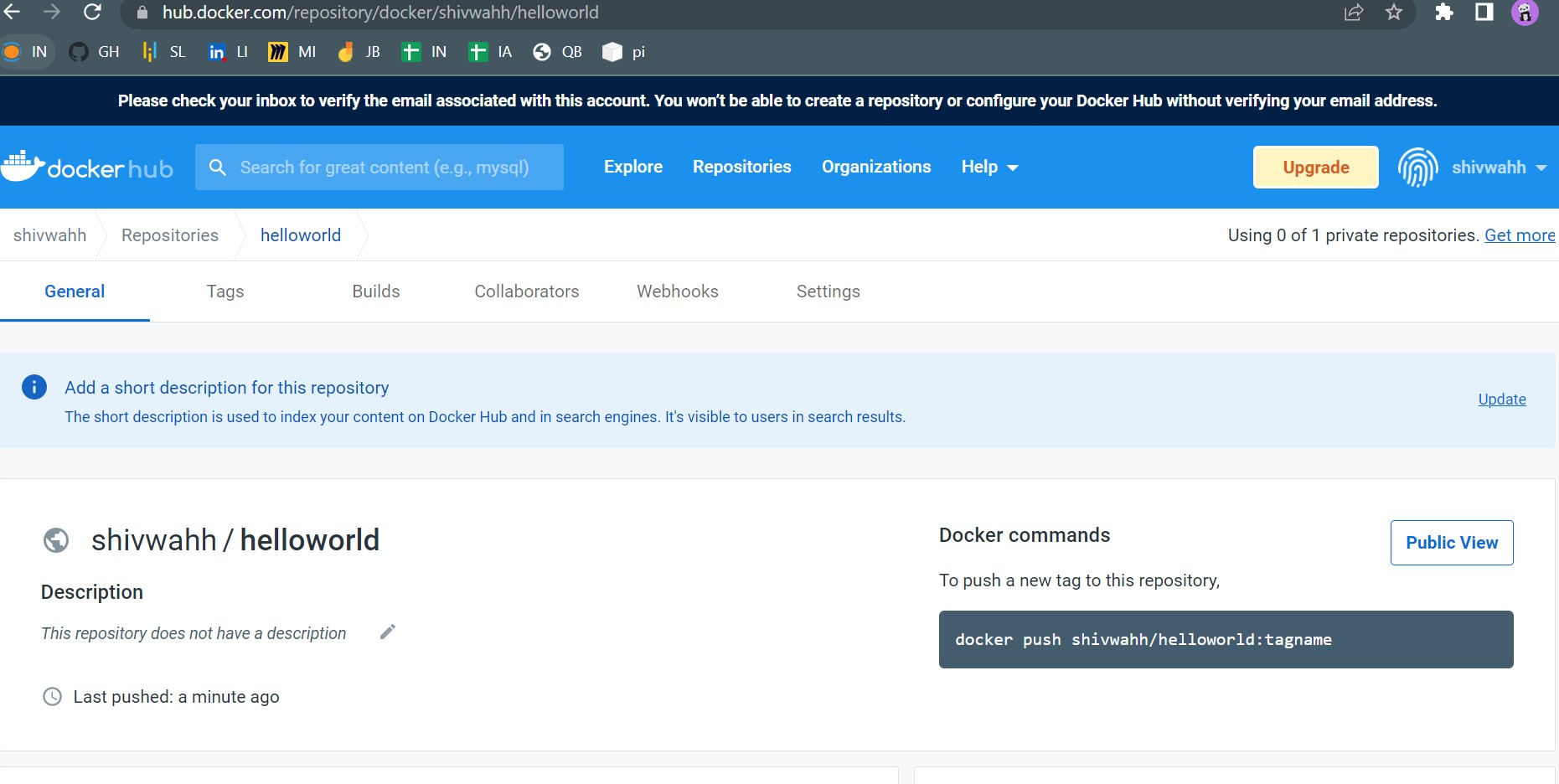
- Demonstrate minimum 15 basic Docker command with explanation and screenshot.
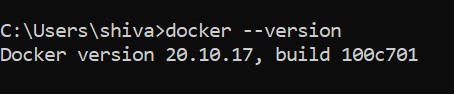
1. docker --version
You can check your current version of docker by running the docker --version
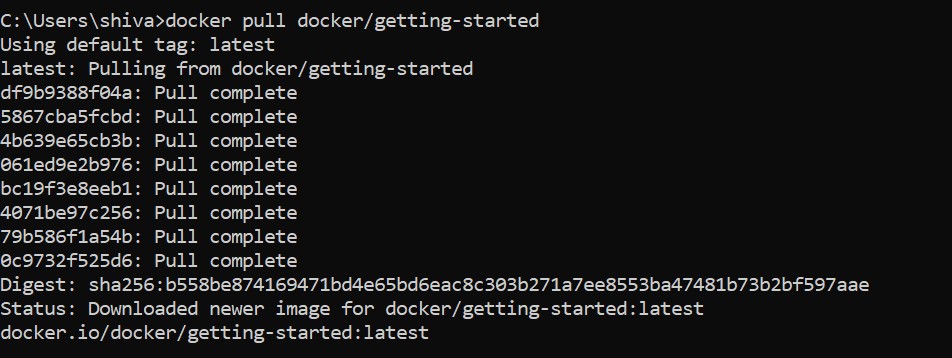
2. docker pull
Thi commond enables you to pull an image by docker digest. .
3. docker images
docker image ls command is used to list the docker images.

4. docker run
The docker run command first creates a writeable container layer over the specified image, and then starts it using the specified command.

5. docker ps
The docker ps command, which is available inside the container, is used to see the status of the process.

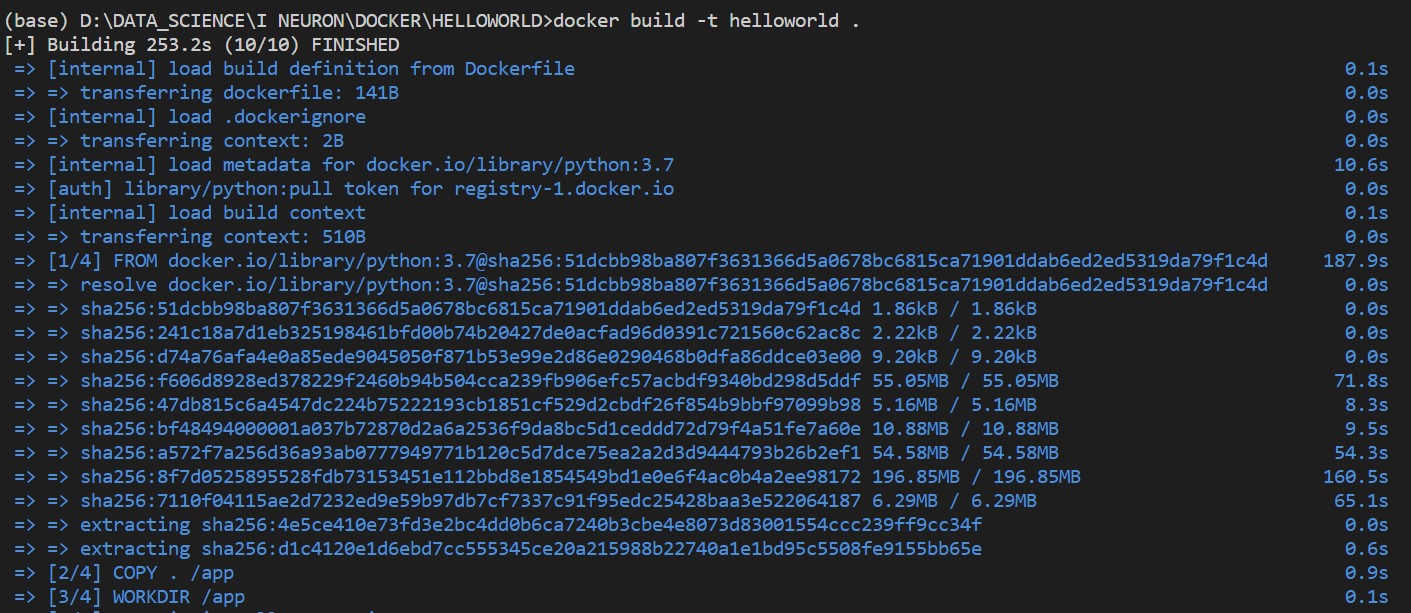
6. docker build
The docker build command builds Docker images from a Dockerfile and a “context”.
7. docker rmi
Removes (and un-tags) one or more images from the host node.

8. docker run -d -p
docker run commond where -d specifies detached mode and -p specifies port number.

9. docker stop
Docker stop command sends SIGTERM signal to running container process. It will stop the process however it takes a while to shutdown the container completely.

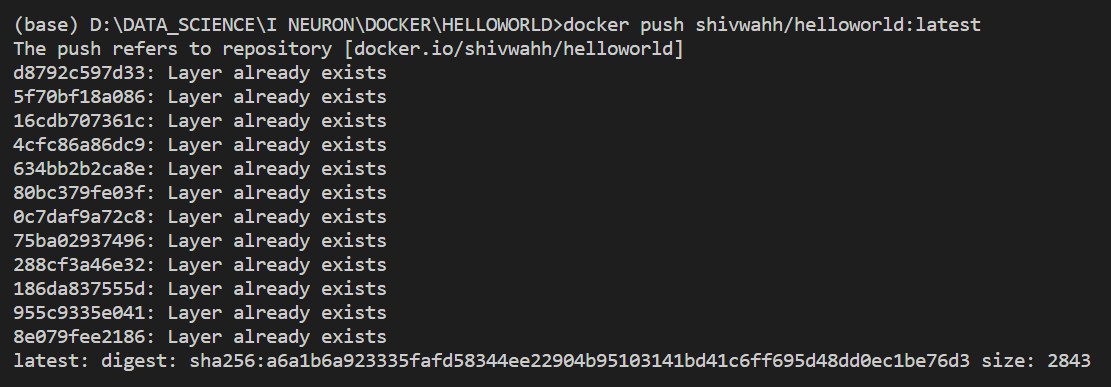
10. docker push
Docker Push is a command that is used to push or share a local Docker image or a repository to a central repository like docker hub.
11. docker image prune
docker image prune: Remove all dangling images.

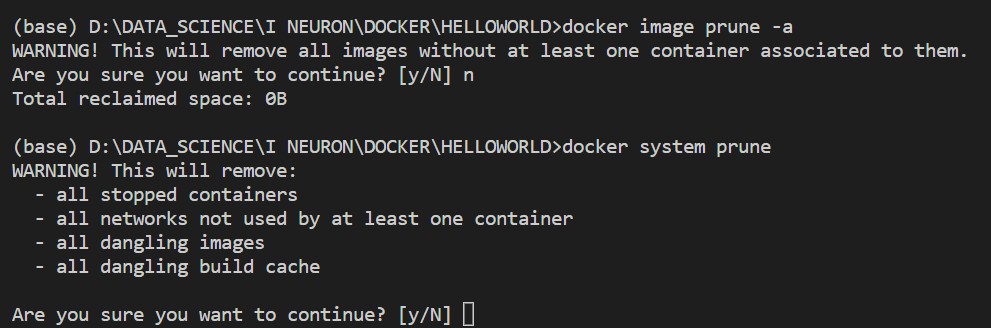
12. docker image prune -a
docker image prune: Remove all dangling images. If `-a` is specified, will also remove all images not referenced by any container.

13. docker system prune
Remove all unused containers, networks, images (both dangling and unreferenced), and optionally, volumes.
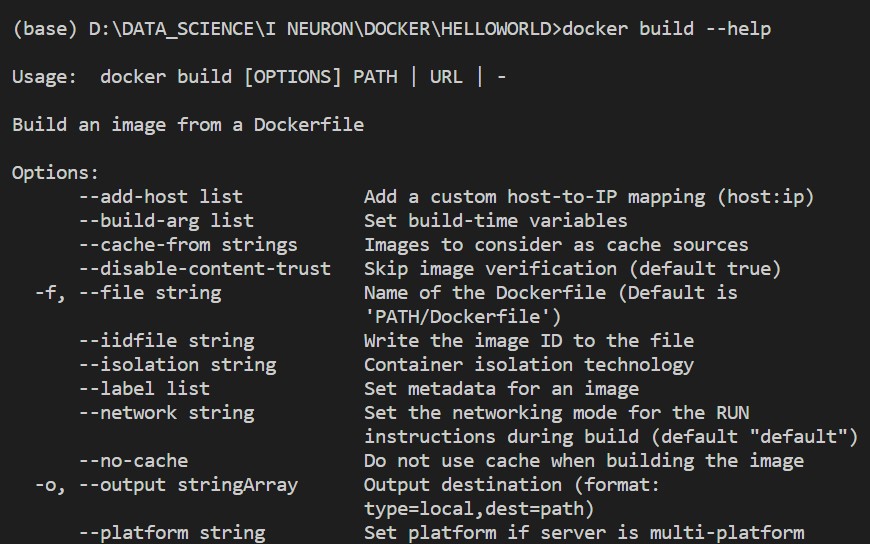
14. docker build --help
List downs different options to build docker image.
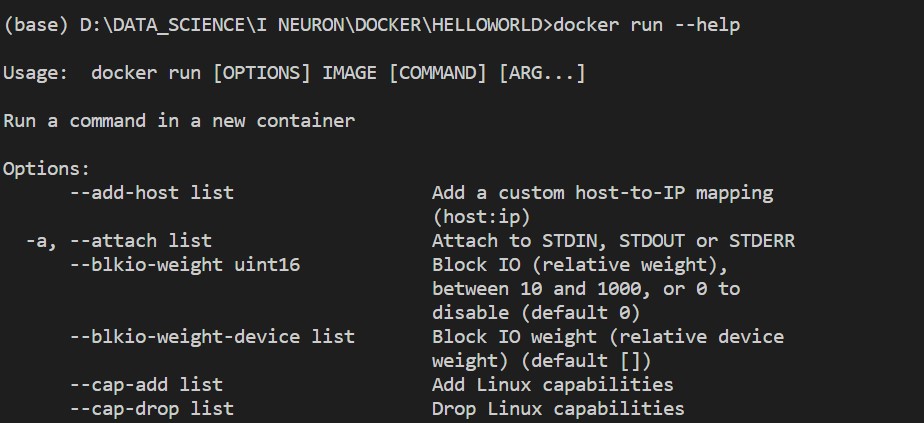
15. docker run --help
List downs different options to run docker image.
Hello World Docker Image
Run Hello World Docker Image Locally.
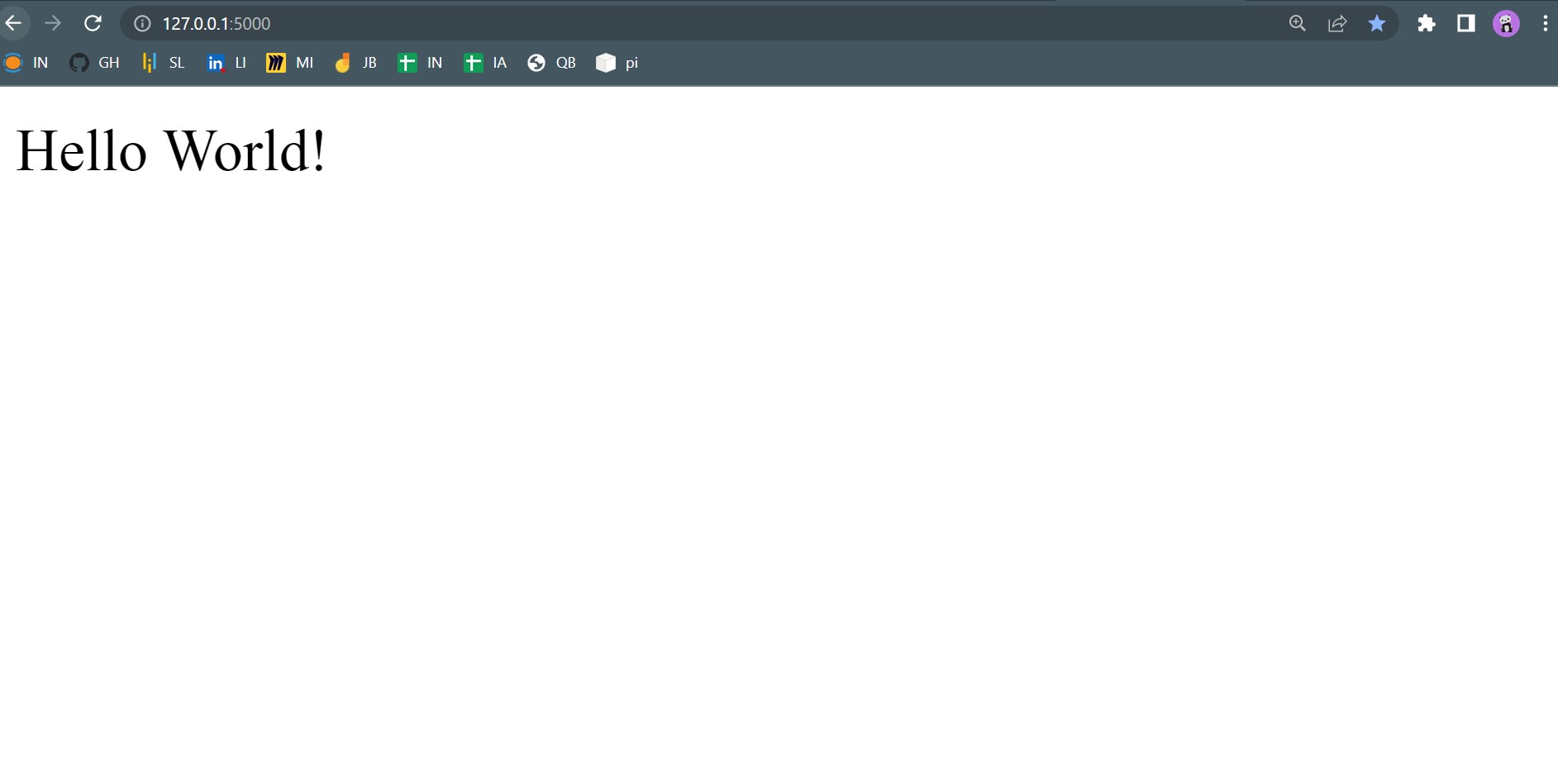
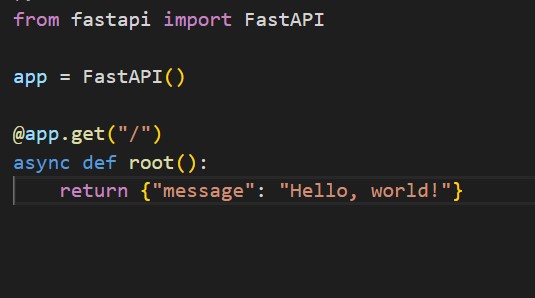
Create a hello world fastapi application.
Create a Dockerfile for your fastapi hello world application.
Build Docker image using Docker file.
Run docker image build in previous step.
Push your Docker image to Docker Hub.
Automate Assignment below task using github action.
- Build Docker Image
- Push Docker Image to Docker hub.