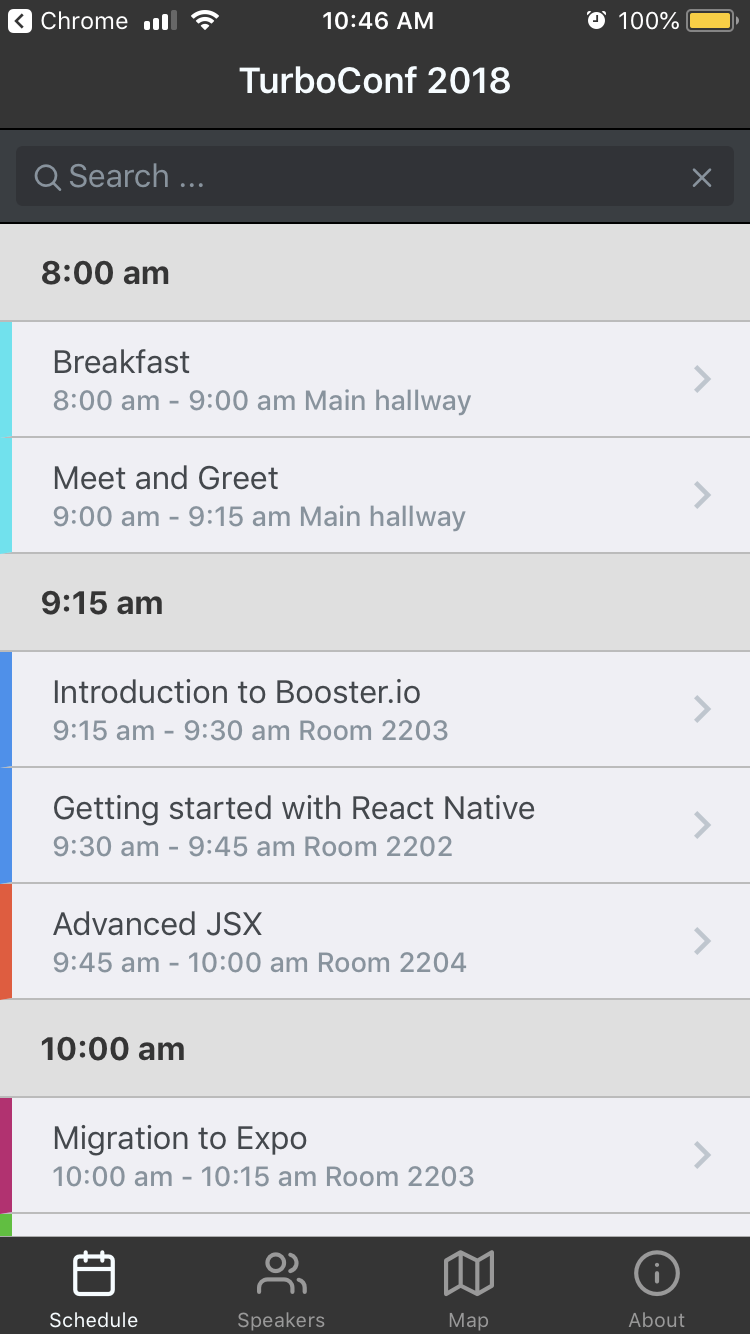
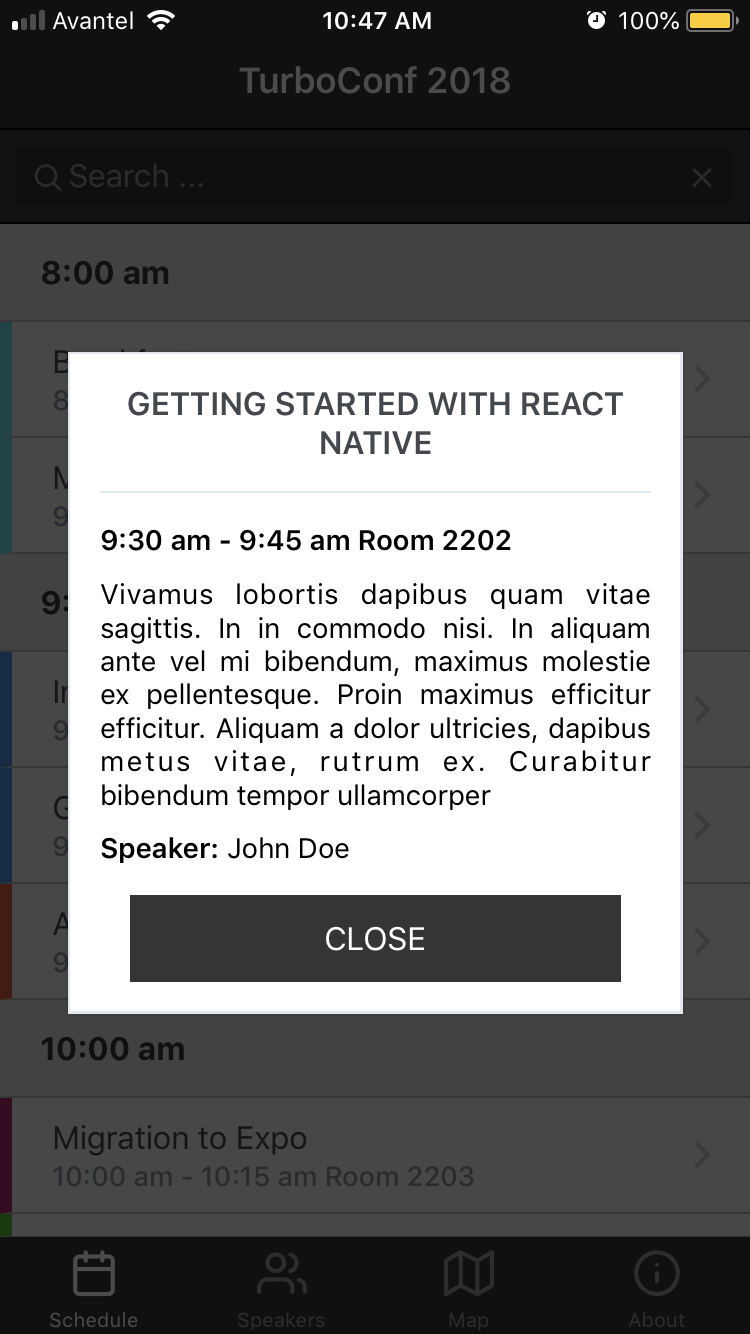
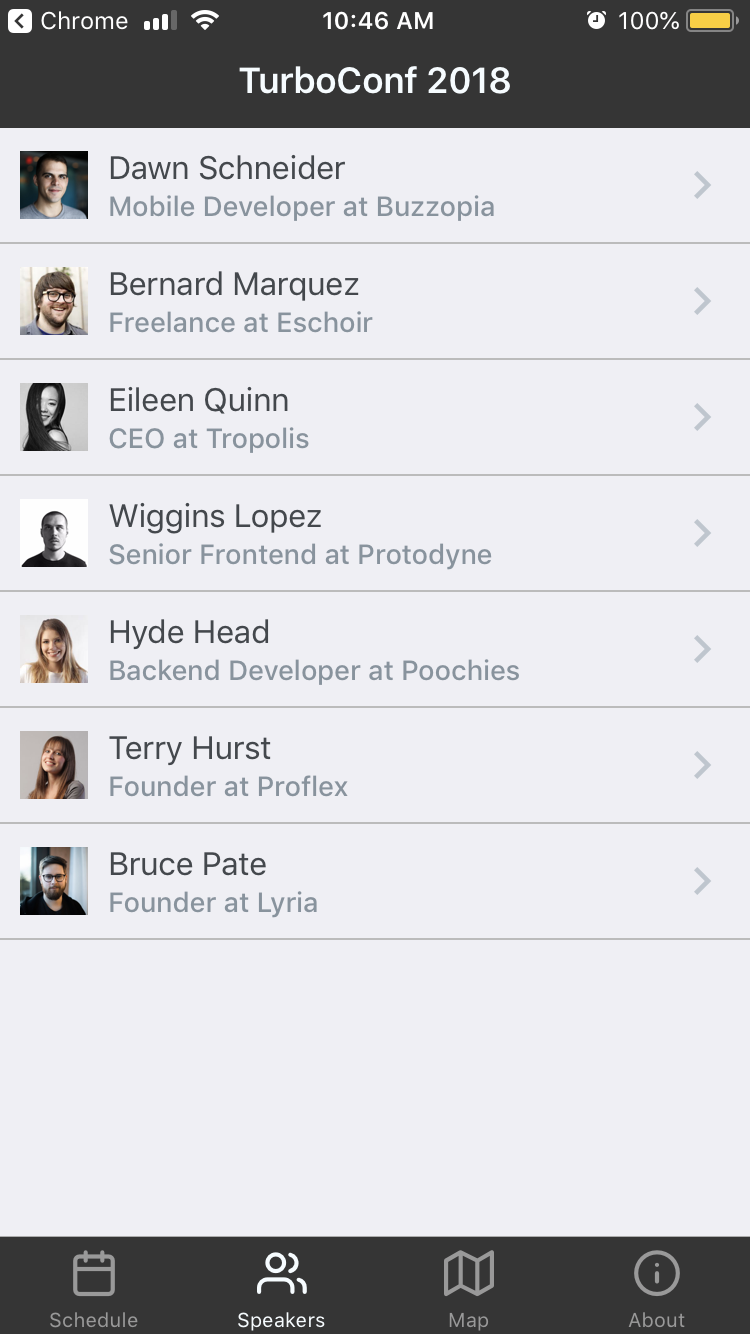
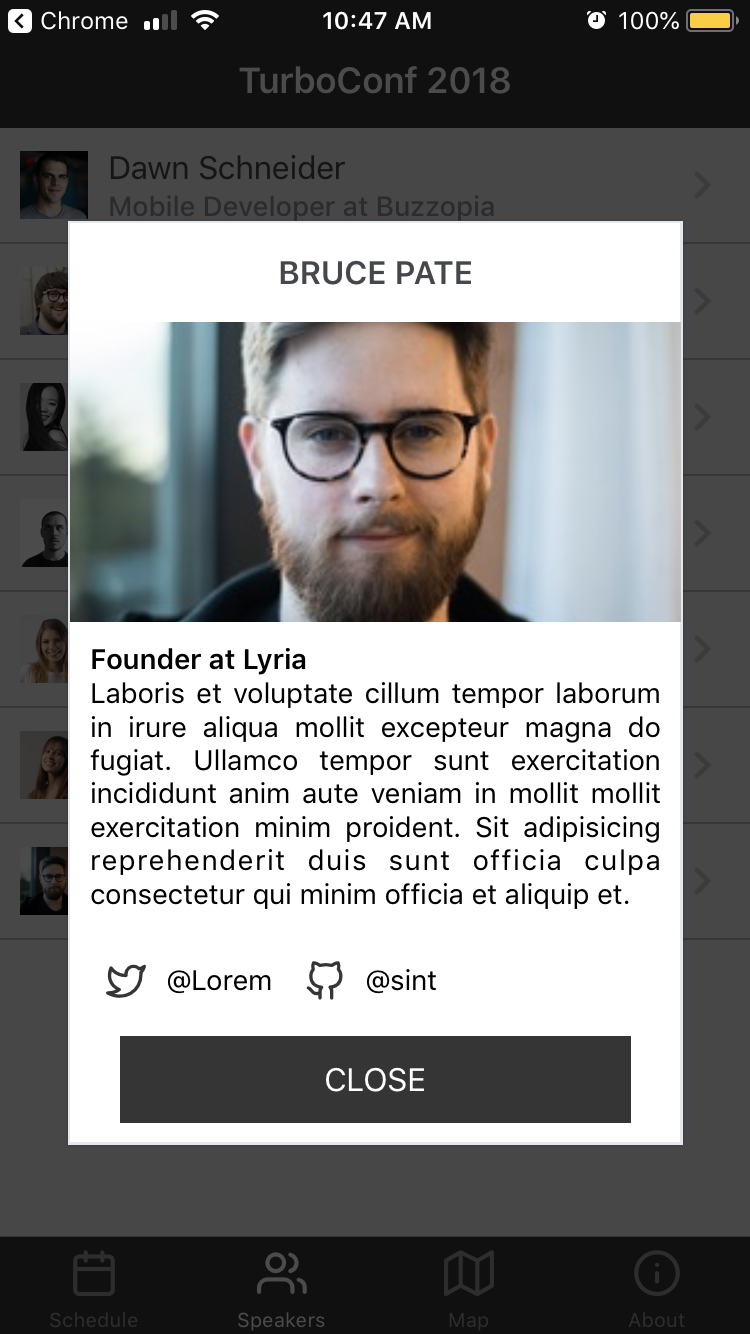
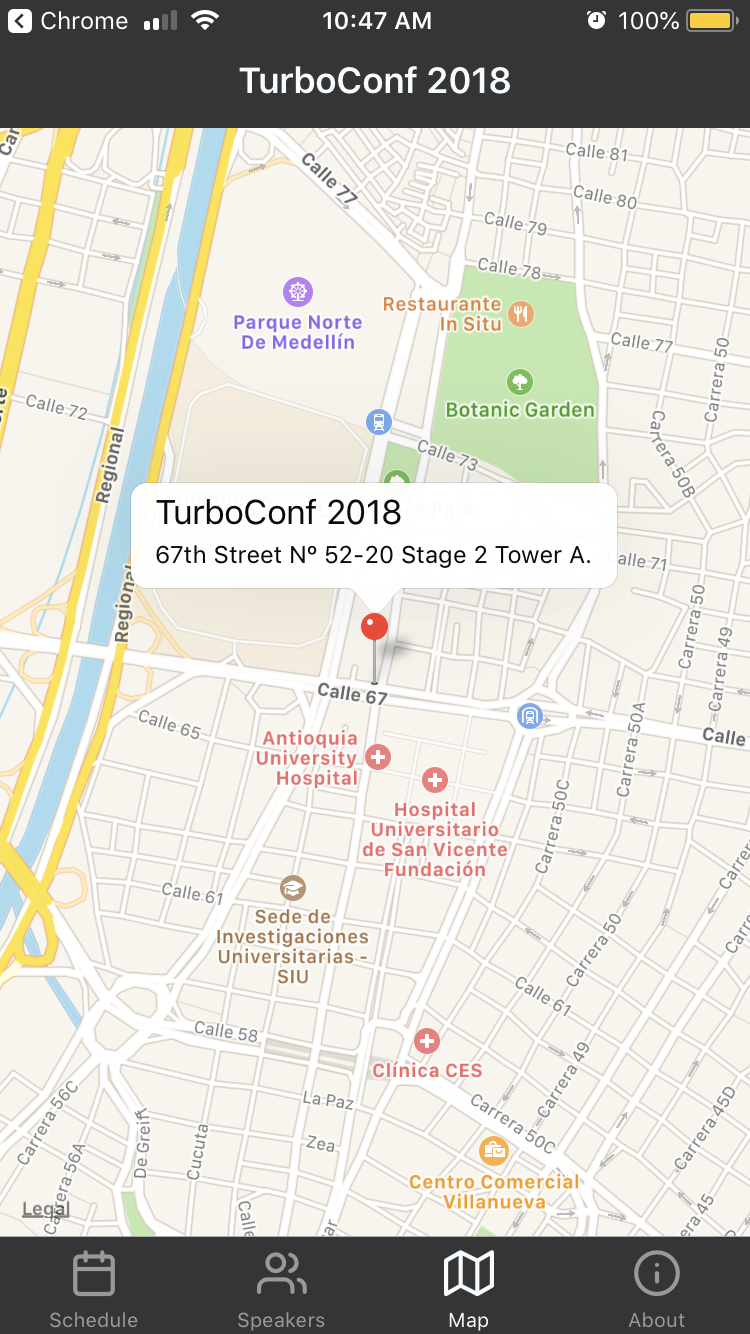
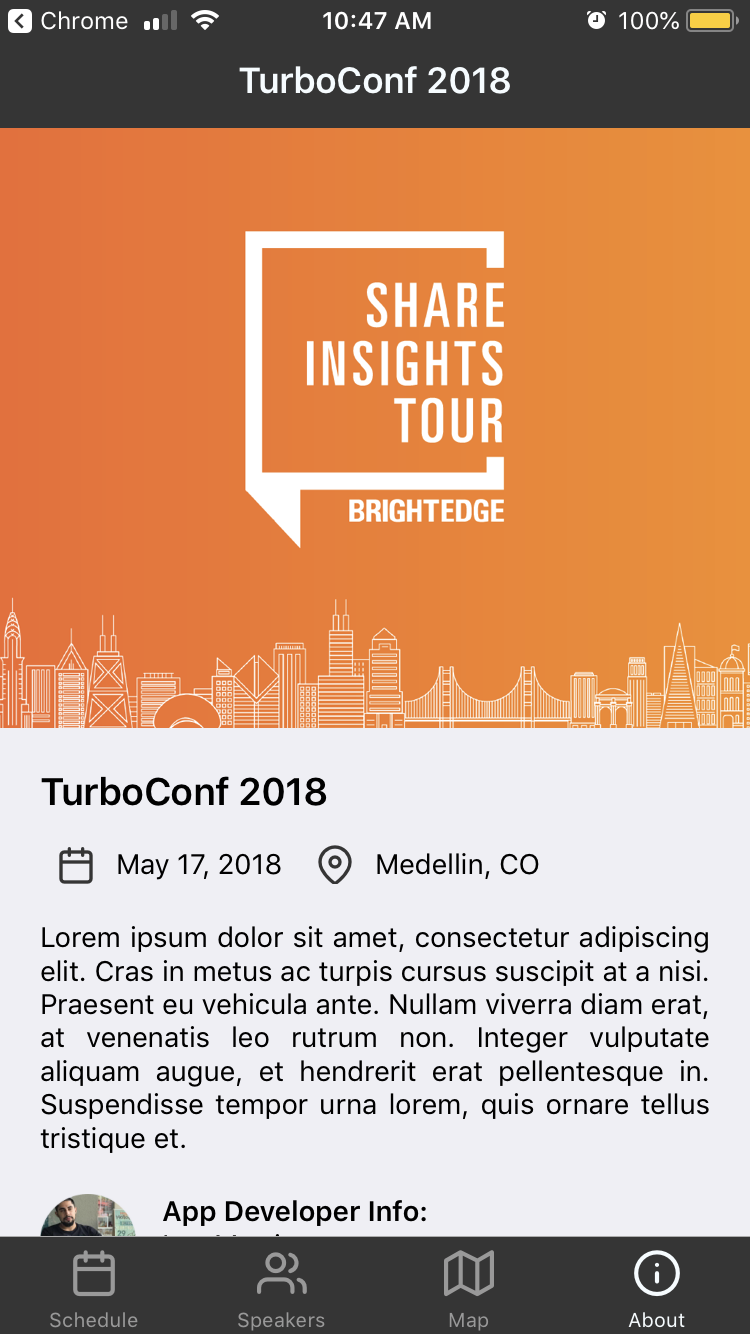
🎪 A Sample Conference App built with React Native
Demo App inspired on ionic-conference-app
# clone repo
$ git clone https://github.com/lexmartinez/conference-app

# change directory to cloned app
$ cd conference-app

# install the dependencies with yarn
$ yarn install

# start react-native (Expo) server with running App
$ yarn startYou'll need to run this app:
nodeandnpm(Use NVM)- Ensure you're running Node (
v8.9.4+) and NPM (5.6.0+) react-native-cli: 2.0.1react-native: 0.54.0
conference-app is a react-native mobile application is assumed that you're familiarized with this framework, otherwise it is here where you should start react-native-getting-started
With yarn start command runs your app in development mode.
Open it in the Expo app on your phone (IOS or Android) to view it. It will reload if you save edits to your files, and you will see build errors and logs in the terminal.
Sometimes you may need to reset or clear the React Native packager's cache. To do so, you can pass the --reset-cache flag to the start script:
yarn start --reset-cache
For further information regarding app bootstraping and other useful commands see DETAILS.md
 |
 |
 |
|---|---|---|
 |
 |
 |
Following the steps in : https://docs.expo.io/versions/latest/workflow/upgrading-expo-sdk-walkthrough/
-
Replaced
26.0.0inapp.jsonwith32.0.0 -
Replaced the
react,react-nativeandexpodependencies in thepackage.jsonfile with{ "react-native": "https://github.com/expo/react-native/archive/sdk-32.0.0.tar.gz", "expo": "^32.0.0", "react": "16.5.0" } -
Deleted the
node_modulesdirectory and runyarn install -
Removed this section from the
.babelrcfile :"env": { "development": { "plugins": ["transform-react-jsx-source"] } }- Changed the scripts in
package.jsonto replacereact-native-scriptswithexpo - Removed
node-modulesfolder, and rannpm install
- Changed the scripts in