Unable to interact with Signal app after file picker dialog #6115

Description

- I have searched open and closed issues for duplicates
- I am using Signal-Desktop as provided by the Signal team, not a 3rd-party package.
Bug Description
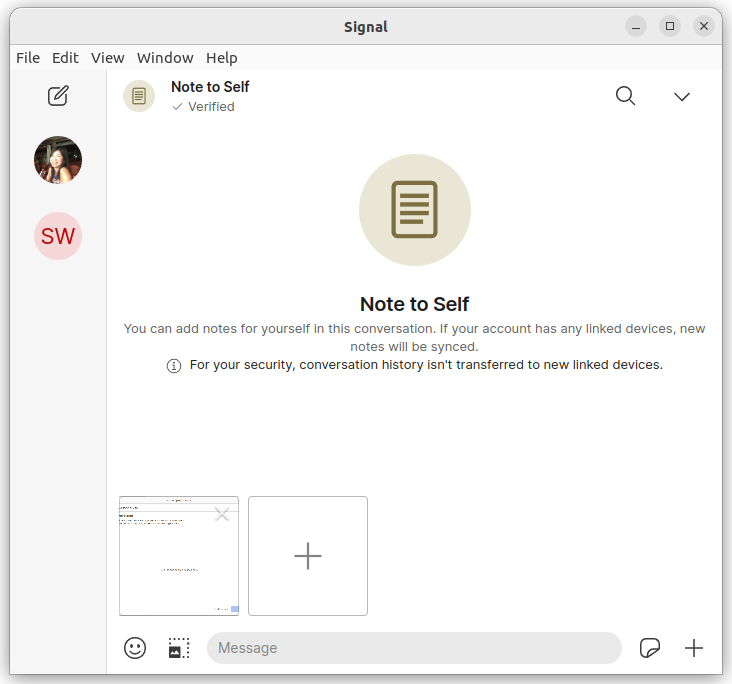
Each time the file picker dialog is activated and dismissed, I lose control of the app.
Steps to Reproduce
- Click the '+' icon of any chat.
- Select an attachment. Or don't. Doesn't really matter.
- Click 'Open' or 'Cancel'.
Actual Result:
It is as if another invisible dialog still has focus, and I am unable to:
- Type in the text area.
- Send the attachment (if I've selected one).
- Use any of the other chat icons: emoji, sticker, microphone or pick another attachment.
- Start a new conversation.
- Use the search.
- Or select another contact.
The only command Signal app will respond to is Alt+F4 to exit. If an attachment was selected in the file picker before, it is retained in the chat and app allows sending of selected attachement after restarting.
Expected Result:
Depending on whether an attachment was selected, allow me to interact with the app to perform other tasks, or allow me to send the attachment.
Screenshots
Platform Info
Signal Version: 5.58.0 - production
Operating System: Ubuntu 22.04, 64-bit, Linux kernel 5.15.0-47-generic
Linked Device Version:
Link to Debug Log
Unable to interact with app after bug occurs, including the debug log generated immediately after reopening: https://debuglogs.org/desktop/5.58.0/7ddf8b52a5d79b93489c00e43554bc3348b4a9bd0605b3be796a993c63e0249f.gz