



简体中文 | English
InkControl is a native macOS application designed for controlling Dasung E-ink monitors. It resides in your menu bar, allowing you to adjust screen settings directly from the system interface, replacing the need for physical buttons on the monitor.
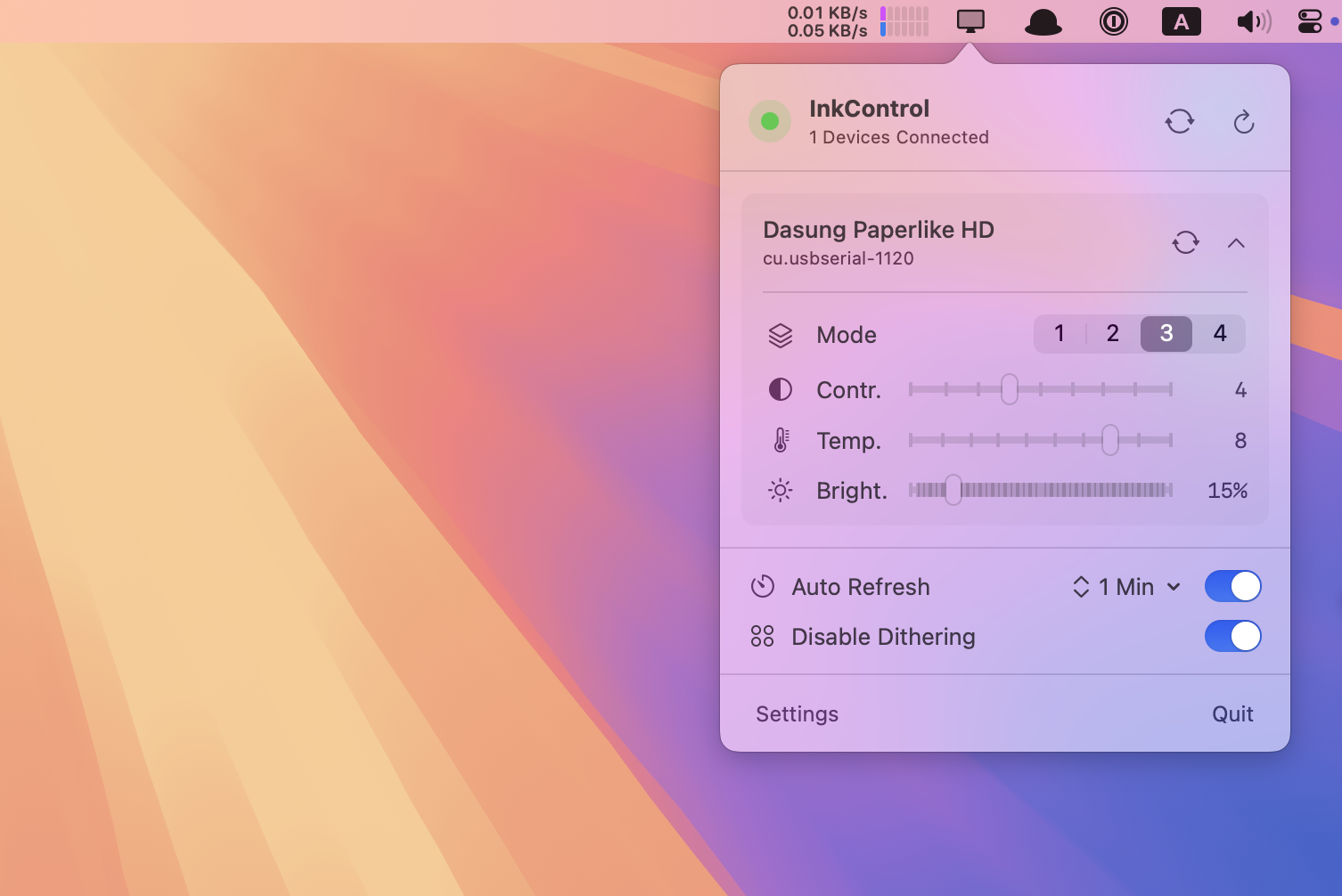
Adjust monitor settings via software without touching physical buttons:
- Refresh Mode: Switch between Graphics, Video, Text modes, etc.
- Backlight Control: Adjust the intensity of cool and warm front lights.
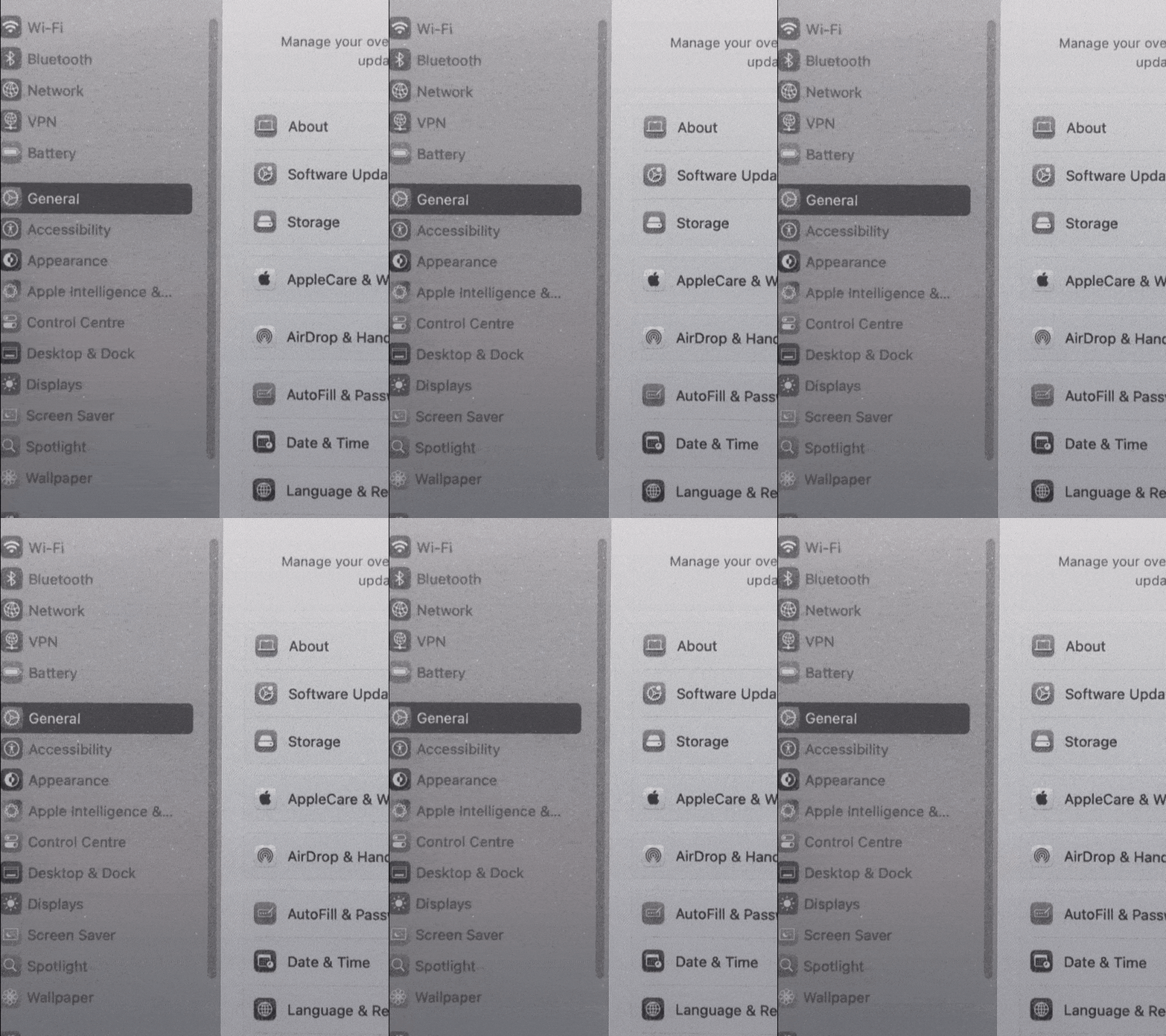
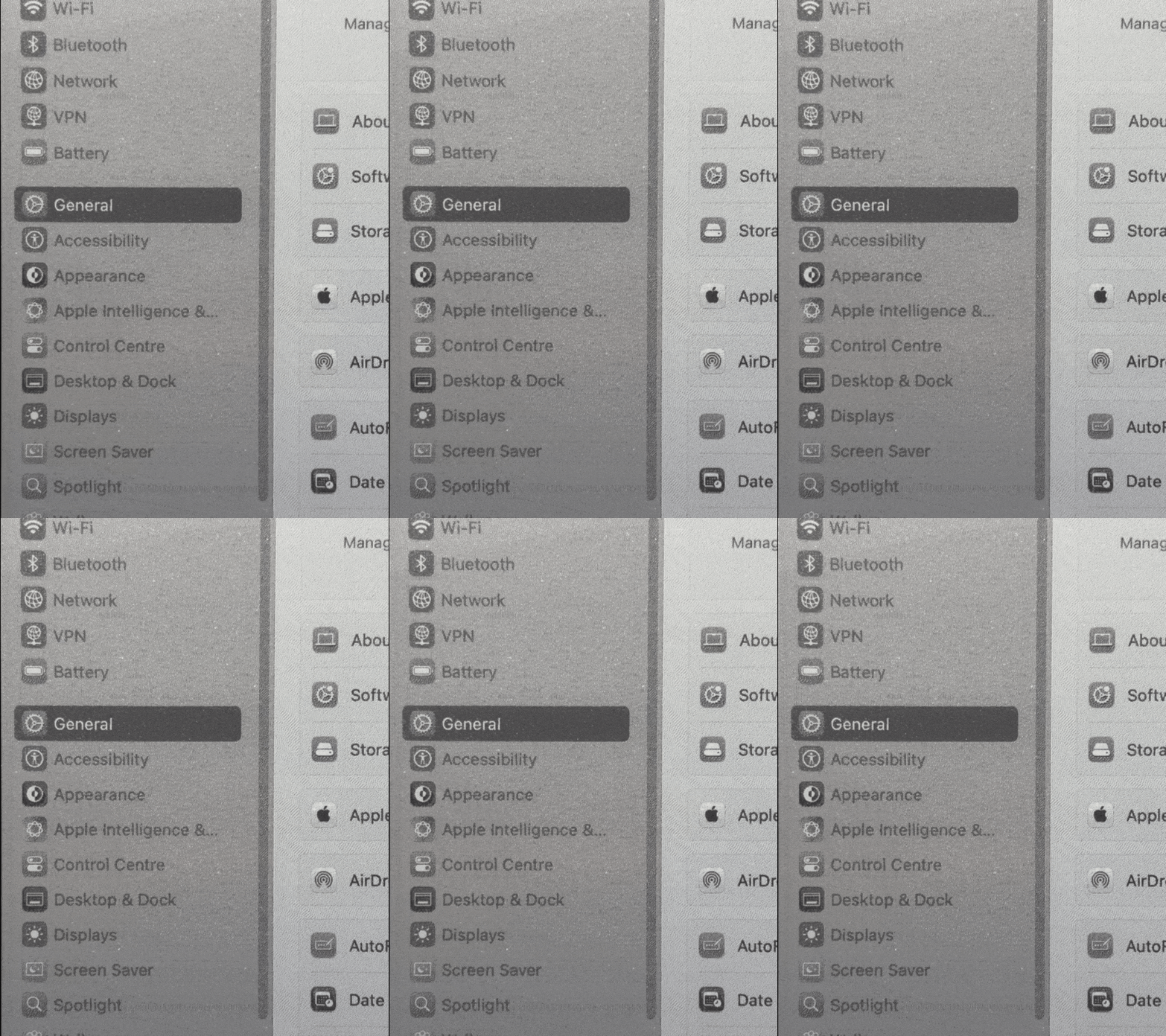
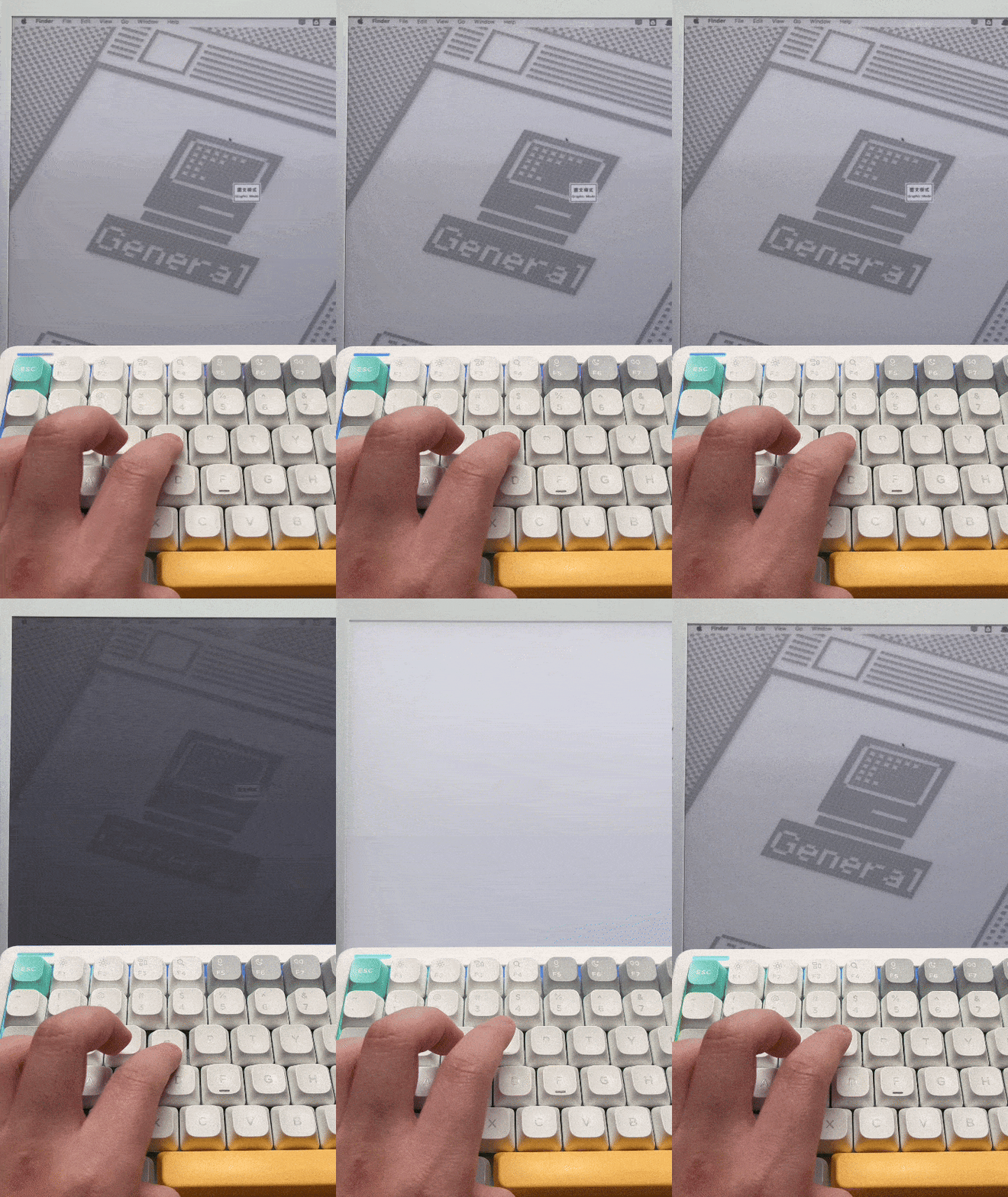
- Disable Dithering: Turn off hardware dithering for a more stable text display.
| Enable Dithering | Disable Dithering |
|---|---|
 |
 |
-
Auto Refresh: Set intervals to automatically refresh the screen and reduce ghosting.
-
One-Click Refresh: Manually clear ghosting at any time with a customizable global shortcut.
Follows macOS design guidelines for a natural experience:
- Menu Bar App: Always available in the menu bar, never intrusive.
- Vibrancy Effect: Deeply integrated with macOS's translucent visual effects.
The app offers a 7-day free trial with full features, no limitations, and no credit card required.
If you find it useful, you can purchase a permanent license to support development:

One-time payment, lifetime usage.
- Click the link above to purchase a license.
- You will receive an activation code via email (Format:
INK-XXXX-XXXX...). - Open InkControl, go to Settings > License and enter your activation code.
Developed for the Dasung Paperlike series monitors.
- Dasung Paperlike HD
The following devices share the same communication protocol and should theoretically be supported, but have not been verified by our team:
- Dasung Paperlike 253
- Dasung Paperlike 13K
- Dasung Paperlike Color
- Other Dasung Paperlike series monitors.
- macOS: macOS 15 (Sequoia) or later.
- Processor: Full support for Apple Silicon (M1/M2/M3/M4/M5)
InkControl fully supports the following languages and follows your system setting:
- 🇨🇳 Simplified Chinese
- 🇬🇧 English
If you have any questions or suggestions, please contact us:
- Email: inkcontrol@simpleapples.com
- Issues: Github Issues
© 2026 simpleapples. All rights reserved.
InkControl is not affiliated with Dasung Tech.