
Testing Display of JSON data in QGIS Desktop and QGIS server
- Test JSON Display in QGIS widgets
- qgis/QGIS#7869 (PostgreSQL JSON field support)
- qgis/QGIS#8223 (Testing the implementation from #7869 with GetFeatureInfo requests over QGIS Server.)
- QGIS core and Desktop: qgis/QGIS#7869 - in particular https://github.com/signedav/QGIS/blob/920e150d95fa33bd95c6749e57dd843fad455366/tests/src/providers/testqgspostgresprovider.cpp see def testJson()
- QGIS Server: qgis/QGIS#8223 - in particular https://github.com/signedav/QGIS/blob/0a2689d94e64ba28aac958ab119b686ff36b19ef/tests/src/python/test_qgsserver_wms_getfeatureinfo.py see def testGetFeatureInfoPostgresTypes()
- jsonb is the binary version
- jsonb can be created by casting a json text string to jsonb, e.g. "'{"a":1,"b":2}'::jsonb
- Minimum PG versions: 9.2 for json and 9.4 for jsonb
| jsonb advantages | jsonb disadvantages |
|---|---|
| faster queries (SELECT) | may change original formatting slighly when compared to exact copy in json |
| supports indexing | slightly slower input (INSERT and UPDATE) |
| faster than hstore data type | may take more disk space than plain json |
| certain queries (e.g. aggregates) may be slower due to lack of statistics |
see also Faster Operations with the JSONB Data Type in PostgreSQL
see also OPENGIS blog post "Visualize Postgres JSON data in QML widgets"
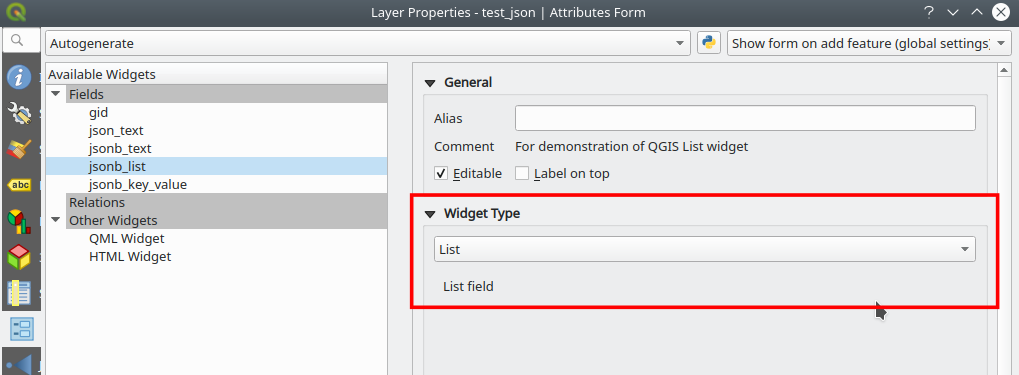
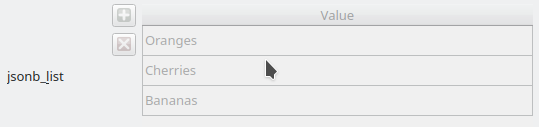
- List
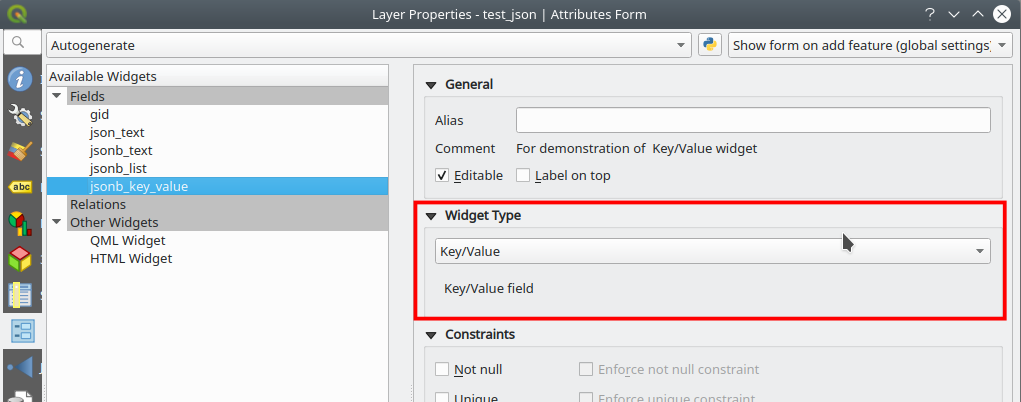
- Key/Value
- Text Edit (preferably with Multiline Option)
- QML Widget
Attention: by default, QGIS assigns the Key/Value widget to json/jsonb data types. If the JSON structure isn't compatible one will see an empty widget, even if JSON data exists.
Sample Structure: any valid JSON structure can be used.
Configuration hints: For longer structures be sure to check the "Multiline" checkbox in the "Text edit" widget configuration.
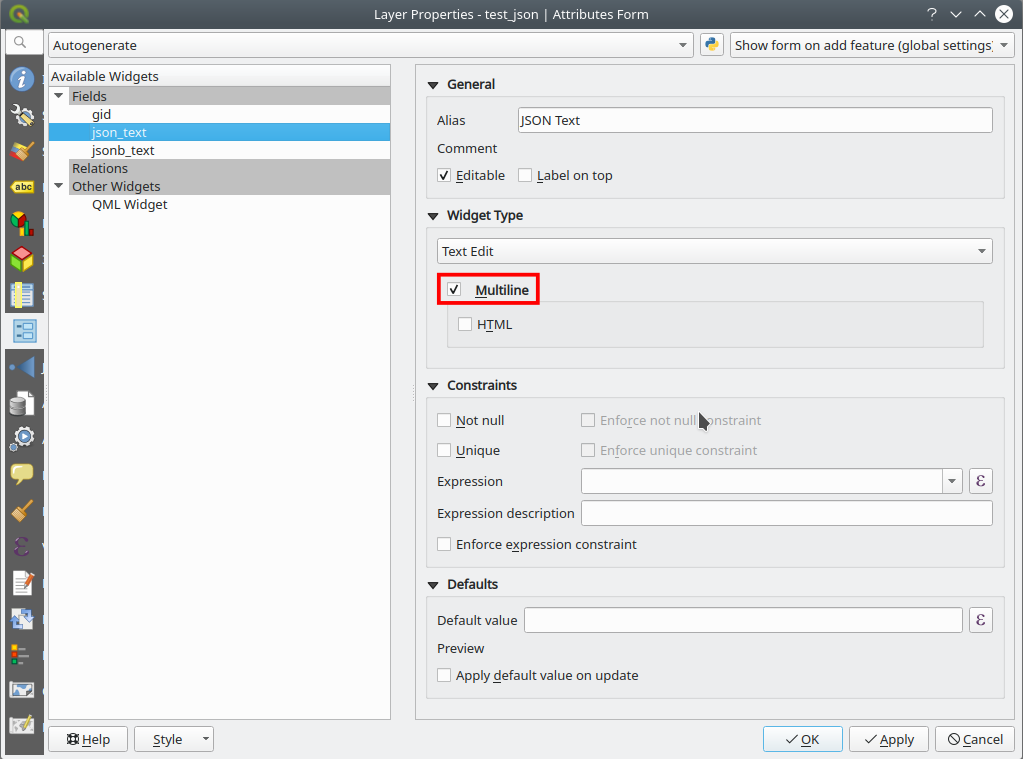
This is how it looks like in a text edit widget in form mode, regardless if the source data type is json or jsonb:

Valid json structure for list widget:
[
 "Apples",
 "Cherries",
 "Bananas",
 "Strawberries"
]
This is how it looks like in a list widget in form mode, regardless if the source data type is json or jsonb:
Valid json structure for list widget:
{
 "Apples": 20,
 "Cherries": 13,
 "Bananas": 23,
 "Strawberries": 7
}
This is how it looks like in a list widget in form mode, regardless if the source data type is json or jsonb:
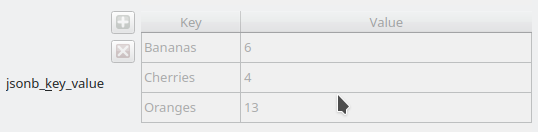
This is how the attribute table looks like for the different widget types: list and key/value entries are separated by kommas combined with a blank as separater, keys are separated from the values with a colon and a blank:
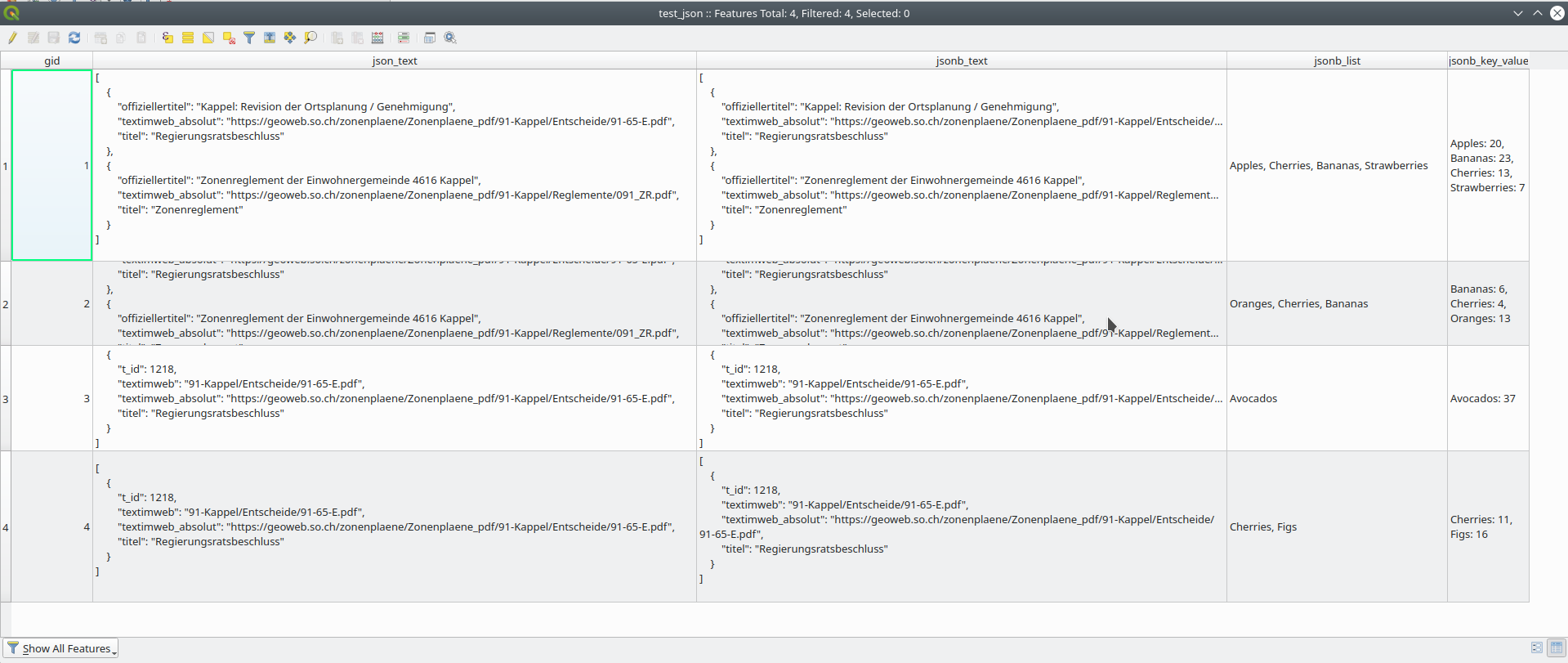
Note that the height of the rows are not auto-sized and often need to be made a bit higher manually.
To test whether raw json/jsonb data is supported there is a Postgis/QGIS Server test environment that you can start with:
docker-compose up
in the root of this repository.

Remarks: displays as expected
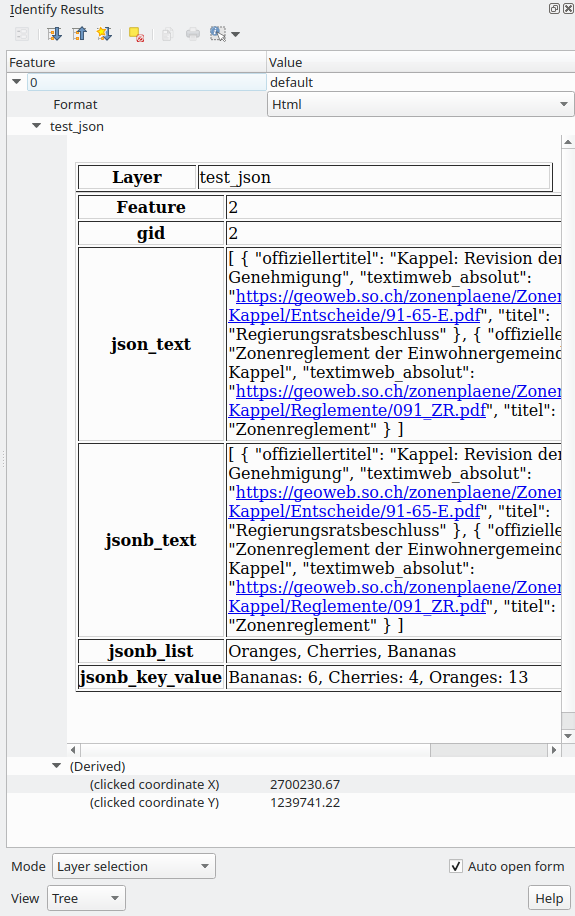
Remarks: Works ok, but room for improvements.
Proposal for improvements:
- for text widgets: use <pre></pre> tag to preserver line breaks and display with a monospace-font
- for list widget: use <ul><li></li></ul> structure
- for key value widget: use <table/> structure

Remarks: doesn't display at all. Fixes pending