This repository was archived by the owner on Oct 28, 2026. It is now read-only.
Repository navigation
Getting Started
- Windows 10 or 11.
- RulZ LLM Suite with at least one model. Qwen3-Coder works best. A larger context length (32K or more) lets the agent take on bigger projects.
- Optional: Git for Windows, which makes Undo faster and more exact. Without it, files are copied aside instead.
In RulZ LLM Suite, open the Developer page and click Start server. If LM Studio is also running, it uses port 1234, so set RulZ to port 1235. The Coding Agent looks on both ports.
Download RulZ-Coding-Agent-Setup-<version>.exe from Releases and run it. To run from source instead, use install.bat and then run.bat.
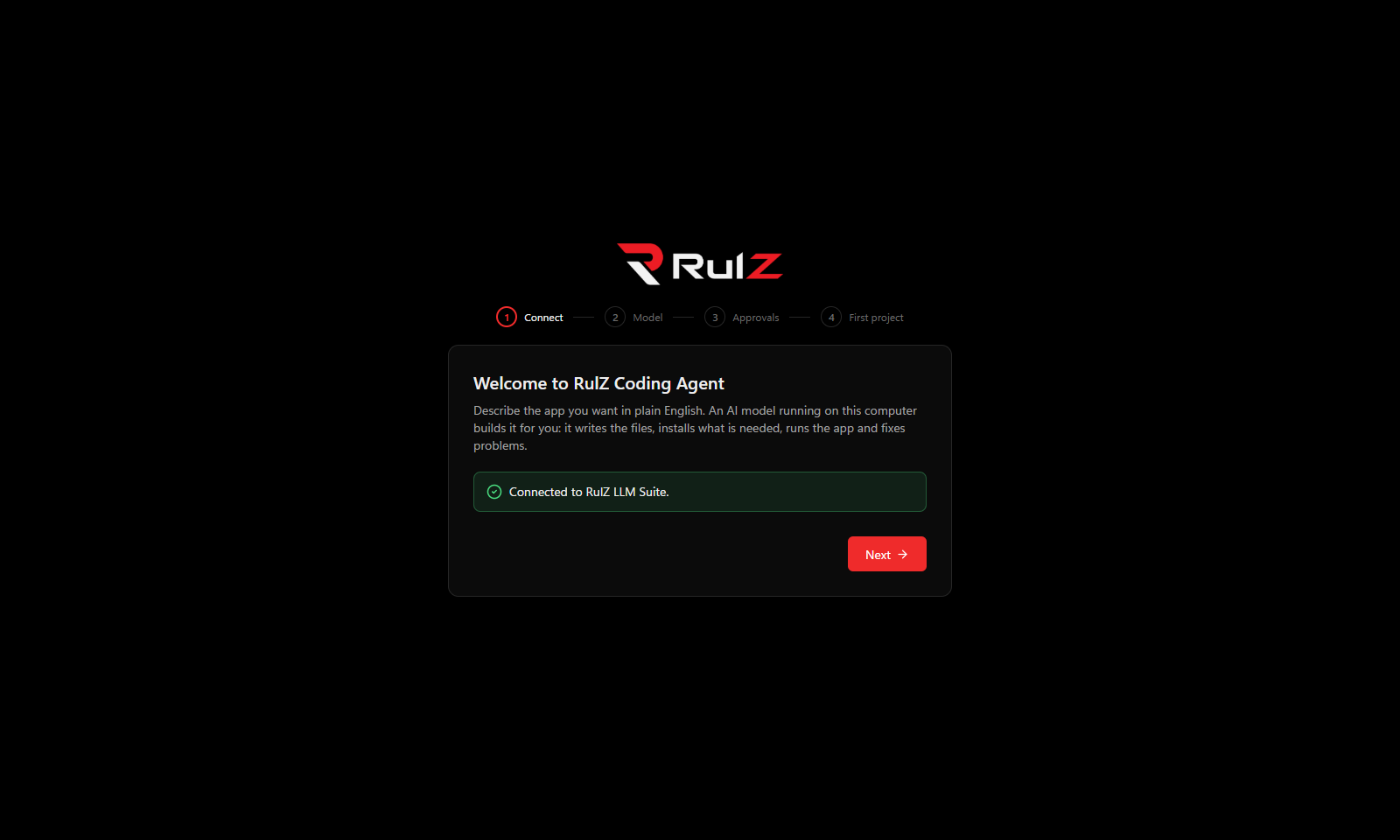
The wizard:
- finds RulZ LLM Suite,
- lets you pick a model,
- explains approvals (see Approvals and Safety),
- creates your first project. New projects go in
C:\codingunless you choose another folder in Settings → Show details.
Type what you want and press Enter. Shift+Enter starts a new line, and Esc or Stop stops the agent at any moment, even mid-command.
Good first requests:
- "Make a to-do list app with a window, where I can tick items off."
- "Make a website that shows a clock in big numbers."
- "Make a Python script that renames all photos in a folder by the date they were taken."
The sun/moon button in the top bar switches between dark and light. Settings → Look also offers Same as Windows.