Repository navigation
Projects and Tasks
A project is a folder on your computer. Each request you send is a task: the agent works on it step by step until it's done, needs your answer, or you stop it.
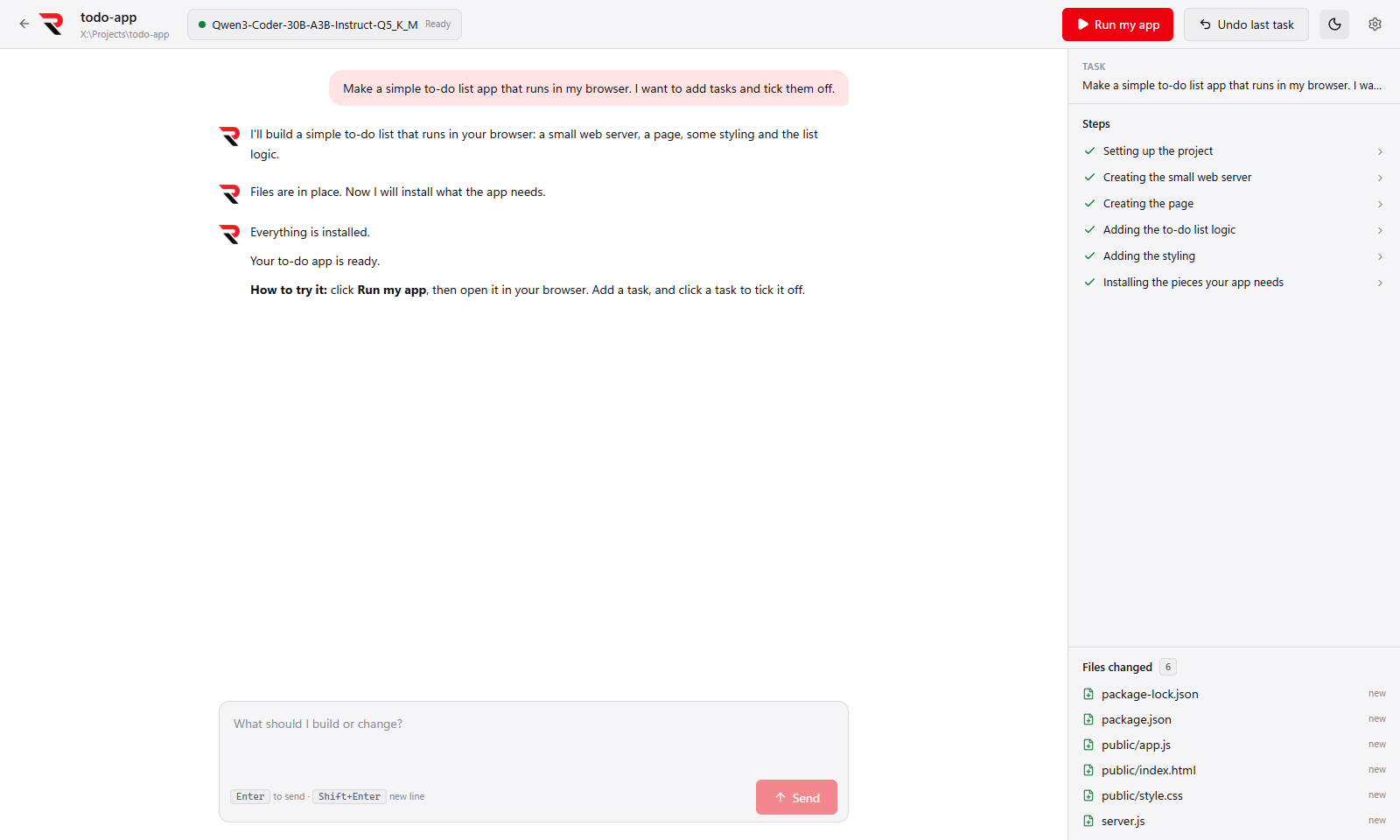
| Area | What it shows |
|---|---|
| Conversation (left) | What you asked and what the agent says, in plain words. |
| Steps (right) | Each action, such as "Installing the pieces your app needs", with a status icon. Click a step to see the exact command and its output. |
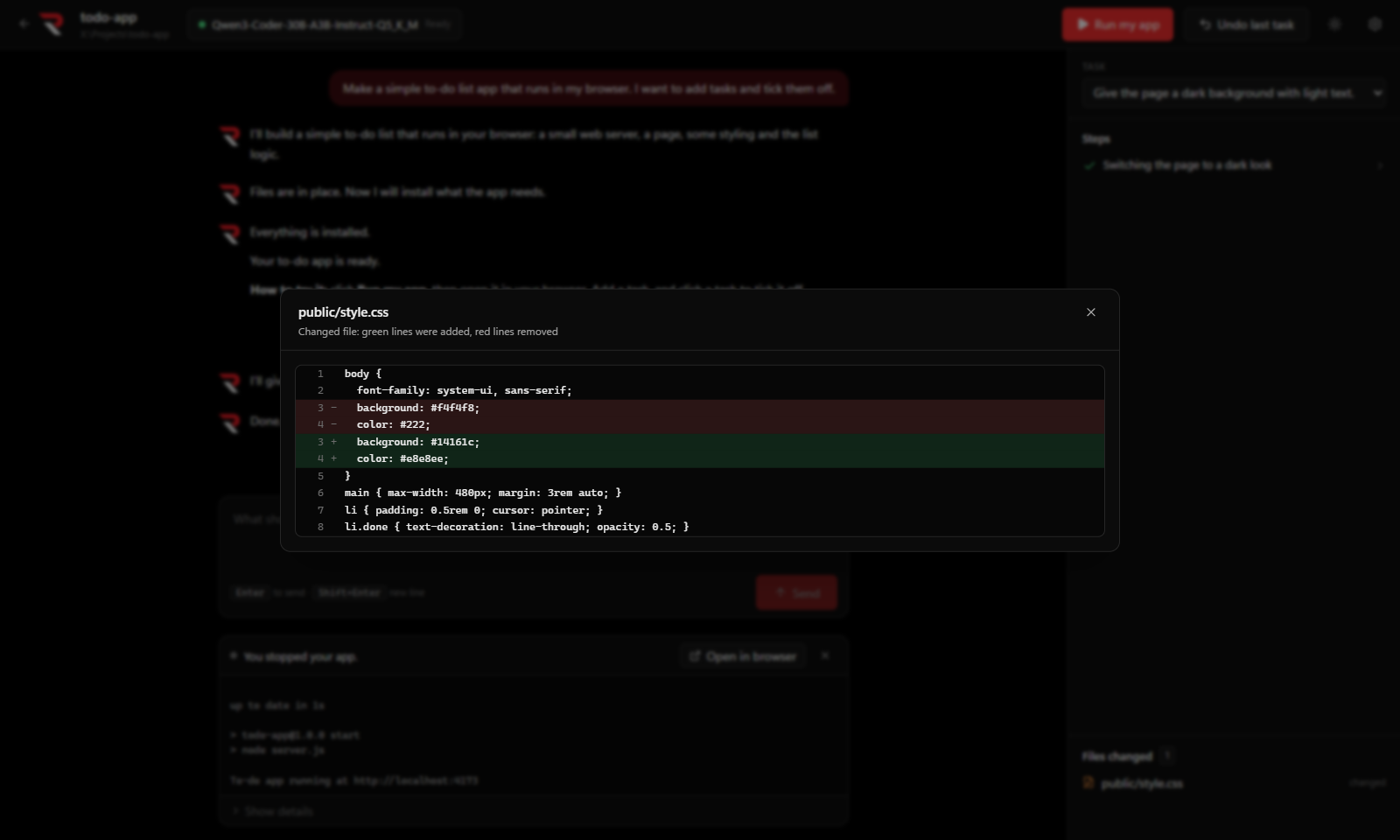
| Files changed | Every file the task created, changed or deleted. Click one to see the changes. |
| Memory (under the message box) | How full the model's context is, for example "23% of 100K", using the exact token counts RulZ reports. |
| Model (top bar) | The model in use and whether it's ready. Click it to switch (Model Settings). |
Models that reason before they answer (such as Qwen3, Gemma 4, gpt-oss or DeepSeek-R1) get a Thinking… box above each of their replies in the conversation:
- It opens and fills in live while the model thinks, so you can follow its reasoning as it works.
- It folds away once the model starts answering (or moves straight on to a step), and then reads Thought process.
- Click it to open or close it at any time, including for earlier replies. The thinking is saved with the project's conversation.
- Models that write their thinking inline as
<think>…</think>get the same box; that text no longer appears in the reply. - The thinking is only shown to you. It is never sent back to the model, so it doesn't use up the model's memory.
Coder models usually don't think, so they show no box. To turn thinking on or off or limit how long it lasts, see Model Settings → Thinking. The Android app doesn't show thinking yet.
Stop or Esc stops the task right away, even in the middle of a command, and kills the command's whole process tree. Whatever was done so far is kept, and Undo last task can remove it.
- Undo last task puts the project back exactly as it was before the last task. Press it again to go further back.
- History lists every task in the project, newest first, with when it ran and how many files it changed. Go back to before this on any task puts the project back to how it was then. It undoes that task and every later one in a single step, after a confirmation that lists them.
The agent is told what was undone at the start of its next task.
Your own Git repositories are never touched: restore points live in a private repository in the app's data folder, not in a .git inside your project. node_modules, dist, .venv and files over 50 MB are left out.
The agent pauses and asks whether to keep going, try another way, or stop when it:
- makes the same call three times in a row,
- fails five times in a row, or
- reaches the step limit (40 by default; change it in Settings → Show details → Most steps per task).
Requests stay under about 80% of the model's context. Older tool results are shortened first. If that isn't enough, older turns are summarised. Your current task, the safety rules and your Notes are never dropped. If the model is loaded with 16K context or less, the agent says once that bigger projects need more. You can raise it in Model Settings.