You have never tried a terminal text editor this light before.
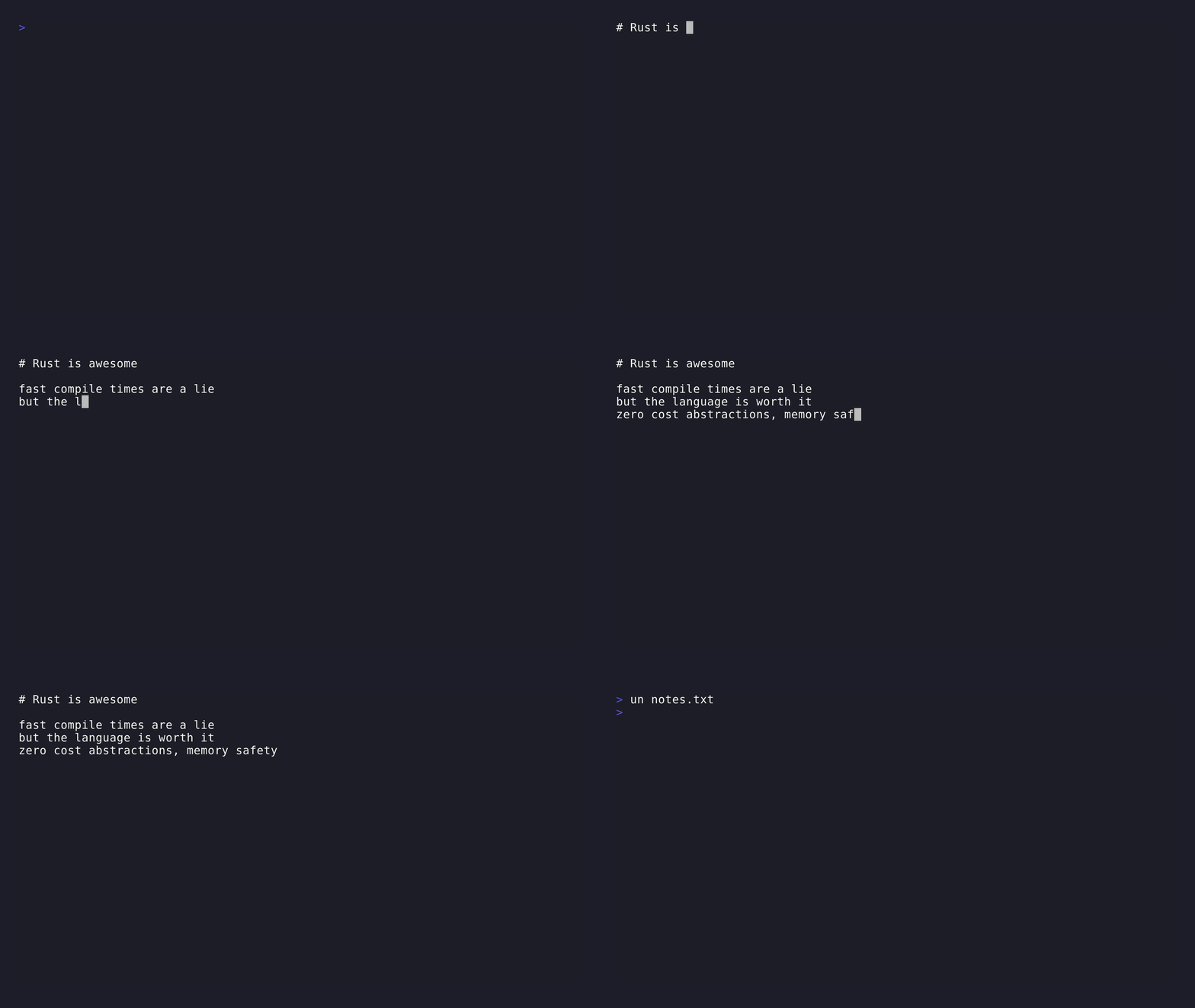
An incredibly minimal terminal text editor with syntax highlighting and a Lua plugin engine, inspired by nano.
curl -sSf https://raw.githubusercontent.com/stackwill/ultranano/refs/heads/main/install.sh | bashDownloads the latest pre-built binary and installs un to ~/.local/bin. Linux only (x86_64 and aarch64). No dependencies required.
un <filename>- Unicode-aware cursor movement and editing
- Cut/paste line operations
- Search with wrap-around
- Nano-style keybindings
- Lua plugin engine — keybindings, hooks, syntax highlighting, custom overlays
| Key | Action |
|---|---|
| Ctrl+X | Exit editor |
| Ctrl+S | Save as (set filename) |
| Ctrl+W | Find text |
| Ctrl+K | Cut current line |
| Ctrl+U | Paste cut line |
| Arrow keys | Move cursor |
| PageUp/Down | Scroll page |
| Home/End | Jump to start/end of line |
| Enter | Insert newline |
| Backspace | Delete character before cursor |
| Delete | Delete character at cursor |
| Tab | Insert tab character |
In prompts:
| Key | Action |
|---|---|
| Enter | Submit |
| Esc | Cancel |
Plugins are Lua files in ~/.config/ultranano/plugins/. Every .lua file there is loaded at startup.
-- ~/.config/ultranano/plugins/duplicate_line.lua
un.bind("ctrl+d", function()
    local row = select(1, un.editor.get_cursor())
    local line = un.editor.get_line(row) or ""
    un.editor.insert_line(row + 1, line)
    un.editor.set_message("Line duplicated")
end)
Plugins can bind keys, listen to events (open, save, key, before_render, after_render, render_line), draw custom overlays, and read/modify editor content. See docs/plugins.md for the full API reference.
curl -sSf https://raw.githubusercontent.com/stackwill/ultranano/refs/heads/main/uninstall.sh | bashOr manually: rm ~/.local/bin/un