Repository navigation
Benchmark
Benchmark measures how fast a volume? actually reads and writes. It creates a temporary file, times four different kinds of access against it, and deletes it afterwards.
This is the page for "why is this disk slow". The other pages answer "is this disk broken".
It writes a temporary file. That makes it neither destructive nor read-only: nothing you have is at risk, but the volume needs free space and needs to be writable.
- Comparing a drive against the speed it was sold at.
- Checking whether an SSD? has fallen off a performance cliff.
- Proving that a USB enclosure or cable is the bottleneck rather than the drive.
- Before and after a change, to see whether it did anything.
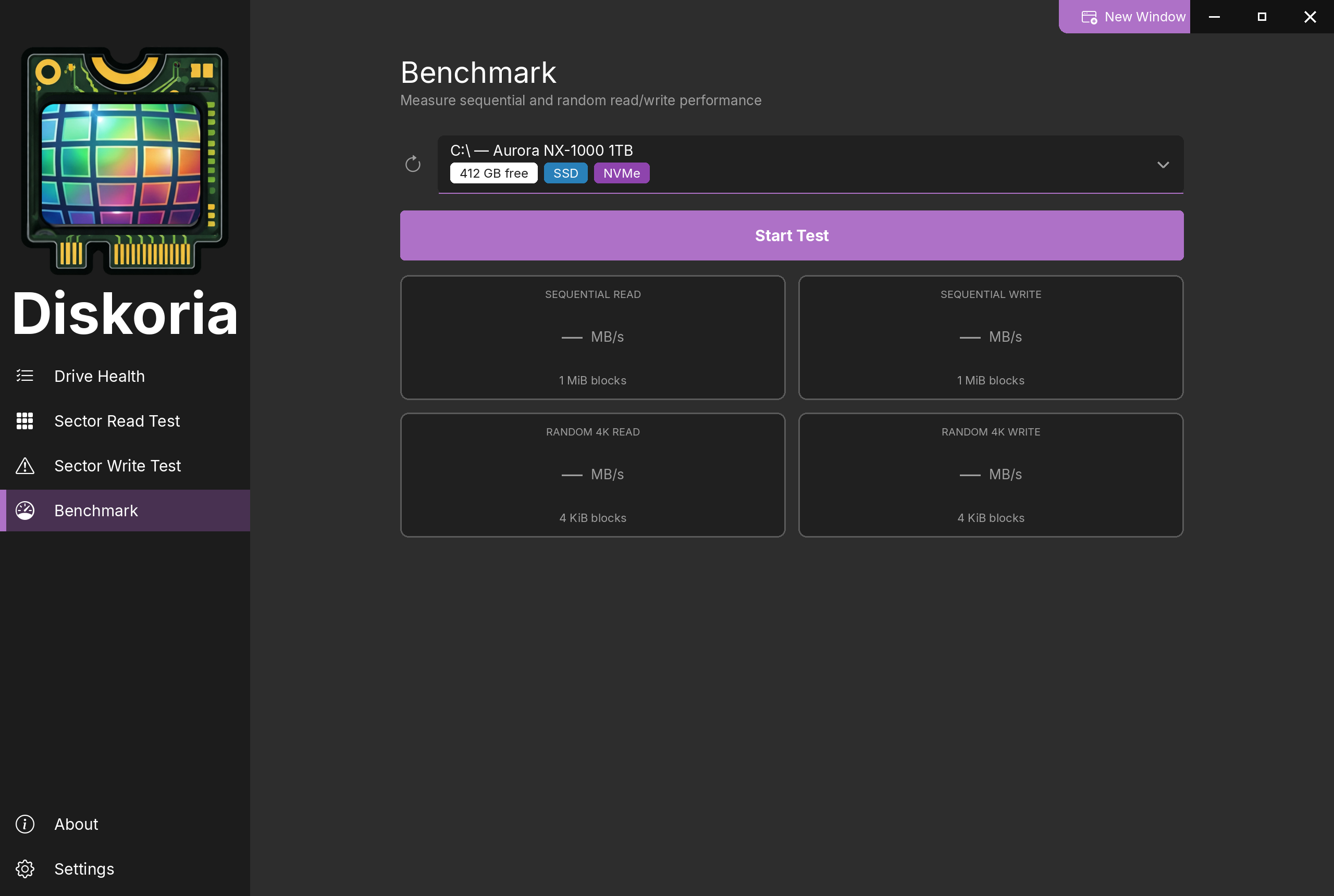
A volume picker, then Start Test, then a progress card and the four result tiles.
This is the only page whose picker lists volumes rather than disks. Each entry names a mount point and the model of the disk behind it, and its first chip is the volume's free space where the other pages show the disk's total size. That is because the test works by writing a file, so it needs somewhere to put one -- a drive letter, a file system?, free space. A disk with no mounted? volume cannot be benchmarked at all, even though the sector? pages will happily test it.
| Tile | What it measures |
|---|---|
| SEQUENTIAL READ | One long continuous read |
| SEQUENTIAL WRITE | One long continuous write |
| RANDOM 4K READ | Thousands of tiny scattered reads |
| RANDOM 4K WRITE | Thousands of tiny scattered writes |
Sequential is what a big file copy or a disk image does. It is the number on the box.
Random 4K? is what booting, launching applications, and searching do. It is thousands of small accesses to scattered places.
The random figures are what you feel day to day. A drive with excellent sequential numbers and poor random ones will still feel slow, and this is the single most common reason a "fast" drive disappoints. It is also the whole reason an SSD feels quicker than a hard disk: the sequential gap is large, the random gap is enormous.
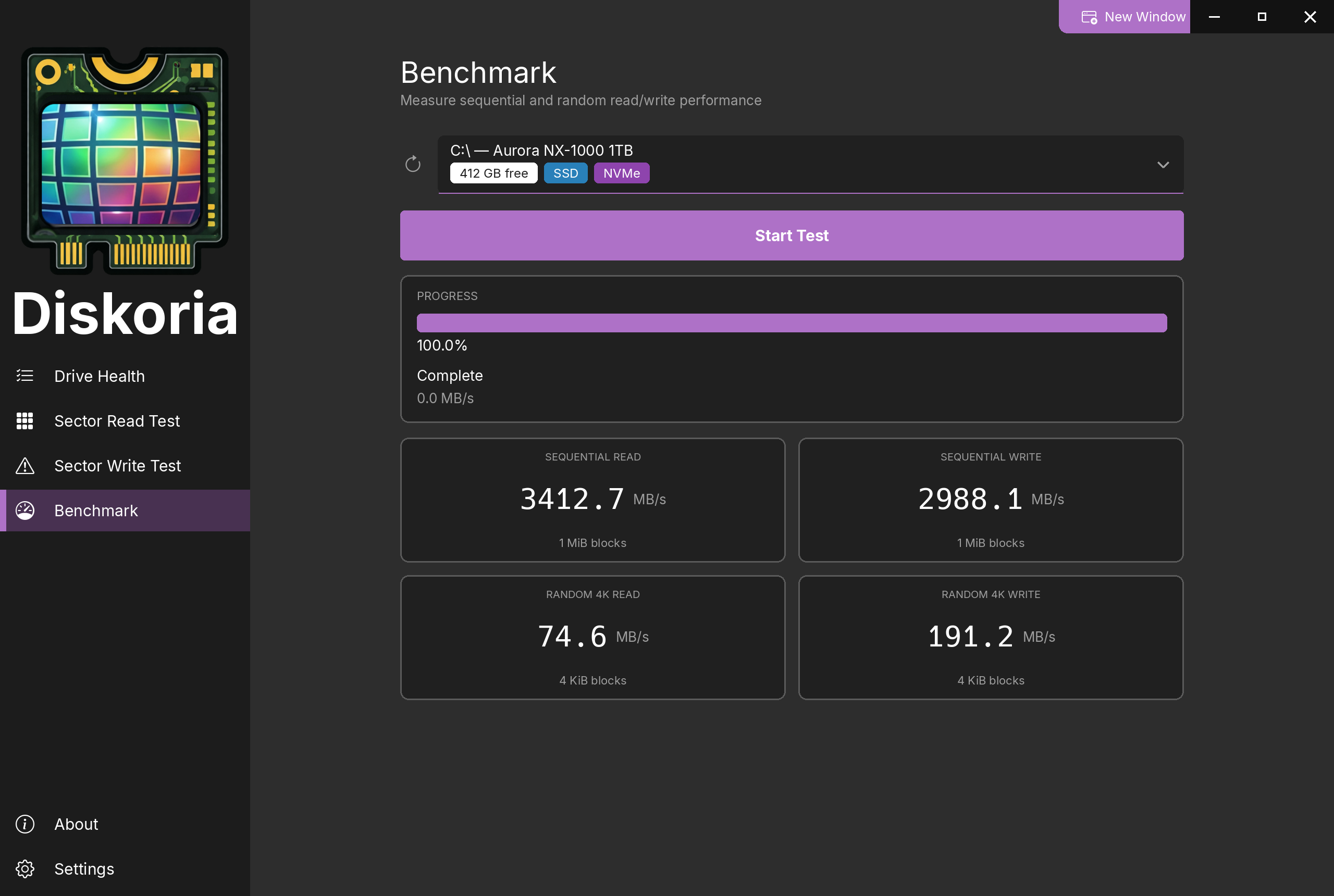
- Pick the volume. The dropdown lists every volume Diskoria can write a test file to, in disk order. It opens on a volume of whichever drive the other pages have selected.
- Press Start Test.
- Watch the tiles fill.
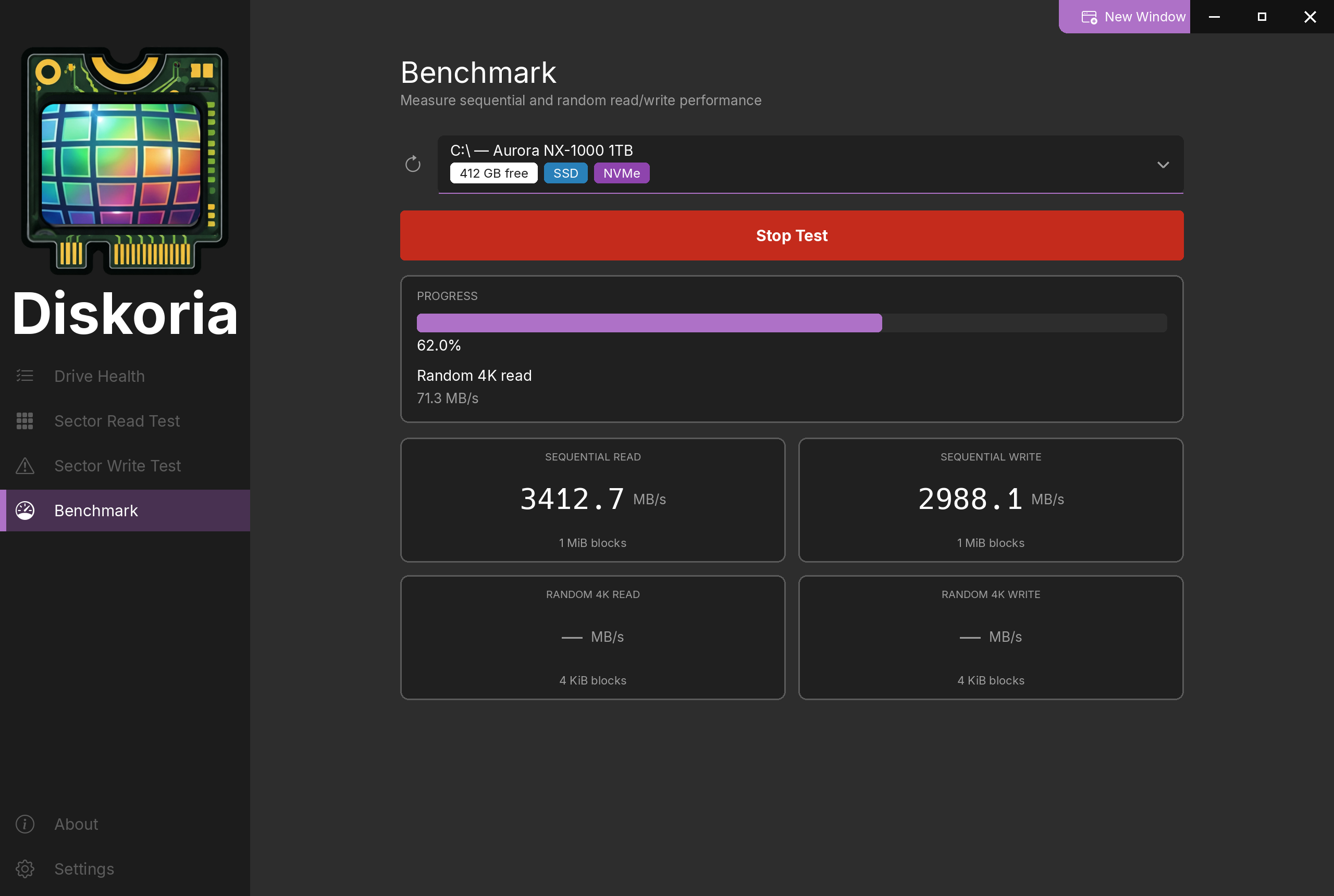
The tiles fill one at a time, in order, not all at once. A run part-way through legitimately shows two numbers and two dashes; under the bar, the progress card names the operation running and its current throughput?.
| Control | What it does |
|---|---|
| Refresh | Re-scans for drives and volumes. |
| Volume dropdown | Picks which volume to write the test file to. One entry per volume, across every disk. |
| Start Test | Begins. Writes a temporary file, then deletes it. |
| Stop Test | Aborts. The temporary file is cleaned up. |
| Dismiss | Clears an error banner. |
A benchmark that is quietly wrong is worse than no benchmark, so:
- Other activity on the machine. Anything else reading or writing that disk competes with the test.
- Free space. A nearly-full volume, especially an SSD, is measurably slower.
- SSD write caches. Many SSDs absorb a short burst at high speed and then drop sharply. A short test can flatter a drive that would collapse under sustained load.
- The enclosure and cable. A fast NVMe? drive in a slow USB bridge reports the bridge's speed. If the numbers look capped at a suspiciously round figure, suspect the connection.
- Heat. A hot NVMe drive throttles. Check the temperature on Drive Health straight after a run.
- A failing drive. A drive retrying bad reads is slow for a reason no benchmark will name. If the numbers are far below expectation, run a Sector Read Test and look for a trough.
"No mounted volume on this disk. Choose a volume above to benchmark." -- the drive the other pages have selected has no formatted, mounted volume. Nothing is wrong with it; there is just nowhere to write the file. The disk still appears in the dropdown, greyed, with a No mounted volume chip -- listed so you can see what the page was handed, not so you can pick it.
"This volume is BitLocker-locked. Speed tests cannot run on locked volumes." -- unlock it first.
"The volume was no longer available during the speed test. Test has been stopped." -- the volume disappeared mid-run, usually a USB drive dropping off.
"This drive is being tested in another window." -- one test per physical drive across all windows. Hover the greyed entry and the app tells you exactly this.
The drive selection changed by itself. Picking a volume here is the one place the Benchmark page moves the drive selection the other pages share -- you chose that disk deliberately, so it follows you to them. Merely visiting this page never moves it: a drive with no volume is listed unselectable instead.
- Drive Health -- is it hot, is it worn?
- Sector Read Test -- is the surface sound?
- Glossary -- sequential, random, 4K, IOPS?, queue depth?.