Web Dashboard
Important
The repository's web dashboard guide is the authoritative reference for configuration, security boundaries, and exact behavior. This page is a visual task-oriented introduction.
The daemon-backed dashboard provides Scanner, Controls, Audio, Recordings, and Diagnostics panes in one responsive browser workspace. It remains a client of the existing daemon and does not open a second scanner-control or RTSP/RTP audio connection.
For local standalone use, install the web extra, start the daemon, and start the loopback web service in another terminal:
python -m pip install "sds200[web]"
sdsctl --log-level INFO --host SCANNER_IP daemon
sdsctl web
Open http://127.0.0.1:8000/ on the same host. Home Assistant OS users normally
open the same workspace through authenticated Home Assistant Ingress. An
explicit private-LAN mode is also available; review the canonical guide before
enabling it.
Select a pane with a pointer or move through the tablist with Left Arrow, Right Arrow, Home, and End. The browser remembers the selected pane. In the Scanner pane, Auto follows Search/Close Call, Weather, and Tone-Out screens; Hierarchy, RF, Identity, and Special provide explicit inspection, and Simple or Detail controls the normal-scanning fallback.
Theme choice is browser-local presentation state. It does not change daemon or scanner state. The six built-in choices share the same panes, controls, fields, keyboard behavior, and security boundary.
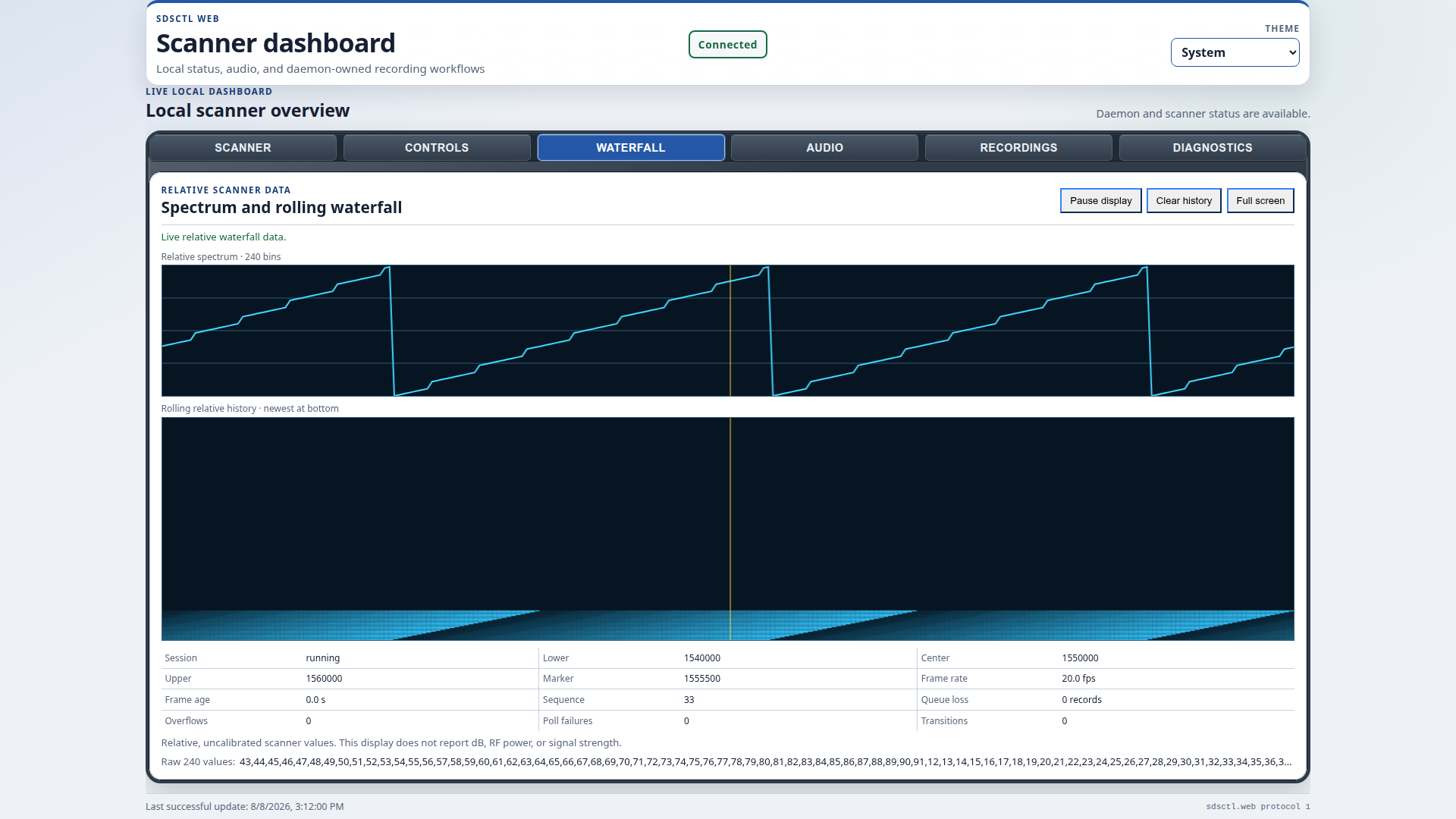
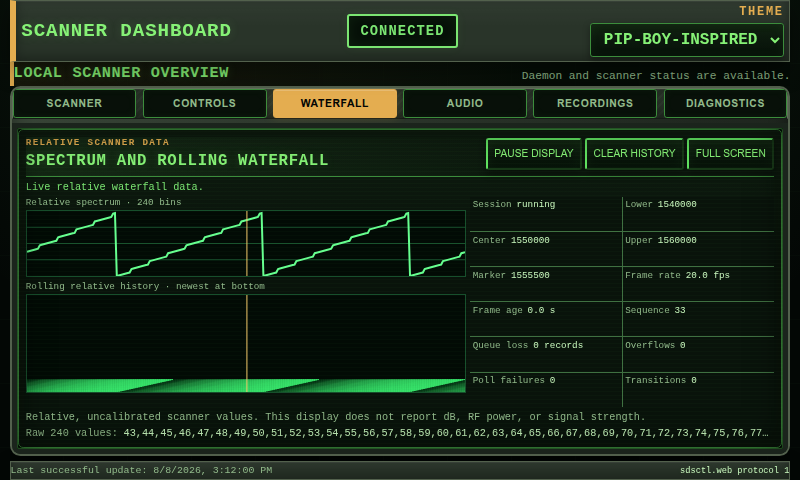
Every theme is captured in the same review order: 1920x1080 Full HD, 1366x768 desktop, 800x480 compact landscape/Raspberry Pi display, and 390x844 portrait phone at DPR2. At normal zoom the document and active pane fit without scrolling at these reference sizes. When text enlargement or browser zoom needs more room, content reachability takes priority and conventional scrolling returns.
At phone width, one compact brand row sits above a shared connection-status and
theme-selector row. The supporting subtitle and visible Theme label are
omitted from that narrow presentation while the selector retains its accessible
name, leaving more height for the active workspace without abbreviating theme
names.
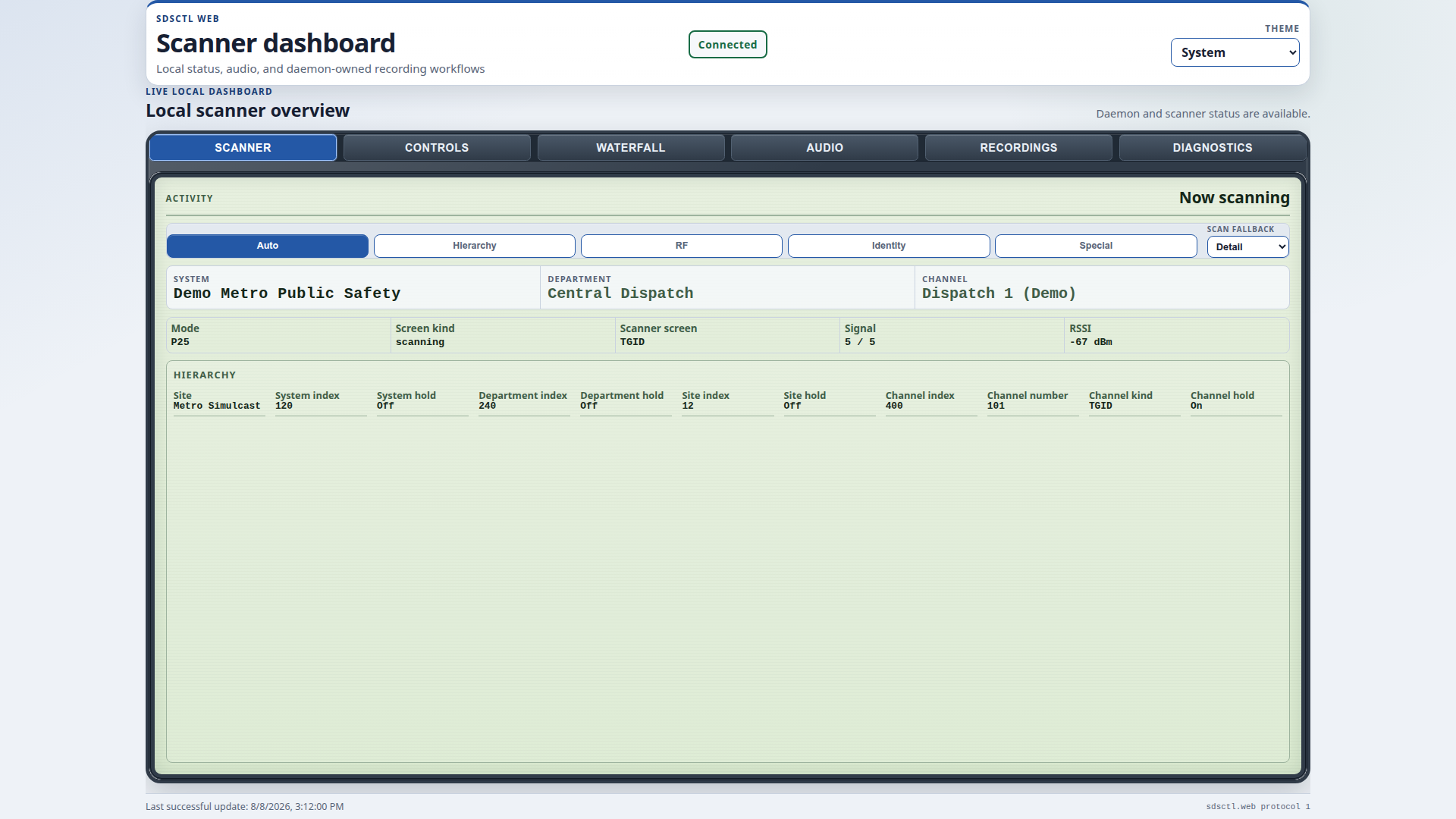
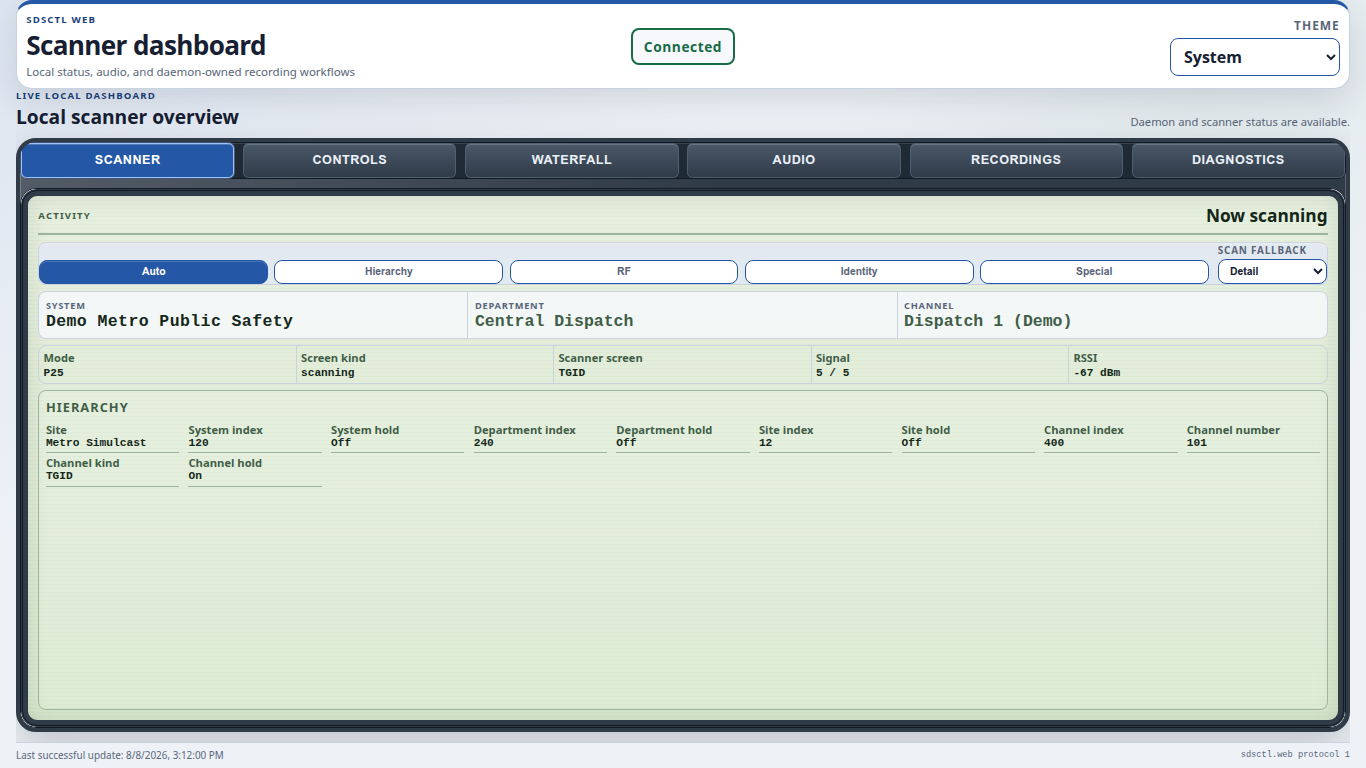
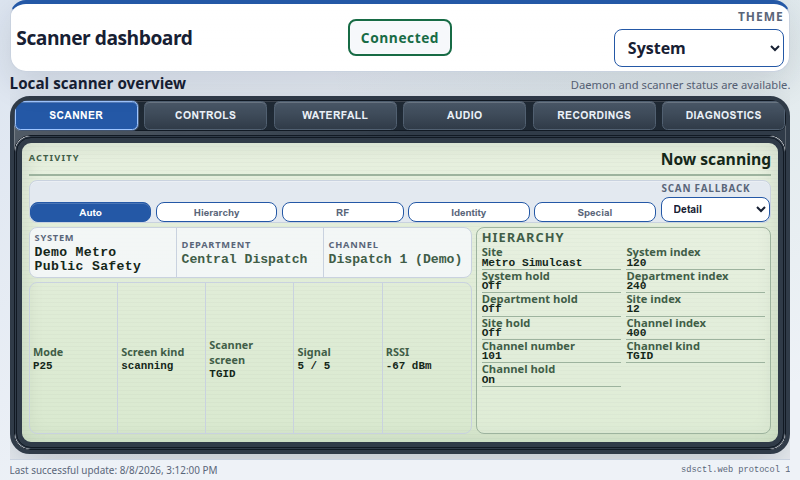
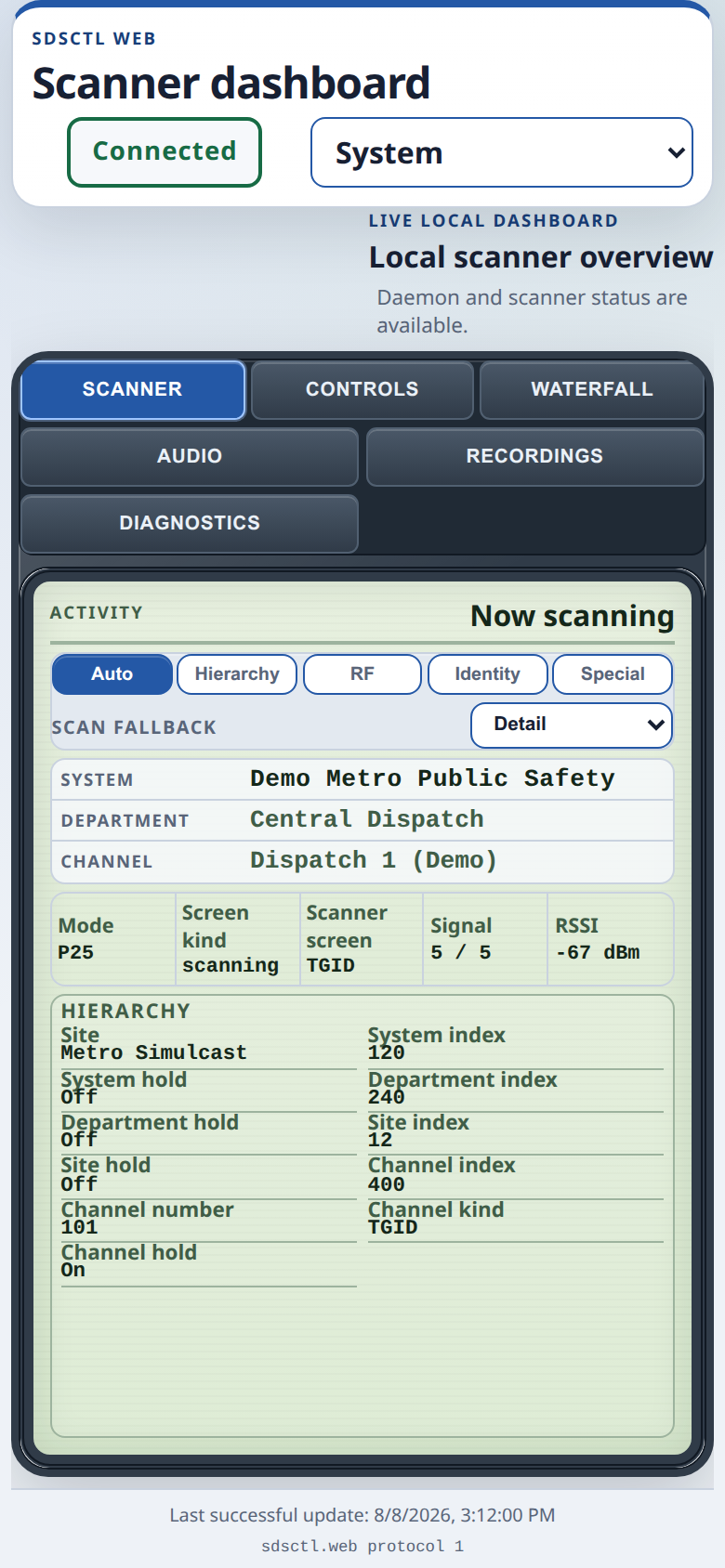
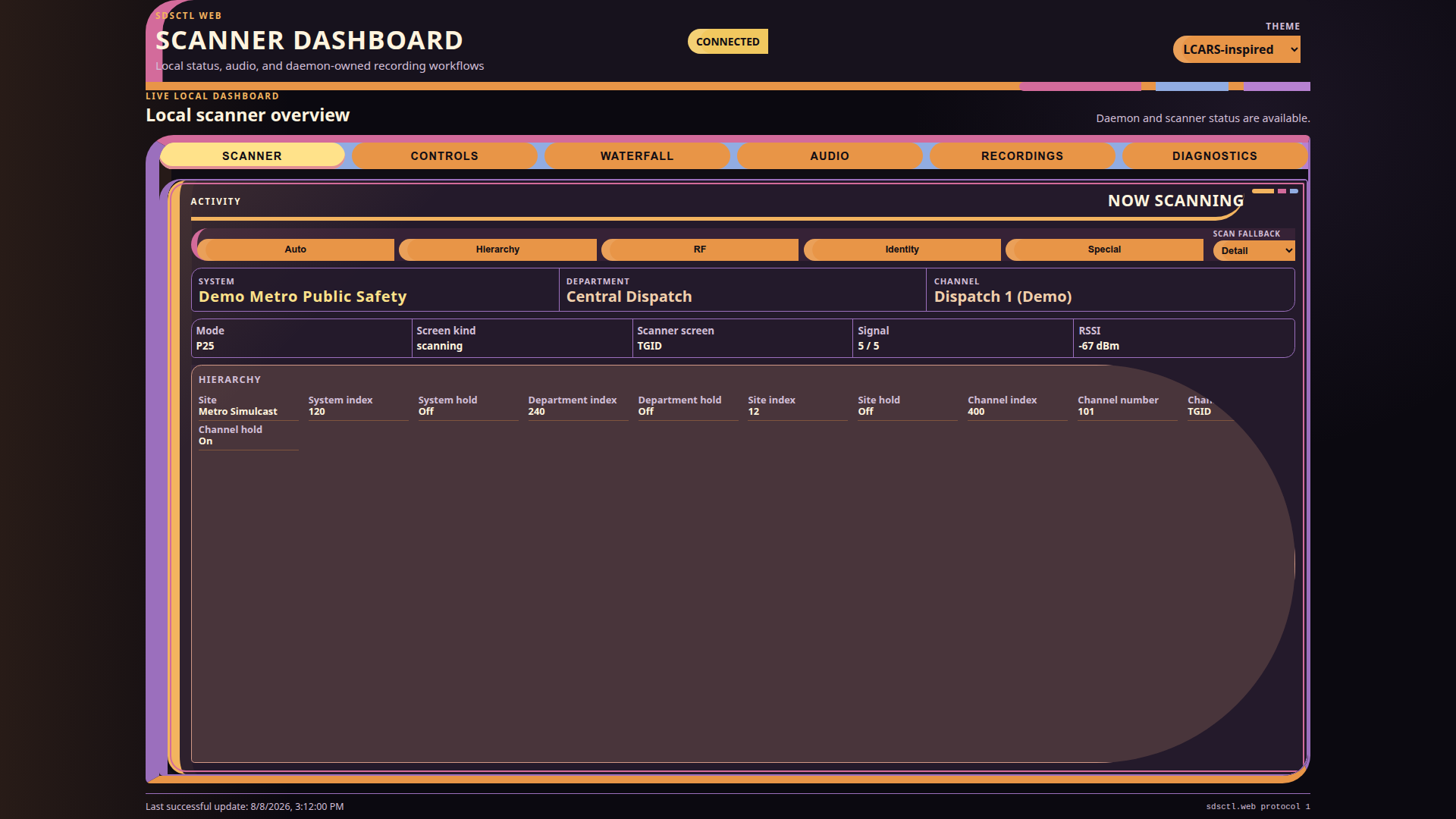
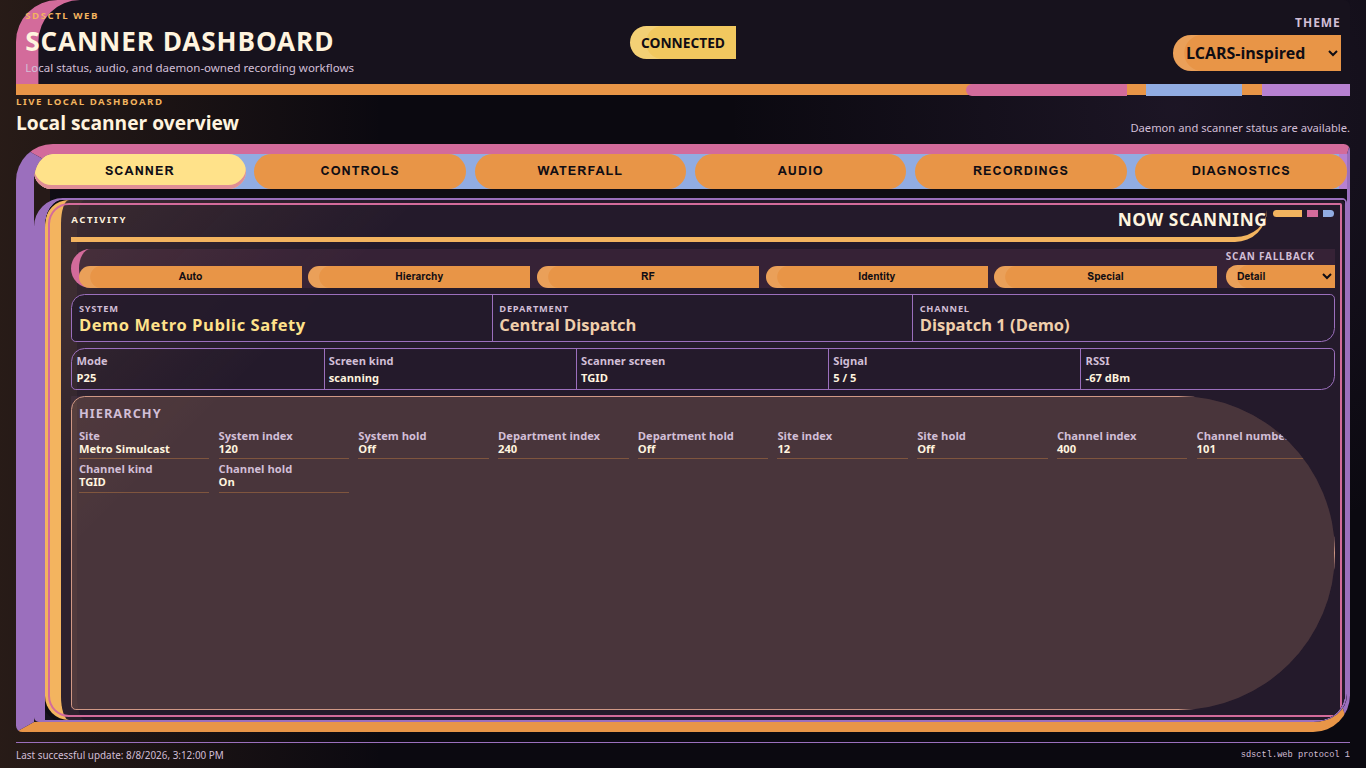
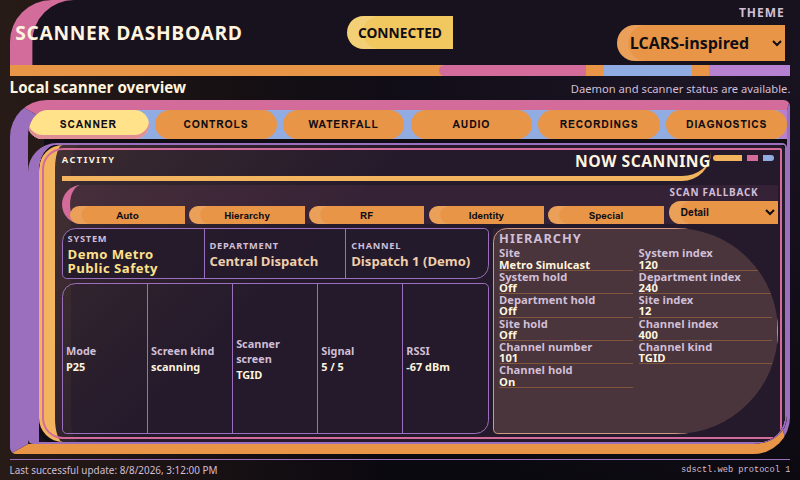
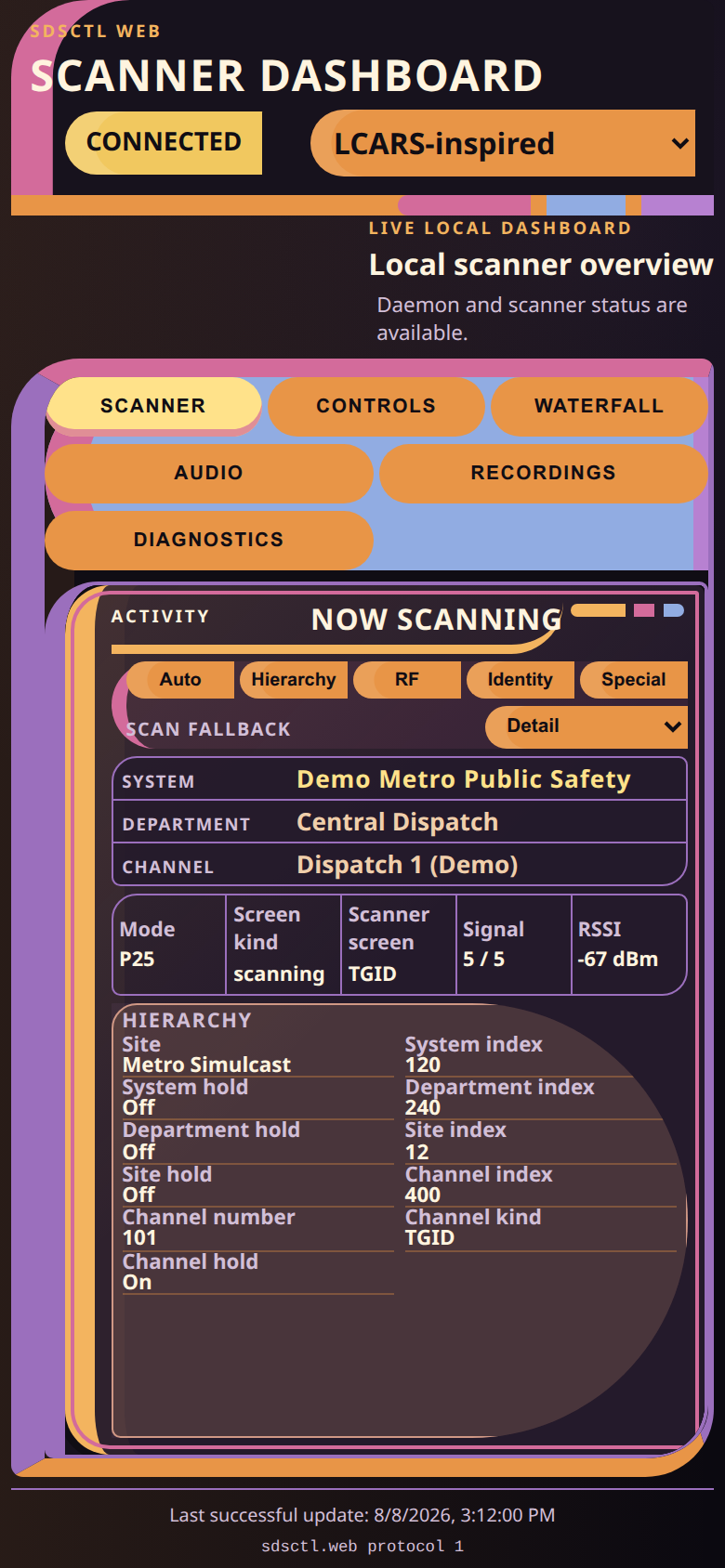
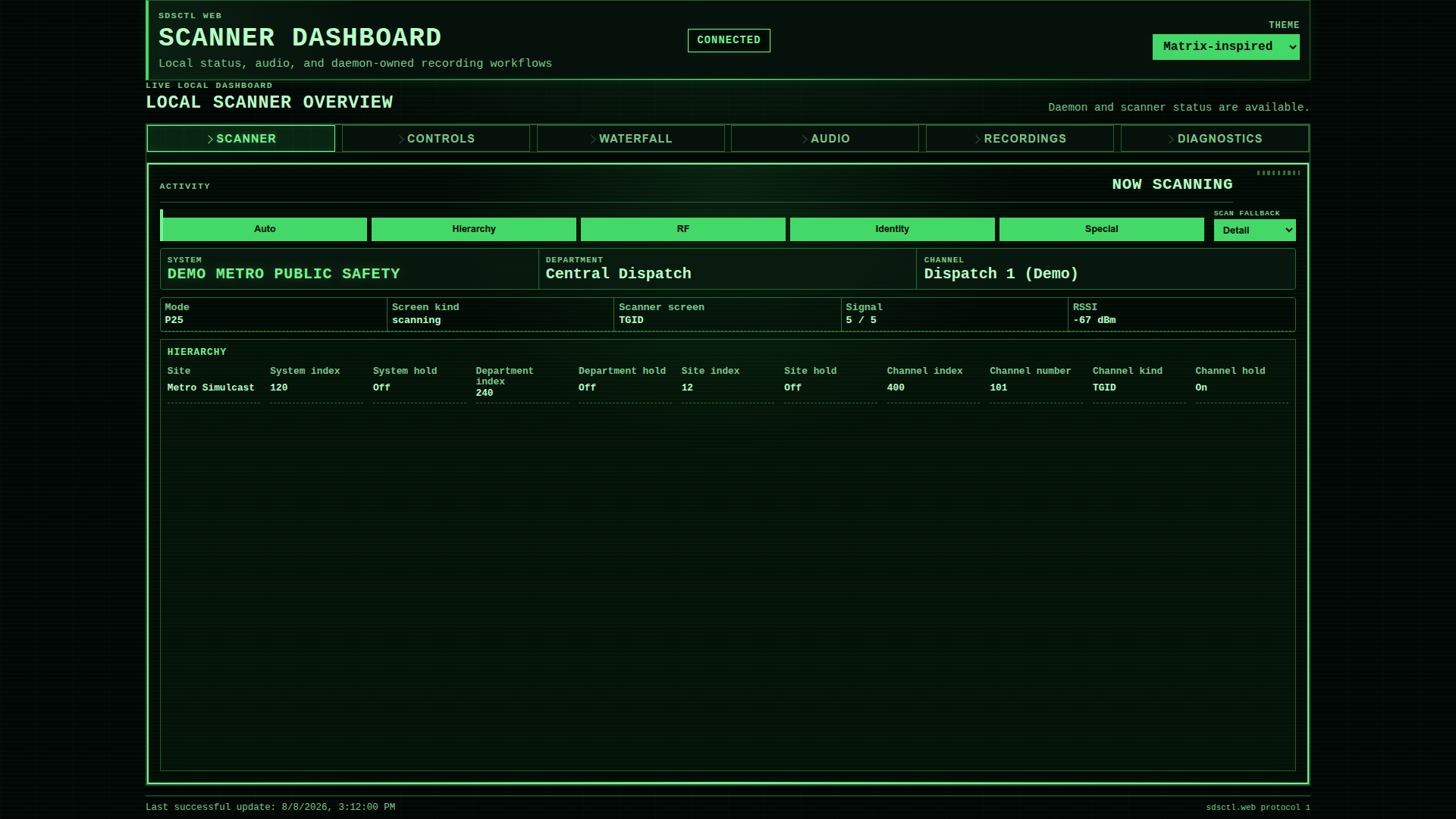
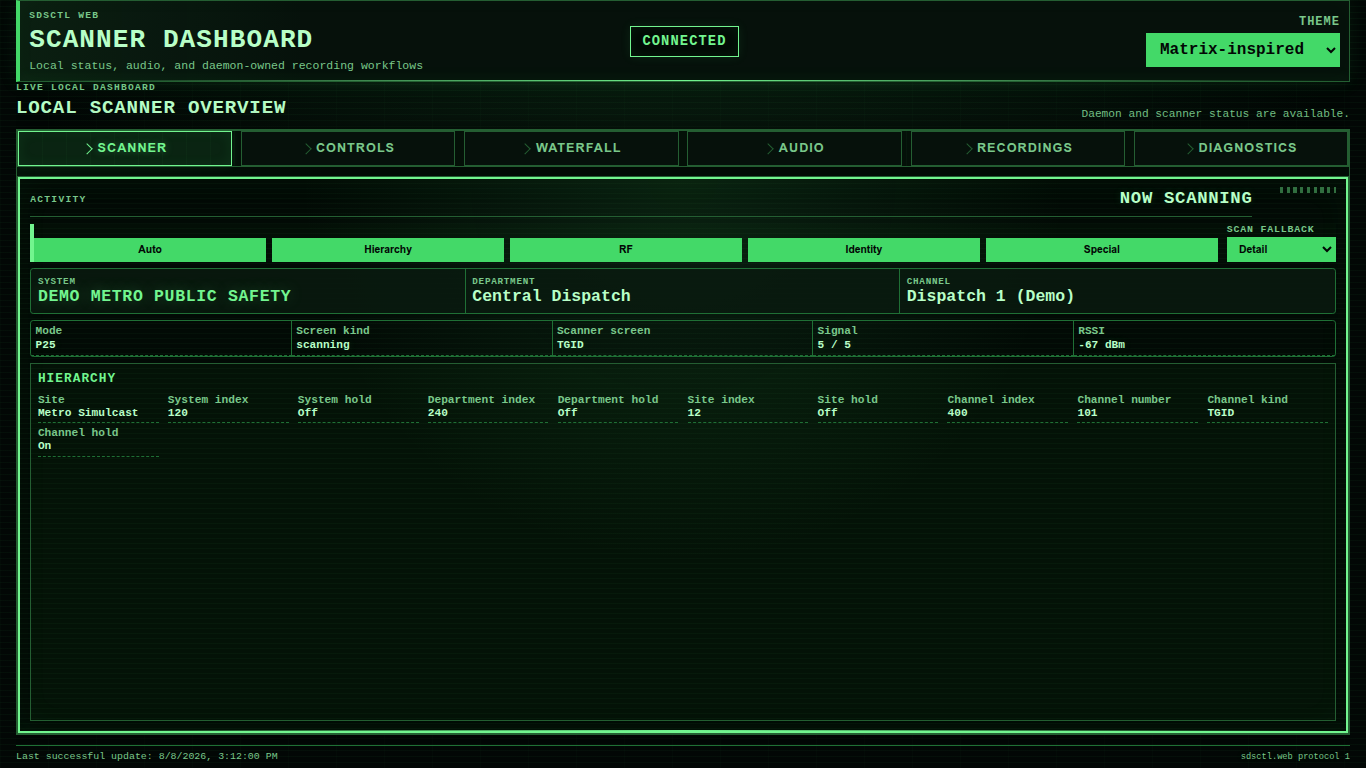
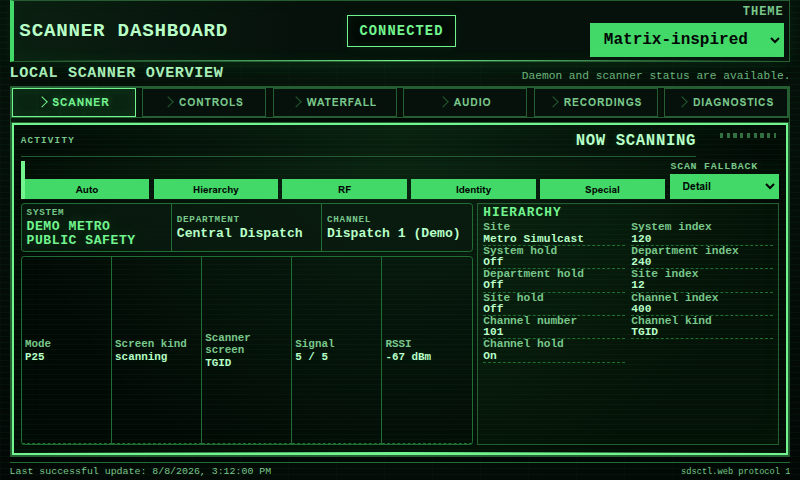
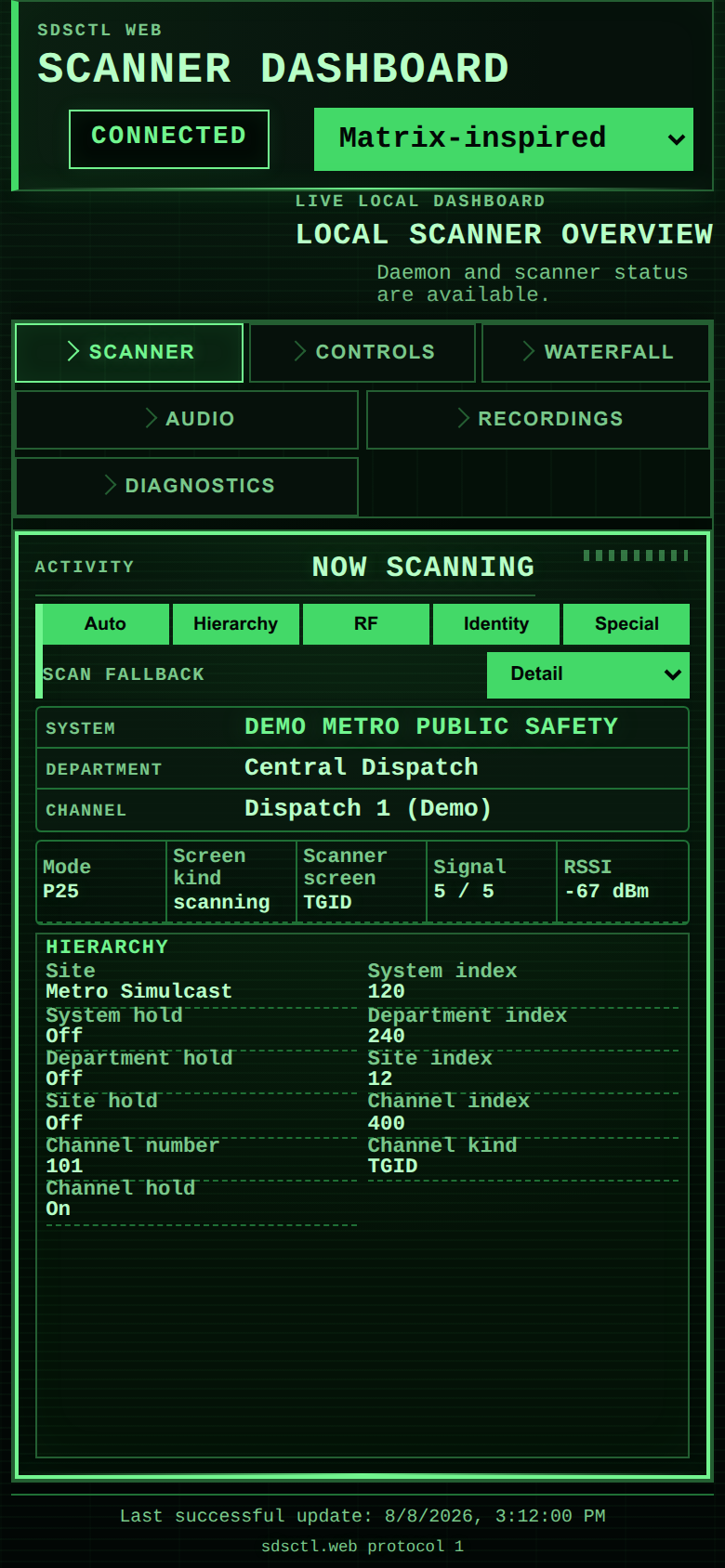
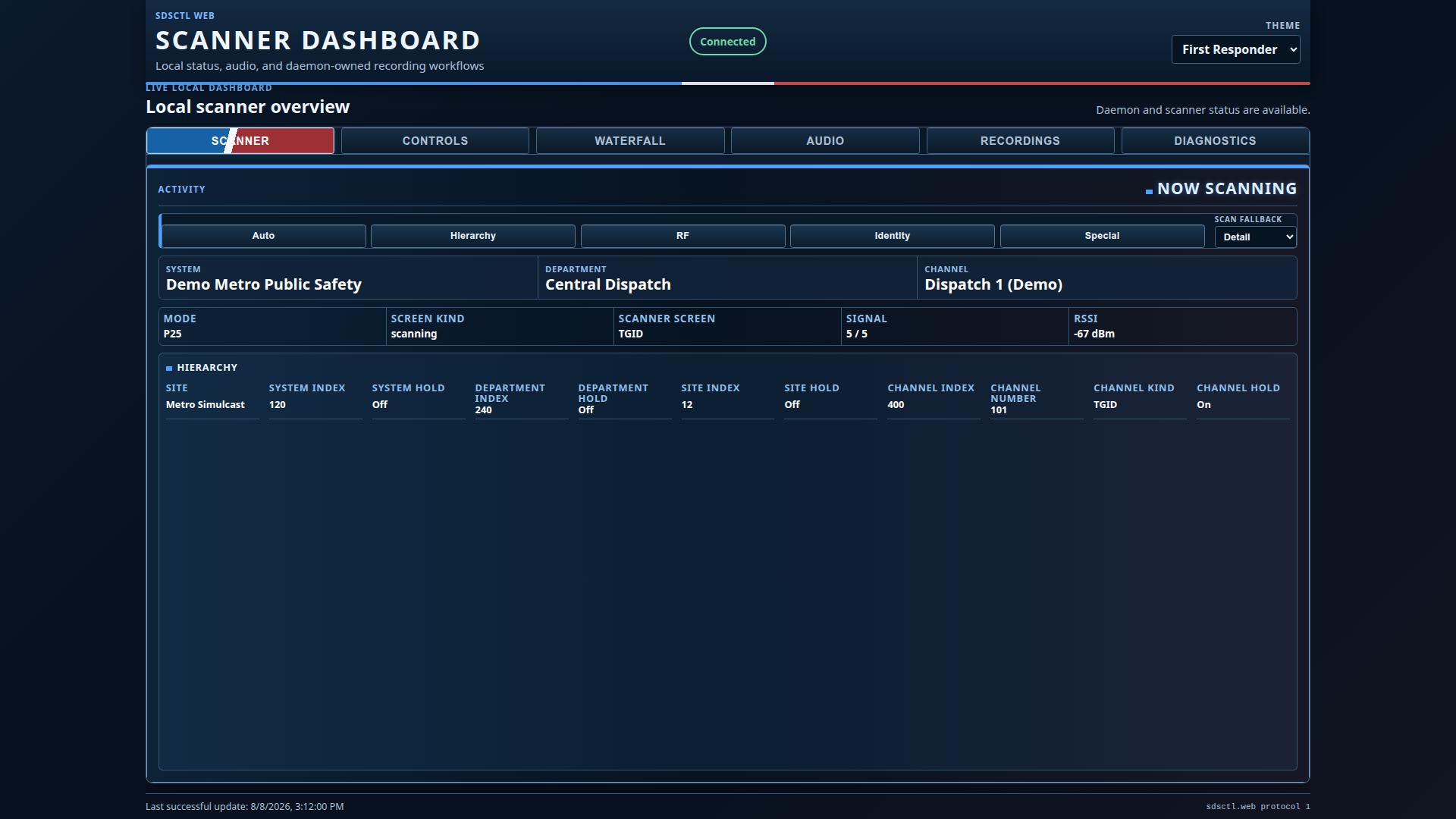
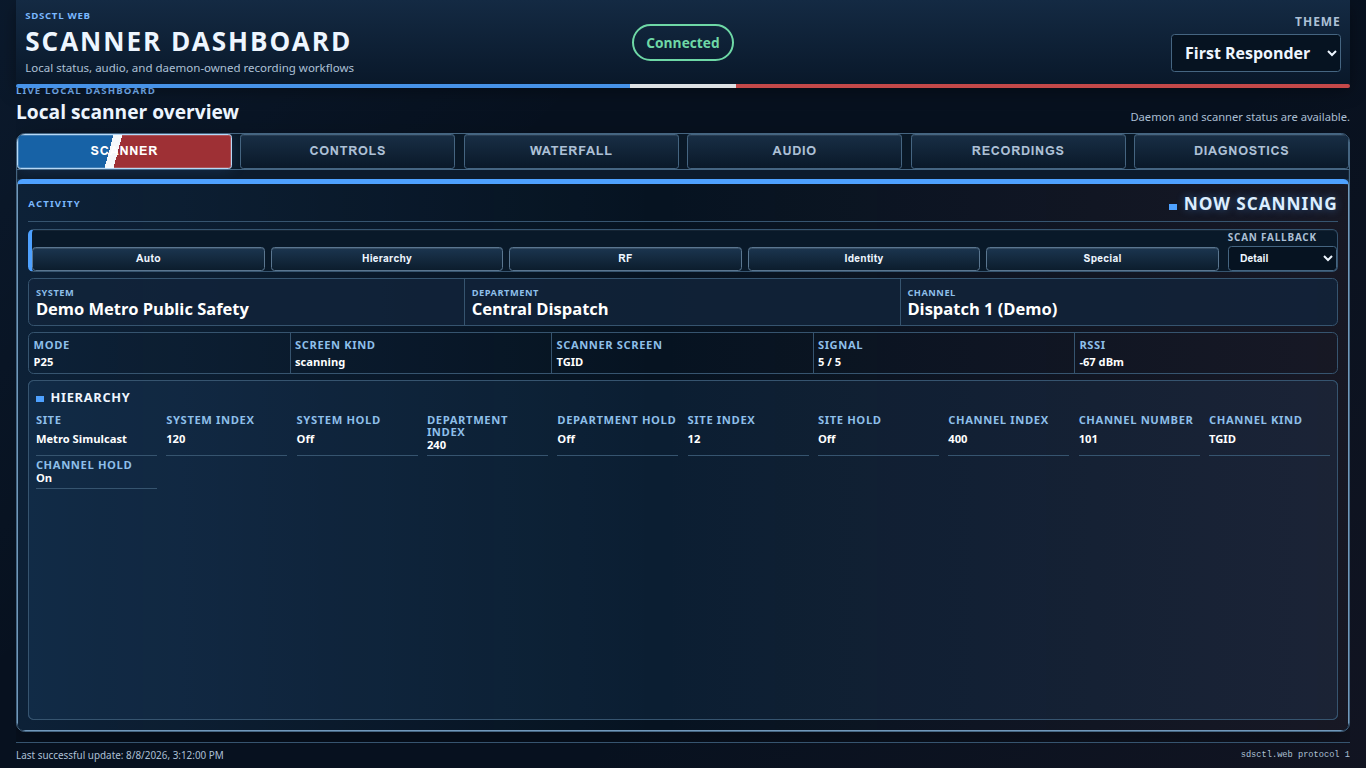
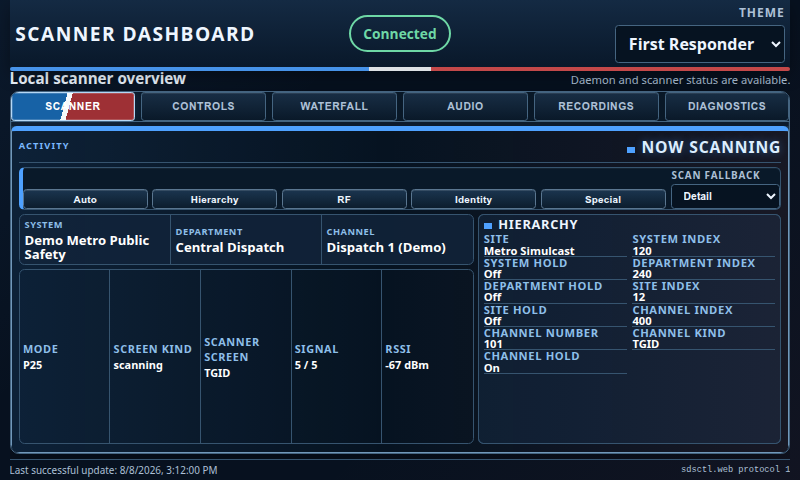
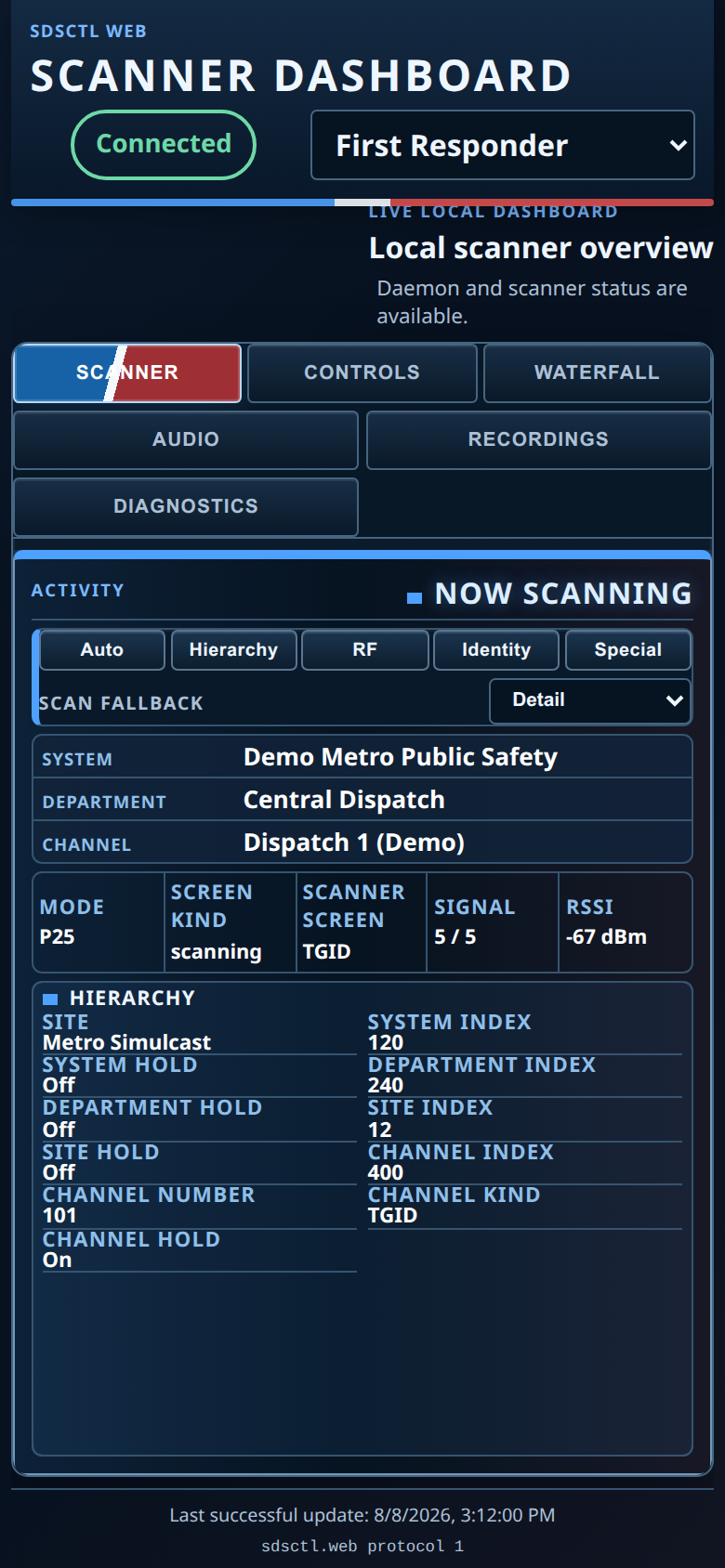
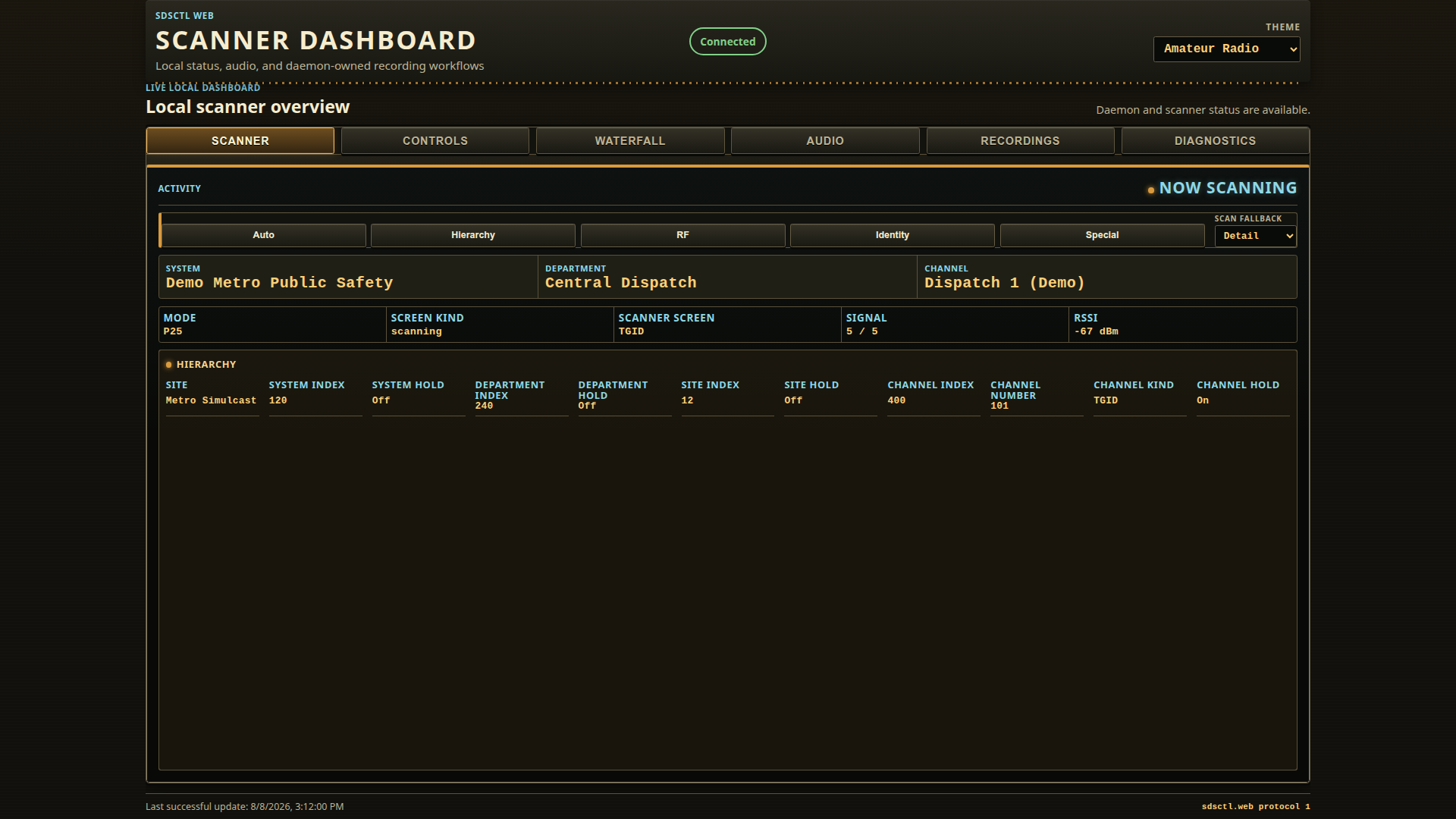
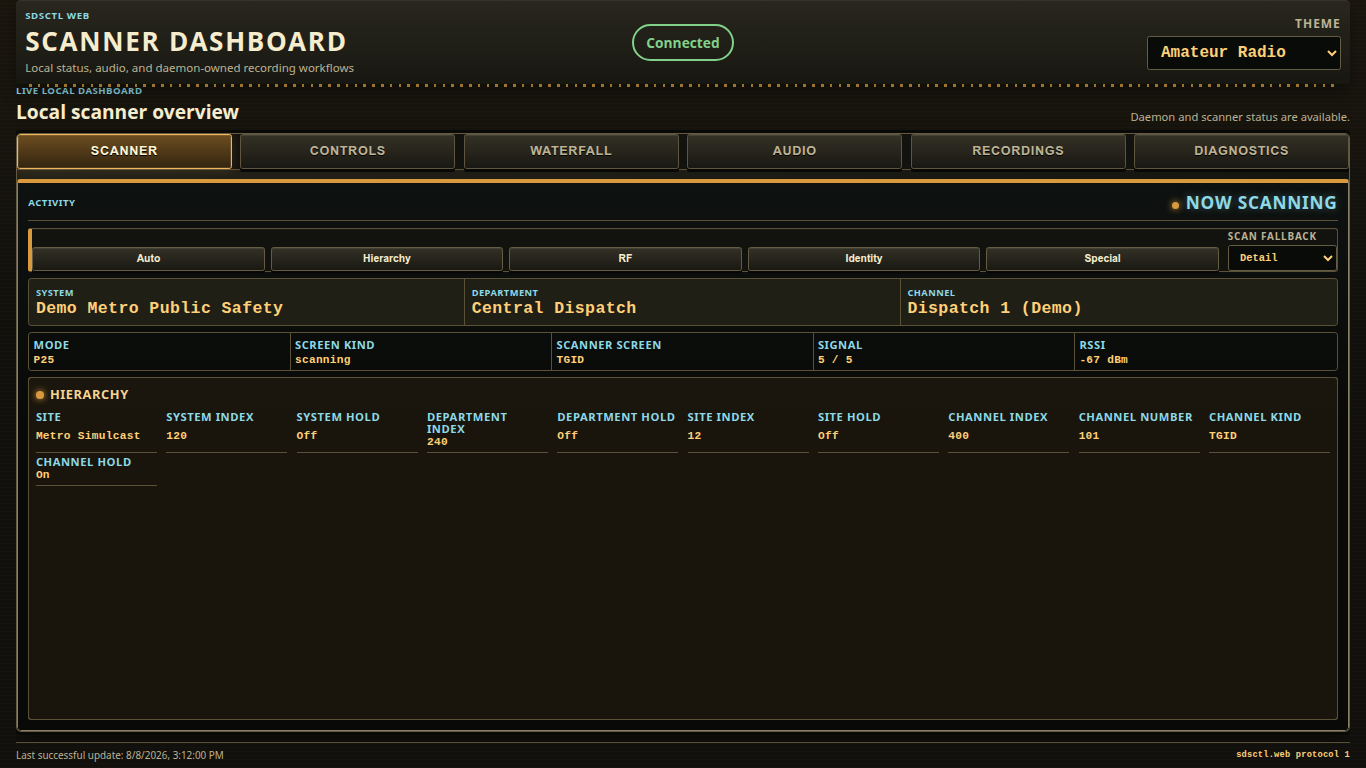
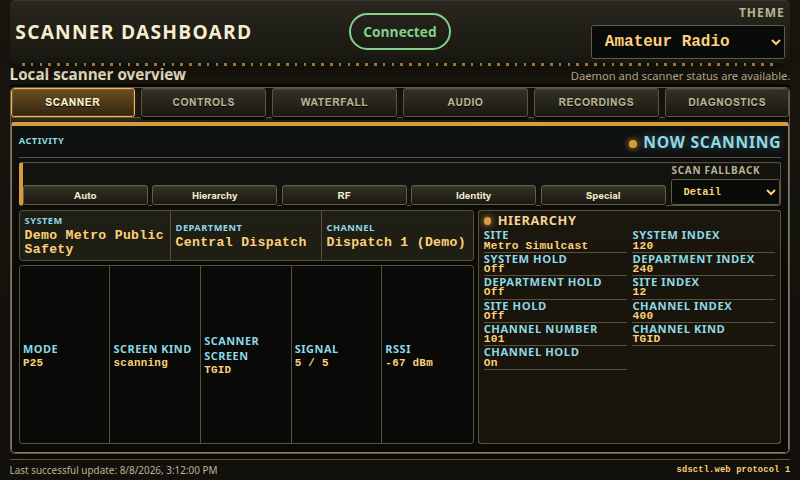
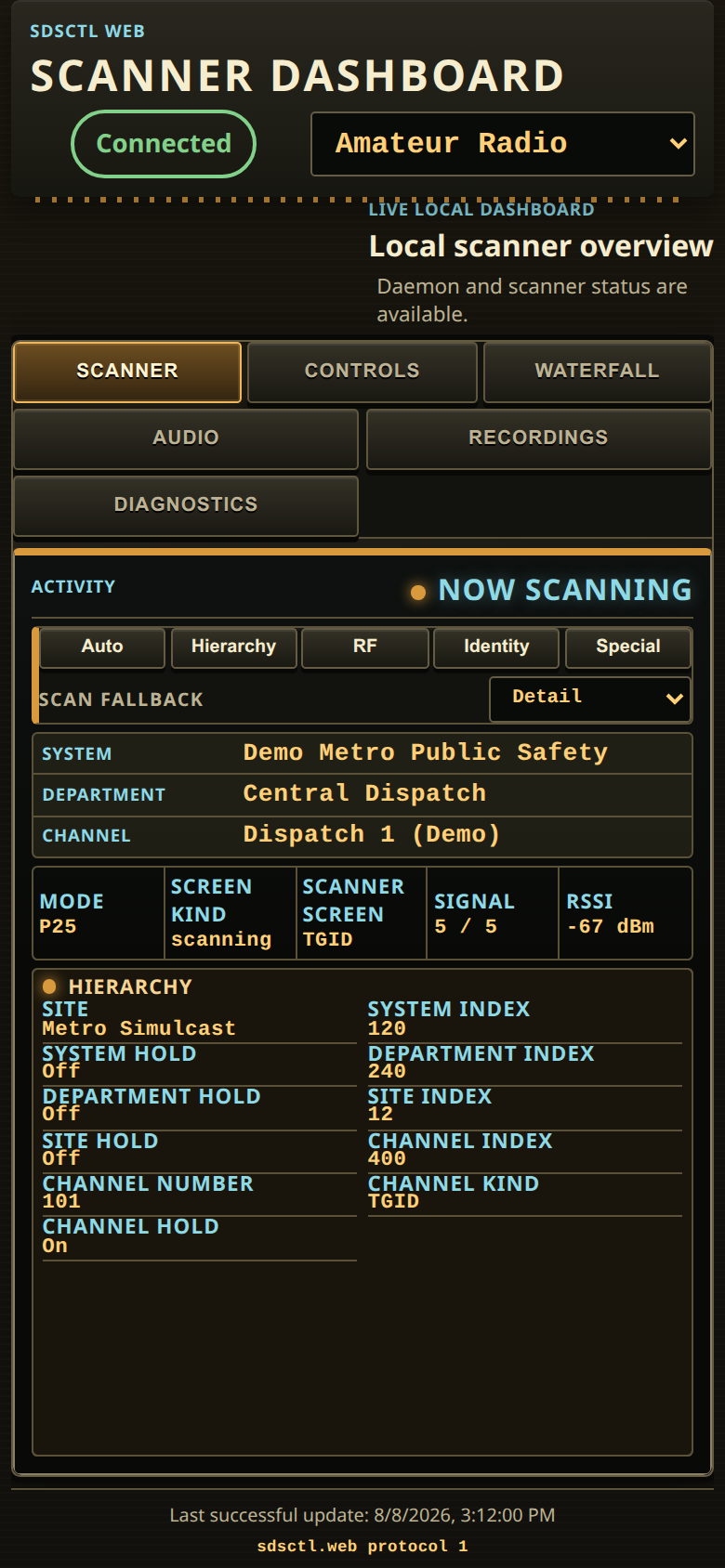
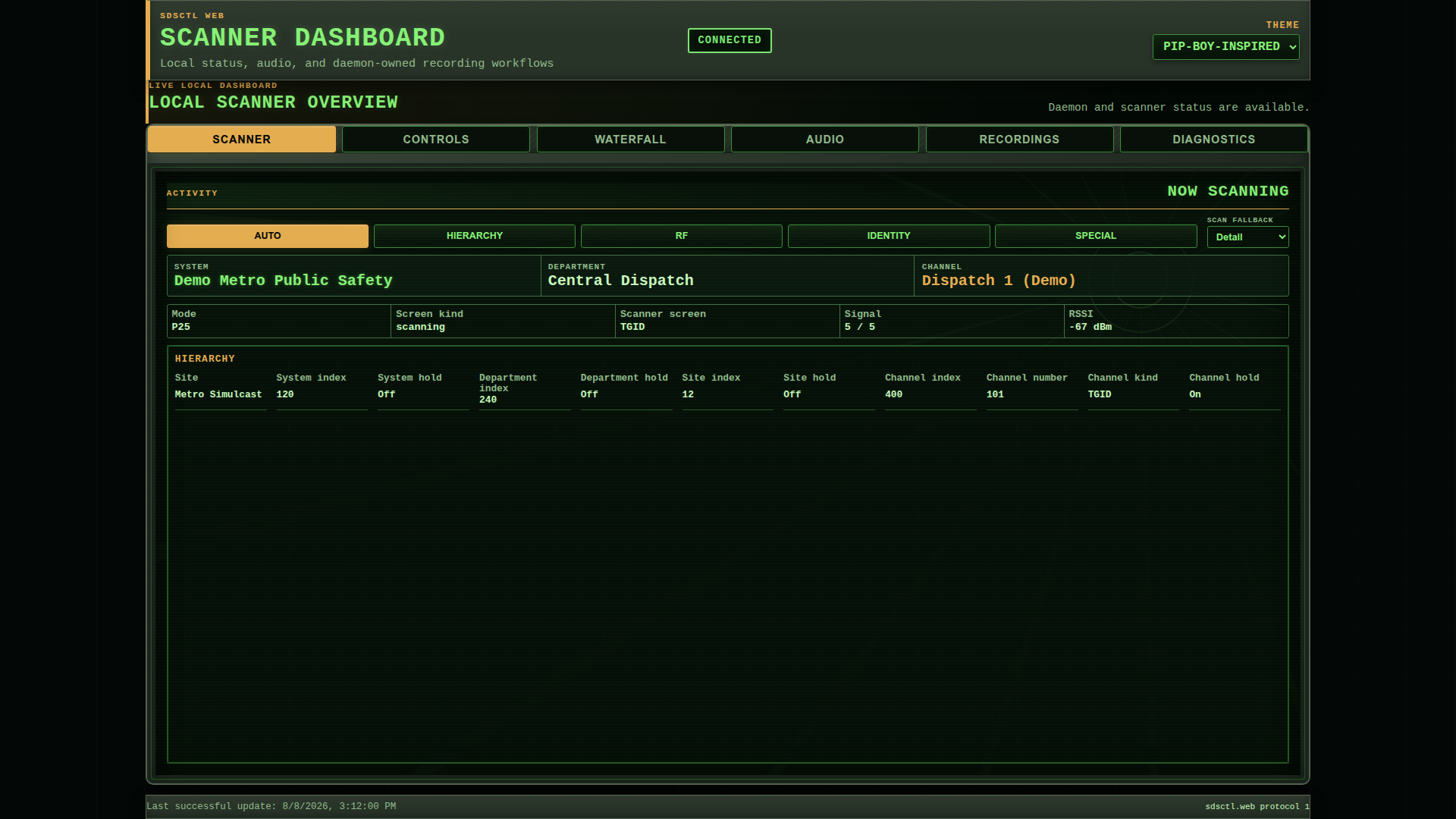
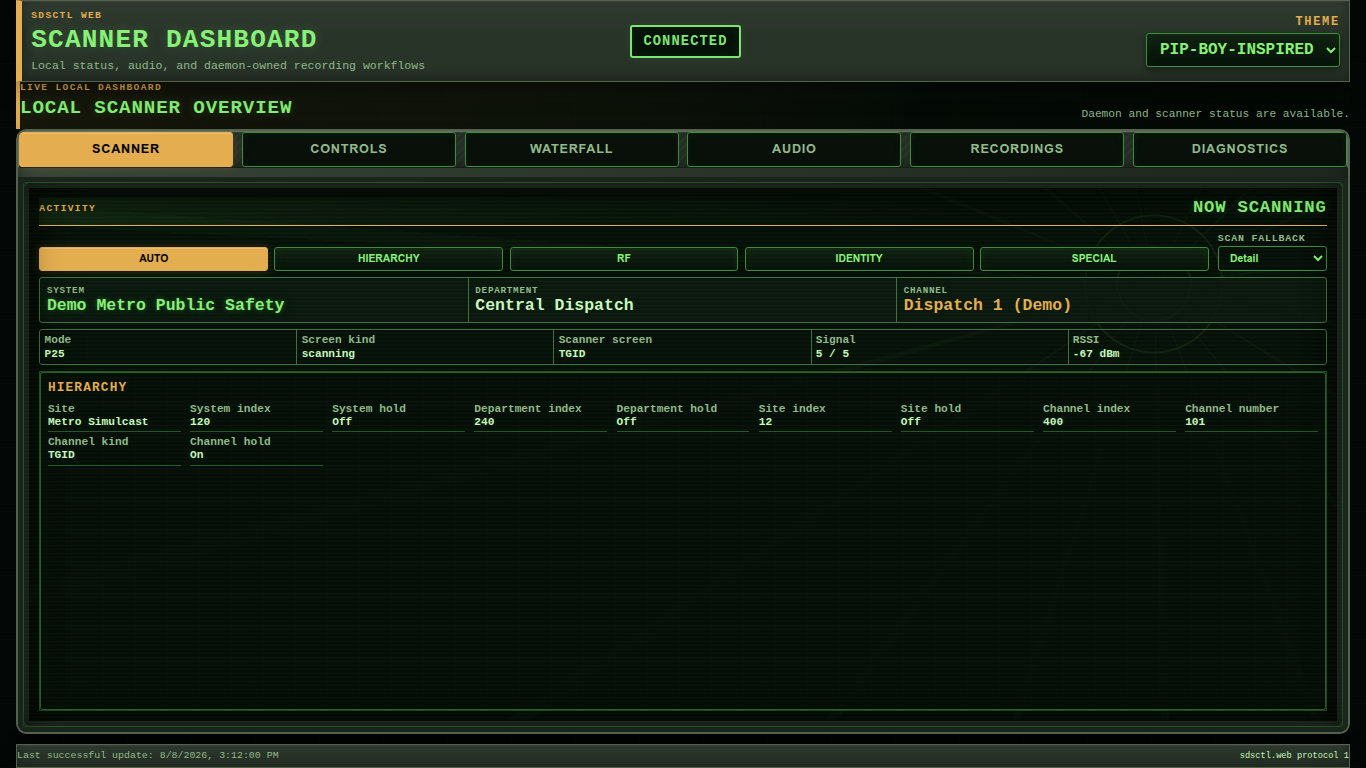
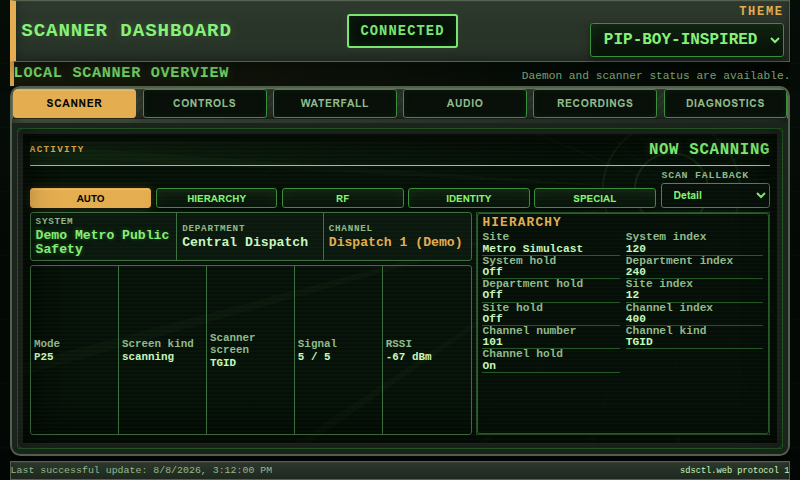
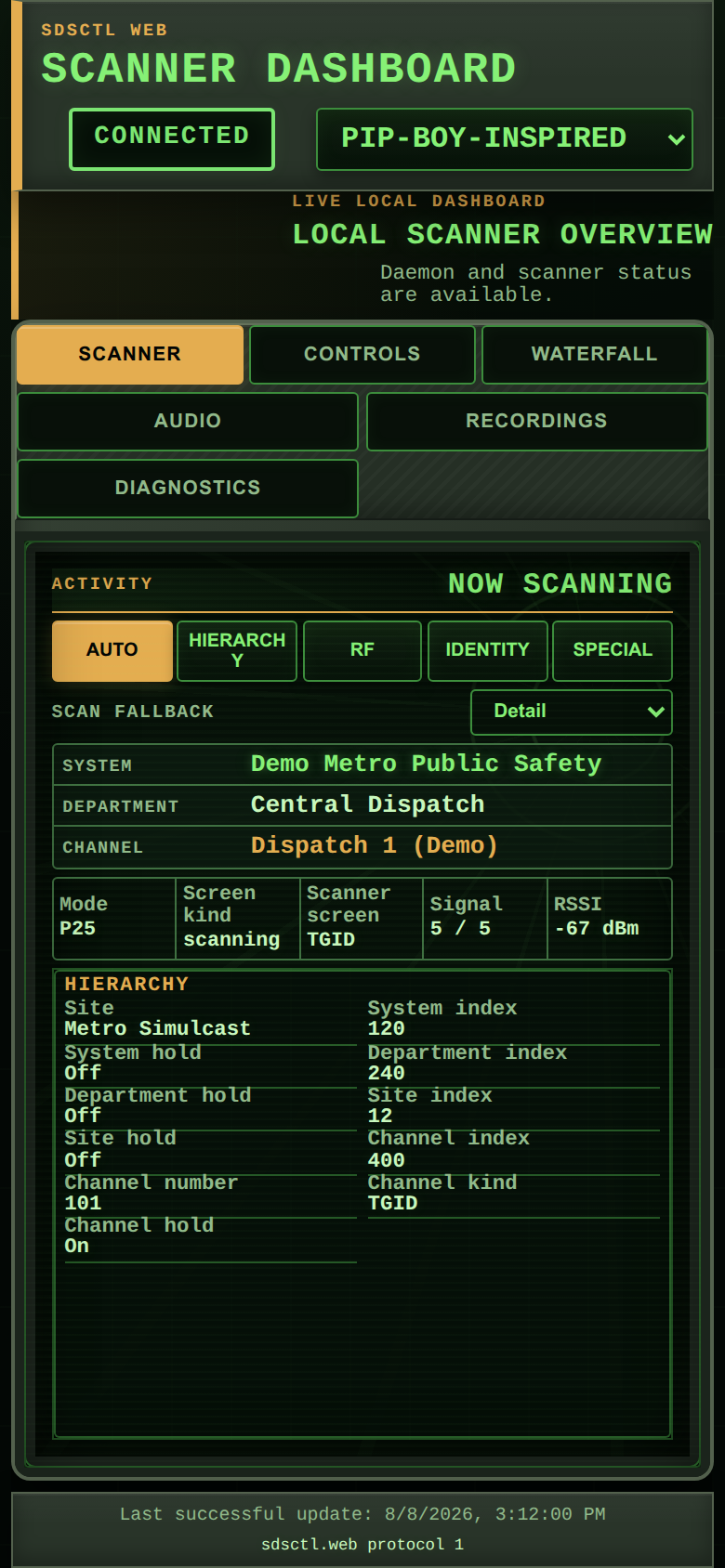
Pip-Boy-inspired is an original project-owned field-terminal treatment. It uses local declarative CSS and contains no game artwork, logos, screenshots, sounds, proprietary fonts, copied hardware geometry, or remote resources.
The Waterfall pane uses the daemon-owned private waterfall service only while a visible authenticated browser consumer exists. Its spectrum and rolling history are relative and uncalibrated; they do not claim dB, RF-power, or documented FFT magnitude semantics.
- Standalone operation remains loopback-only unless private-LAN mode is explicitly configured.
- Home Assistant App access normally uses authenticated Ingress.
- Browser clients consume daemon fanout and do not become independent scanner or RTSP/RTP owners.
- Theme packages are presentation-only and cannot add scanner controls or remote resources.
See the canonical web dashboard guide for authentication, TLS, Ingress, audio, recording, managed-theme, and recovery details.