- Windows
-
Note
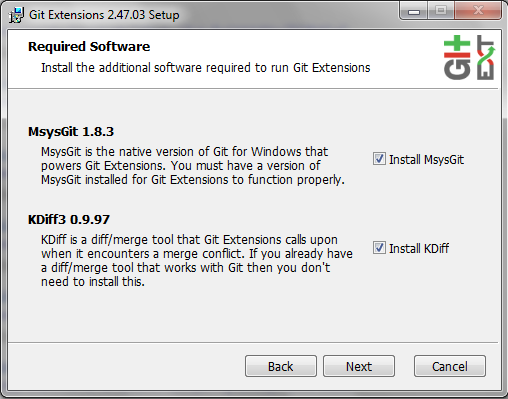
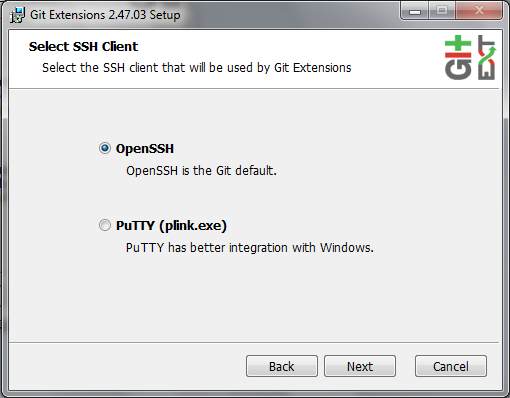
Select KDiff, and choose OpenSSH (not PuTTY); otherwise, stick to the default settings. - Mac OS X
- Linux
-
Install git using your package manager.
NoteDon’t forget to use sudo with your package manager.
Starterupper sets up git and project hosting for this class; it is safe to run even if you already have git and SSH keys set up on your machine.
Open Git Bash (Windows) or Terminal (Linux, Mac OS X) and paste in the command below.
Press Shift-Insert to paste in Git Bash.
curl https://raw.githubusercontent.com/lawrancej/COMP3670-2016/master/main.sh | bash
Install Atom
Let’s dive into HTML, CSS, JavaScript.
-
Write a home page
-
Write down project ideas (look around at existing web applications)
-
Begin to think about who to work with
git checkout -b gh-pages
git push origin gh-pages
-
Install Node.js Stable (not LTS) for your platform.
-
Also, Instal Docker toolbox for your platform.
cd ~/COMP3670-2016
git pull upstream master
cd Code
node node-example.js
Go to: http://127.0.0.1:1337/ and it should say Hello World