Skip to content

subhashvadrevu/react-ignite

Folders and files

NameName
Last commit message
Last commit date

Latest commit


History

12 Commits


Repository files navigation

React-Ignite

Installation

npx react-ignite@latest

Setup Guide for react-tailwind-shadcn-firebase template

  1. Create a file named .env in your source directory

  2. Copy contents of .env.example into .env

  3. Create a new firebase project in firebase console new project
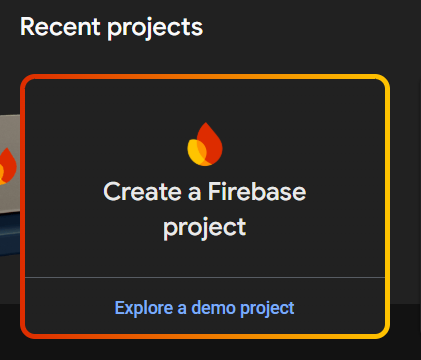
  4. Enter you project name and click on continue and wait for some time till your project is created.

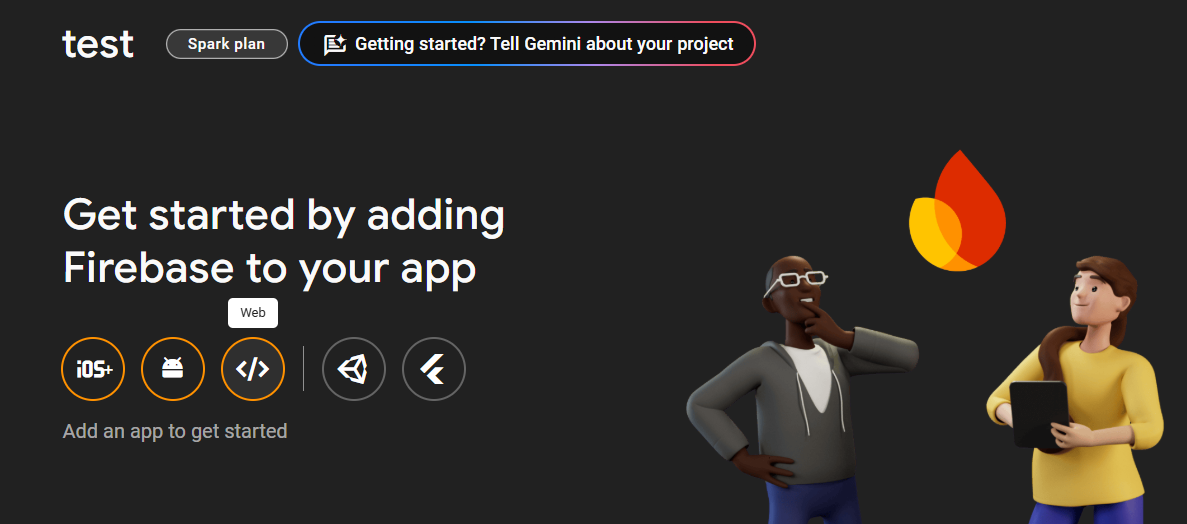
  5. Register you project as a web app web app

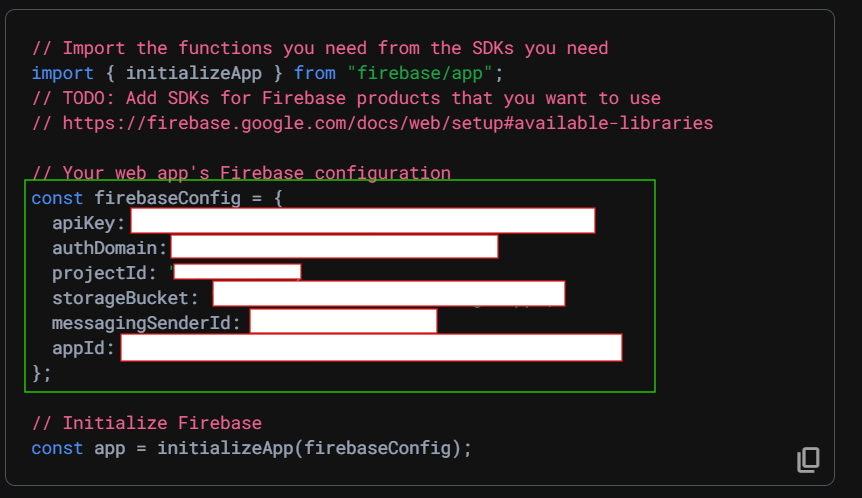
  6. Register your app and then copy the firebase SDK keys config
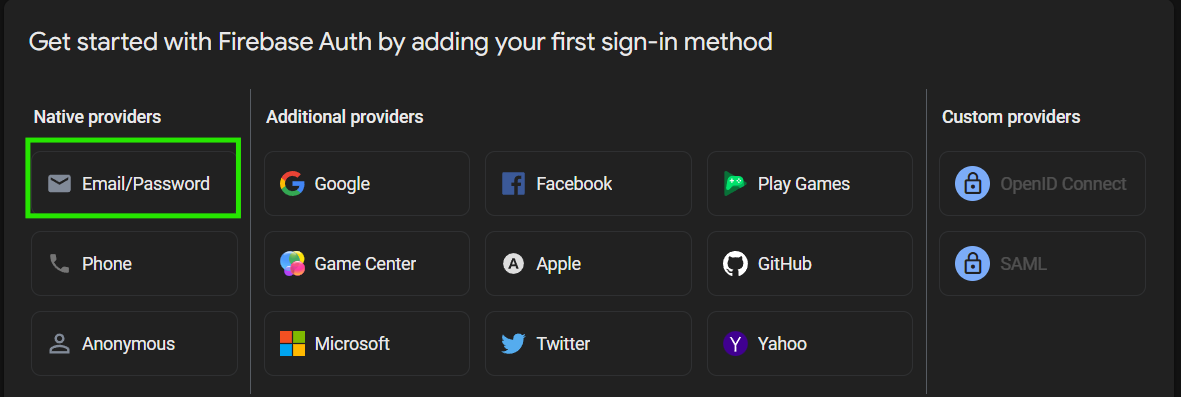
  7. Click on Authentication -> Get Started -> Select Email/Password provider email
  8. Create a new firestore database, Click on Cloud Firestore -> Create database.

  9. All set ! Your template is ready.

About

React-Ignite is a CLI tool that helps you create your React projects by offering a selection of pre-built templates — no manual setup required.

Resources

Stars

Watchers

Forks

Releases

No releases published

Packages


Contributors