
llm-llamacpp-plugin
A plugin for LLM providing access to models running on a llama.cpp server.
Installation
Install this plugin in the same environment as LLM:
llm install llm-llamacpp-pluginSetup
Start the server with your model
./llama-server -m models/your-model.gguf -c 4096
The server will start on `http://localhost:8080` by default.

## Usage

Once the plugin is installed and your llama.cpp server is running, you can use it like any other LLM model:

```bash
llm -m llamacpp "Your prompt here"
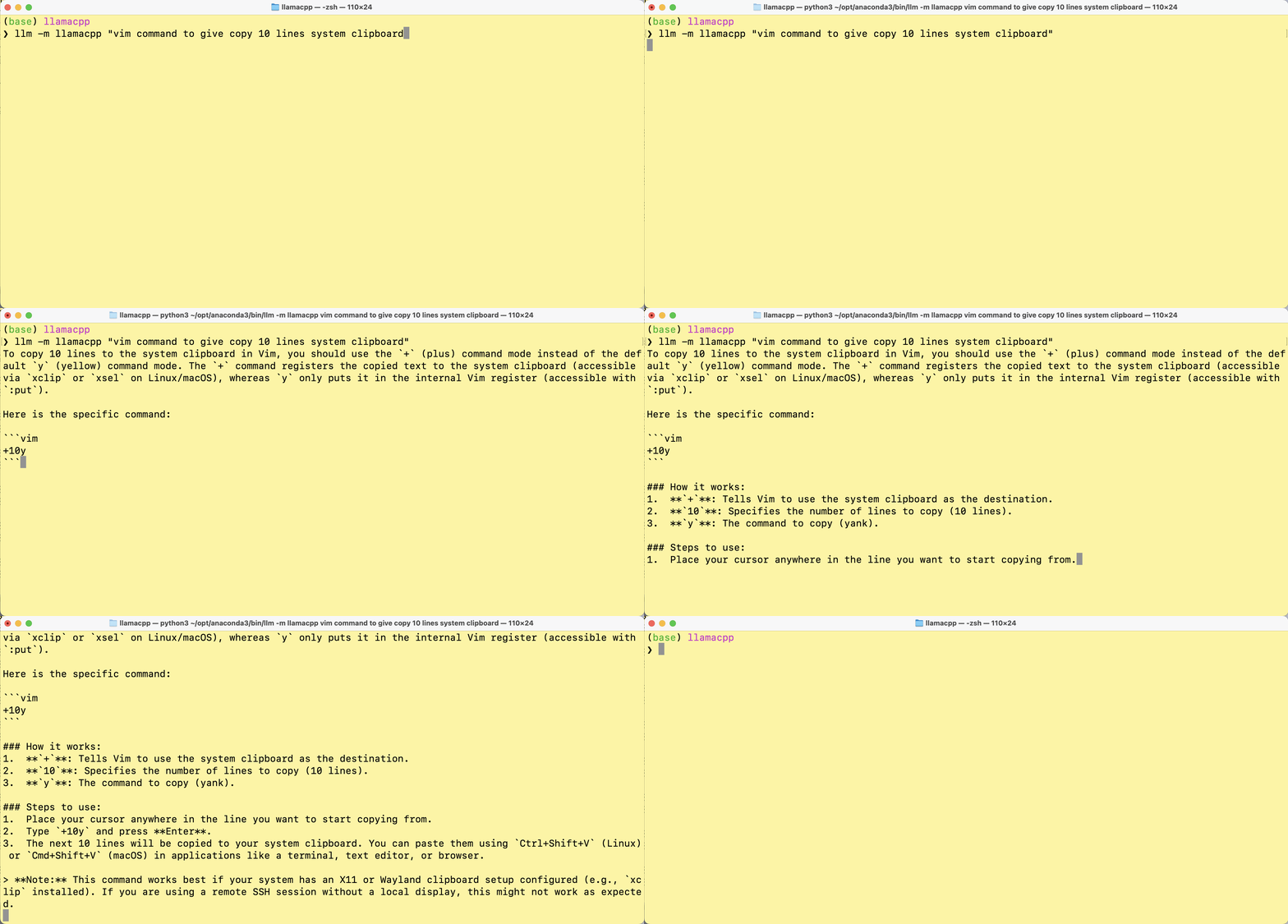
Using a different server URL
If your llama.cpp server is running on a different host or port, you can set the LLM_LLAMACPP_SERVER environment variable:
export LLM_LLAMACPP_SERVER=http://your-server:portin windows
setx LLM_LLAMACPP_SERVER http://your-server:portModel Management (Router Mode)
The plugin supports both single-model mode and router mode, where you can dynamically load, unload, and switch between models.
llama-server can serve multiple models with router mode.
CLI Commands
Use the llm llamacpp command to manage models:
# List available models
llm llamacpp list

# Load a specific model
llm llamacpp load <model-id>

# Unload a model
llm llamacpp unload <model-id>

# Switch to a different model
llm llamacpp switch <model-id>

# Show model information
llm llamacpp info <model-id>
Using Multiple Models
In router mode, you can switch between models dynamically:
# Load model 1
llm llamacpp load model1

# Use it
llm -m llamacpp "Your prompt here"

# Switch to model 2
llm llamacpp switch model2

# Use it
llm -m llamacpp "Your prompt here"
What's Changed
- Router mode by @sukhbinder in #2
Full Changelog: v0.1.2...v0.2.0
Contributors

sukhbinder