Activating a Profile
- Using up/down arrows on the d-pad move to the profile you wish to activate, and press Cross on it.
- Press Cross again to update the registry, and soft reboot the system. ezDNS will wait 3 seconds, then restart with two beeps.
- Verify the change by navigating to
Settings > Network > Settings and Connection Status List.
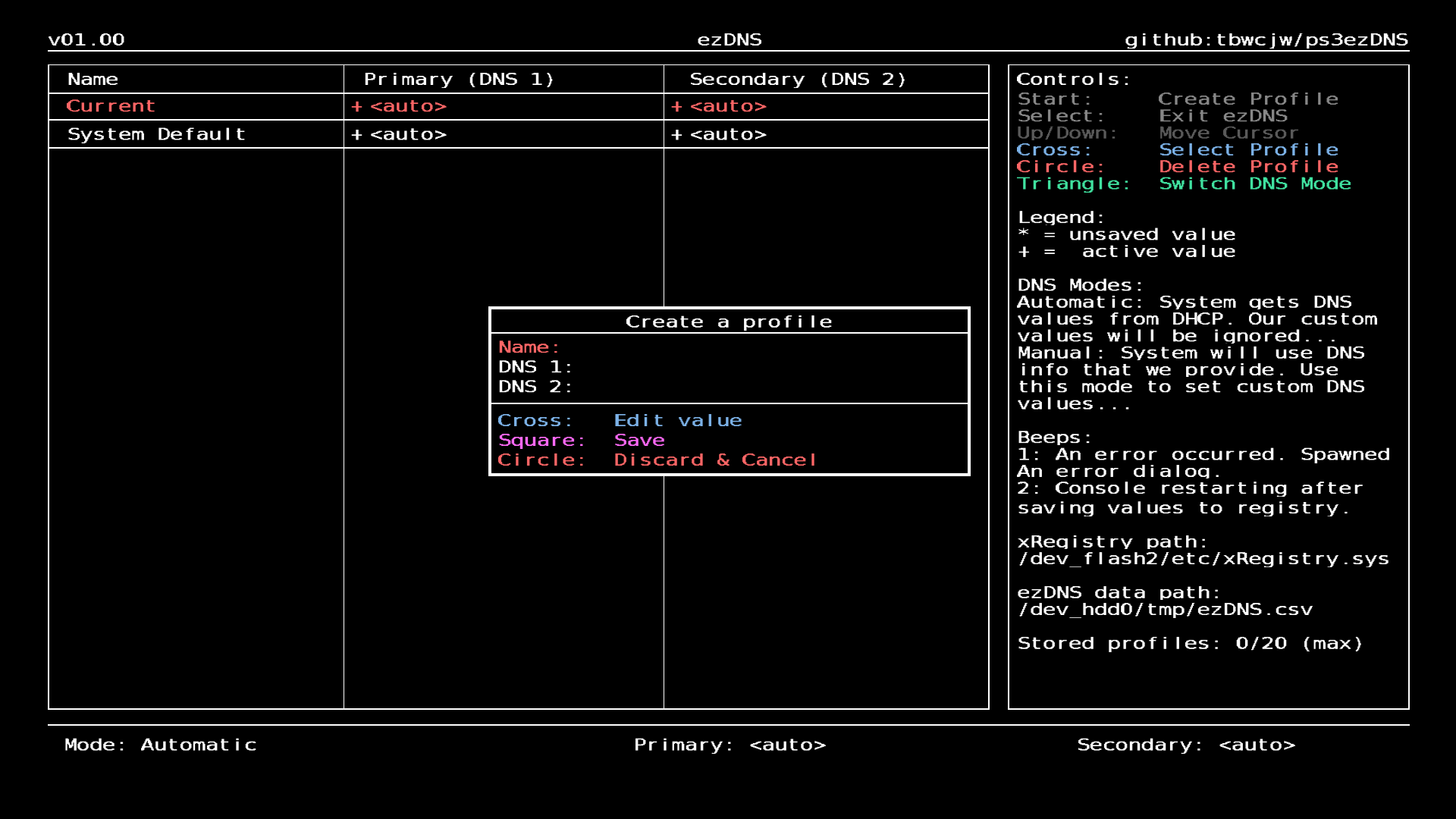
Empty profile creation dialog:
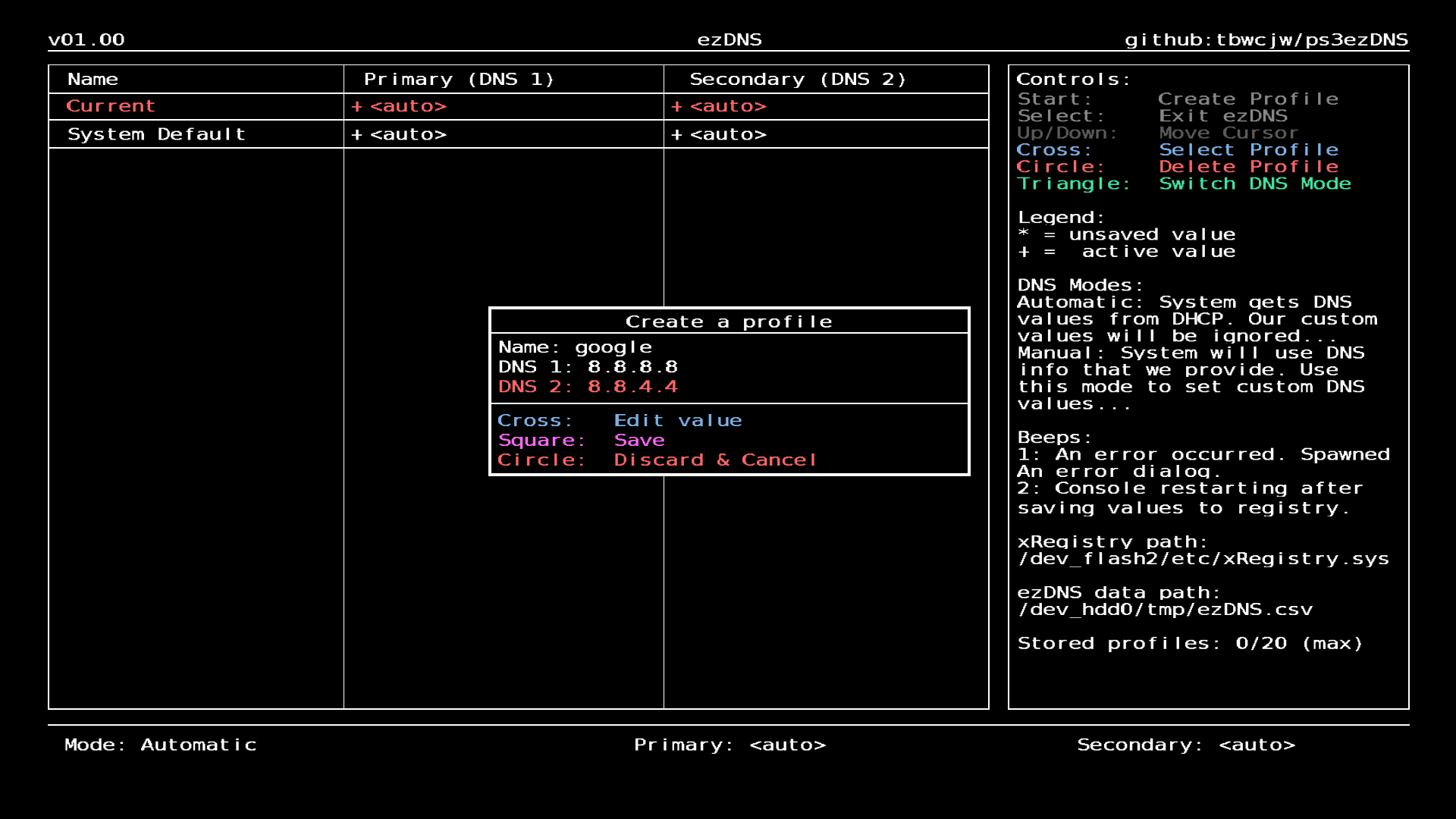
Filled profile creation dialog: