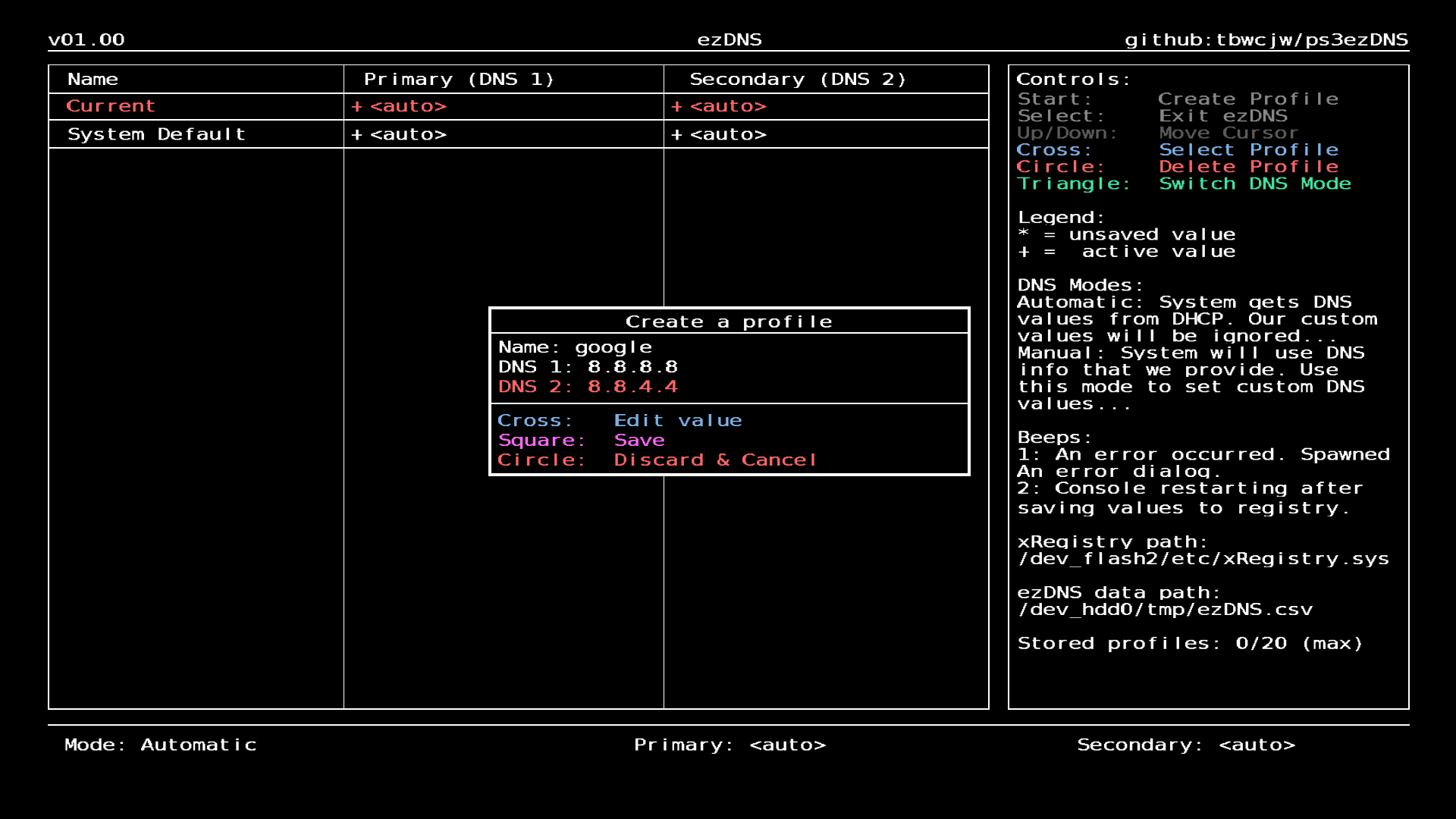
Creating a Profile
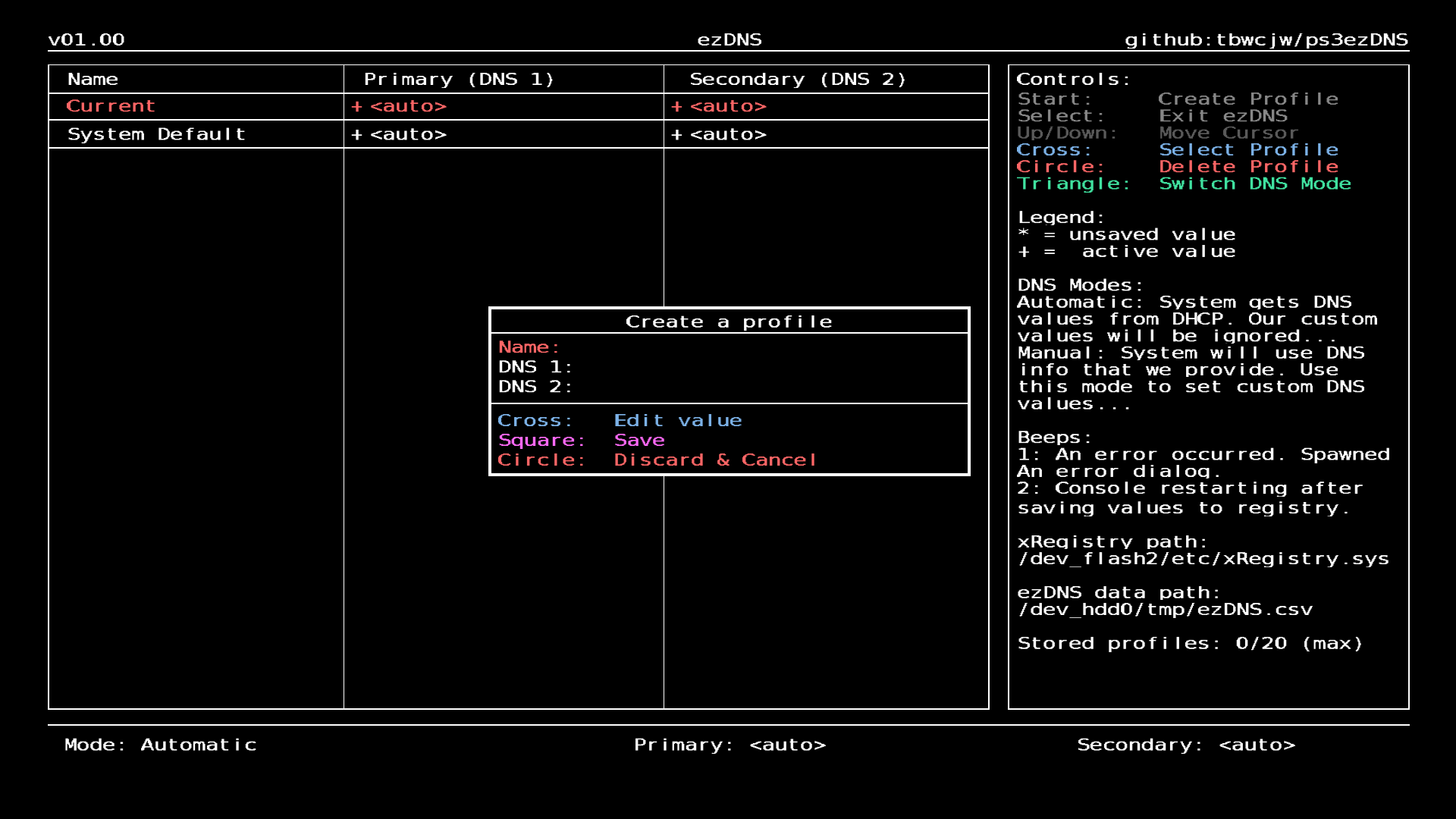
- Press Start to bring up the profile creation dialog.
- Press Cross on each field to bring up the on screen keyboard.
- Press Square to save the profile, or Circle to discard the changes and close the dialog.
"Stored profiles full, remove one first.": ezDNS can only store 20 profiles.
"Profile name must be between 1-20 chars.": ensure the 'Name' field is between 1-20 characters long.
"Profile name must be unique.": ensure there are no duplicate profile names saved.
"X DNS address has incorrect length.": ensure the field is in the correct format.
"X DNS address is invalid.": ensure the field is in the correct format. Must be a valid IP address.
Empty profile creation dialog:
Filled profile creation dialog: