Manual AccountSetup
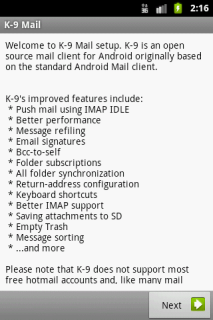
When starting K-9 Mail for the first time you are greeted with a welcome screen. Click "Next" to start the account creation wizard.
If you already set up K-9 Mail and want to create another account, press the menu button and select "Add account"

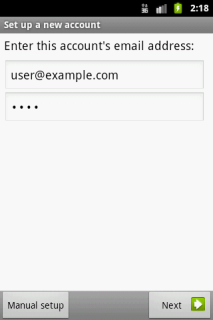
First you are asked for your email address and password.
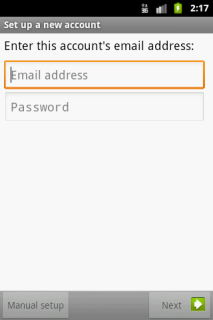
The buttons "Manual setup" and "Next" become only activated after a correctly formatted email address and a password have been typed in.
...