Welcome to Mobile Server! This project turns any modern Android phone into a completely free, 100% private, OpenAI-compatible local AI server.
Note: This project was built by forking the incredible Google AI Edge Gallery. We took their powerful on-device inference engine and extended it with a built-in Ktor server and tunneling capabilities!
🎥 Watch the Setup & Demo Video: https://youtu.be/9Dh3kKWFFjg
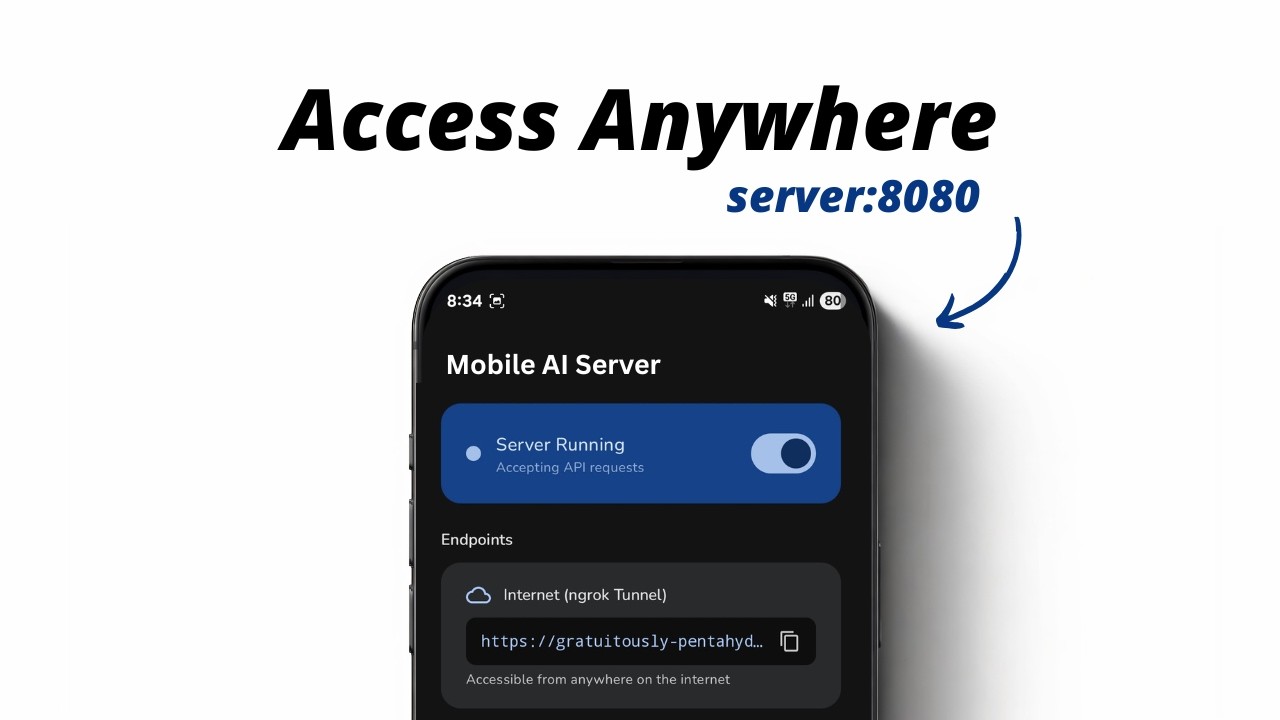
With this app, you can run Large Language Models (like Google's Gemma 4) directly on your phone's hardware, and securely expose that model to the internet using Ngrok or Cloudflare Tunnels.
Because the server perfectly mimics the standard OpenAI API structure (/v1/models, /v1/chat/completions), you can seamlessly integrate it into existing AI tools.
Use Cases:
- Free AI Coding Assistant: Point the Continue.dev VS Code extension to your phone's Cloudflare URL to get $0/mo local code autocomplete and chat.
- Private Smart Home Brain: Connect it to Home Assistant for a completely private, offline-capable smart home AI.
- The "EdgeNode" Web App: Use our provided HTML/JS frontend to chat with your phone from any web browser in the world.
- OpenAI-Compatible API: Zero-configuration drop-in replacement for OpenAI endpoints.
- Built-in Tunneling: One-tap toggle to instantly expose your server to the internet via Ngrok or Cloudflare Tunnels (bypasses NATs and firewalls).
- Foreground Service: The server and the LLM remain running in the background even when your screen is off.
- 100% Private: Your prompts and data never leave the phone (except via your own encrypted tunnel).
You don't need to build this from source!
👉 Download arm64-v8a — for most modern phones
👉 Download armeabi-v7a — for older 32-bit devices
👉 Download universal — fallback for all devices
We provide split ABI APKs to reduce install size and fix parsing issues on certain devices. Choose the APK that matches your phone's CPU:
| APK | Size | Device Type |
|---|---|---|
| app-arm64-v8a-release.apk | ~63 MB | Most modern phones (Pixel, Samsung, Xiaomi, OnePlus, etc.) |
| app-armeabi-v7a-release.apk | ~35 MB | Older 32-bit ARM devices |
| app-universal-release.apk | ~73 MB | Fallback — works on all devices |
💡 Not sure which one? Download
app-arm64-v8a-release.apk— it works on the vast majority of Android phones released after 2016.
Simply download the APK, install it on your Android device, download a model from the list, and turn the server on.
Want to test it out without writing any code? We have hosted a sleek, glassmorphism-styled web interface for you!
Just open the link, paste in your phone's Cloudflare or Ngrok tunnel URL, and start chatting instantly! (The source code for this web app is also available in the /webapp-demo folder).
If you want to build the project from source:
- Android SDK 35
- JDK 17+
cd Android/src
./gradlew :app:assembleRelease
The split APKs will be generated in:
Android/src/app/build/outputs/apk/release/
| Output | Description |
|---|---|
app-arm64-v8a-release.apk |
Modern 64-bit ARM phones |
app-armeabi-v7a-release.apk |
Older 32-bit ARM devices |
app-universal-release.apk |
All ABIs in one APK (fallback) |
- Clone this repository.
- Open the
/Android/srcfolder in Android Studio. - Build the
DebugorReleasevariant.
Note: We have explicitly configured
android:extractNativeLibs="true"so that the tunneling binaries extract properly in Release builds.
Licensed under the Apache License, Version 2.0. See the LICENSE file for details.