
A small, lightweight app that runs in the background that gets system cpu and gpu temperature using libre hardware monitor's library. Data is displayed directly to your Antec Flux Pro display on the side of the case.
Requires Administrator privileges in order to fetch CPU and GPU data from libre hardware monitor's library.
- Installation location is up to you, but you can extract and move the files to
C:\Program Filesand just launch theFluxProDisplay.exeprogram from there. - You will be asked to either update or install the PawnIO driver. More information can be found in the Dependencies section below.
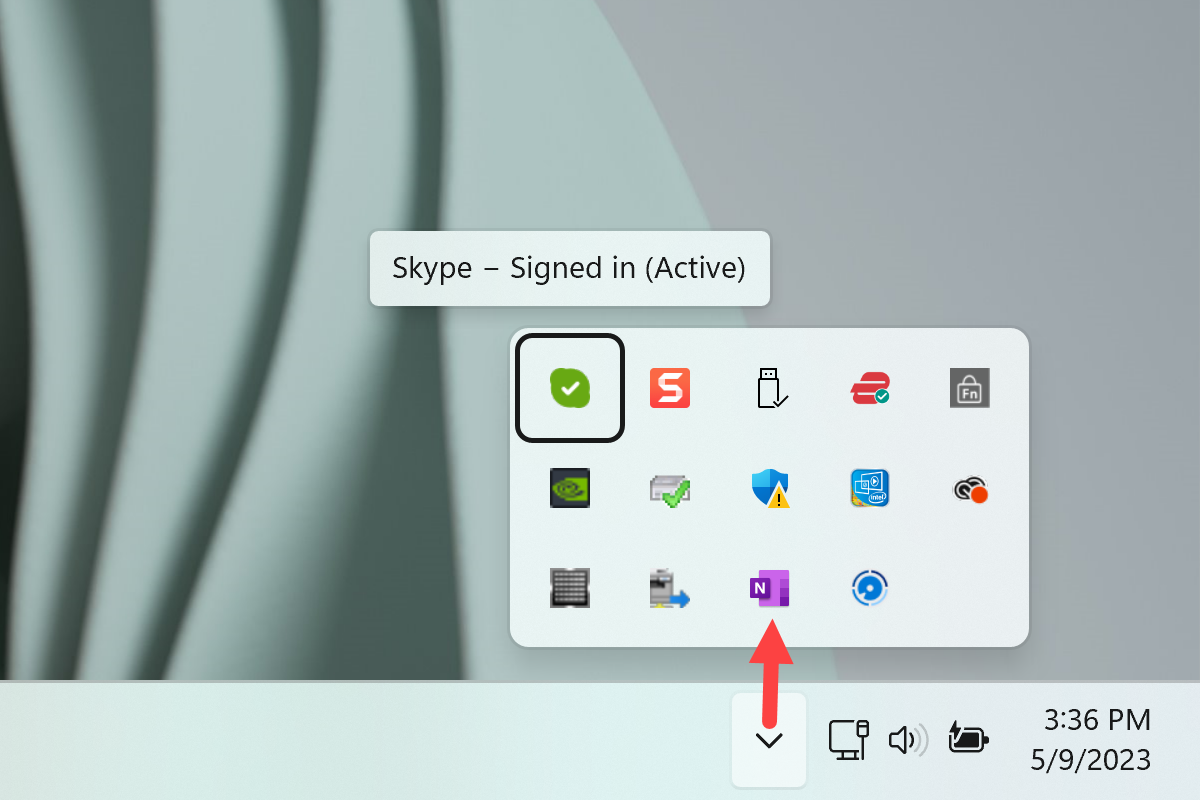
- That is it! The app will appear on the bottom right in the system tray area.
- LibreHardwareMonitor: This project uses LibreHardwareMonitor, the latest nightly release since it gets updated frequently to support the latest CPU and GPUs.
- PawnIO: LibreHardwareMonitor uses the open-source PawnIO driver in order to fetch CPU temperatures. The reason being that before, LHM would use something called WinRing0 in order to fetch this data. However, WinRing0 has been found to open up your system to vulnerabilities with the way it accesses this data. More information can be found here.
To build and export the project locally, I run this.
dotnet publish -c Release -p:SelfContained=false