




A milky glass theme for Home Assistant
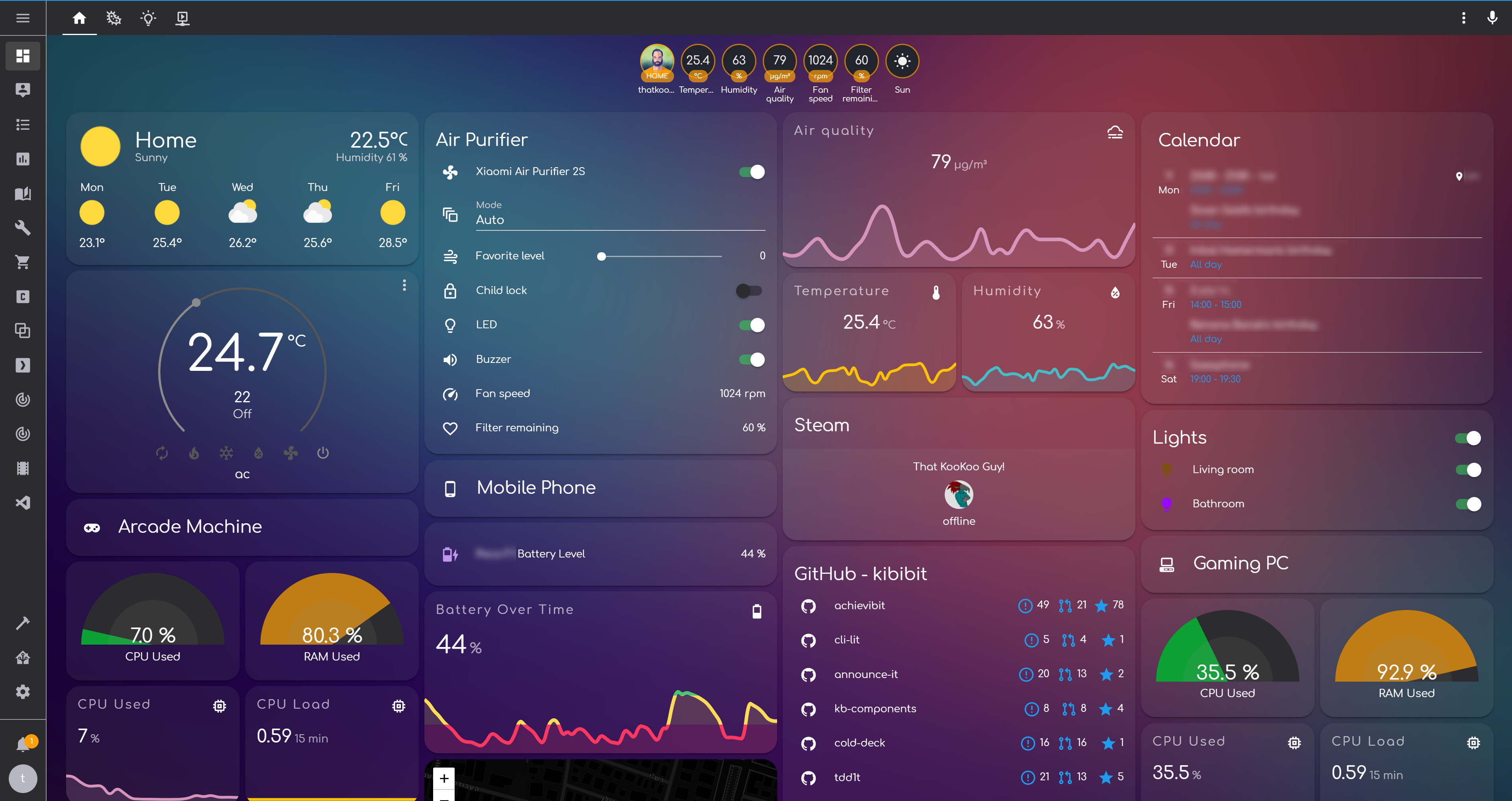
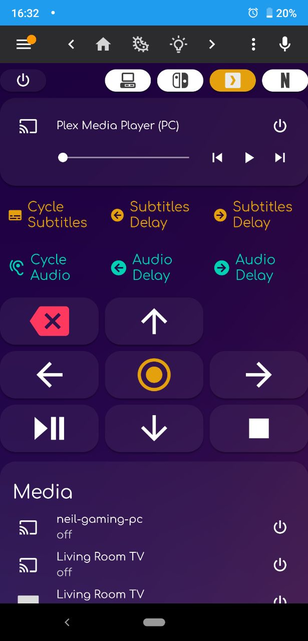

Add the following code to your configuration.yaml file (reboot required).
frontend:
  ... # your configuration.
  themes: !include_dir_merge_named themes
... # your configuration.Right now, this theme requires you to add the Comfortaa font as a resource to your lovelace configuration:
resources:
  - url: https://fonts.googleapis.com/css?family=Comfortaa&display=swap
type: css- Go to the Community Store.
- Search for
kibibit. - Navigate to
kibibittheme. - Press
Install. - Go to services and trigger the
frontend.reload_themesservice.
This theme comes with a background by default, but you can change it to whatever you like.
You can use either a url or a local file.
- Find a background you like (You can fetch the original one from HERE)
- If it's a local image, put the background image inside
/config/wwwto make it a public asset accessible from the frontend (/config/www/bg-kibibit-theme.png).

access the theme file kibibit.yaml and change the following line:
background-image: "center / cover no-repeat fixed url('https://thatkookooguy.github.io/https-assets/bg-kibibit-theme.png')"to include your url, or a local asset by mapping /config/www/ to /local/ (/local/bg-kibibit-theme.png)
Refresh home assistant after that.
In order to have this theme set automatically as the backend selected default, add the following automation to your home assistant:
- alias: Set Default Theme
  description: ''
  trigger:
  - event: start
    platform: homeassistant
  condition: []
  action:
  - data:
      name: kibibit
service: frontend.set_themeThanks goes to these wonderful people (emoji key):
 Neil Kalman 💻 📖 🎨 🚇 🚧 |
This project follows the all-contributors specification. Contributions of any kind welcome!
This theme started based on this post Henrik's reddit post.
Learned a lot about lovelace themes from the lovelace ios themes repo! Check their themes out!
- Author - Neil Kalman
- Website - https://github.com/kibibit
- StackOverflow - thatkookooguy
- Twitter - @thatkookooguy
- Twitter - @kibibit_opensrc