再linux上运行 Ubuntu 上确认可行 克隆项目进入目录 确保python版本高于3.7
python3 -v安装依赖
werobot:
pip3 install werobotopenai:
pip3 install --upgrade openai编辑config.json文件
"channel": {
        "type": "wechat_mp",

        "wechat_mp": {
          "token": "YOUR TOKEN",
          "port": "80"
        }
       }
微信个人订阅号 http 访问的是80 https访问的是443 记得设置好端口
填入key:
   "model": {
        "type" : "chatgpt",
        "openai": {
          "api_key": "",
          "proxy": "",
          "conversation_max_tokens": 1000,
          "character_desc": "你是ChatGPT, 一个由OpenAI训练的大型语言模型, 你旨在回答并解决人们的任何问题,并且可以使用多种语言与人交流。"
            }
        }
然后就可以试着运行app.py文件了 python3 app.py 出现
[wechat_mp_channel.py:25] - [WX_Public] Wechat Public account service start!
Bottle v0.12.23 server starting up (using AutoServer())...
Listening on http://127.0.0.1:8088/
Hit Ctrl-C to quit.
就基本上成功了
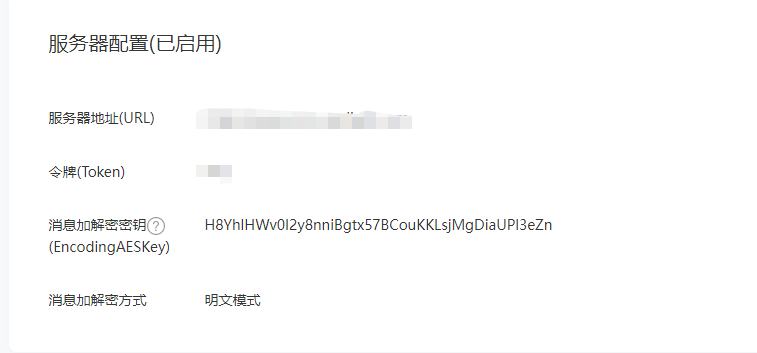
公众号配置
首先选择基本配置界面
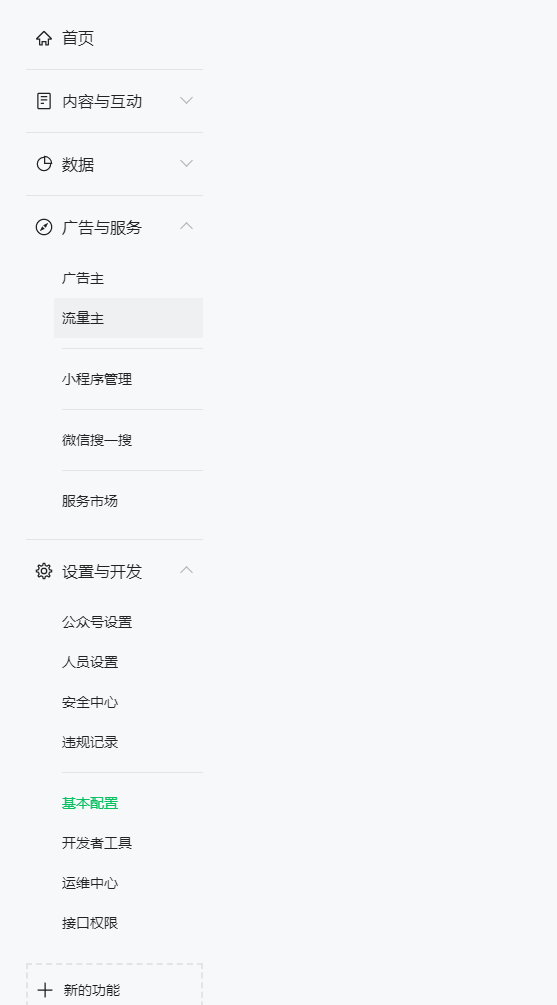
token填你记得住的和config.json中保持一致 url填你的域名或者公网如http://加上你的公网ip 不需要填写端口号