An e-paper calendar, weather, and smart home family dashboard
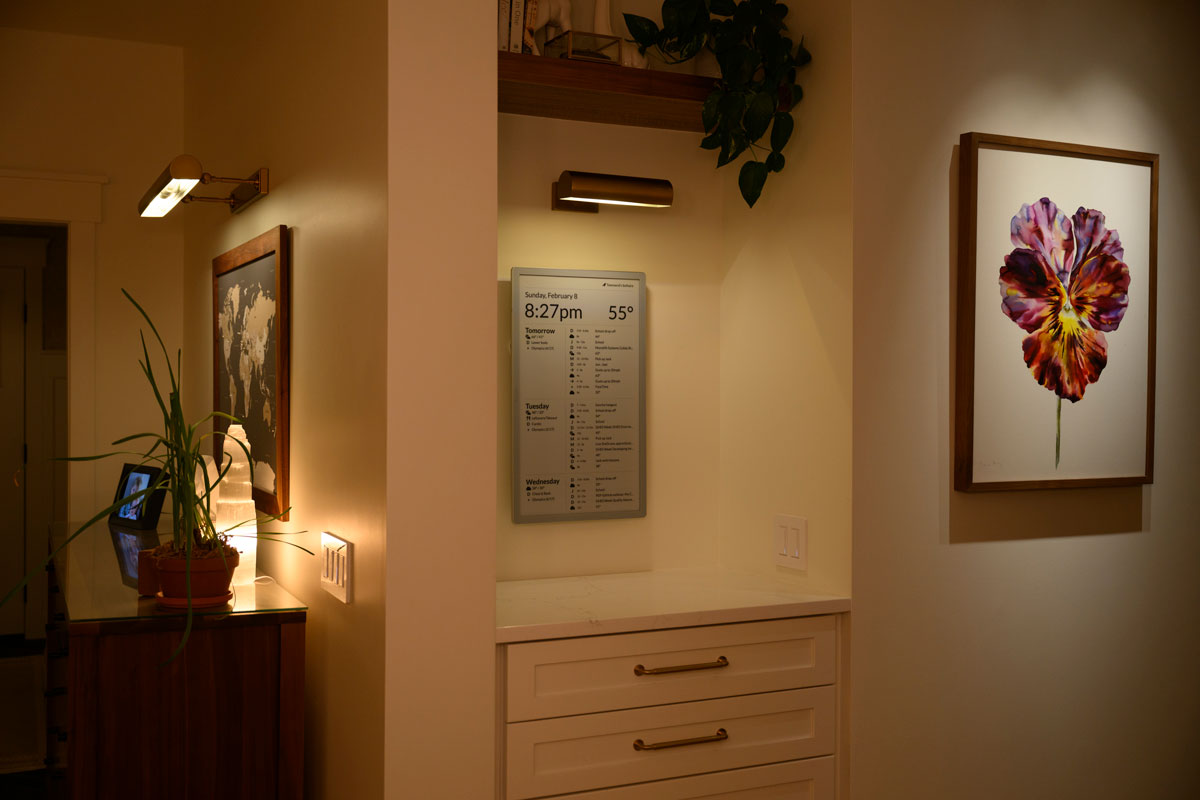
- Visionect Place & Play 13 / Joan 13 Pro - designed for 10m update interval
- Boox Mira Pro - Real-time updates via WebSocket
- TRMNL (OG)
- In Home Assistant, go to Settings → Add-ons → Add-on Store
- Click the three-dot menu (⋮) → Repositories
- Add this repository URL:
https://github.com/timeframe/timeframe - Find Timeframe in the add-on store and click Install
- Click Start
- Access the app at port 8099 (e.g.
http://homeassistant.local:8099)
The following entities can be created in Home Assistant to customize behavior. Icon names are from Material Design Icons (without the mdi- prefix).
| Entity ID | Default behavior | Description |
|---|---|---|
sensor.timeframe_top_right_* |
None | Displays items in the top-right corner. State format: icon,label (e.g. door-open,Front Door). Labels containing underscores are automatically humanized. Return multiple items for a single sensor by using newlines. |
sensor.timeframe_top_left_* |
None | Displays items in the top-left corner. Same format as top-right. |
sensor.timeframe_weather_status_* |
None | Displays weather status items. State format: icon,label or icon,label,rotation where rotation is a degree value for the icon (e.g. for wind direction). |
sensor.timeframe_daily_event_* |
None | Adds all-day events to the timeline. State format: icon,label. |
sensor.timeframe_media_player_entity_id |
Uses the first media_player.* entity |
Set the state to a specific media player entity ID (e.g. media_player.living_room) to control which player's now-playing info is shown. |
sensor.timeframe_weather_entity_id |
Uses the first weather.* entity |
Set the state to a specific weather entity ID (e.g. weather.home) to control which weather entity provides forecasts. |
sensor.timeframe_weather_feels_like_entity_id |
Uses apparent_temperature from the weather entity |
Set the state to a specific sensor entity ID to override the feels-like temperature display. |
A calendar event with the description timeframe-private will activate private mode for the duration of the event, hiding display content.
To hide a specific event, include timeframe-omit in the description.
The application runs in two modes: single tenant inside home assistant and multi-tenant on at https://www.timeframe.app (coming soon).
Note: Timeframe is licensed under the O'Saasy License.
Create config/timeframe.yml from `config/timeframe.yml.example with your settings.
| Variable | Description |
|---|---|
VISIONECT_SERVER |
Experimental. Set to "true" to start the Visionect TCP protocol server alongside Puma. Required for Visionect Place & Play / Joan 13 Pro devices. |
bundle installrails s- Visit http://localhost:3000
bin/rails test
This project is licensed under the O'Saasy License — see LICENSE.md for details.