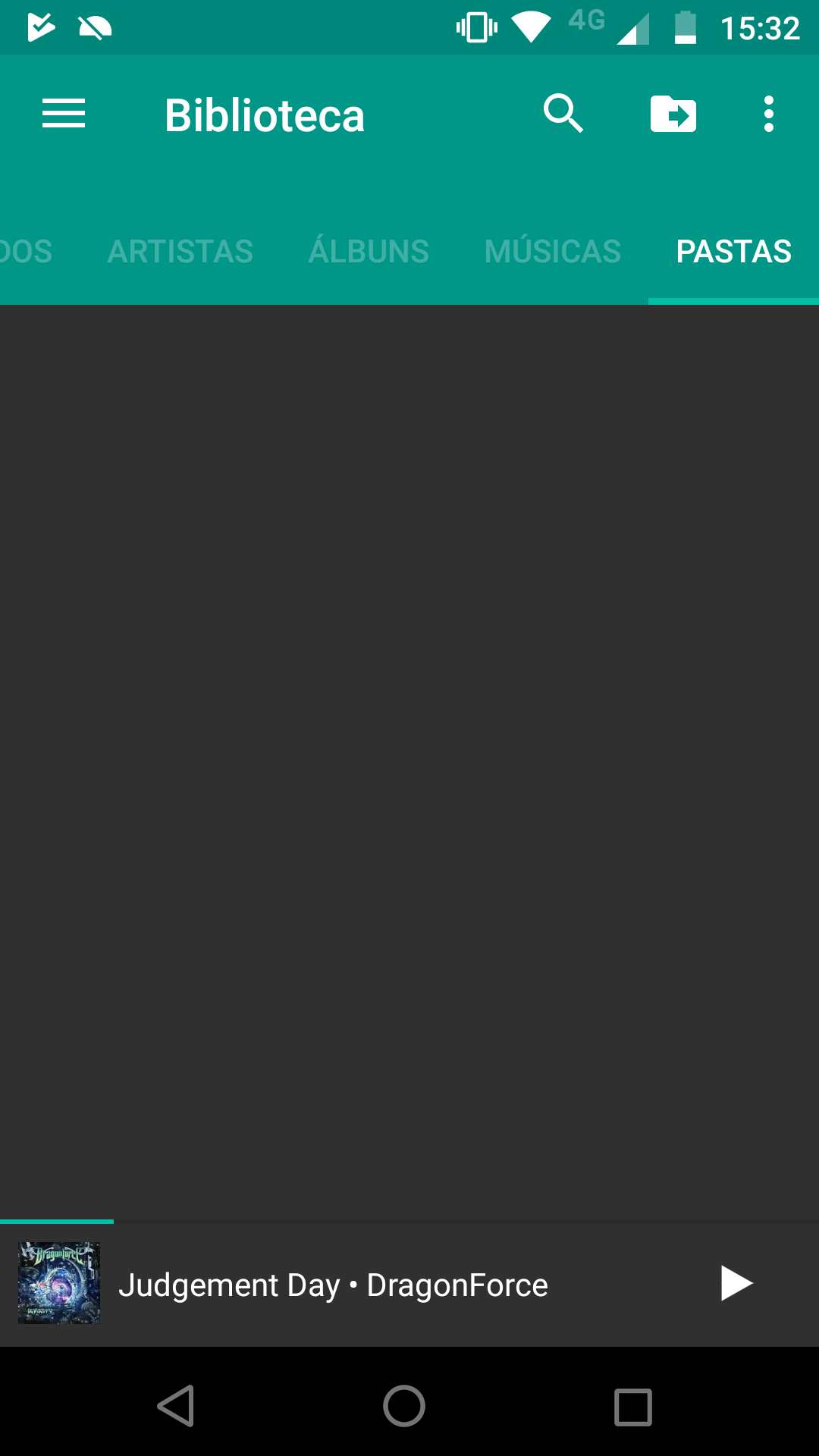
Folder Tab becomes blank if the screen is rotated with the app open #375

Description

Shuttle version:
v2.0.6
Device, OS:
Moto Z Play, Android 8.0.0
Description of bug:
Rotating the screen with the app opened makes the folder tab blank, requiring the app to be cleared from memory for it to reload the folder list.
On the pro version of the app it is possible to enable a folder tab, where you can go through your local storage to play songs per folder. If you rotate the screen with the app open, the folder tab will still be there, but will be completely blank, requiring the app to be... I don't know if cleared from memory is the right term. It doesn't need to be forced closed, you can just clear it from the recent app list (which doesn't stop the music) then re-open the app for the folder list to reload.
I didn't extensively test it, but I tried rotating it from the settings screen and from the "now playing", besides rotating from every other activated tab and the issue happened everytime.
Steps to reproduce:
- Make sure that the app is first cleared from memory by either force closing it or by swiping it out of the recent app list
- Enable the folder tab (only available in the pro version of the app)
- Check if the folder tab is correctly displaying the directory list/folders of internal and external memory
- Rotate the screen with the app open, doesn't matter at which screen
- Check again if the folder tab is displaying the directory list/folders of internal and external memory
Expected outcome:
The folder tab should show the directory list/folders of the internal and external memory
Actual Result:
The folder tab will be completely blank, requiring the app to be cleared from memory for it to show again correctly