
- Project Title
- Project Description
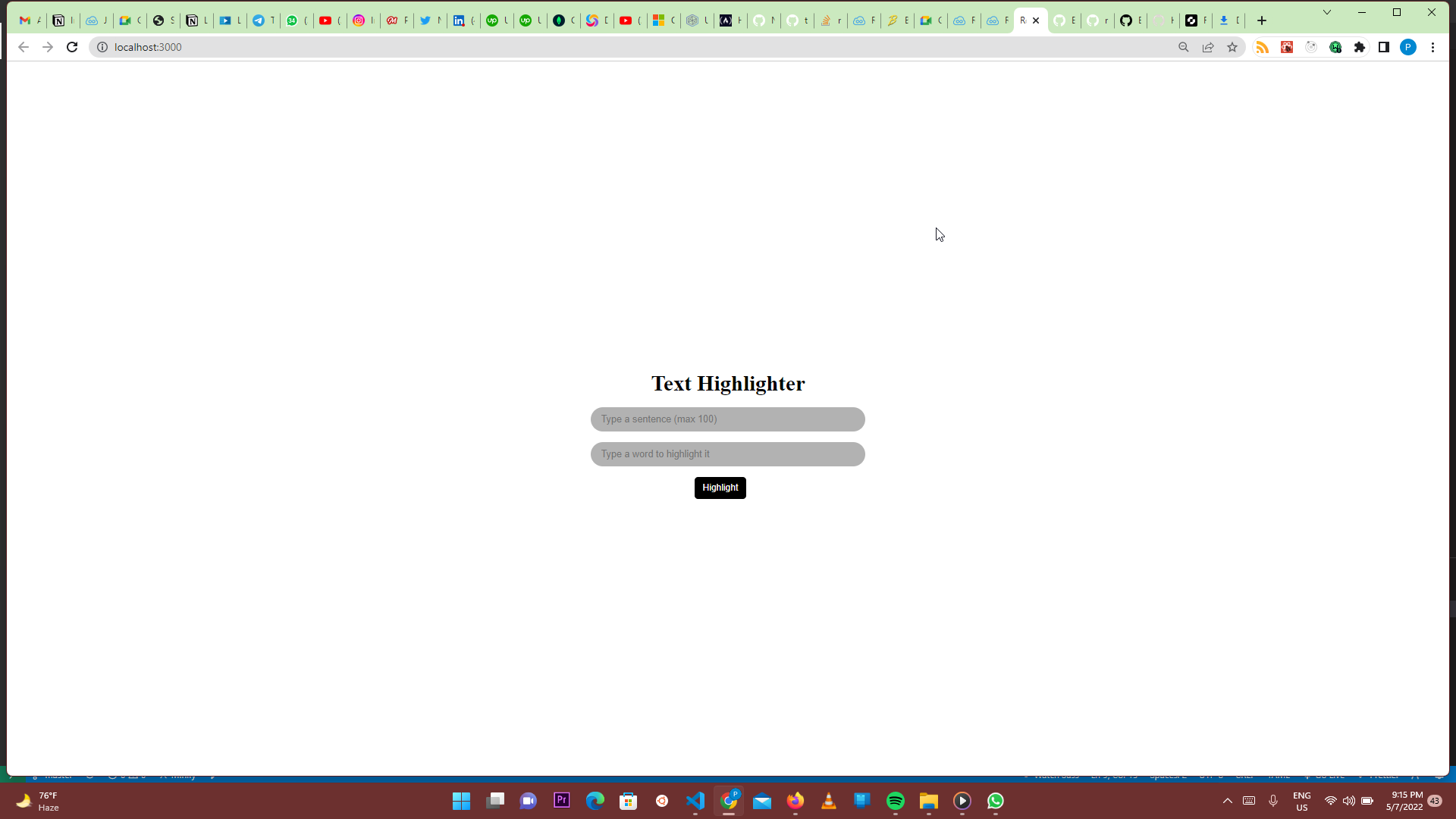
- Project Image
- How To Set It Up On Your Local Machine
- Libraries And Frameworks Used For The Project
This is a small web app project that highlights texts that is present in the a given sentence.
As stated above, the text highligter highlights texts that is present in the a given sentence when the button is clicked. The project was made with react for frontend and jest for unit testing.
It is made up of two inputs and a button. The first input is where the sentence goes and it can take a maximum of a hundred words.
The sencond input accepts the word that needs to be highlighted. When the button is clicked, if the word/text in the second input is present in the sentence in the first input, that particular word is highlighted in yellow and capital letters.
If the word/text in the second input is not present in the sentence of the first input, the broswer will display a pop-up "Cannot highlight word in sentence".
If there are more than two occurence of the word/text, written in the second input, present in the sentence of the first input, the broswer will also display a pop-up saying "Too many occurrences to be highlighted".

Clone this git repo: git clone https://github.com/trizzi/Text-Highlighter.git
Get in the directory of the project
open in an editing tool(Vscode recommended)
use the following command in your CLI to run your code:
- npm init
- npm start
After that there will be a link in display after it starts running which is http://localhost:3000/ (This link will work if the project is properly setup in your computer and run at the default react port)
- React for frontend
- Jest for unit testing