
Or Buy Me A Coffee


Introducing WIMMapp a Where Is My Mouse? – the open-source, free helper app that will revolutionize the way you work on your computer, especially when you are using several monitors and struggling with small mouse cursor that you cannot find. With it's intuitive and user-friendly interface, Where Is My Mouse? Also known as WIMMapp makes it easy to work. Whether you're a developer working on a large-scale projects or a emploee of organisation with multiple monitors, THE WIMMapp has everything you need to unlock the full potential of your work. Best of all, because WIMMapp is open-source and free, you can use it without breaking the bank. Try WIMMapp today and experience the power of your mouse like never before.
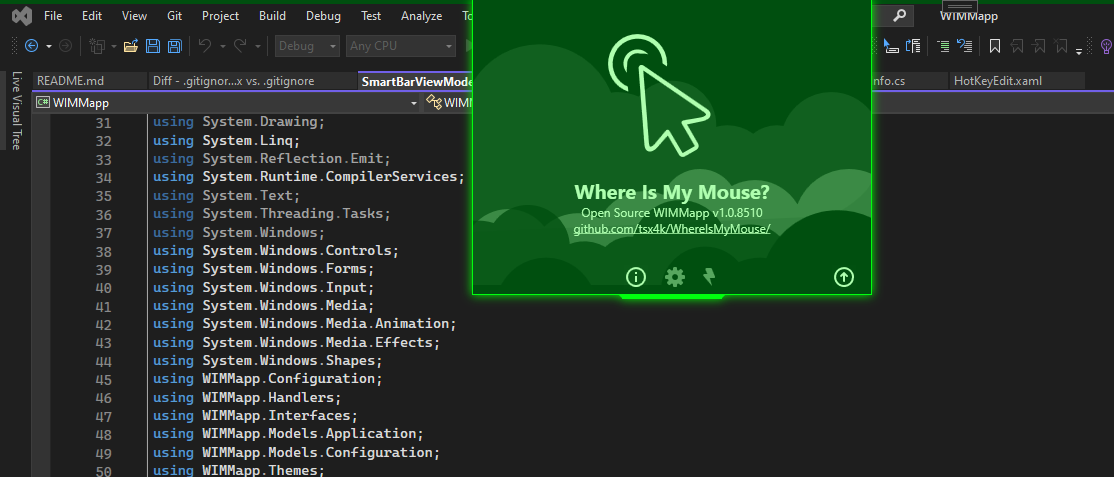
Where Is My Mouse? Just look on the smart-bar indicatr or just shake your mouse!
- Smart Bar at top of the screen with an Indicator will show you the exact mouse cursor position
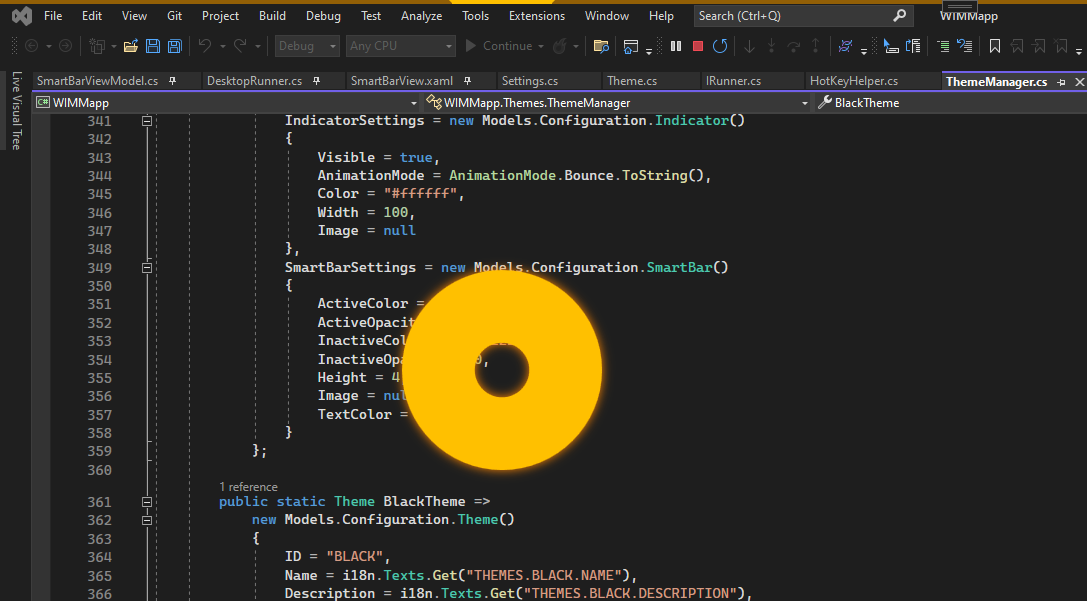
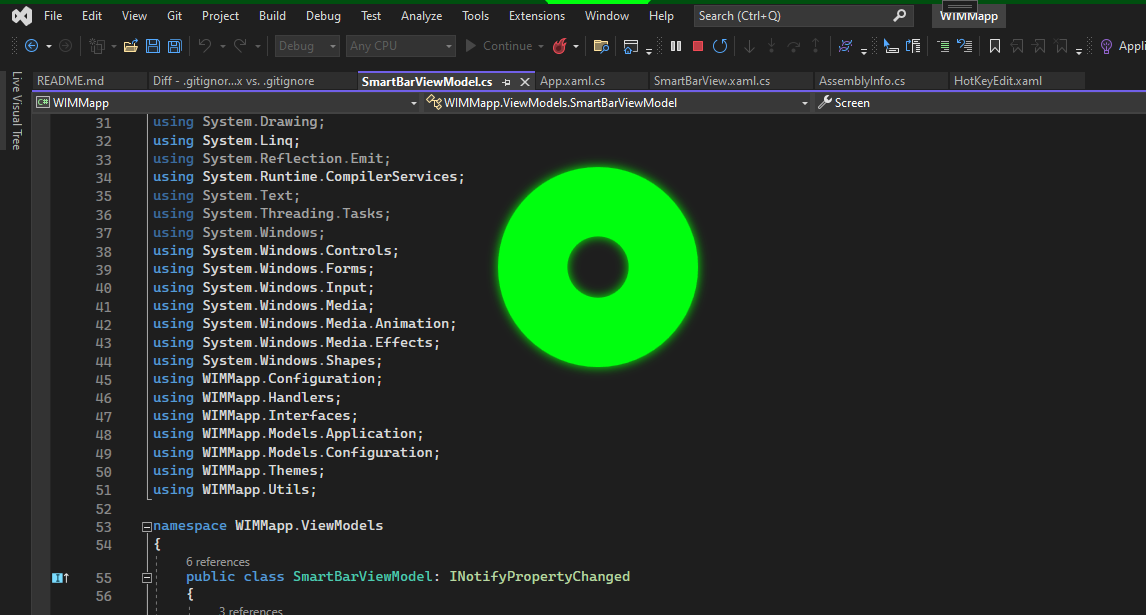
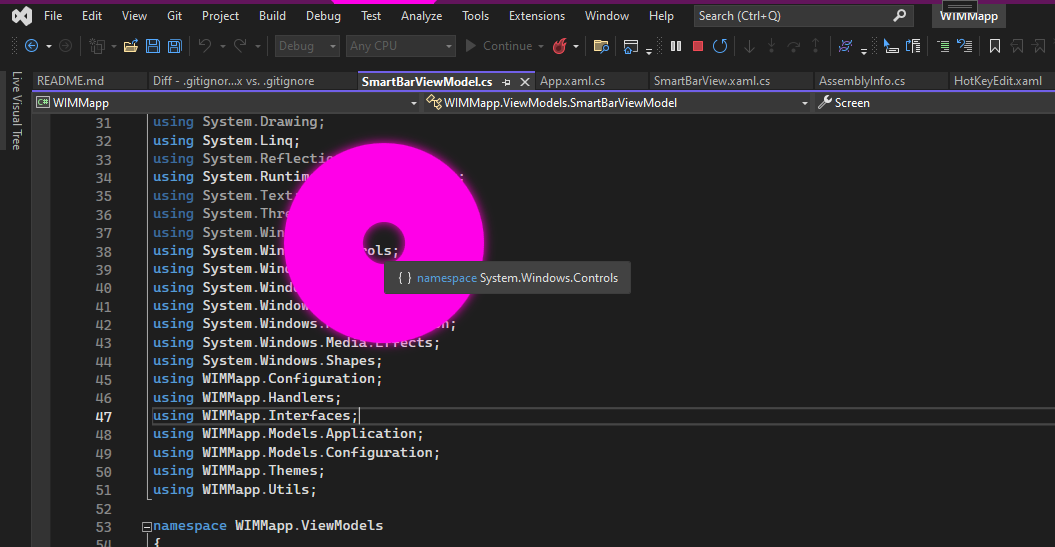
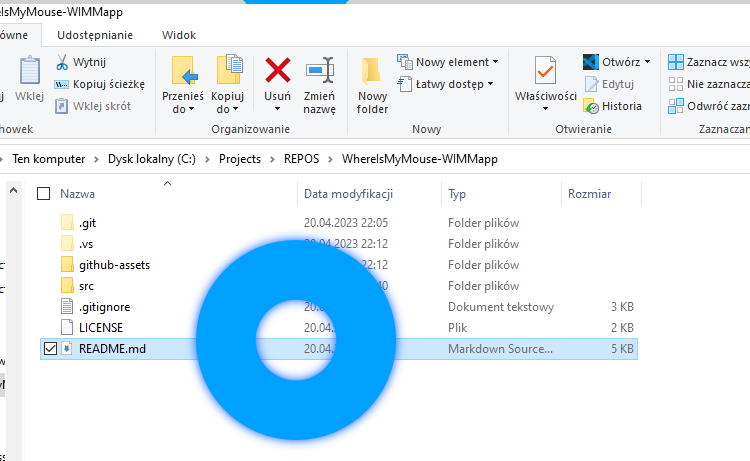
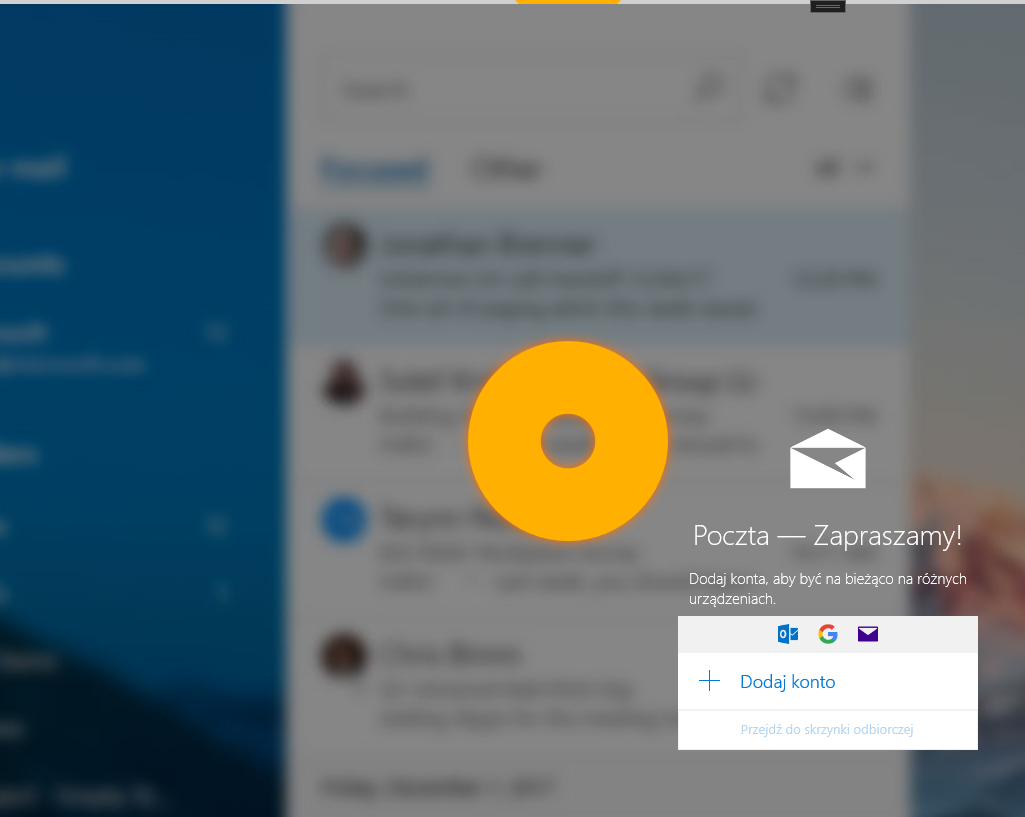
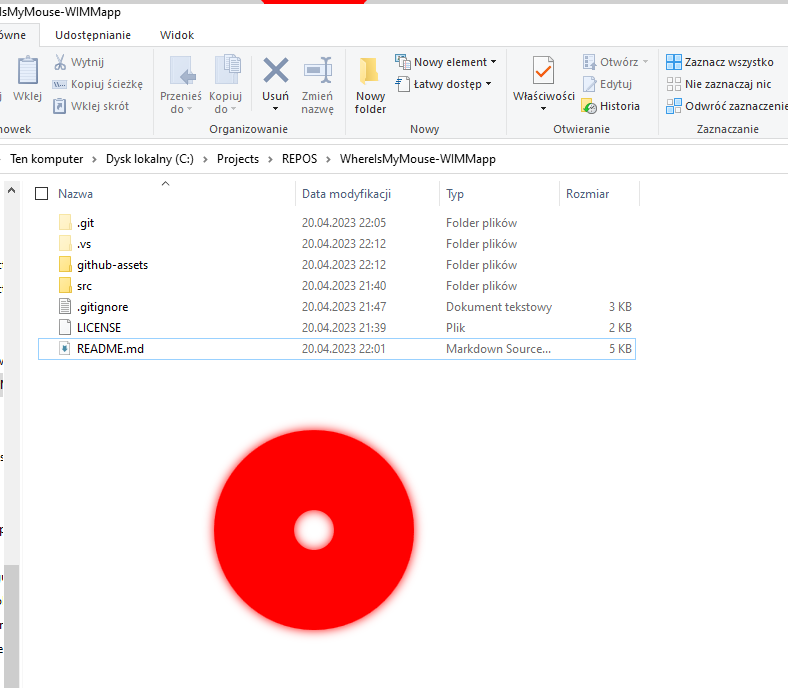
- Just Shake your mouse in Horizontal axis to enable large animation around the cursor
- Hotkey enabled! Just Hit CTRL+F5 to show cursor animation (you can change the Hotkey in Settings)
- Learning capability for better experience, it will think and work for you!
- Integration with System colors on Windows 10 and Windows 11 e.g. an Accent Color
- User-friendly Interface
- Light/Dark and other various color Modes
This project is Open Source and available under the MIT Creator Revision License v1.0 (MITCRL1.0).