v2.0.0 — Theme toggle + multi-format export

First Archify release. Fork / rewrite of Cocoon-AI/architecture-diagram-generator v1.0 (MIT).
Highlights
- Dark / Light theme toggle — one click, persists in
localStorage, respectsprefers-color-scheme, overridable per-page via?theme=URL parameter. - One-click export — PNG, JPEG, WebP (2× retina) and SVG (vector). Works entirely in the browser, no server.
- Keyboard shortcuts — `T` toggles theme, `E` opens Export. Menu supports Arrow / Home / End / Esc / Tab.
- CSS-variable theme system — one SVG markup, two themes.
- Accessibility — full ARIA semantics, keyboard navigation, focus-visible outlines.
Install
Claude.ai: Settings → Capabilities → Skills → + Add → upload `archify.zip`.
Claude Code CLI:
```bash
unzip archify.zip -d ~/.claude/skills/
```
Preview
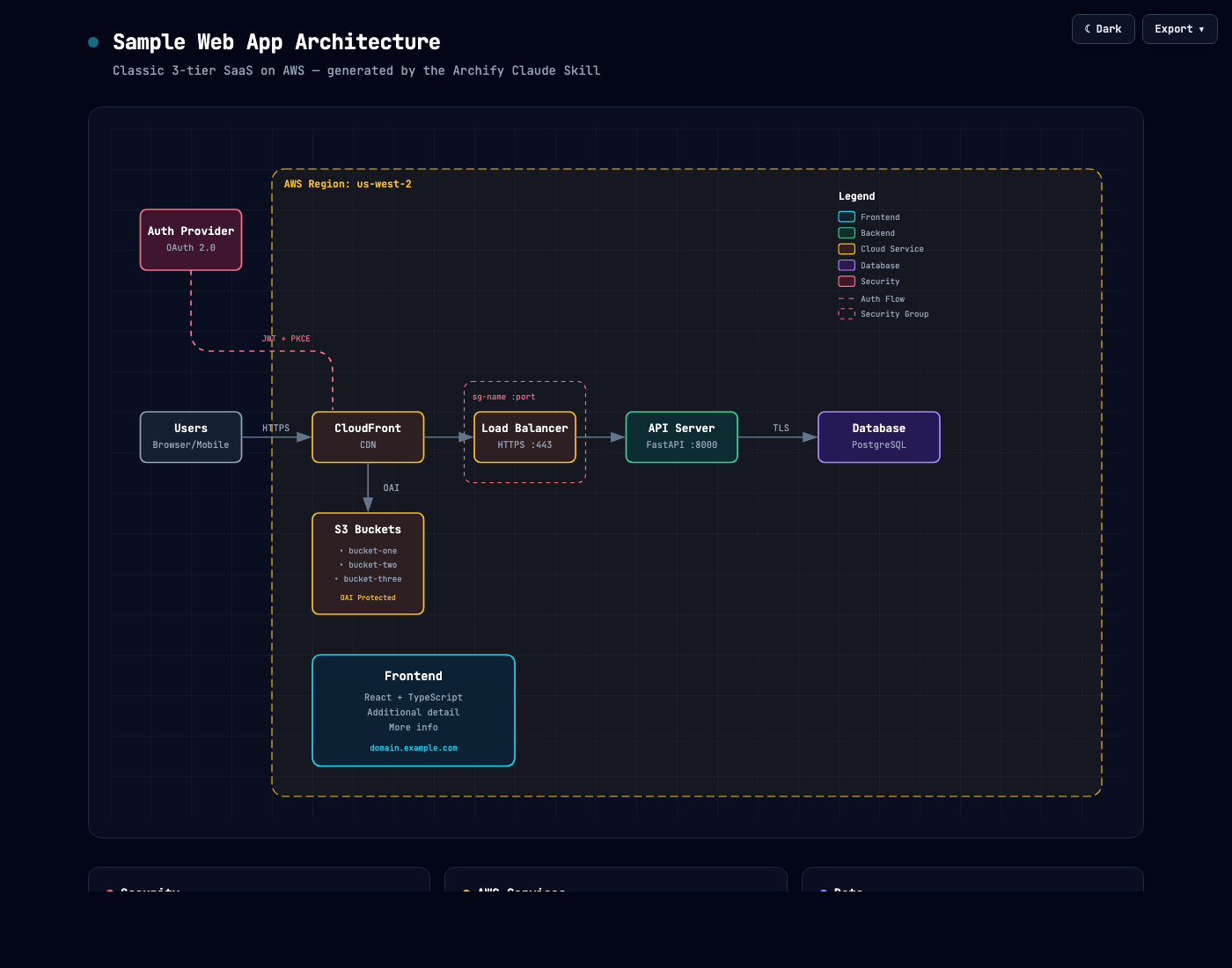
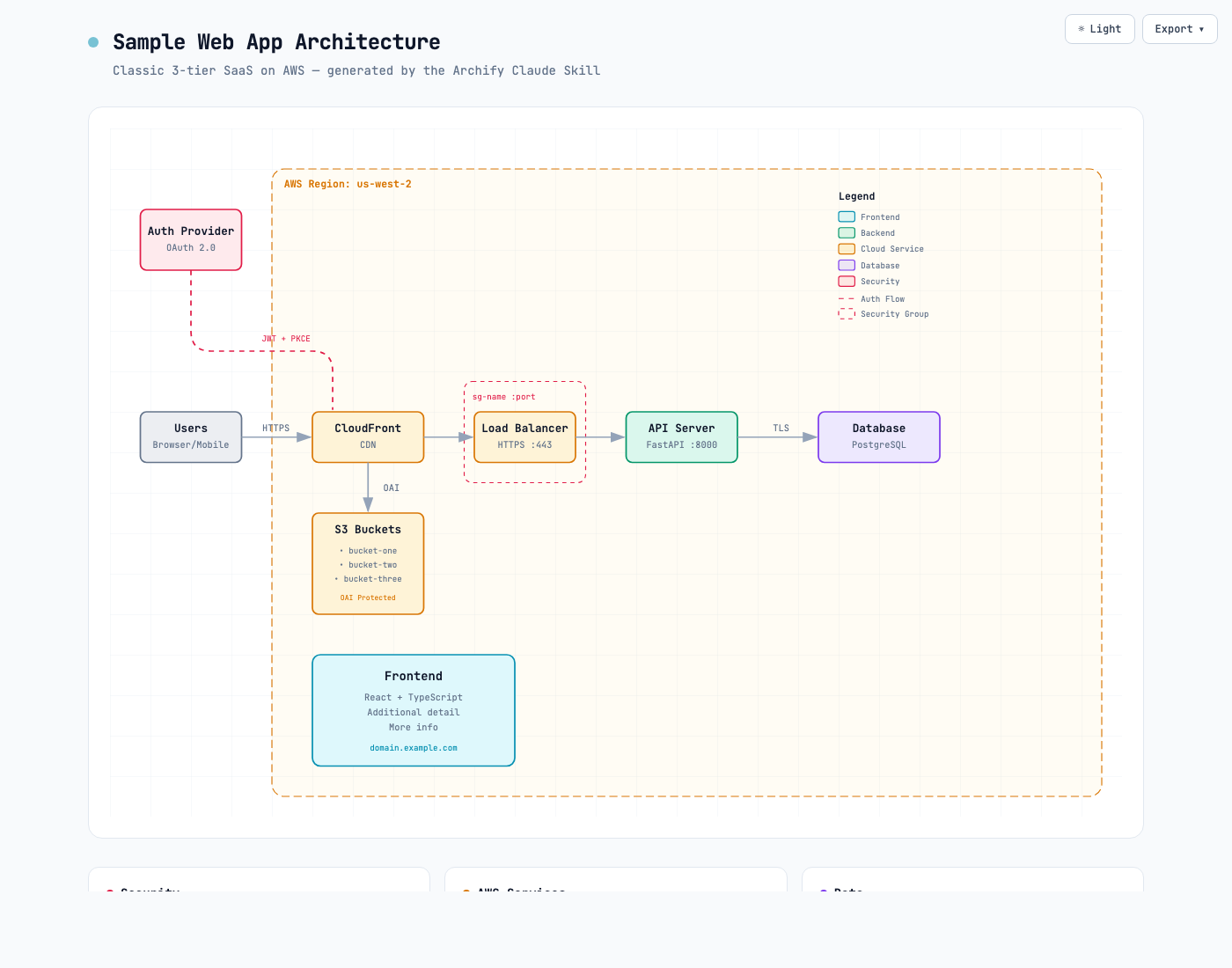
See CHANGELOG.md for the full list of additions and fixes.