v1.3.0

·
1046 commits
to main
since this release

Added
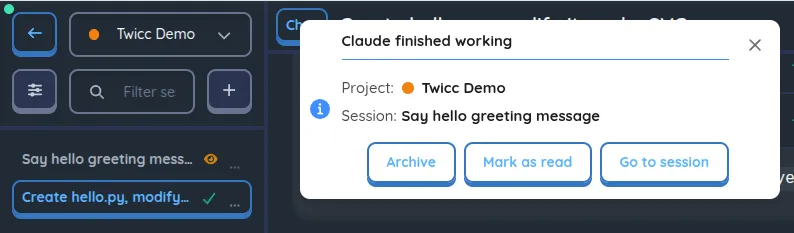
- Unread sessions: eye icon (orange) marks sessions with new assistant content you haven't seen yet, visible in the session list and aggregated at the project level
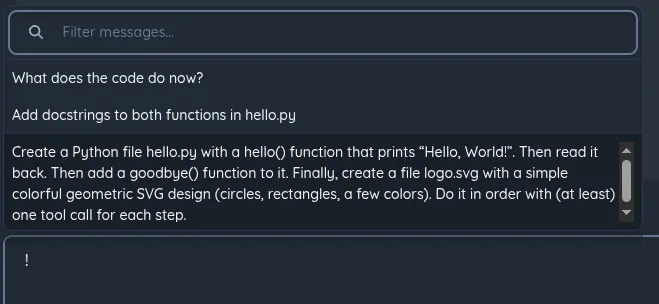
- Message history picker: type
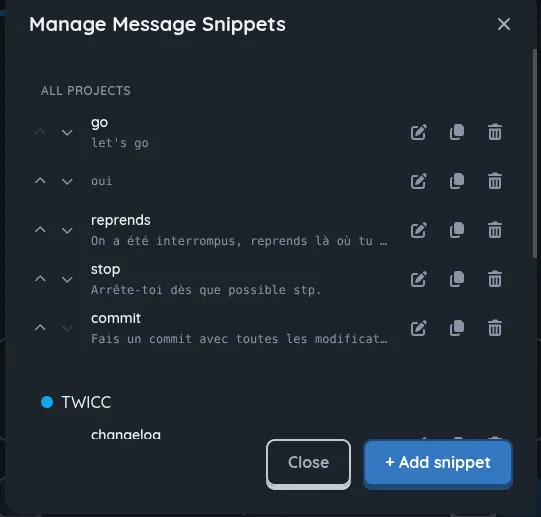
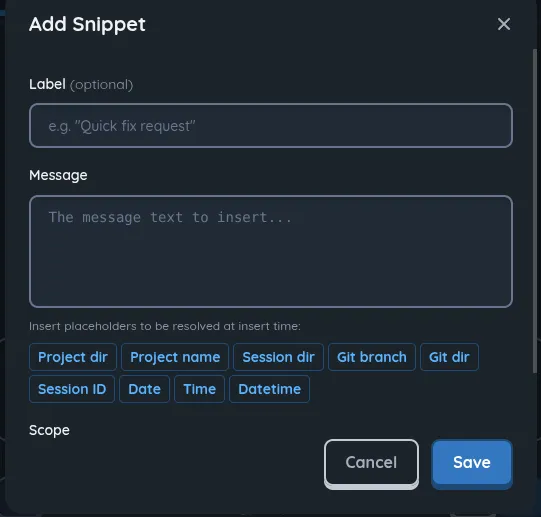
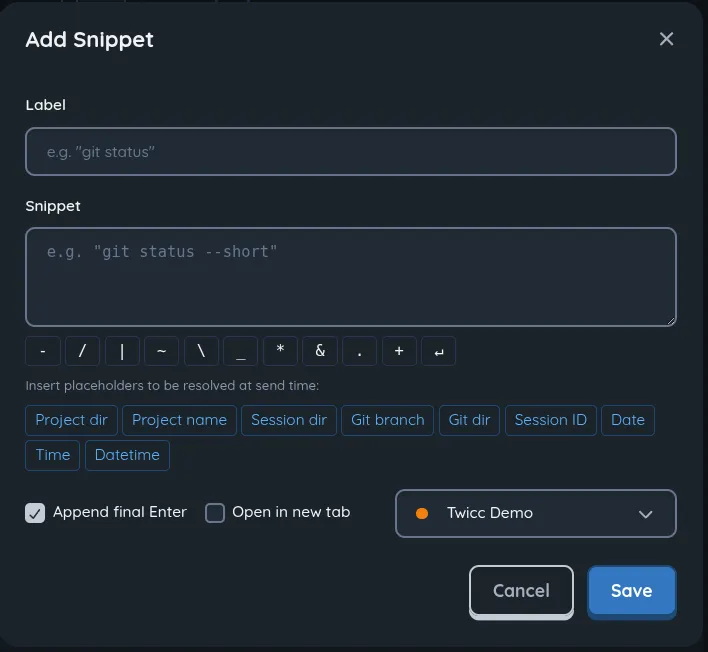
!at start of input or press PageUp on the first line to browse and reuse previous messages from the current session - Message input snippets: reusable text snippets with placeholder support, scoped globally or per-project, synced across devices
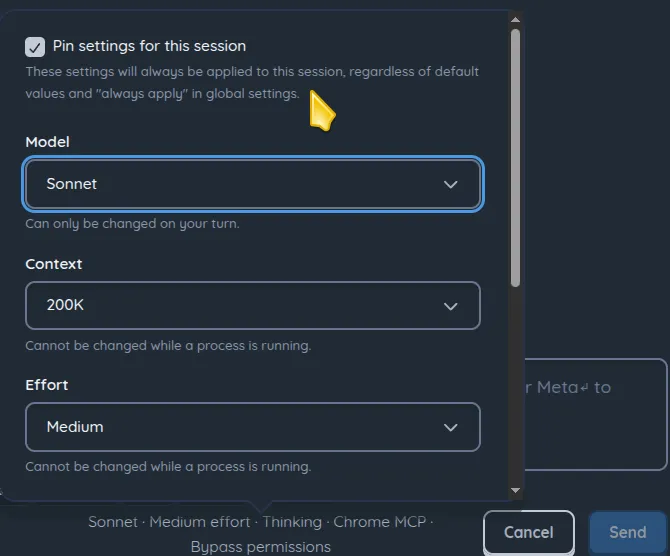
- Allow pining session settings (model, effort level, thinking style...) to the session regardless of default and "always apply" settings
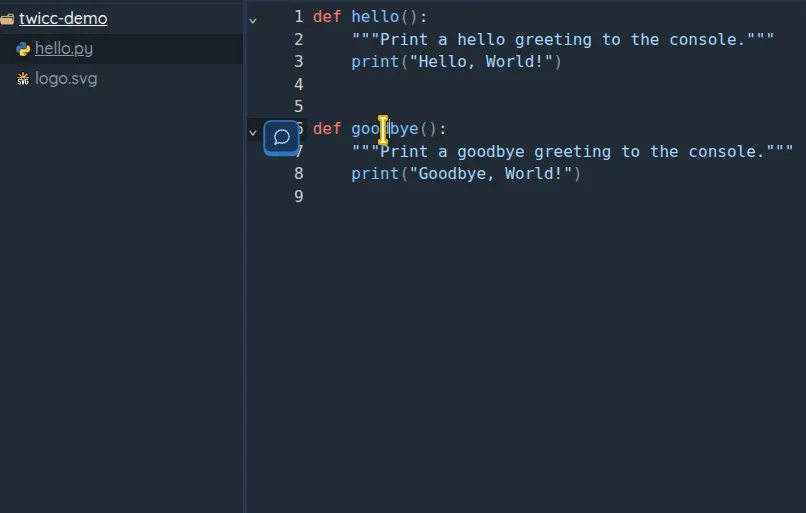
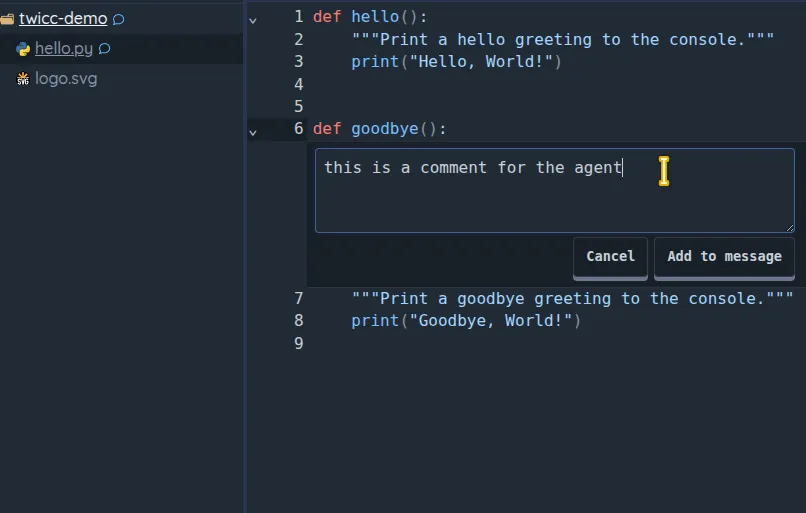
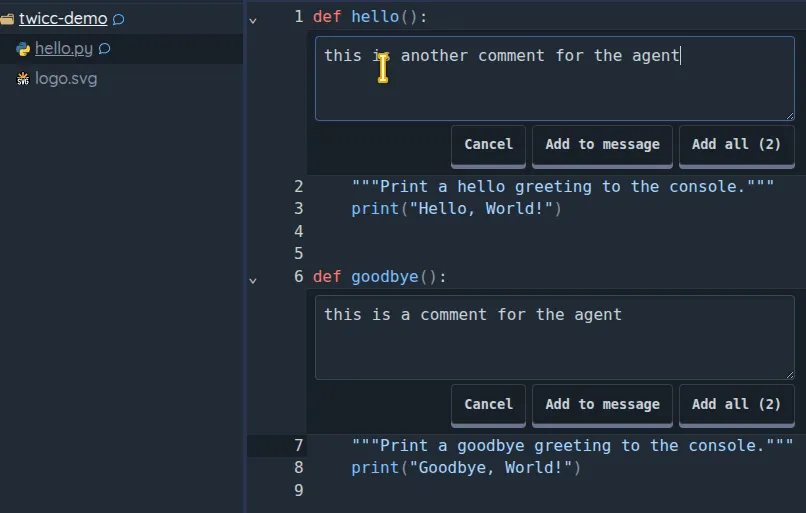
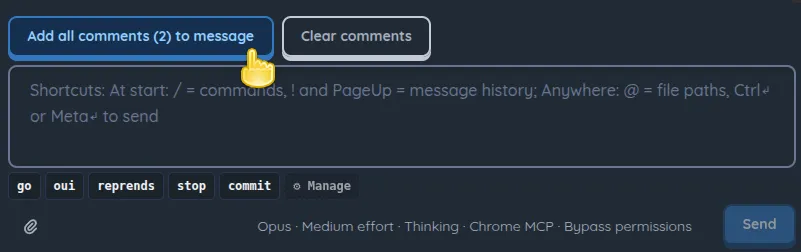
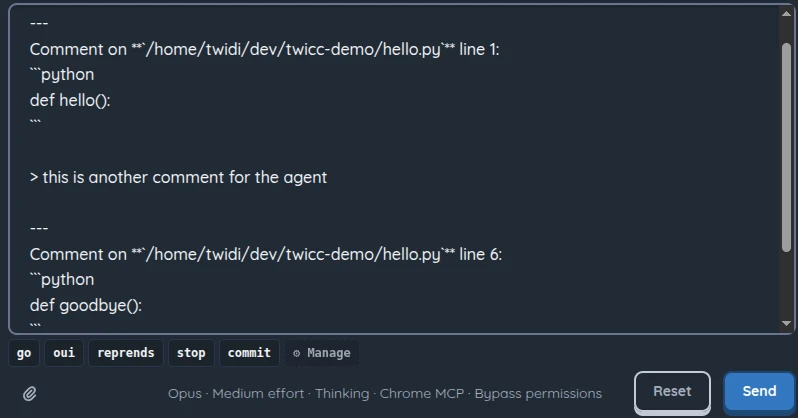
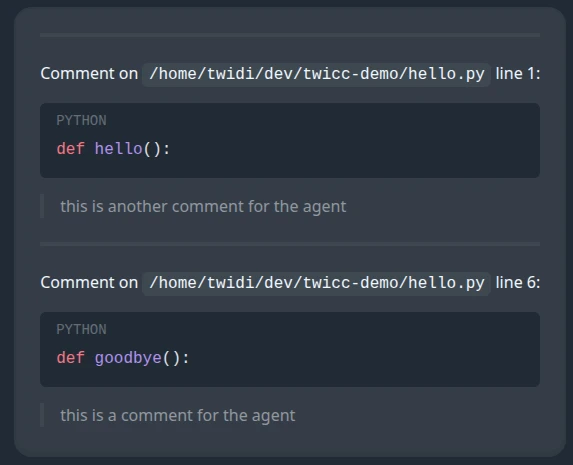
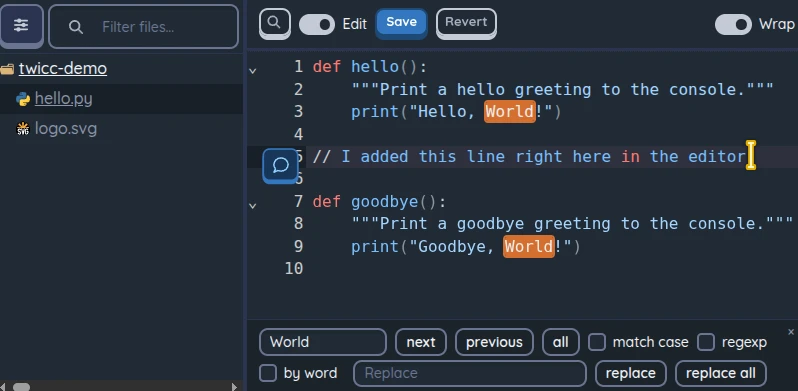
- Inline code comments: click a line number to annotate code, then send formatted comments to Claude via the message input
- Auto-restart sessions with active cron jobs when they die from API errors or crashes (infinite retry with exponential backoff, max 5 min between attempts)
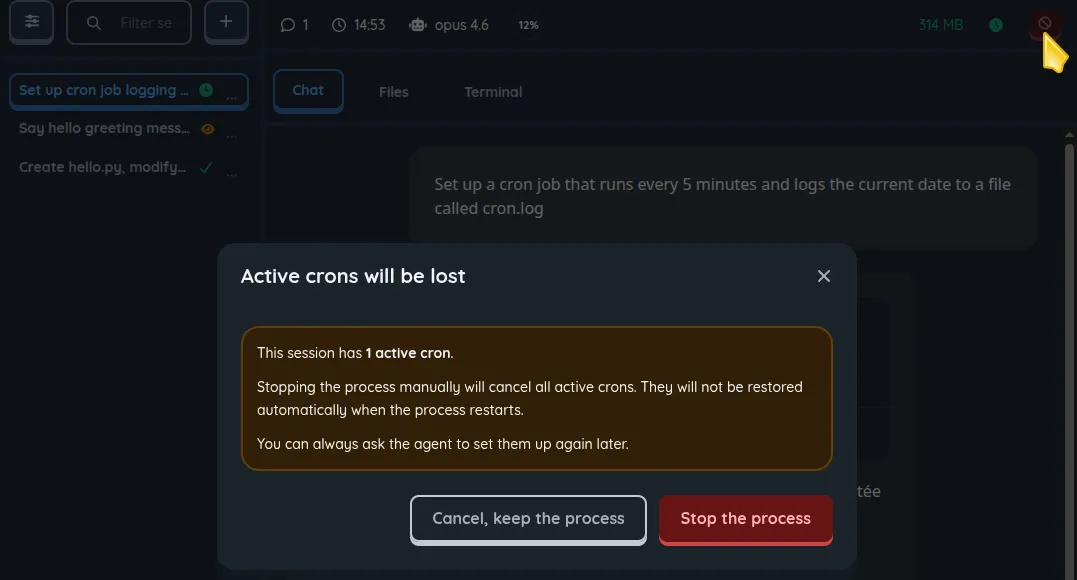
- Confirmation dialog when stopping or archiving a session that has active cron jobs, warning that crons will be lost
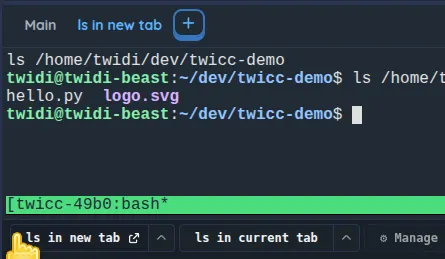
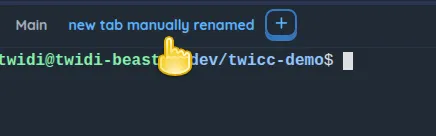
- Allow opening multiple terminal sessions simultaneously, with better presets handling
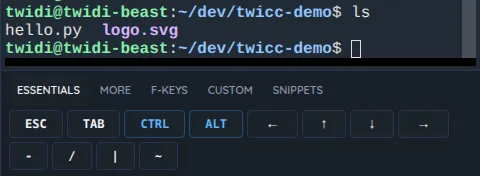
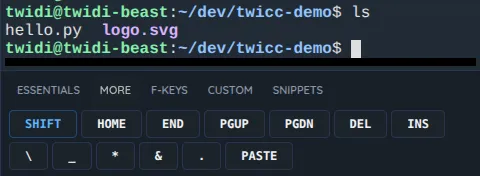
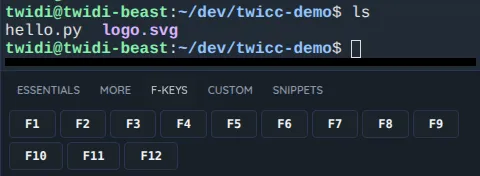
- Terminal extra keys bar on mobile: tabbed bar (Essentials / More / F-keys) with modifiers (tap = one-shot, double-tap = lock), arrow keys, special characters, paste, and function keys
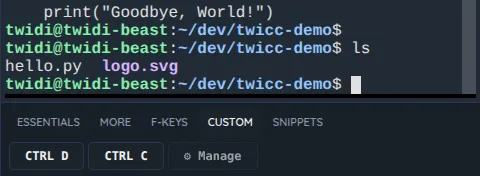
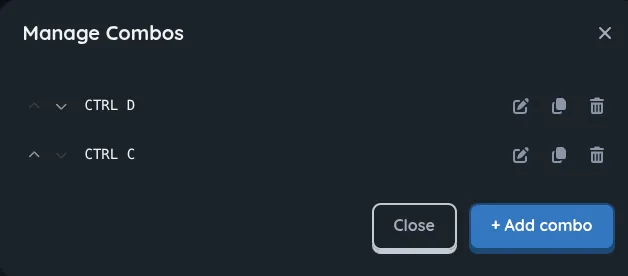
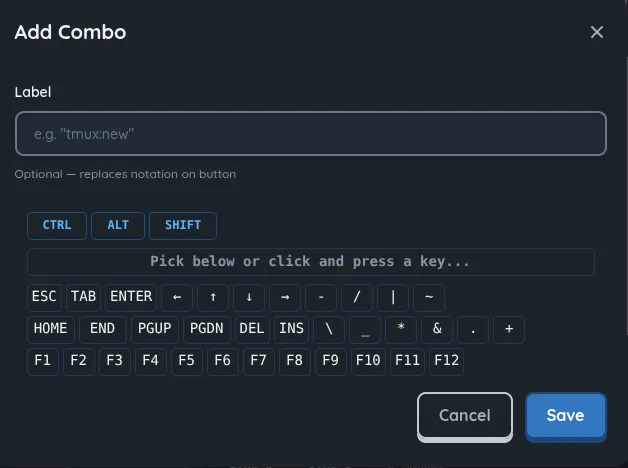
- Custom combos for terminal: user-defined key combos/sequences on mobile
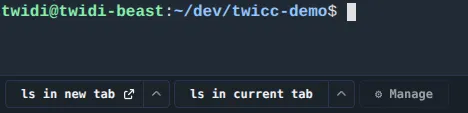
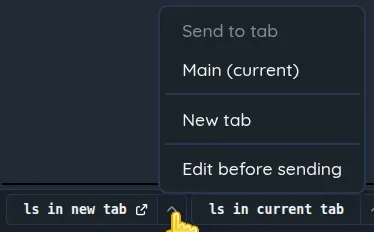
- Custom snippets (with placeholders) for terminal: text global or project-scoped snippets (mobile & desktop)
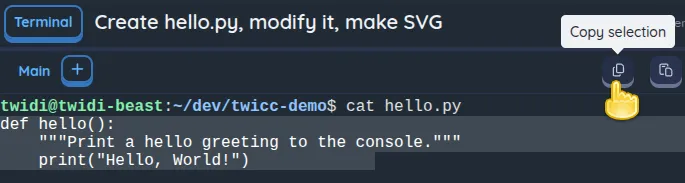
- Context-aware terminal scroll across all modes (normal, tmux, alternate screen) on both mobile and desktop, including scroll-during-selection with an indexed text buffer for tmux (with some inspiration from a commit by @dguerizec)
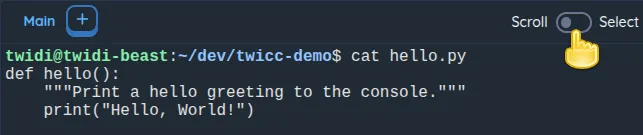
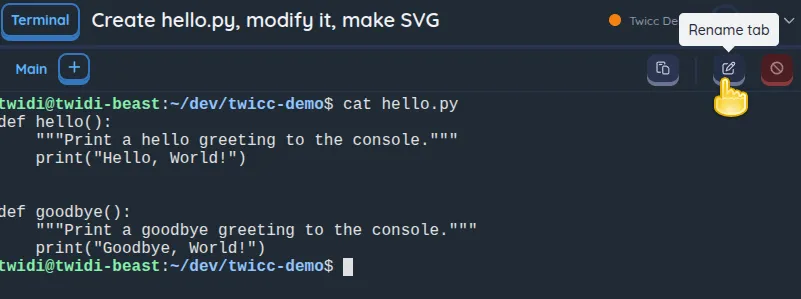
- Terminal action bar with disconnect button, scroll-to-top/bottom buttons, and mobile scroll/select mode toggle with copy button
- Hover over a session or the Chat tab while dragging files/text for 1s to auto-switch, then drop to attach
- Terminal Ctrl+C copies selected text to clipboard, ESC cancels selection and returns to bottom
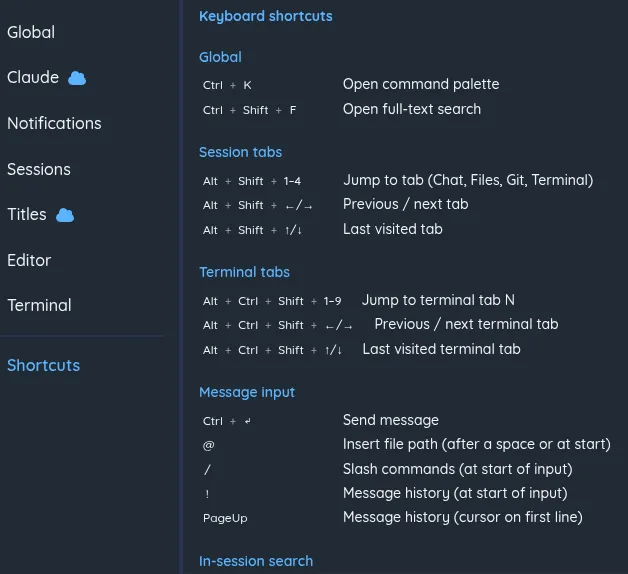
- Keyboard shortcuts for tab navigation: Alt+Shift+1-4 (Chat/Files/Git/Terminal), Alt+Shift+←/→ (Left tab/ Right tab), Alt+Shift+↑/↓ (last visited tab)
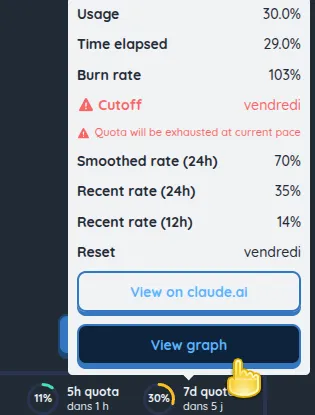
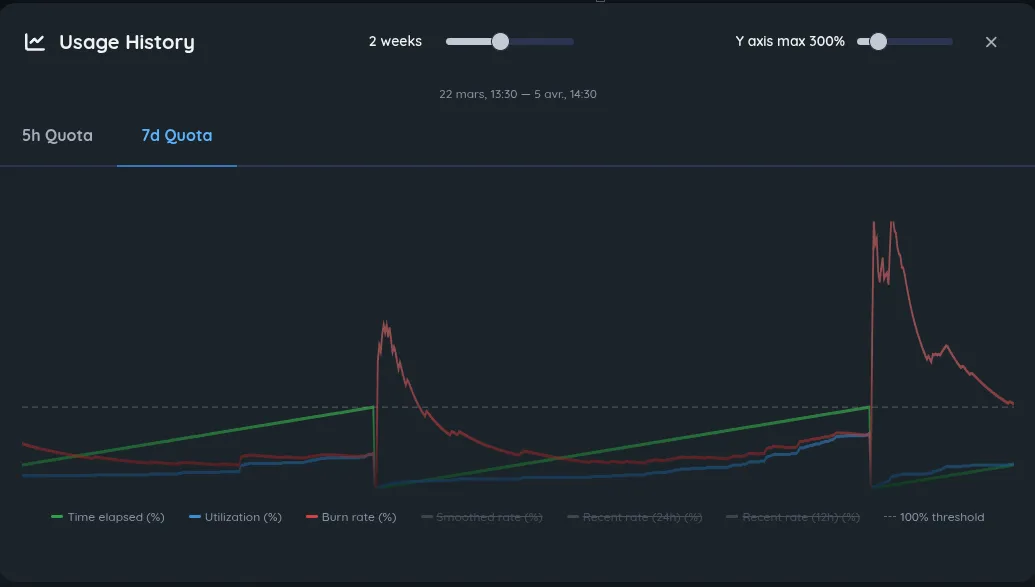
- Usage history graphs: "View graph" button in quota tooltips opens a dialog with time-series charts of utilization and burn rate for 5h and 7d quotas
- List main keyboard shortcuts in the settings panel
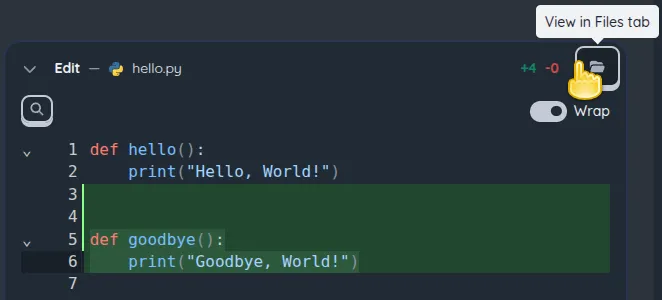
- Add "View in Files tab" button for Read/Write/Edit tools
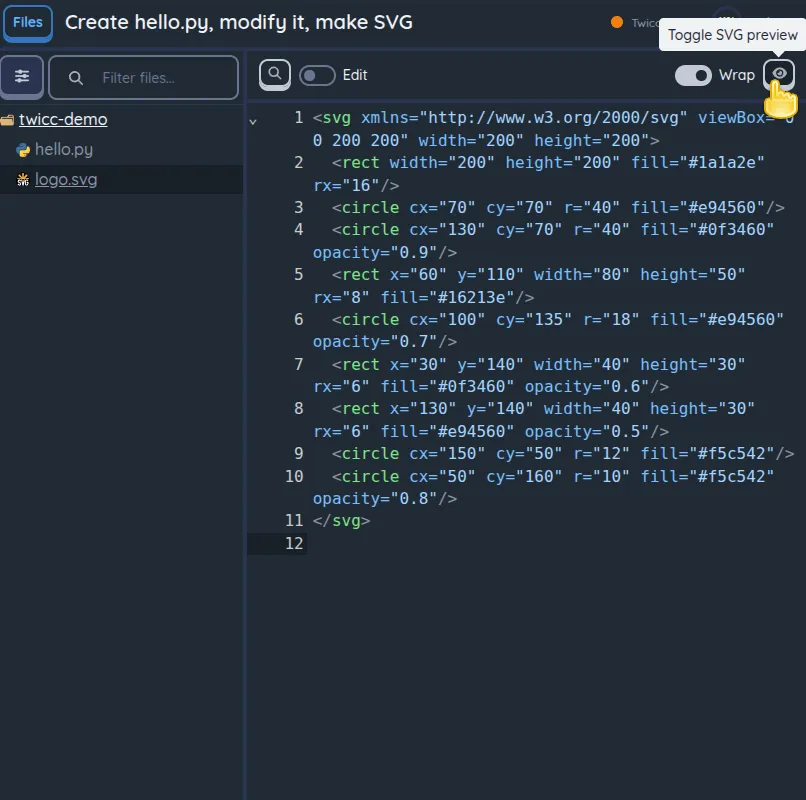
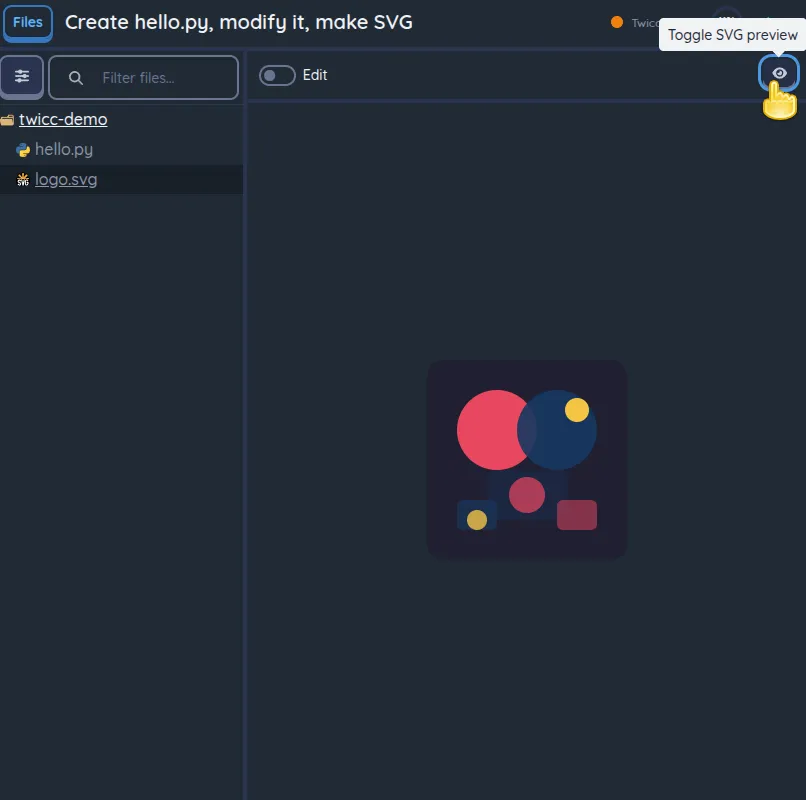
- Display image files (PNG, JPG, GIF, WebP…) in the Files tab instead of "Binary file cannot be displayed", with SVG preview toggle
- Dynamic favicon: colored dot with a gentle pulse (1s cycle) reflects global session activity (blue for active work, orange for unread content)



Changed
- Replace Monaco Editor with CodeMirror 6 for code viewing, editing, and diffs — adds mobile support
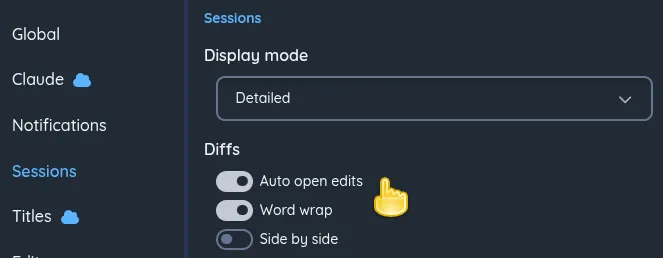
- Better rendering of diffs for Edit and Write tools
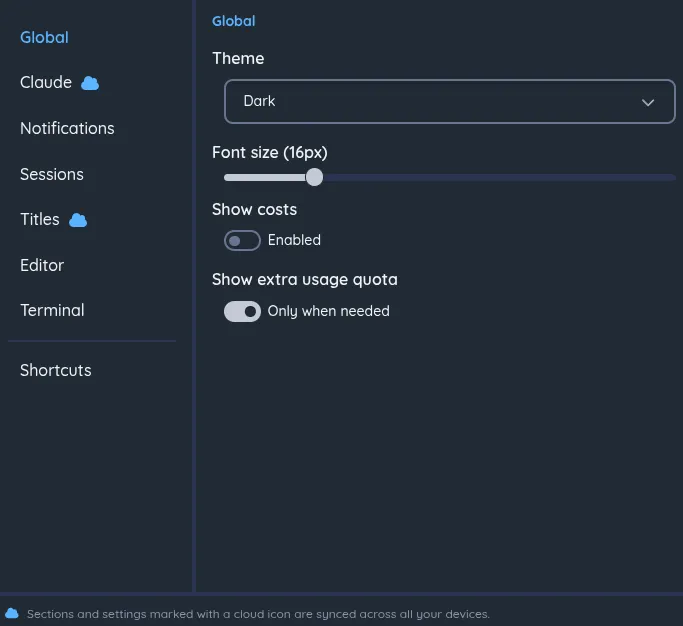
- Reorganize the settings panel with a section navigation sidebar
- File tree: typing a letter jumps to the next same-level entry starting with that letter
- Remove toast notification for 15-minute user inactivity timeout
- Bump
claude-agent-sdkfrom 0.1.48 to 0.1.56 (bundled Claude Code CLI: 2.1.71 → 2.1.92)
Fixed
- Fix terminal special keys sometimes not working on mobile devices
- Stop alerting about Anthropic outage on every reconnect
- Terminal opened on a draft session now starts in the project directory instead of home
- Search overlay now pre-selects the current project filter when not in "All projects" mode
- Fix "Delete draft" from sidebar menu not navigating back to project home
- Draft badge now really disappears immediately when sending a message
- Fix Claude Agent SDK options to make it uses the real Claude Code CLI system prompt preset.
Contributors

dguerizec