v1.5.0

·
1004 commits
to main
since this release

Added
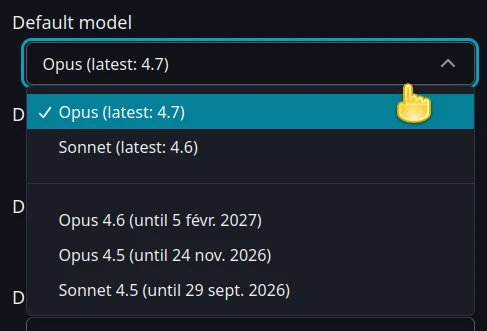
- Added support for Opus 4.7, and allow selecting older Claude model versions (Available: Opus 4.7, Opus 4.6, Opus 4.5, Sonnet.4.6, Sonnet 4.5).
- Added "xHigh" new effort for Opus 4.7, and "Max" effort for Opus 4.7, Opus 4.6, and Sonnet 4.6
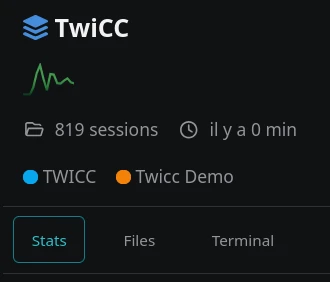
- Project, workspace, and all-projects home views now have their own Files, Git (projects only), and Terminal tabs
- Real-time streaming of assistant text and thinking content during active sessions (avoid waiting undefined time before a visual response)
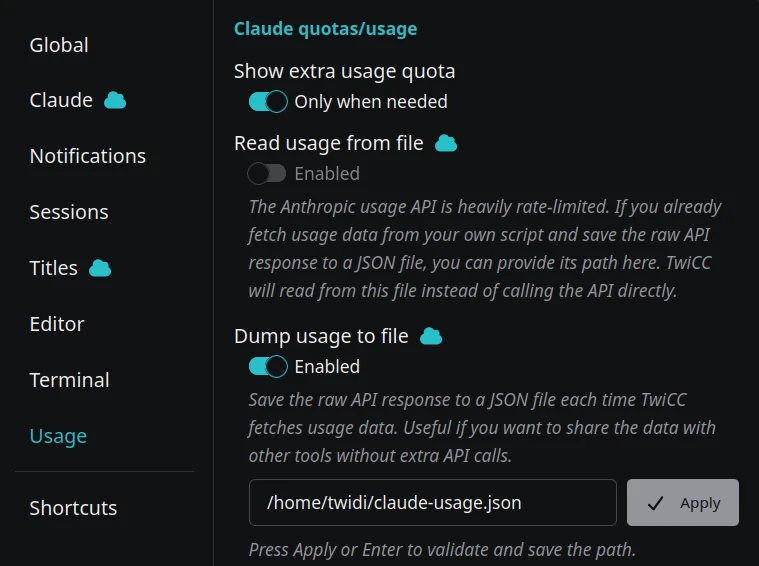
- Quotas/usage settings section with JSON file read and dump modes
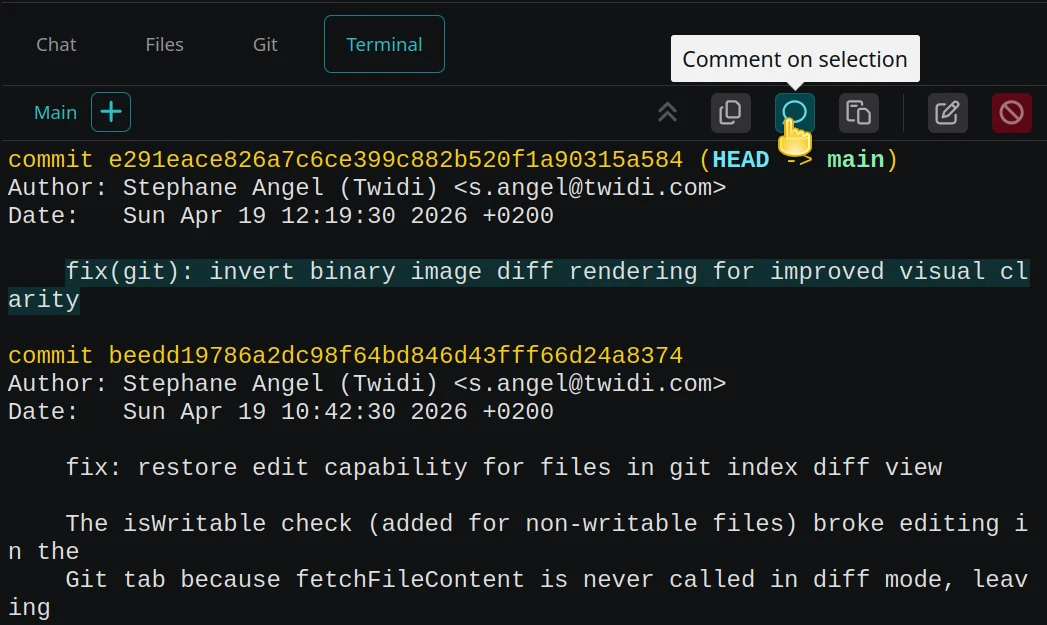
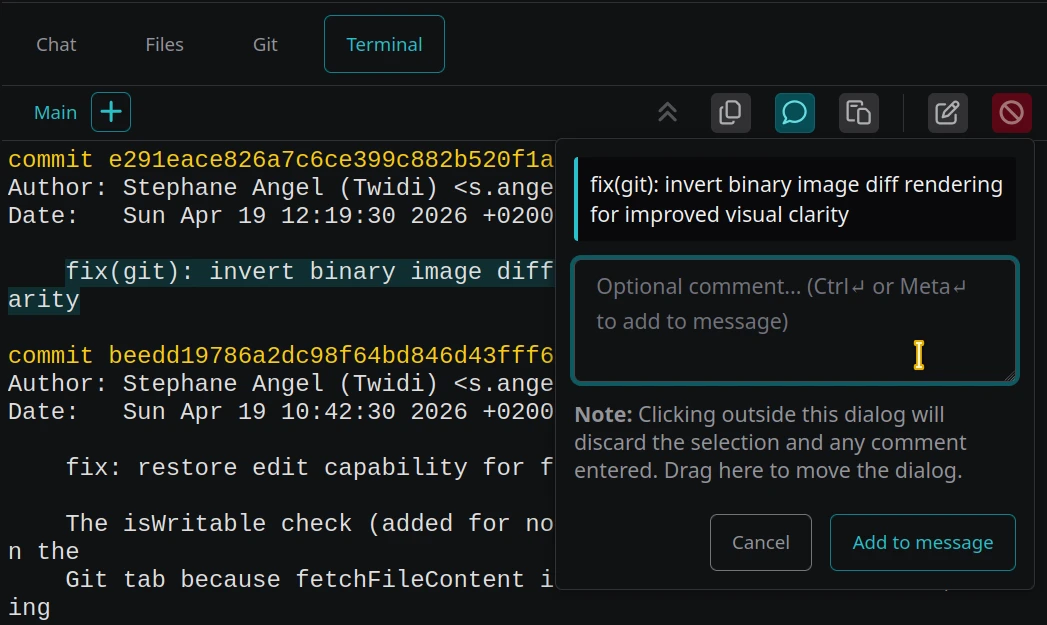
- Text selection comments now also work in the terminal tab
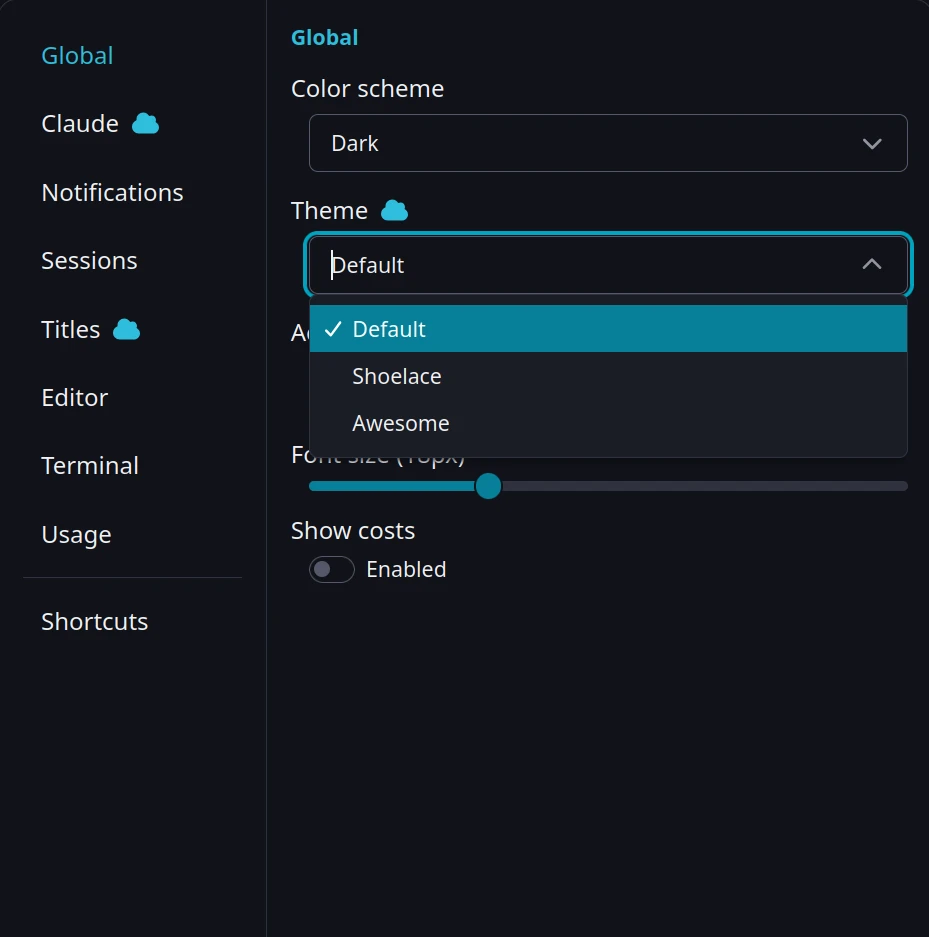
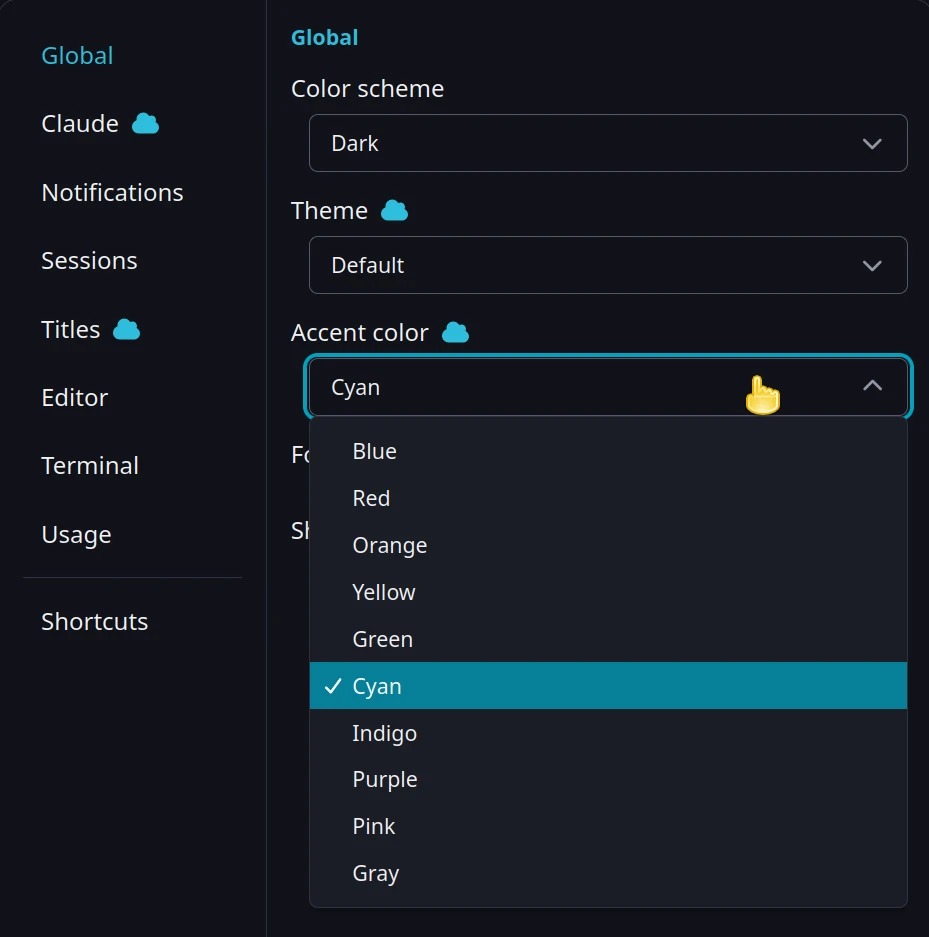
- New default theme (simpler), with a choice of 3 visual themes (customizable accent color); "Theme" (dark/light) setting renamed to "Color scheme"
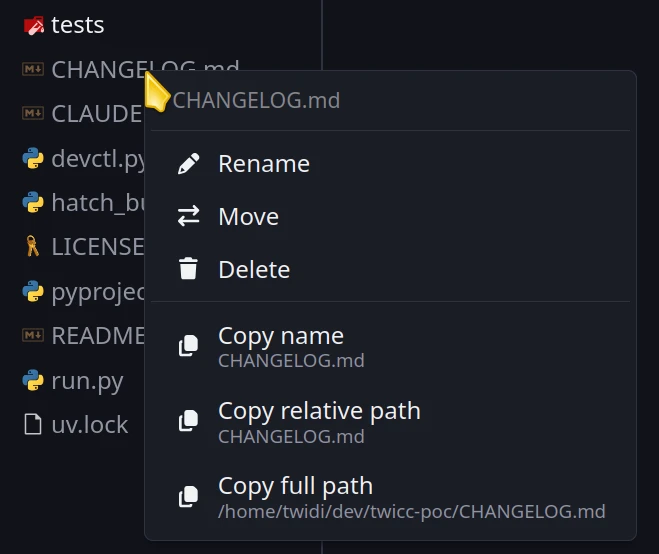
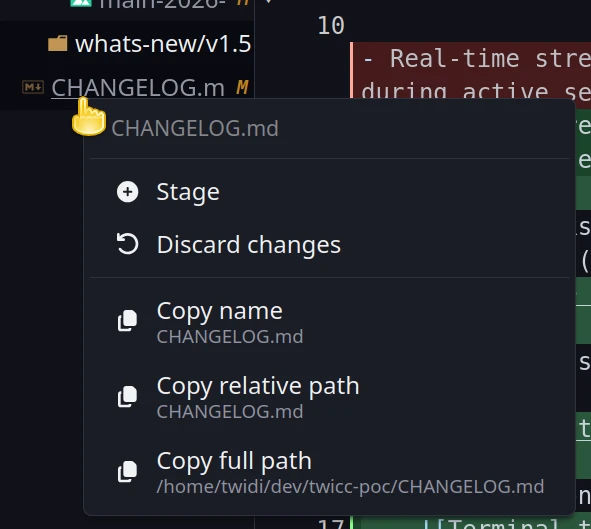
- Right-click context menu in file browser for file operations (Files tab) and git operations (Git tab)
- Granular URL routing: terminal index, file selection, and git commit are now encoded in the URL — browser Back/Forward, reload, bookmarks, and other links restore the expected screen
- Session list items are now proper links — middle-click or right-click to open a session in a new browser tab
- Pan/zoom on all image displays
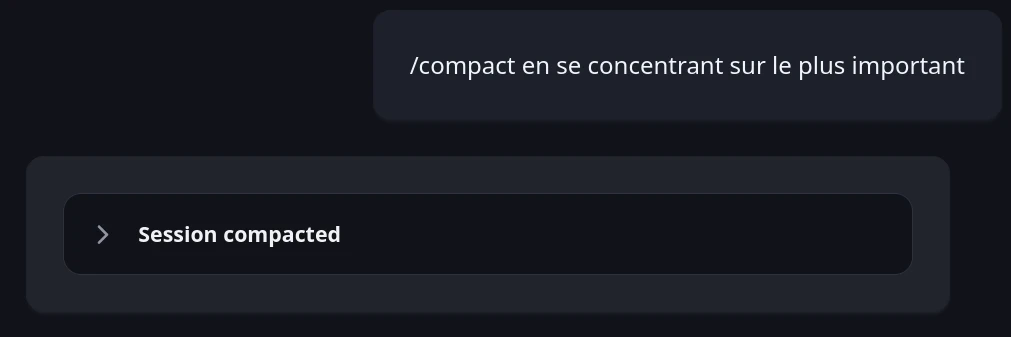
- "Compacting" status indicator during live sessions (and better rendering of compaction summaries)
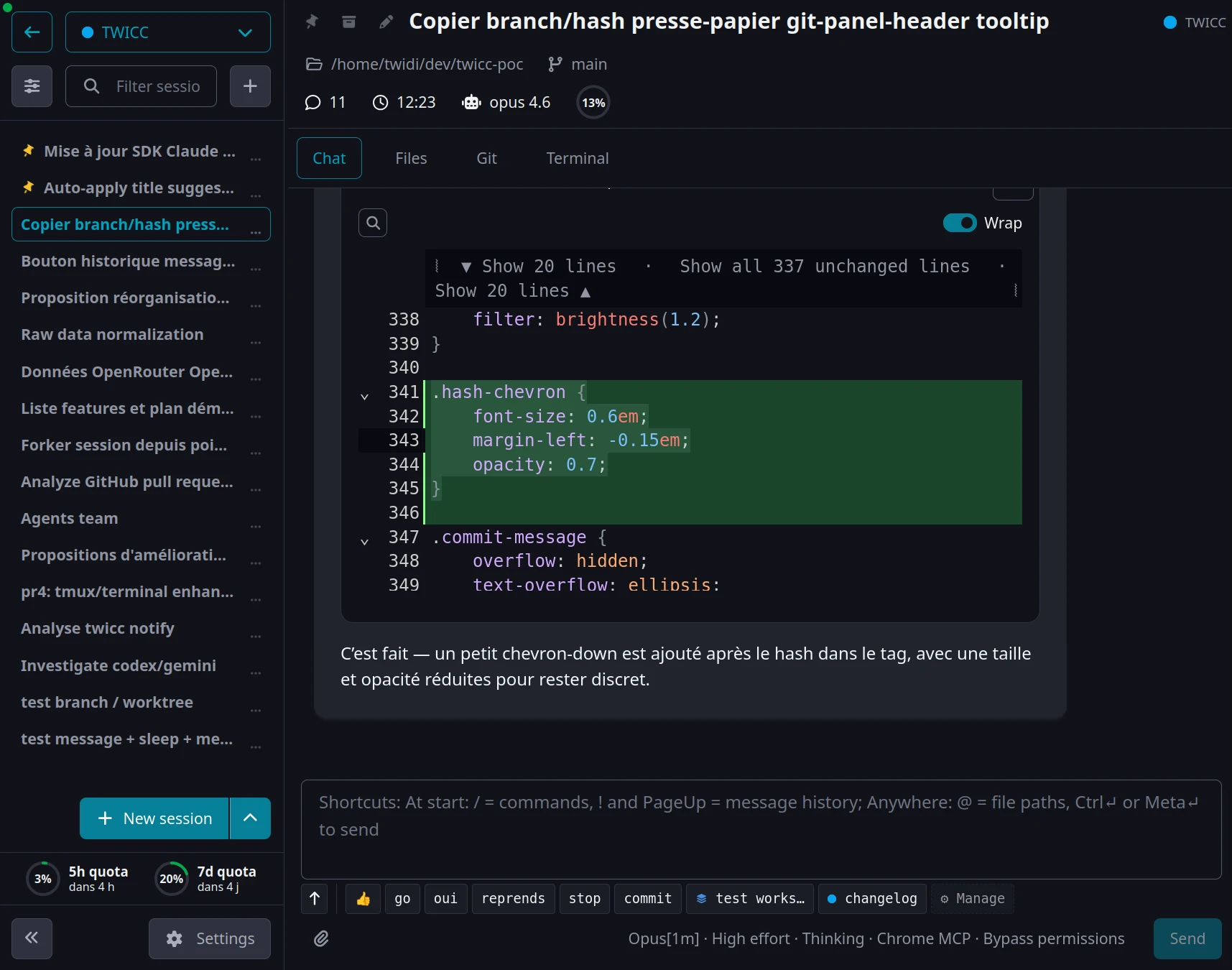
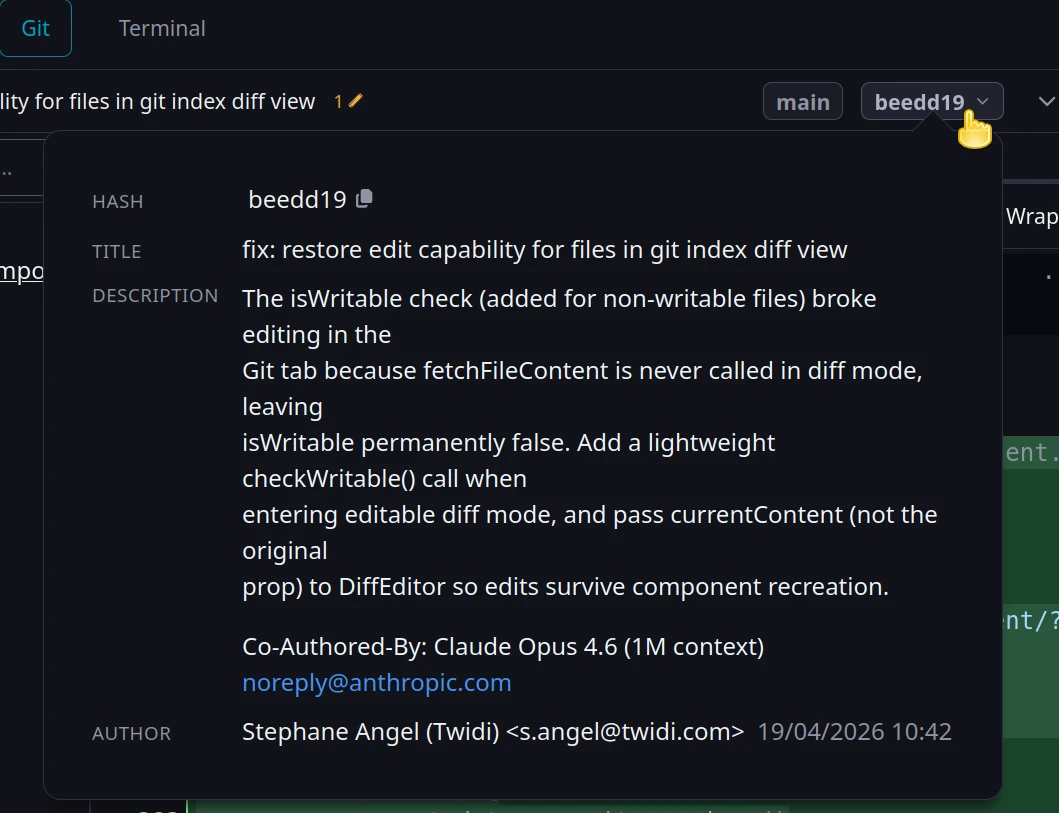
- Click the commit hash in the Git tab header to view commit details and easily copy the hash
- Message history picker: in addition to typing
!at start of input or press PageUp on the first line to browse and reuse previous messages from the current session, you can now also use the Up arrow key, or click on the Up arrow under the textarea. - Add a
claudesubcommand to the TwiCC CLI to run the Claude CLI that is bundled with the Claude Agent SDK
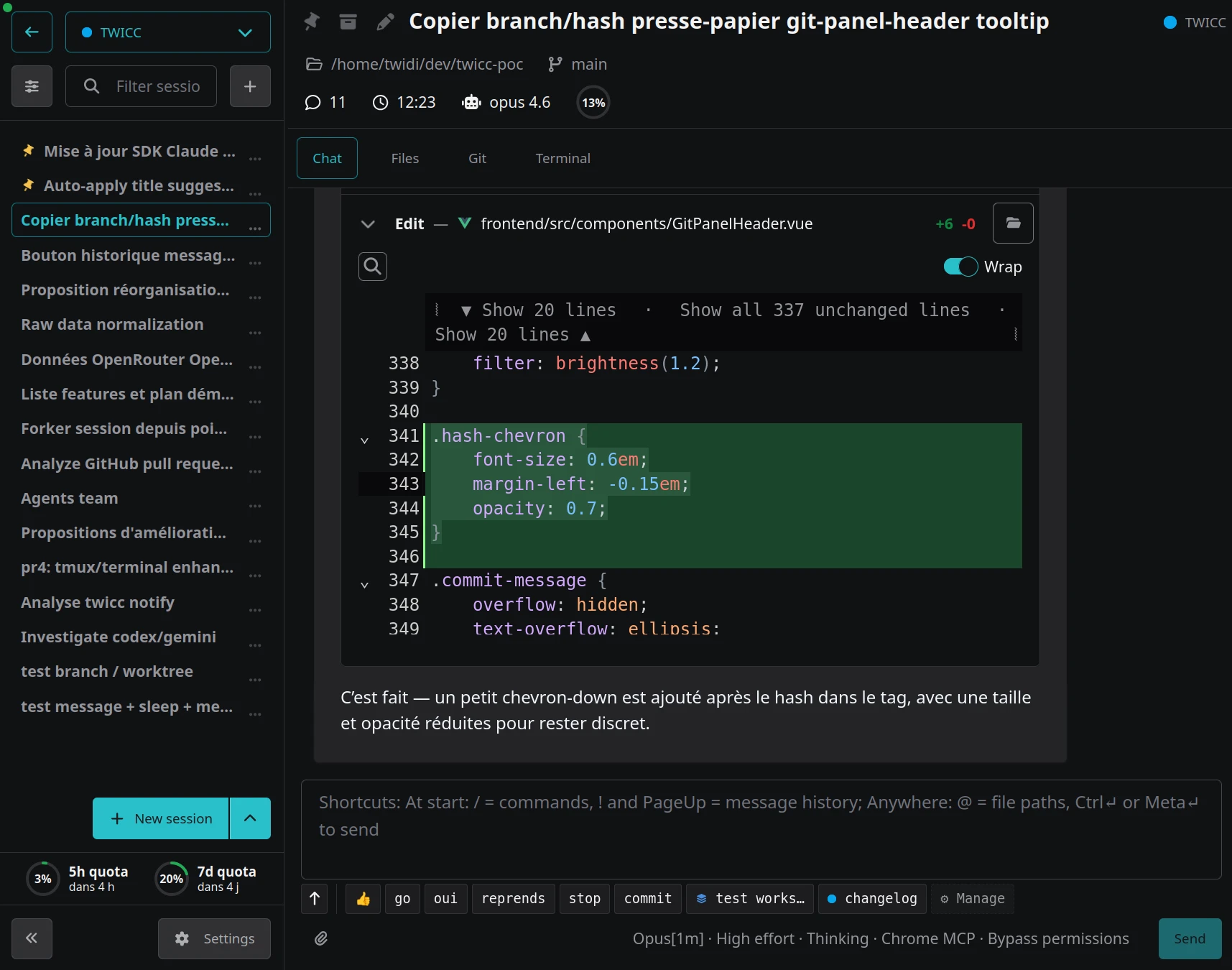
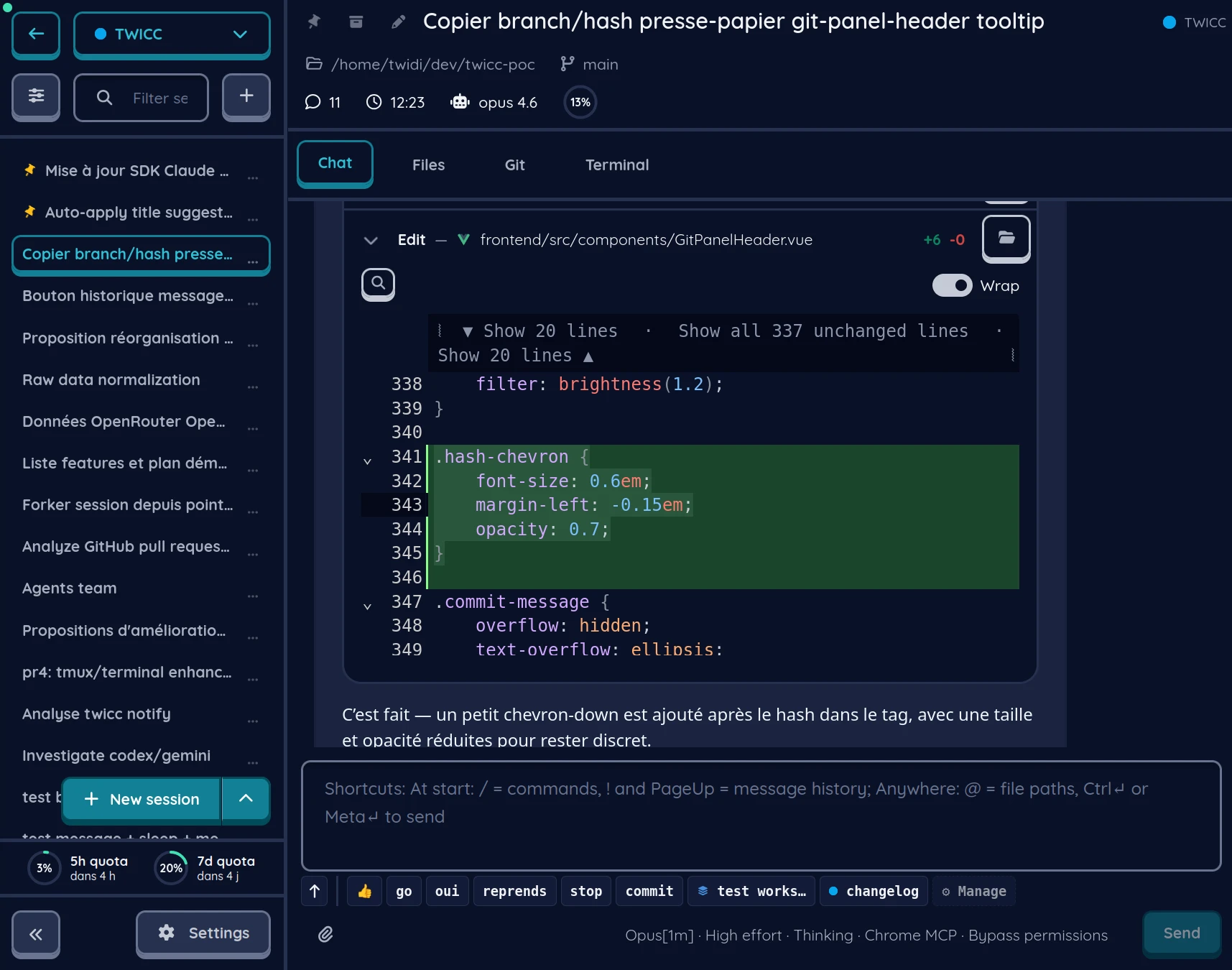
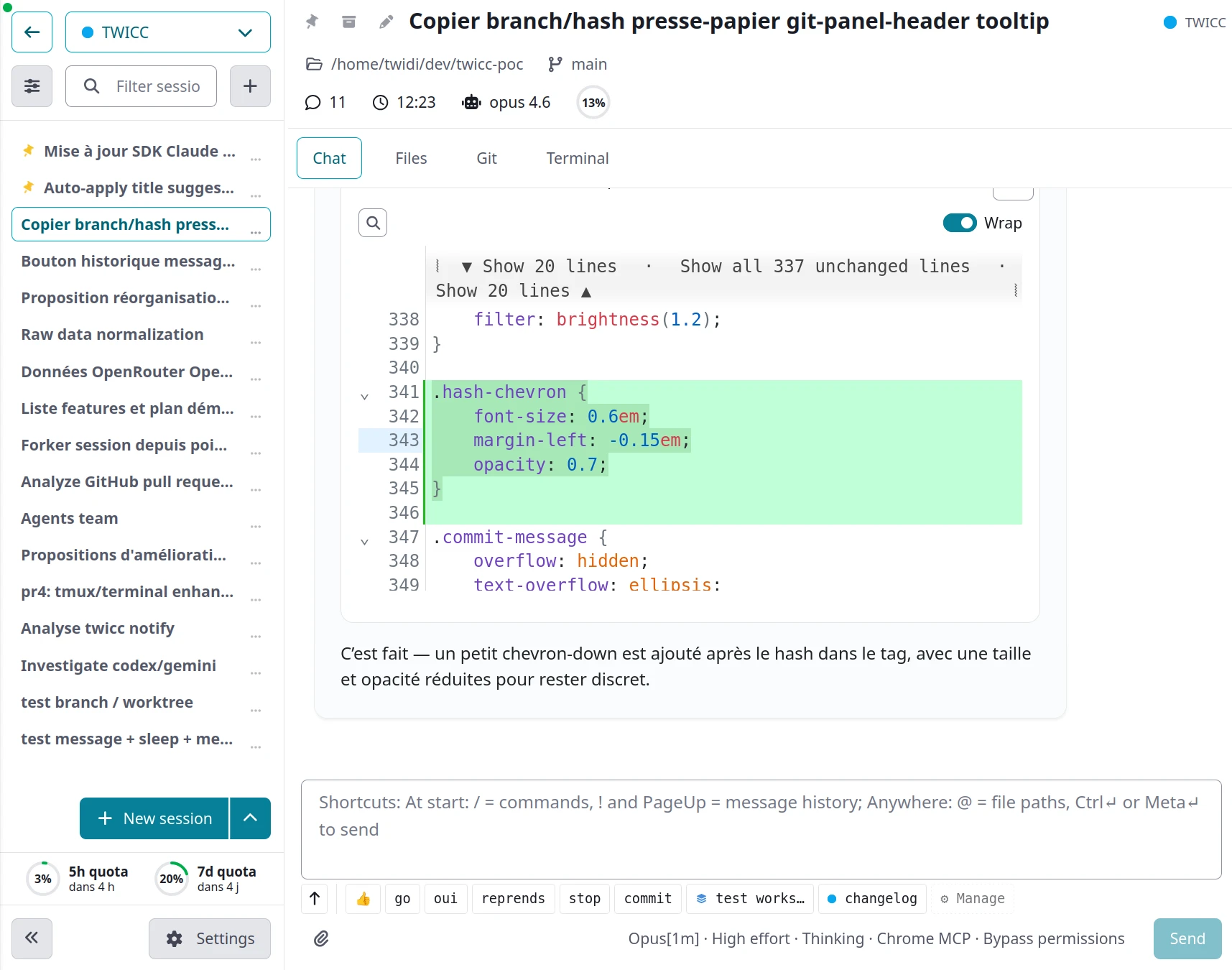
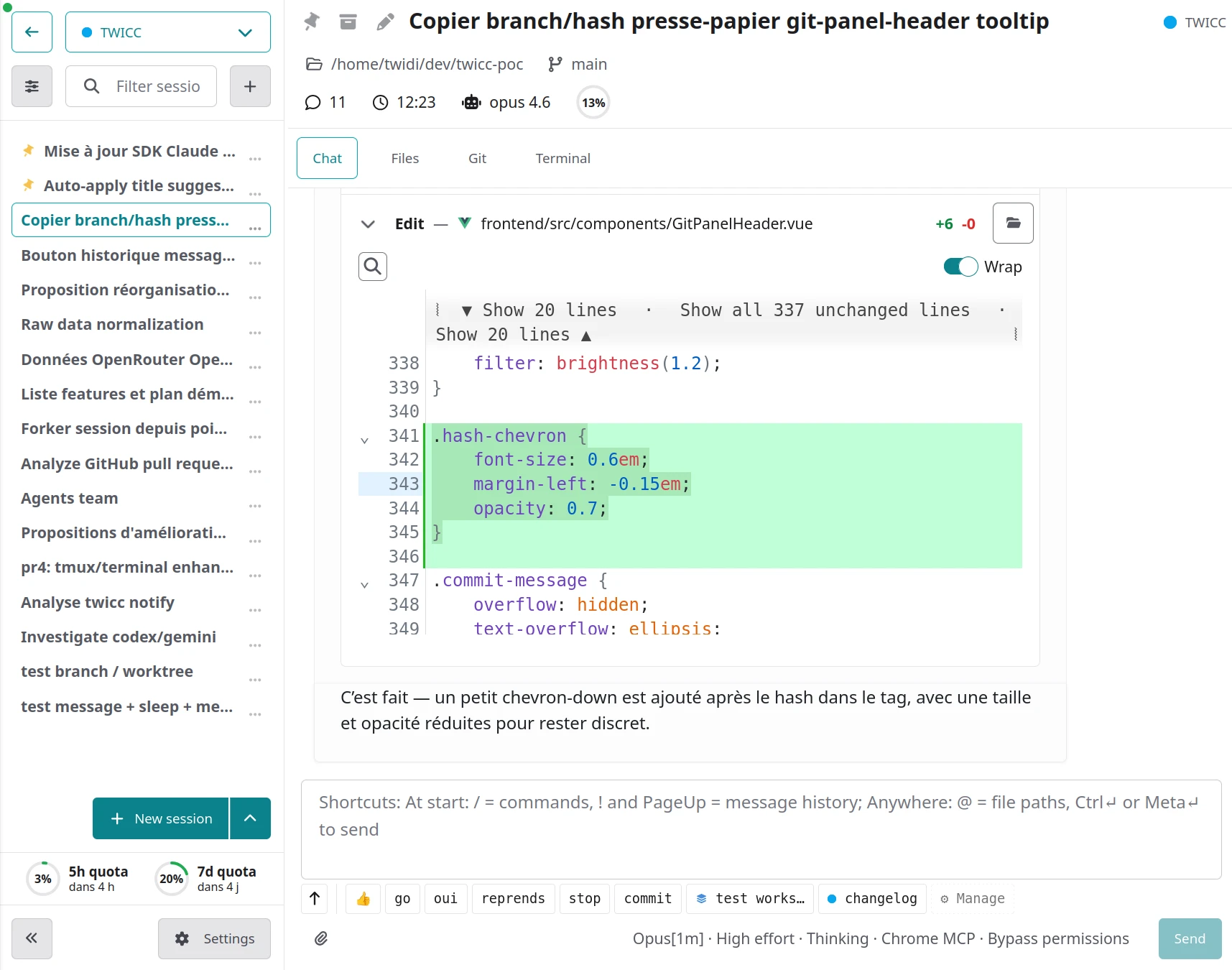
Changed
- Text selection can now be added to the message input without requiring a comment
- Improved usage tooltip rendering: better recent burn rate computation and display, more visible buttons in dark mode
- Better initial page load with consolidated config loading and eliminated background flash
- Improved text selection comment UX: better overflow handling, keyboard shortcut to add to message, button positioning based on selection direction, and panel now draggable via the panel background
- Snippet buttons show a scope (workspace ou project) indicator
- Re-clicking the active project/workspace in the sidebar deselects the current session and navigates to the home view (to access the new tabs)
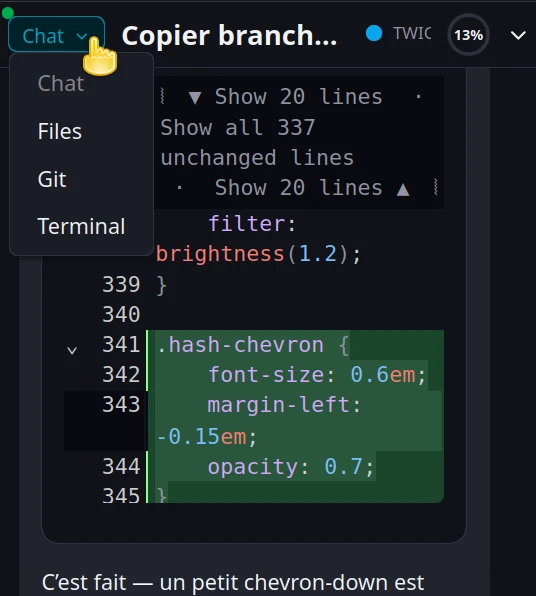
- On small-height screens, tabs can be switched directly from the compact header via a dropdown without expanding it first
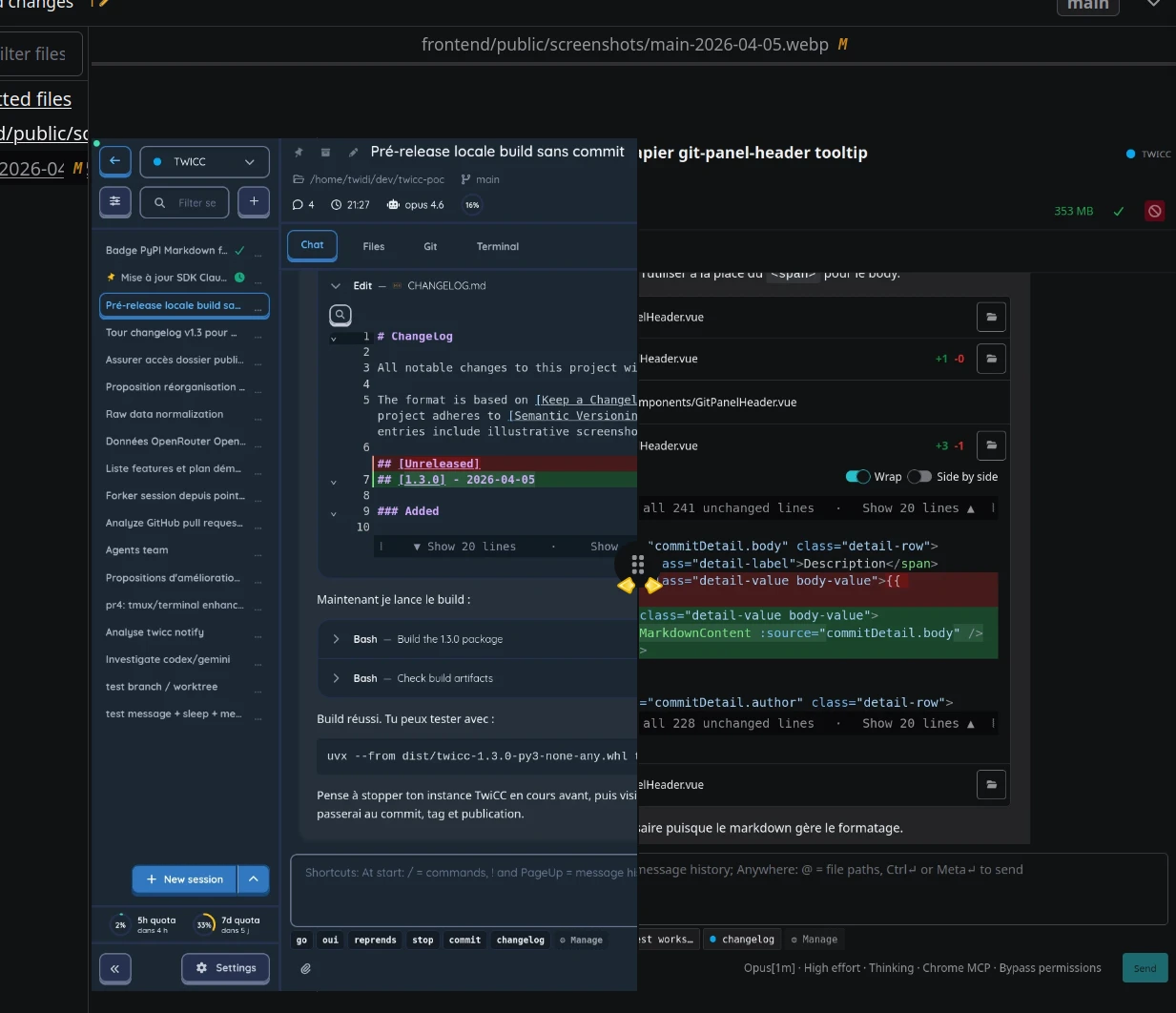
- Image diffs in git now show side-by-side comparison instead of "binary file cannot be diffed"
- Creating a new project inside TwiCC now allows you to pick a non existent directory that will be created after confirmation
- Bump
claude-agent-sdkfrom 0.1.58 to 0.1.63 (bundled Claude Code CLI: 2.1.97 → 2.1.114)
Fixed
- More reliable usage quota retrieval (auto-refresh OAuth token on API errors, macOS Keychain support for reading OAuth credentials)
- Fixed settings sync race condition between multiple clients
- Unified text selection color across the app
- Text selection comments now detected on mobile and the panel repositions when the keyboard opens
- Process indicator aggregation (workspaces and projects) fixed: priority corrected and missing indicators restored in sidebar
- Edit/Write diffs auto-close when the tool result is an error
- Some sessions were incorrectly marked as read
- Session titles were sometimes lost after renaming
- File path header shown in desktop layout when viewing files
- Edit toggle hidden for non-writable files